
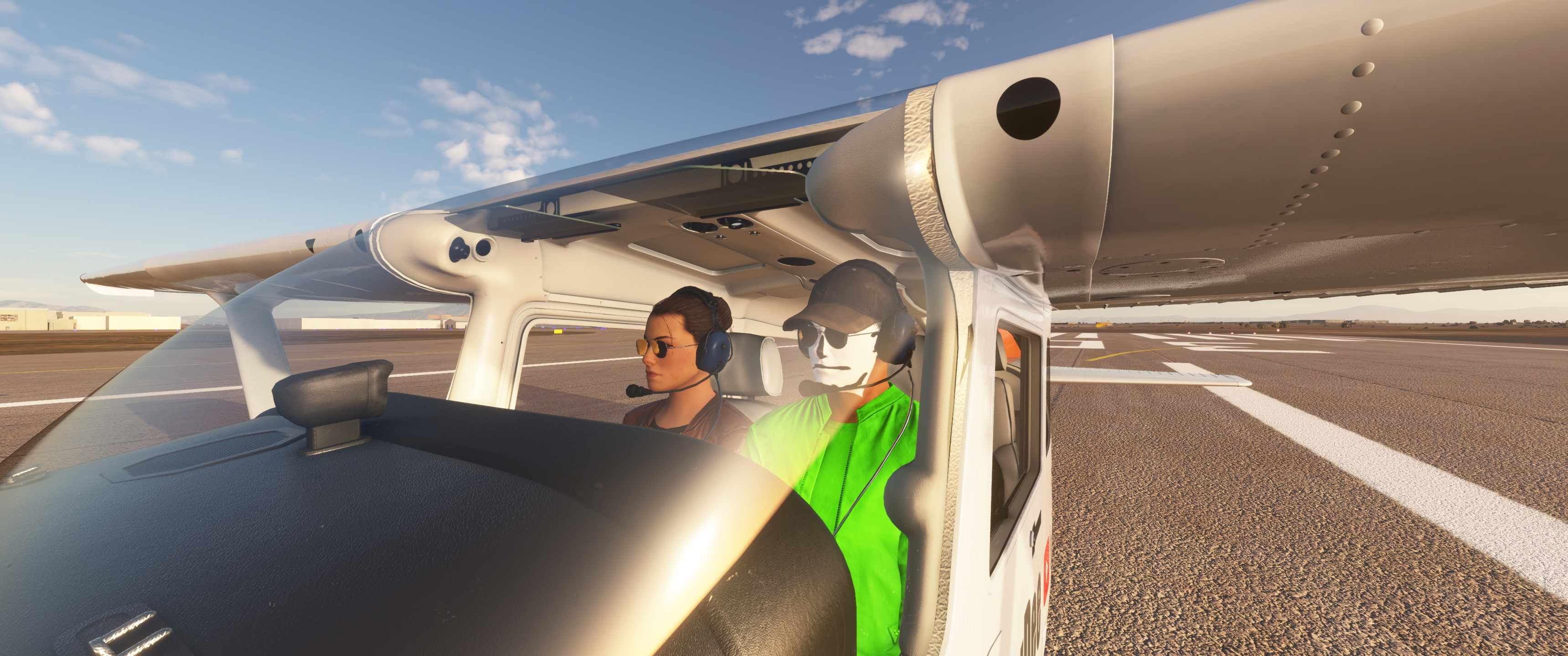
Description
Unzip the Folder "ZZZZ ...." into the community Folder. You can than actually change the name of this folder, but don´t touch the names of the files and folders within.
Navigate to (MOD Foldername/SimOjects/Humans/Texture and open the respective Head file for your gender and phenotyp. You need software that can open dds files, for instance freeware like paint.net or gimp. The add your face/photo as a second layer and make the layer multiplicativ so you can arrange your face over the original. Then merge the layers and save the dds file (BC7 sRGB).
Use this video as a guide: https://www.youtube.com/watch?v=fHWEQq-loaY
JayDee´s Make Your Own Face A Pilot Mod
Customize your pilot avatar in Microsoft Flight Simulator with JayDees Make Your Own Face A Pilot Mod. Easily import your own face or adjust clothing colors using this template. Follow simple steps to personalize your pilots appearance with help from a helpful video guide.


Supporters

User Reviews
2 reviews
Version History
No version history available.
Related
JayDee´s - PMS GTN750 on Others Mod
Adds the GTN750 to various aircraft models expanding beyond official support, enhancing your flying experience. Make sure to also download the GTN750 mod from PMS50.com. Compatible with a wide range of aircraft, offering individual installations for optimal performance. Includes support for GNS530/430 and G1000 replacements, benefiting from continuous updates and fixes.
by JayDee
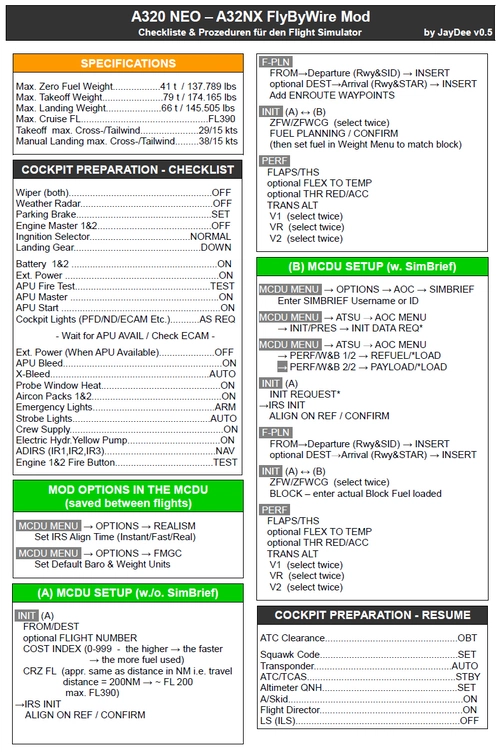
FBW A32NX/A320 (incl. FS2Crew) - Guide - Checklists & Procedures
A comprehensive guide with checklists and procedures for the FBW A32NX/A320, including recent updates for EFB changes. Designed for single-pilot operation, this mod offers in-game toolbar integration for easy access to checklists. Consider supporting the developer if you find this guide helpful.
by JayDee
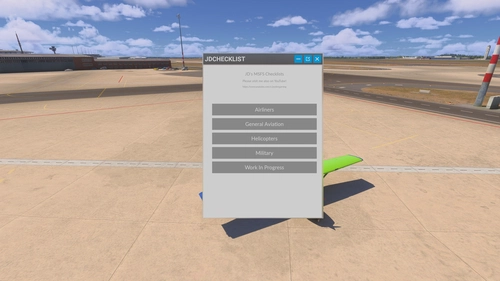
JayDee´s Ingame Toolbar Checklists
Access a comprehensive in-game toolbar featuring checklists for numerous aircraft with JayDees Ingame Toolbar Checklists mod. Perfect for both VR and Non-VR experiences, this mod provides easy access to a variety of checklists without the need for constant updates, as they are called from a server. Explore a wide range of included aircraft checklists and streamline your flight preparations effortlessly.
by JayDee
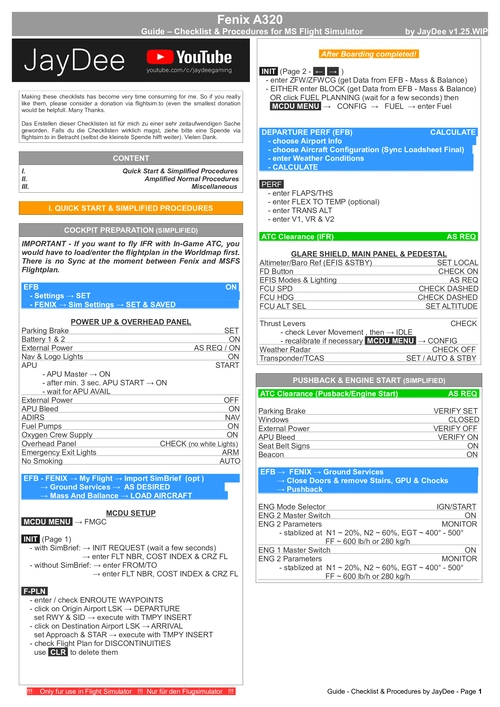
Fenix A320 - Guide - Checklists & Procedures
A comprehensive guide featuring checklists and procedures for the Fenix A320, including updated normal procedures. This mod is designed for single pilot operation in flight simulation. Additionally available as part of the Ingame Toolbar Checklist Mod. For support, visit the Discord server hosted by JayDee, the creator of this mod.
by JayDee
Log in to join the discussion
Log InComments(21)
about 2 years ago
about 2 years ago
Does it work for payware like PMDG or Fenix ?
over 4 years ago
Hi Jaydee !
Der Mod scheint mit dem letzten Update nicht kompatibel zu schein.Habe dieses typische pinkfarbene Karomuster.
over 4 years ago
muss ich mal reinschauen. Ich baue aber gerade mein System um, wird ein paar tage dauern.
over 4 years ago
Vielen Dank!
over 4 years ago
Ich habe meinen Mod gecheckt und kann keine Fehler bei mir feststellen. Aber vielleicht hast du auch eine andere Figur genommen als ich. Ich kann Dir nur anbieten, dass du mir deine Kopie des Mods zur Verfügung stellst und ich checke mal, wo was haken könnte. Kannst ja die Texture mit deinem Gesicht komplett Schwarz machen, aber sag mir bitte welche Figur du genommen hast. Am besten per Discord Kontakt aufnehmen - JayDee#9534
over 5 years ago
over 5 years ago
https://youtu.be/PB958Mw8EXY
over 5 years ago
I have only one question. The hair of some characters (withouth any modification) is blue.
How can i modify it?? because changing the colouur in the face does nothing with the hair colour.
Thanks!!
over 5 years ago
over 5 years ago
Anyway great work!
over 5 years ago
over 5 years ago
over 5 years ago
almost 6 years ago
And what doesn´t work exactly? Did you edited a face file and it is not showing up? which Face file? wich pilot you use? BR JD
almost 6 years ago
And what doesn´t work exactly? Did you edited a face file and it is not showing up? which Face file? wich pilot you use? BR JD
almost 6 years ago
almost 6 years ago