
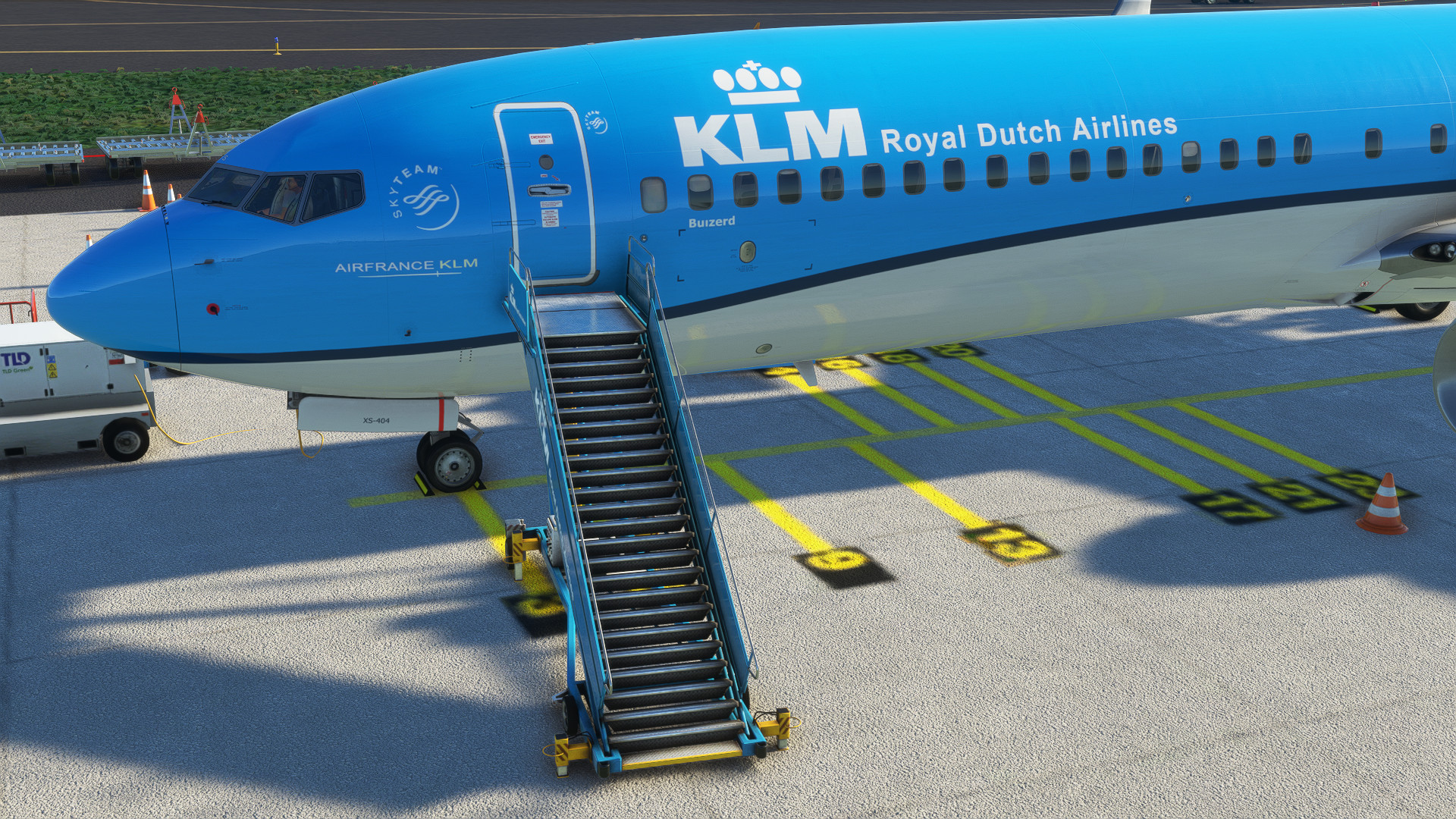
Description
GSX Profile for PMDG 737-900
just drop the file in your C:\Users\Username\AppData\Roaming\Virtuali\Airplanes\PMDG 737-900
and you are good to go
Happy flying
MSFS 2020MSFS 2024
PMDG 737-900 GSX Profile
Enhance your PMDG 737-900 experience with this GSX profile add-on. Simply drop the file into the specified directory to start using it. Enjoy seamless integration and happy flying!
Downloads5K
Version1.0
File Size0.54 KB
Published3 years ago
Updated3 years ago


User Reviews
5.0
4 reviews
5
100%
4
0%
3
0%
2
0%
1
0%
Version History
No version history available.
Log in to join the discussion
Log InComments(11)
over 3 years ago
Ok so here is what to do... erase the folder you created,, start the sim and the 737-900 or 900ER.. open GSX and edit aircraft in the options.. make any change, anything in the edit aircraft option. GSX will now build a folder PMDG 737-900ER (the variant I chose) with a gsx config file inside. Simply replace the gsx config file with this one here and it will work.
about 3 years ago
almost 3 years ago
over 3 years ago
Works :) Thank you!
over 3 years ago
Works very well
over 3 years ago
Works very well if you follow the instructions of e190attcs.
Thanks a lot
over 3 years ago
Ok so here is what to do... erase the folder you created,, start the sim and the 737-900 or 900ER.. open GSX and edit aircraft in the options.. make any change, anything in the edit aircraft option. GSX will now build a folder PMDG 737-900ER (the variant I chose) with a gsx config file inside. Simply replace the gsx config file with this one here and it will work.
over 3 years ago
will give this a try later
over 3 years ago
Worked for me first try, thanks for your work mate, happy flyin'
over 3 years ago
Ya this does not work.. I also created a PMDG 737-900 folder and it still doesn't work.
over 3 years ago
Same for me : (
over 3 years ago
This is working if you follow e190attcs intsructions