
Description
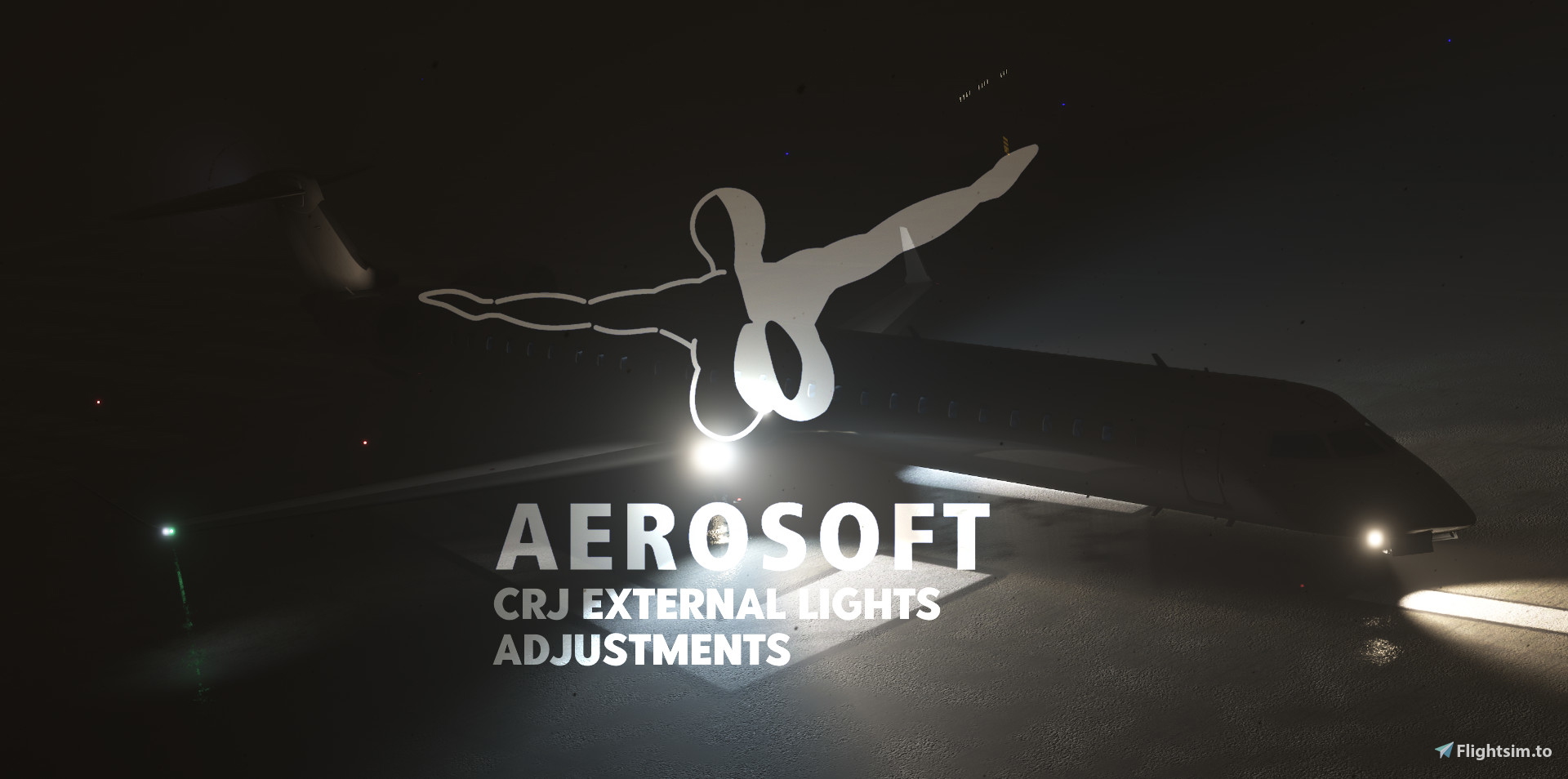
External lighting adjustments to Aerosoft CRJ(s) for exterior lighting improvments.
This modification is only for improving the exterior lights' visibility on the Aerosoft CRJ.
IMPORTANT!
Version file 1.2 - updated to Aero One Versions [1.0.18.0]. These updates may vary based on Aero One application update.
[INSTALLATION]
Before doing anything else, make a backup for the Effects folder located in aerosoft-crj/Effects [effects] if you choose to backout if something goes wrong or want to go back to the defaults.
[Installation Instructions]Based on your MSFS 2020, follow the relevant path:
Microsoft Store/Xbox App:C:\Users\YourUsername\AppData\Local\Packages\Microsoft.FlightSimulator_8wekyb3d8bbwe\LocalCache\Packages\Community
Steam:C:\Users\YourUsername\AppData\Roaming\Microsoft Flight Simulator\Packages\Community
Once you located your prespective Aerosoft CRJ Folders, drag the Effects into the aerosoft-crj to overlap the current existing Effects folder. (Assuming you already duplicated the effects and already made a backup for the aircraft.)
Launch MSFS 2020 and test out the lights for the aircraft.
Enjoy!
Frequently Asked Questions
Aerosoft CRJ - External Lights Adjustments
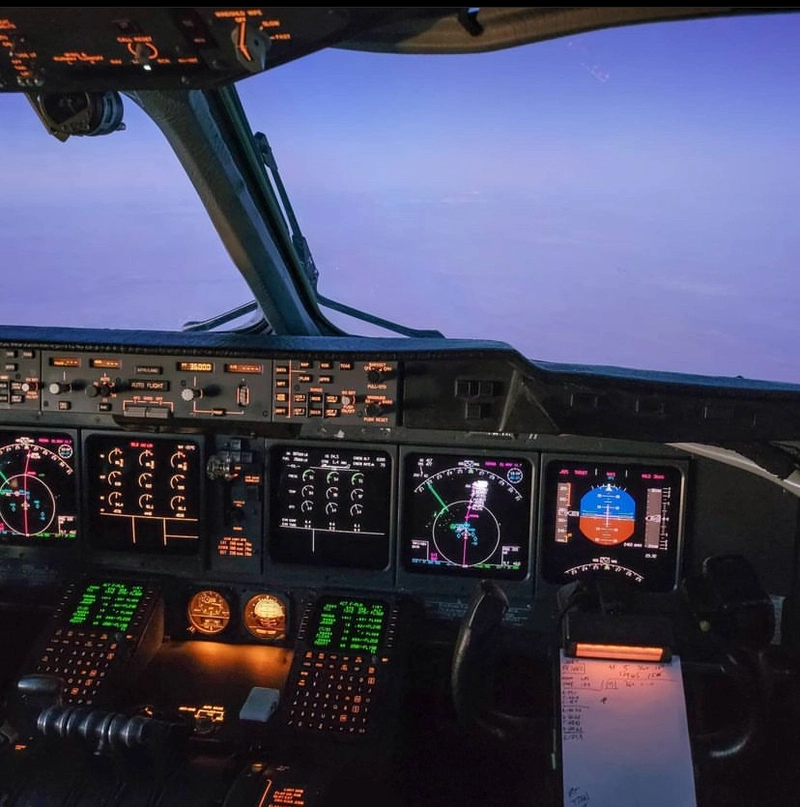
This adjustment mod is for the Aerosoft CRJ. What this does is improves and changes the external/exterior lights only on the outside. Does not change anything in the cockpit or alters with the cockpit lightings. Enhance your flying experience with this mod.
User Reviews
3 reviews
Version History
Changes to 1.2 update for Aerosoft CRJ External Lighting: • Strobes adjusted. • Beacons adjusted. • Light leaks fixed from cockpit.
Related
Blacksquare TBM850 External Lights
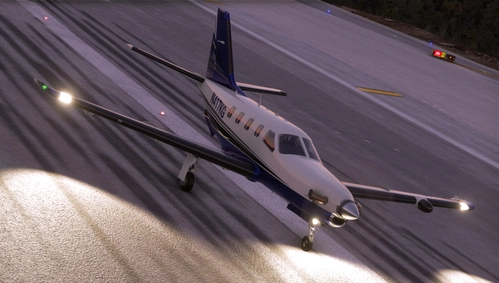
Customize the external lighting of your BlackSquare TBM850 with this mod, enhancing the airframes appearance in Microsoft Flight Simulator 2020. Simply drag and drop the files into your Community folder for easy installation. Choose the correct path based on your Microsoft Store, Xbox App, or Steam version of the simulator.
by SonicFlight
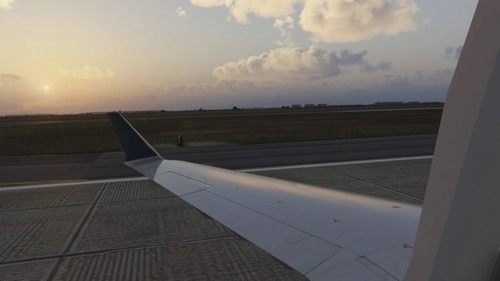
LiveFlightDeck Reshade + Rex Atmos Core Sets.
Use a combination of LiveFlightDeck preset for reshade, and Rex Atmos Core settings.
by LiveFlightDeck
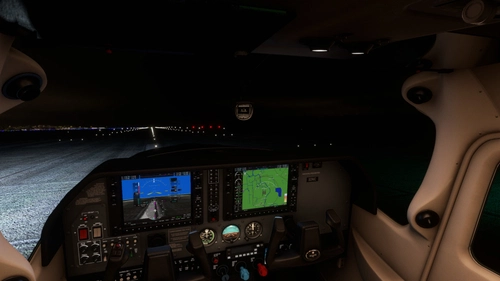
Carenado CT182T - LED Lighting
Upgrade your Cessna CT182T with LED lighting through this mod by Carenado. Make sure to back up your files before installation to easily revert back to the default settings if needed. Simply drag the mod into your Flight Simulator Community folder to enhance your flying experience.
by SonicFlight
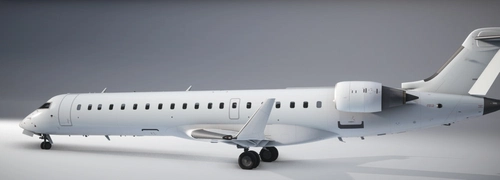
Aerosoft CRJ700 - White
Painted white version of Aerosoft CRJ700.
by LiveFlightDeck
Log in to join the discussion
Log InComments(11)
6 months ago
over 2 years ago
about 3 years ago
and is a great upgrade for the plane.
It is compatible with SU12,
thanks for that
over 3 years ago
Nice one!
Any chance of increasing the bightness/intensity of the beacon and strobe lights?
Or any idea on how I could do it myself? :)
over 3 years ago
Sure, in the next update! ^^
over 3 years ago
Love it, keep doing what your doing!
over 3 years ago
Is this compatible with New Light enhancement mod?
over 3 years ago
Hi, i haven't tested it but i believe it should be no problem. I'll get back to you on that soon.
over 3 years ago
thanks :)
over 3 years ago
Unfortunately, there is no interaction between the two mods, if you have newlights for the Aerosoft you will not see the modifications of this mod because it overwrites the original files, newlight works differently and will go over it, it is either one or the other
over 3 years ago
ok thanks for your test your quick answer and your mod anyway