
Description
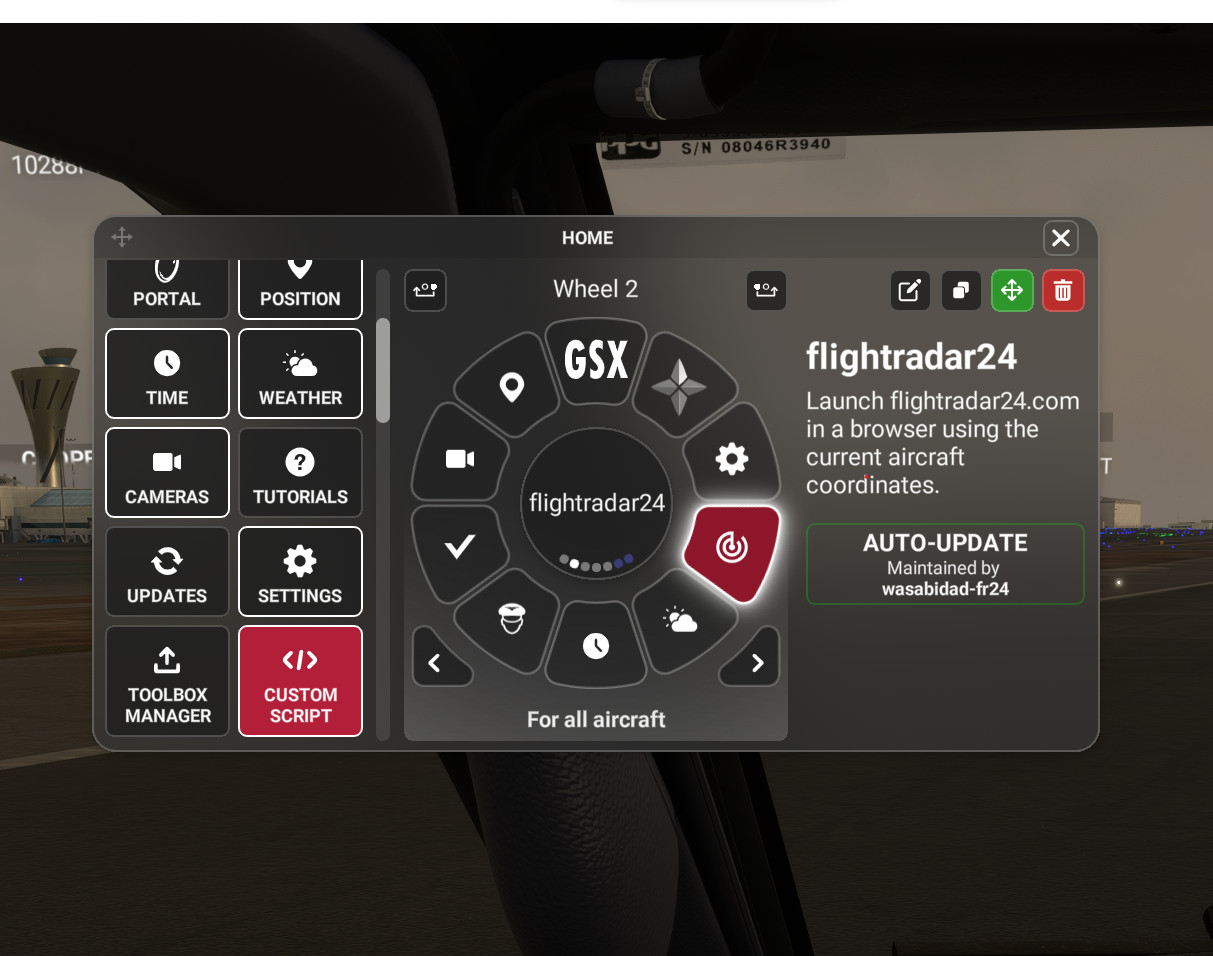
Flow widget to launch flightradar24.com in a browser with the current coordinates of your aircraft . Flow Pro is required.
I’ve created it so that it also adjusts the default zoom level depending on altitude. For example, when on the ground at an airport it will zoom in closer to the airport so you can see what other aircraft are parked nearby but when you are airborne depending on the altitude it will gradually zoom out. Of course once in the webpage it’s easy to zoom in/out from there so this is just the default zoom level.
The code is very simple so if you edit the script you can see the logic and adjust to your preference.
There is also support in otto to launch flightradar24.com to a specific airport using the 3-letter IATA code (which I believe is the only option when launching via a url even though you can specify the 4-letter ICAO code in their search).
For example typing “FR24 SFO” will show KSFO info/location in flightradar24.com.
To install you simply drop the folder into the Community folder as with any addon.
The is my first Flow widget and first submission to flightsim.to! Let me know if you find problems or have feedback.
Flow FR24 Launcher
Flow widget to launch flightradar24.com in a browser with the current coordinates of your aircraft . I’ve created it so that it also adjusts the default zoom level depending on altitude. For example, when on the ground at an airport it will zoom in closer to the airport so you can see what other aircraft are parked nearby but when you are airborne depending on the altitude it will gradually zoom out.


Version History
No version history available.
Related
Flow SimBrief OFP
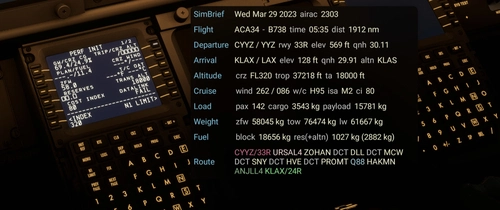
This widget will display data from your latest SimBrief OFP (Operational Flight Plan) in a window once you’ve configured it with your simbrief user name or user id. I welcome feedback regarding the info displayed as I will continue to evolve this with additional features and data.
by wasabidad
Flow Sim Rate Monitor
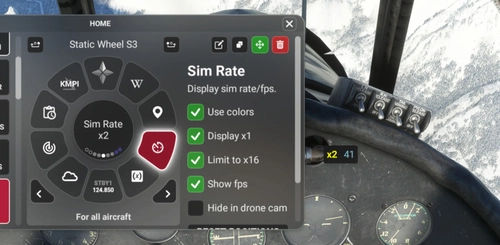
I've been wanting an onscreen display of the sim acceleration rate for a long time and this widget enables a small floating window that will display the sim rate and can be dragged anywhere on screen. You can see it in the 2nd photo in the lower right of the screen.
by wasabidad
Log in to join the discussion
Log InComments(18)
about 1 year ago
over 3 years ago
Will this work in VR?
over 3 years ago
Sorry, I don't have any experience with VR. Not sure how Flow works in VR.
over 3 years ago
Thanks for the Script.
It is not working for me.
I insert it to my flow that is working.
When i start the FR24 Launcher my flightradar start in my browser.
I can not see my Airplane in the Map . No sign. Only Flight Radar 24 opens in the arera.
over 3 years ago
I wish FR24 had a way to inject a virtual plane (would be really cool) but it does not so all I can do is show the area where your plane. There is no way to display the virtual msfs aircraft since it doesn't exist in the real world. :)
over 3 years ago
This is a great tool. I also like to open google maps as im flying over towns at cruise and then look around with street view. Its like in on holidiadys walking up main streets of some town somewhere that I know I would never go to perhaps. I do it all the time to pass the time. Could you do the same and develop a flow widget that opens a google maps location at the coordinates of the plane?
over 3 years ago
Hey, great idea and looks easy to do. I'll look into that for a new widget.
over 3 years ago
Any progress at all? Just asking as keep coming back to see if a google maps widget appears. Cheers.
over 3 years ago
Hi, sorry busy with other things lately. Putting widget dev on pause but will come back to it at some point. Still a great idea!
over 3 years ago
Sorry mate I know I keep asking but any progress? If I knew how to do this myself I would.
almost 4 years ago
Hi, I've dropped in to community folder but when in 42 flow I cant find your widget. Where should I look ?
almost 4 years ago
Hi, if you have verified you have folder p42-util-flow-wasabidad-fr24 in your Community folder (and inside that is ContentInfo and Flow folders) then...
When assigning a wheel tile on the left side there is a "Community Widgets" section and then UTILITIES under that and it should be there. Will only work with Pro version of course.
almost 4 years ago
Thank you verymuch
almost 4 years ago
Hi, I have pro but there is no "Community Widgets" section
almost 4 years ago
Hopefully we can figure this out as I can confirm it has worked for other and verified it is same format as some other widgets published. Is this the first external widget you've installed or do you have others you've installed already that worked? There is also a "search" function where you could try to search for the widget. The folder does need to be decompressed/extracted from the .zip and should have ContentInfo, Flow and some .json files.
almost 4 years ago
...also sim does not be restarted after copying to community folder.
almost 4 years ago
...oops I meant to say sim DOES need to be restarted after copying to Community
almost 4 years ago
Thanks for your help, it isn't your fault I don't have a community widgets section in my Flow pro so I will re install flow and if that doesn't work I will contact Parallel 42. Thanks again