
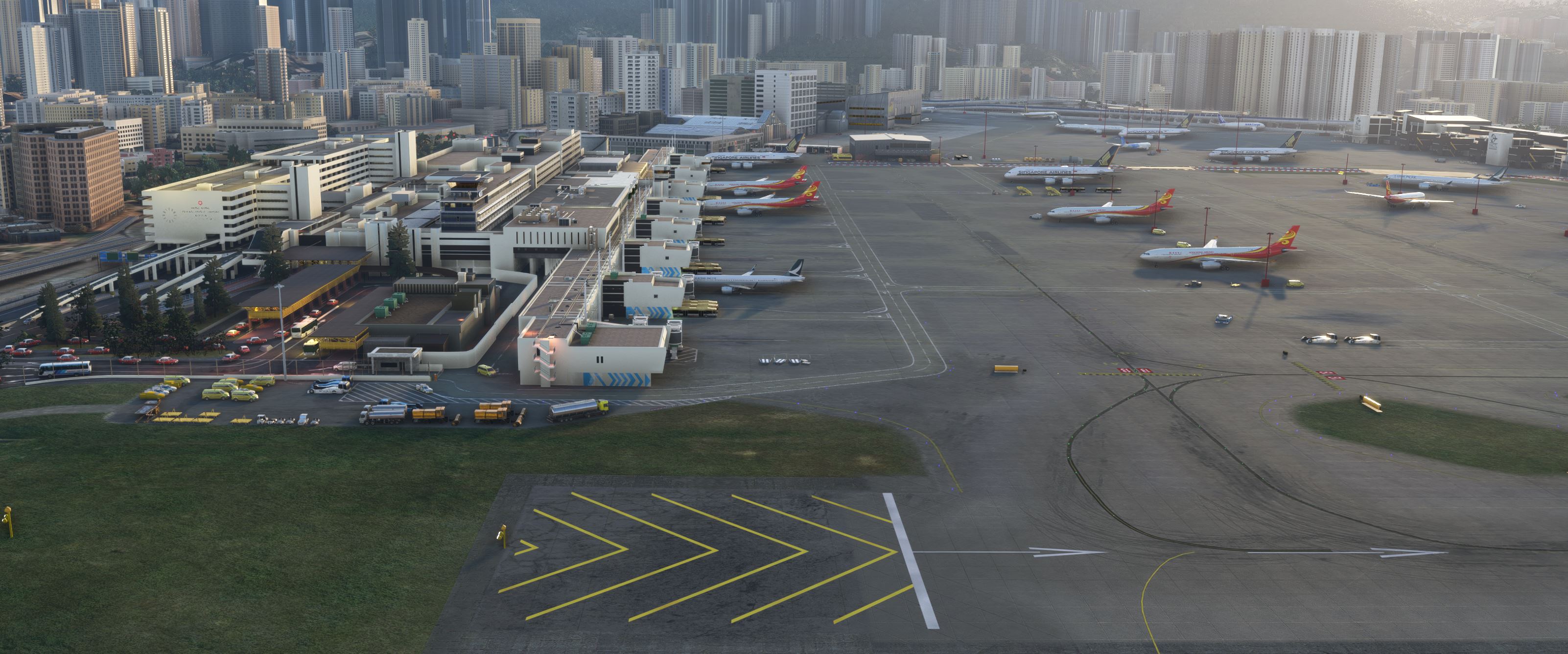
Description
YT video showing IGS approach including ATC by Air New Zealand in 1990 https://www.youtube.com/watch?v=-cSKetr3SE8
Note: IF you see two runways overlapping, it means you still have another version of Kai Tak installed. This will need to be deleed by going into content manager in the main msfs menu..
Update 4.2
This version includes several fixes, along with updated v.2 AI traffic files and period-correct AI models (thanks to AIG).
its not perfect but AI traffic in this sim is a challenge
Please note that the additional AI traffic may cause a drop in frame rates, depending on your system.
Important:
If you do not want to install AI traffic, only install the base package file: ali501-kaitak.
Installation Instructions:
1. Unzip file.
1.Copy and paste all 4 files into your MSFS Community folder.
Thank you, and enjoy!
(It has had some testing. but comprehensive testing is for payware :)). if you do notice any serious issues message me or leave a comment. Thanks
Update 4.1.1
Patch to fix the issue of planes falling through Kai Tak bridge
Update v4
This is a rebuild of the entire airport, the main terminal has been redesigned to try and reflect more accurately to how the terminal was when the airport closed, including adding the interior, a New main Hangar with aircraft parking, a new Cargo terminal, other buildings have been redesigned and retextured.
Update 3.2.1
code in the ILS for both approaches (13/31) correctly.
Sim Update 10 compiled 3.2.0
Rebuilt runway to try and solve the issue of missing runway lights that some people were having
Adjusted lead in lights to be brighter when on turn to final
Added custom markings to the runway to be more accurate to Kai Tak original.
Fixed jetway that was separated from linkspan.
Improved ground textures in a lot of areas
Unfortunately, there doesn't appear to be a fix on the cars crossing the runway yet
3.2
Fixed a number of issues
Multiple new building models and retexturing, including fuel storage tanks and baggage building
Modified jetways
Adjustment of lead in lights
Added new ground vehicles and improved ground textures
The file size is now 2.6GB decompressed
Version 3.1
Update to IGS approach lights to be more realistic
Removed and replaced problematic Taxi model from the airport entrance
Texture Changes and small fixes
Version 3.0
Basic AI aircraft file added. Ai Aircraft(if turned on) will now populate the airport, however be warned that MSFS AI is not the best and issues such as AI aircraft taxing the entire length of the runway or flying through city buildings I cannot fix. Hopefully these issues will change in a future game update.
AI will also only use runway 31 for takeoff's and landing's 🤷♂️
Sea wall model added
Lighting changes to runway 13 approach
Many other small changes
Version 2.1.1
Update Includes
Various lighting modifications
Custom Shuttle Bus now added to gates replacing stock Asobo bus.
modified IGS for a slightly lower approach for the right turn.
various texture changes
numerous small tweaks
Version 2.1
Nav Data added
The long-promised SID and STARS have now been added natively as well as correctly programing the IGS and ILS for runways 13 and 31 respectively. you no longer have to manually add the ILG/IGS frequency in the FMC.
I will try to add the SC NDB approach at a later date.
Modified lead-in lights.
removed items left missed in the last update
Charts for VHHX can be found at IVAO East Region
https://xe.ivao.aero/
Version 2.0
After many months of work version, 2.0 is here!
This was a near-complete rebuild of the entire airport (still a lot more to do)
New leadin approach light system.
90% of the buildings have been re-modelled and textured; this Includes the cargo building, maintenance hangers, fire stations and partial passenger terminal interior.
Well known Kai Tak advertising billboards included at the threshold of rwy13
New checkerboard.
Custom Apron lights.
Airfield height was raised to the correct height.
Road traffic driving across the runway and apron has been stopped.
the majority of random lights have now been removed. (a couple do remain, unknown why)
Signage and markings improved
I have not had time to add all SIDs and stars yet, (current file causes CTD so I have not included it)
If you use the ingame ATC for some reason it will always direct you to use rwy 31 for landings, I don't know why.
Don't forget to remove the previous version from the community folder.
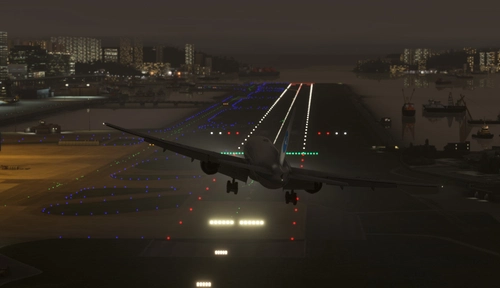
Hong Kong Kai Tak with the famous runway 13 approach that closed in 1998, little remains today of the original Airport with much of the site being redeveloped into housing and a cruise terminal. This scenery brings back that challenging approach passing low over the Kowloon district of Hong Kong the making a 47 degree right hand turn to line up with runway 13.
Install
Extract the file ali50-Kaitak from ali501-kaitak.rar
Place file into the community folder
----
Runway 13 IGS Frequency 111.90 heading 088
Remember this is a visual approach so disconnect auto pilot before Checkerboard hill to make the turn to line up with runway 13
Runway 31 ILS Frequency 109.90
Location
VHHX Hong Kong - Kai Tak
Experience the iconic Kai Tak Airport in Hong Kong with this add-on, bringing back the famous runway 13 approach that closed in 1998. This scenery offers a rebuilt runway, improved ground textures, custom markings, and realistic lighting adjustments. Explore the challenging approach over Kowloon district and the 47-degree right-hand turn to line up with runway 13.
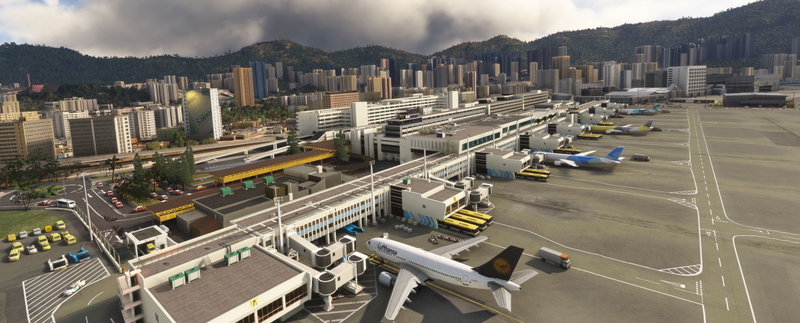

Supporters

User Reviews
103 reviews
Version History
Kai Tak V4.2 Thank you for downloading the latest version of the Kai Tak addon! This version includes several fixes, along with updated v.2 AI traffic file and period-correct AI models (thanks to AIG). its not perfect, but AI traffic in this sim is a challenge Please note that the additional AI traffic may cause a drop in frame rates, depending on your system. Important: If you do not want to install AI traffic, only install the base package file: ali501-kaitak. Installation Instructions: 1.Copy and paste all 4 files into your MSFS Community folder. Thank you, and enjoy!
Featured in Collections(2)
Related
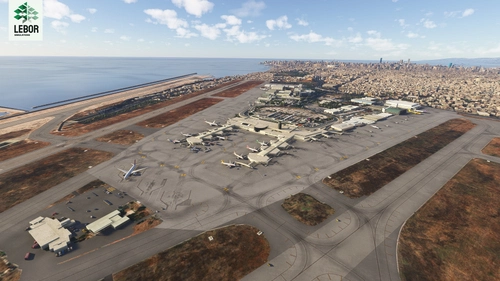
VHHX Hong Kong Kai Tak Enhancement for Default Asobo/Gaya
Enhance your Kai Tak experience with this addon for default Asobo/Gaya SU11. This project improves runway, apron, and lighting details, including bright lights, accurate markings, and historical references. Please note some limitations and installation requirements for optimal performance.
by TMongun, kychungdotcom
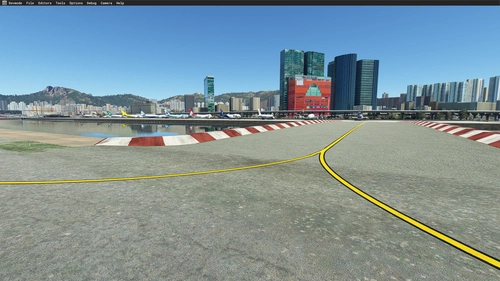
microsoft VHHX fix
A fix for Microsoft VHHX offering terraforming to remove bridge steps, fix water issues, and resolve building interferences with HAECO hangar. Note: This mod conflicts with VHHX Kaitak Enhancement Project by TMongun due to differing terraforming methods.
by Tigershark85000
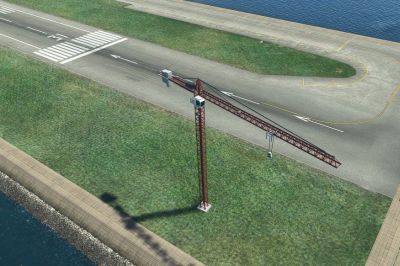
VHHX Kai Tak airport exclude for construction cranes
Exclude a few construction cranes from Puffinflights We Love VFR - Region 3 scenery at Kai Tak airport with this simple scenery file. Just place the provided folder in your community folder and ensure its alphabetically sorted higher than the main scenery folder. Compatible with Asobos VHHX Kai Tak scenery.
by Albert_vermeule
VHHX LightRemoval for Default Asobo Hongkong Kaitak Airport
This add-on enhances the default Asobo Hongkong Kaitak Airport (VHHX) by removing incorrectly placed street lights that cross the runway. The installation process is straightforward, requiring only the unzipping of files and placement into the MSFS Community folder. Support for installation issues is available upon request.
by PeterCKing
Log in to join the discussion
Log InComments(377)
about 2 hours ago
27 days ago
2 months ago
4 months ago
about 2 hours ago
4 months ago
5 months ago
7 months ago
6 months ago
7 months ago
8 months ago
8 months ago
about 2 hours ago
9 months ago
10 months ago
10 months ago
10 months ago
Can somebody please advise me on how to force the traffic to land on runway 31 only (for the default fs2020 scenery) ? The program ADE was supposed to be able to do that, but it is not functioning any more.