
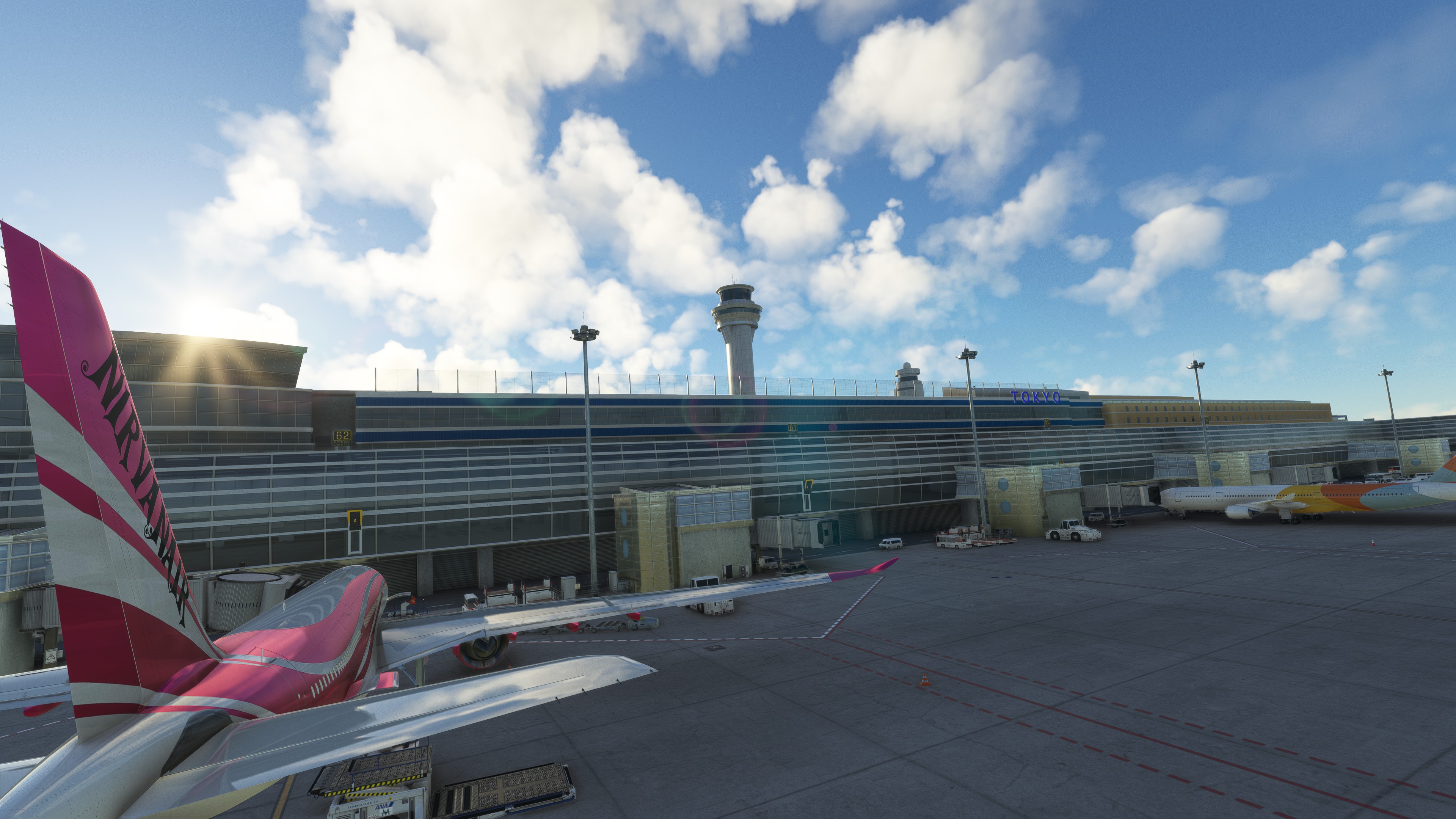
Description
This GSX profile contains the customization of all the gates and parking positions. As usual, for each gate, I also set up the pushback track named after the runway you will take for take-off. Again, I used Karuchie's scene to create the customization.
To download the scene -> https://fr.flightsim.to/file/12425/rjtt-tokyo-international-airport-revised-based-on-the-new-new-aerodrome-chart
Please note that you must exclude the GSX Pro jetways via the GSX pro configuration panel so the jetway works correctly.
To install the file, you need to unzip the file into the following folder -> C:\Users\"username"\AppData\Roaming\virtuali\GSX\MSFS
RJTT - TOKYO (HANEDA) INTL - GSX Pro Profile
This GSX profile contains the customization of all the gates and parking positions. As usual, for each gate, I also set up the pushback track named after the runway you will take for take-off. Again, I used Karuchie's scene to create the customization.


User Reviews
2 reviews
Version History
No version history available.
Related
Flybywire - A320NEO - GSX Pro profile
I don't know about you, but I felt this plane needed some adjustments to be loaded correctly by the GSX ground agents. So I tried to correct the catering, cargo, and passenger loading, so we are not bothered by the "open the door please" message. This profile also uses only the "openable" door of the 3D model.
by DarkDiablo10
LBSF - Sofia International Airport - GSX Pro profile
This GSX profile contains the customization of all the gates and ramps (I didn't do the parking position). As usual, for each gate, I also set up the pushback track named after the runway you will take for take-off. There are two files cause I customize both the original airports from ASOBO and FLY 2 HIGH.
by DarkDiablo10
(Pyreegue Dev Co) UKBB - BORYSPIL - Kyiv - GSX profile
This is the GSX Pro profile for the Boryspil Intl airport. I customize all the gates and as much parking as I possibly can. There are also many pushback tracks configuration at all the gates and parking a that may need it, in my opinion. I must say that I may have done some mistakes that I will try to correct in time.
by DarkDiablo10
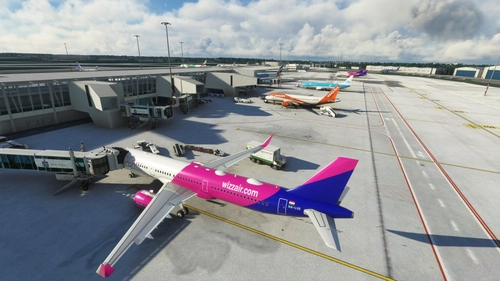
EPWA - WARSAW - CHOPIN airport - GSX Profile
This GSX profile contains the customization of all the gates and ramps (I didn't do the parking position). As usual, for each gate, I also set up the pushback track named after the runway you will take for take-off. Please note that I used the scenes below to customize the GSX profile. So many thanks to Polish Cities and PG_Simulation for their work.
by DarkDiablo10
Log in to join the discussion
Log InComments(7)
about 1 month ago
7 months ago
over 3 years ago
Are there any VDGS?
over 3 years ago
Jetways are misaligning. Uploaded image at Gate 2 using Fenix A320. Any ideas? Have used the GSX Pro exclude as instructed.
over 3 years ago
I'm sorry. I didn't check messages cause I don't play Flight Simulator anymore. I switch to Star citizen. So I guess you will have to customize the file yourself via the GSX menu. I'm sorry.
over 3 years ago
Great job!! One of my favorite airports in Asia!
over 3 years ago
Thanks. I'm glad you like it. Cause it's worth two days of customization.