
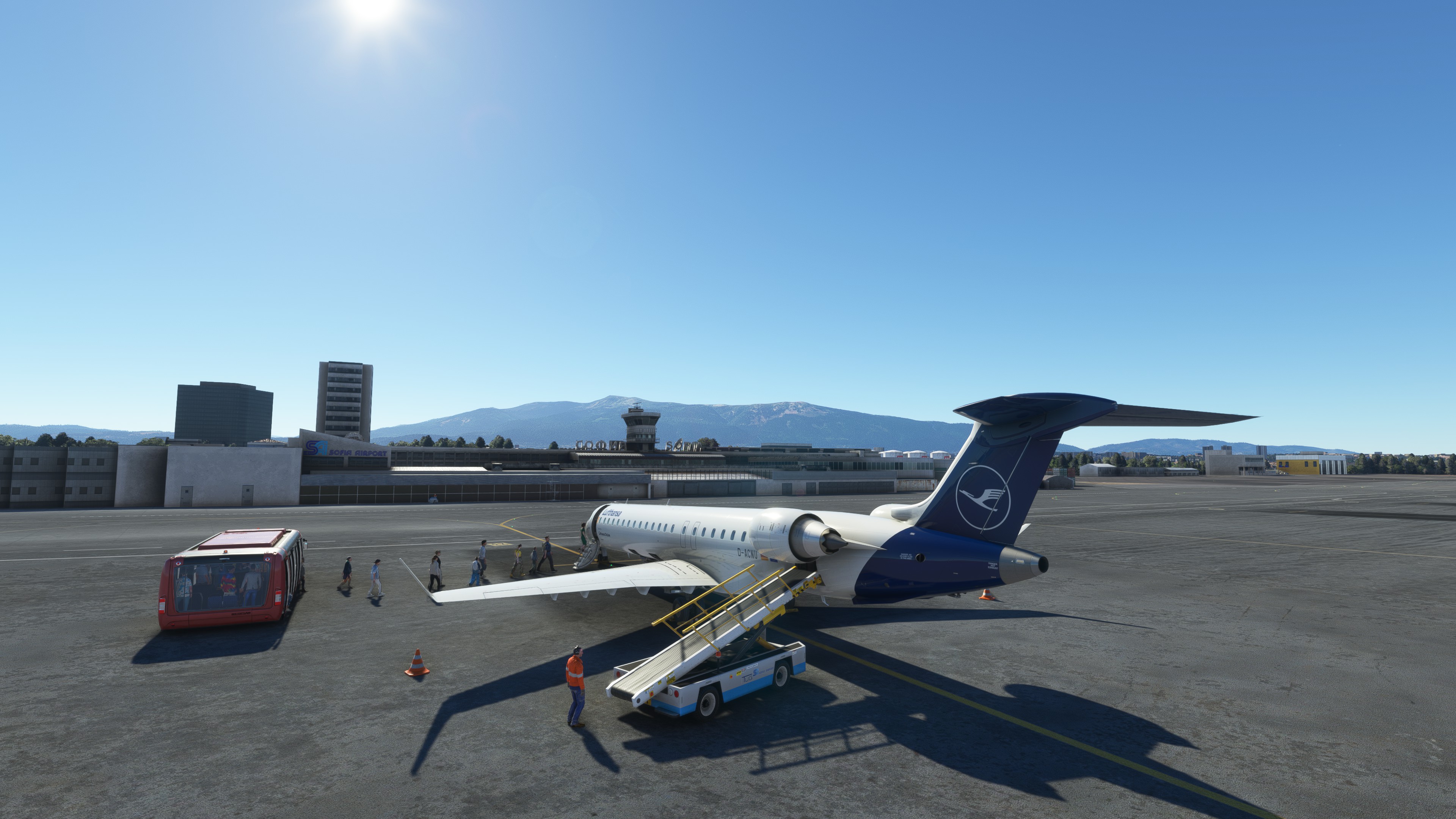
Description
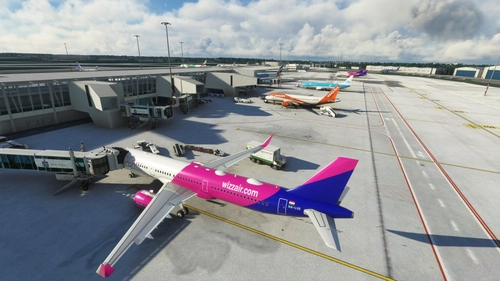
This GSX profile contains the customization of all the gates and ramps (I didn't do the parking position). As usual, for each gate, I also set up the pushback track named after the runway you will take for take-off.
There are two files cause I customize both the original airports from ASOBO and FLY 2 HIGH.
PS: I understand that my vision of the pushback doesn't match with the professional. But I'm sure that, regarding the simulation, it's handier.
LBSF - Sofia International Airport - GSX Pro profile
This GSX profile contains the customization of all the gates and ramps (I didn't do the parking position). As usual, for each gate, I also set up the pushback track named after the runway you will take for take-off. There are two files cause I customize both the original airports from ASOBO and FLY 2 HIGH.


Version History
- Update all the Wingspam restrictions on the Gates and Parking. - Redone all the pushbacks tracks when needed - Add all the automated docking systems for the gates with jetways. - Disabling the jetway of Gate 1. These modifications apply only to the FLY 2 HIGH version of the airport.
Related
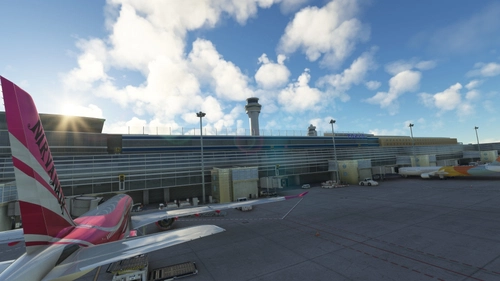
RJTT - TOKYO (HANEDA) INTL - GSX Pro Profile
This GSX profile contains the customization of all the gates and parking positions. As usual, for each gate, I also set up the pushback track named after the runway you will take for take-off. Again, I used Karuchie's scene to create the customization.
by DarkDiablo10
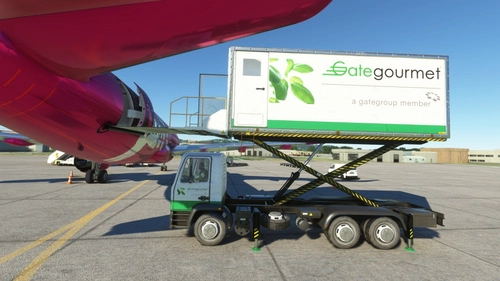
Flybywire - A320NEO - GSX Pro profile
I don't know about you, but I felt this plane needed some adjustments to be loaded correctly by the GSX ground agents. So I tried to correct the catering, cargo, and passenger loading, so we are not bothered by the "open the door please" message. This profile also uses only the "openable" door of the 3D model.
by DarkDiablo10
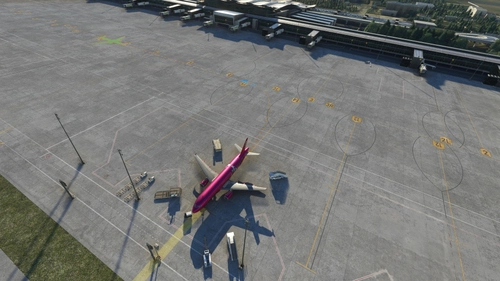
(Pyreegue Dev Co) UKBB - BORYSPIL - Kyiv - GSX profile
This is the GSX Pro profile for the Boryspil Intl airport. I customize all the gates and as much parking as I possibly can. There are also many pushback tracks configuration at all the gates and parking a that may need it, in my opinion. I must say that I may have done some mistakes that I will try to correct in time.
by DarkDiablo10
EPWA - WARSAW - CHOPIN airport - GSX Profile
This GSX profile contains the customization of all the gates and ramps (I didn't do the parking position). As usual, for each gate, I also set up the pushback track named after the runway you will take for take-off. Please note that I used the scenes below to customize the GSX profile. So many thanks to Polish Cities and PG_Simulation for their work.
by DarkDiablo10
Log in to join the discussion
Log InComments(5)
almost 4 years ago
Thanks for providing the profile. Though, I think something is wrong. I downloaded your Fly2High profile and when load an aircraft (Fenix/PMDG) I see only 1 gate (Gate 7) available and almost no stands available to fit the aircraft. I checked your ini file and it appears the wingspan on most of the stands is not enough for Category C aircrafts, and the gates have the same problem. Can you please check what is the situation on your end?
almost 4 years ago
Hi. I used my Fenix A320 to set the parking. Anyway, I will check this out quickly.
almost 4 years ago
Hi. I see that there's much more other problems here. In fact, for some obscure reason the puch back desapear as well. So I will redo all the main gates this afternoon and upload a update with the correction.
almost 4 years ago
Update done. I used the Navigraph chart and this reference for the wingspams. (https://www.skybrary.aero/articles/icao-aerodrome-reference-code). I hope it will correct everything. And thanks a lot for telling me about the issue.
almost 4 years ago
Hi, thanks for the update. Which file is for Fly2High? When I download Version 2.0 I see ASOBO?