

Description
In this paint kit, you will find the original painting-ready Microsoft DC3 blender file and all the textures attached to it. This way, you would be able to be creative immediately after downloading.
By all the textures, I mean diffuse, occlusion, roughness, and metallic maps. This way, you can view the final result directly via the shading section of Blender.
The 3D model is also cleaned up so you can paint it more easily. And the textures are set to 8K for diffuse ones and 4k for the others.
If you are looking for white textures, you can find them in your official folder "Microsoft Flight Simulator\Packages\Official\Steam\microsoft-aircraft-dc3\SimObjects\Airplanes\douglas-dc3\texture.White". To open them, you can use Paint.net.
So guys, please enjoy and be creative. ;-)
PS: You will notice that the right and left-wing textures are the same, so there is no need to paint each wing. On the contrary, the front engine textures are symmetrical with one another. So don't forget to create a copy of the LeftCowling_ALB_8K and LEFTCOWLING_COMP files and create a symmetry before exporting them once you finish.
Microsoft - DC3 - Paintkit and texture files
In this paint kit, you will find the original painting-ready Microsoft DC3 blender file and all the textures attached to it. This way, you would be able to be creative immediately after downloading. By all the textures, I mean diffuse, occlusion, roughness, and metallic maps. This way, you can view the final result directly via the shading section of Blender.

User Reviews
1 reviews
Version History
I add the UVs sorted by texture. I guess it could be very handy to paint this model.
Related
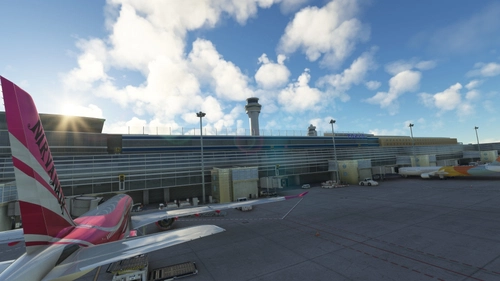
RJTT - TOKYO (HANEDA) INTL - GSX Pro Profile
This GSX profile contains the customization of all the gates and parking positions. As usual, for each gate, I also set up the pushback track named after the runway you will take for take-off. Again, I used Karuchie's scene to create the customization.
by DarkDiablo10
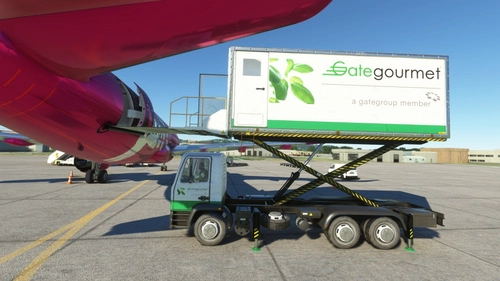
Flybywire - A320NEO - GSX Pro profile
I don't know about you, but I felt this plane needed some adjustments to be loaded correctly by the GSX ground agents. So I tried to correct the catering, cargo, and passenger loading, so we are not bothered by the "open the door please" message. This profile also uses only the "openable" door of the 3D model.
by DarkDiablo10
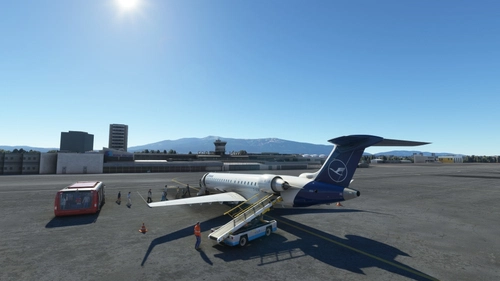
LBSF - Sofia International Airport - GSX Pro profile
This GSX profile contains the customization of all the gates and ramps (I didn't do the parking position). As usual, for each gate, I also set up the pushback track named after the runway you will take for take-off. There are two files cause I customize both the original airports from ASOBO and FLY 2 HIGH.
by DarkDiablo10
(Pyreegue Dev Co) UKBB - BORYSPIL - Kyiv - GSX profile
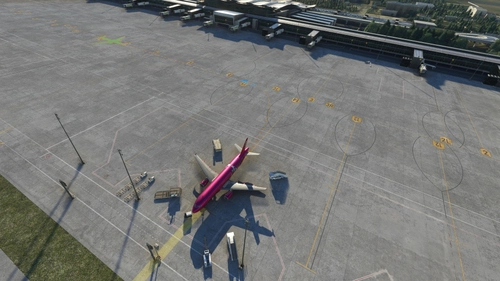
This is the GSX Pro profile for the Boryspil Intl airport. I customize all the gates and as much parking as I possibly can. There are also many pushback tracks configuration at all the gates and parking a that may need it, in my opinion. I must say that I may have done some mistakes that I will try to correct in time.
by DarkDiablo10
Log in to join the discussion
Log InComments(7)
7 months ago
4 months ago
over 3 years ago
So many thanks, very useful indeed
almost 4 years ago
Hiya, how exactly do I paint this on PS? The white textures are to bright to even see what you can paint etc. Please help :) and nice kit
almost 4 years ago
To paint the plane with only photoshop. I suggest you use the UV map I shared in the second zip file. It's not as easy as painting directly with Blender. But this can do the trick with simple textures, I guess.
almost 4 years ago
Hiya, the UV-maps are very handy, also repainting the old fashion way.
Any change for the UV-map of the "left pass door" version?
...\douglas-dc3-livery-worldtravel\model.PAXL\dc3PAXL.xml
almost 4 years ago
I guess not. Cause the doors are part of the fuselage.