

Description
Touch Portal pages for FlyByWire A32NX
More than 200+ buttons/displays spread over 4 pages (with button to switch of page)
Main page :
-
- EFIS (Capt. side)
- FCU
- FMA (beta, to be improved later) + usefull infos (speed, altitude, heading and VS)
- Thrust lever (slider + shortcut button)
- Park brake, Flaps, Gear/Auto brake
Overhead page "up" :
-
- Fire
- Hydraulic
- Fuel
- Electric
Overhead page "down" :
-
- APU
- ADIRS
- Air Cond, Cabin pressure
- Calls
- De Ice
- GPWS
- Lights
- Oxygen
- Signs
Pedestral page :
-
- ATC / TCAS
- RADIO (Capt. side)
- ECAM
- ENGINE
- Radar
- some lighting
Requirements
- Touch Portal app Pro version (~14€ in app purchase) on your tablet Android or iOS
- The Touch Portal software on your PC (https://www.touch-portal.com)
- MSFS Touch Portal Plugin & WASimModule Plugin (2 files, require v1.1.0.6 or above)
- via github or via flightsim.to
How to
- check the readme.pdf file included for installation instructions and some notices
Last word
- That are complex pages, difficult to validate. If you find a bug please use comments or pm to contact me with a description (what is wrong and if it still remains after a refresh of the page).
Touch Portal pages for FlyByWire A32NX
Touch Portal pages for FlyByWire A32NX. More than 200+ buttons/displays spread over 4 pages (with button to switch of page). Inlude : EFIS (Capt. side), FCU, FMA (beta), Thrust lever, Park brake, Flaps, Gear/Auto brake, Fire, Hydraulic, Fuel, Electric, APU, ADIRS, Air Cond, Cabin pressure, Calls, De Ice, GPWS, Lights, Oxygen, Signs, ATC / TCAS, RADIO (Capt. side), ECAM, ENGINE page, Radar ...


Supporters

User Reviews
14 reviews
Version History
No version history available.
Related

Touch Portal pages for Fenix Simulations A320
Touch Portal pages for Fenix A320. More than 200+ buttons/displays spread over 4 pages (with button to switch of page). Inlude : EFIS (Capt. side), FCU, Thrust lever, Park brake, Flaps, Gear/Auto brake, Fire, Hydraulic, Fuel, Electric, APU, ADIRS, Air...
by GoodSeb
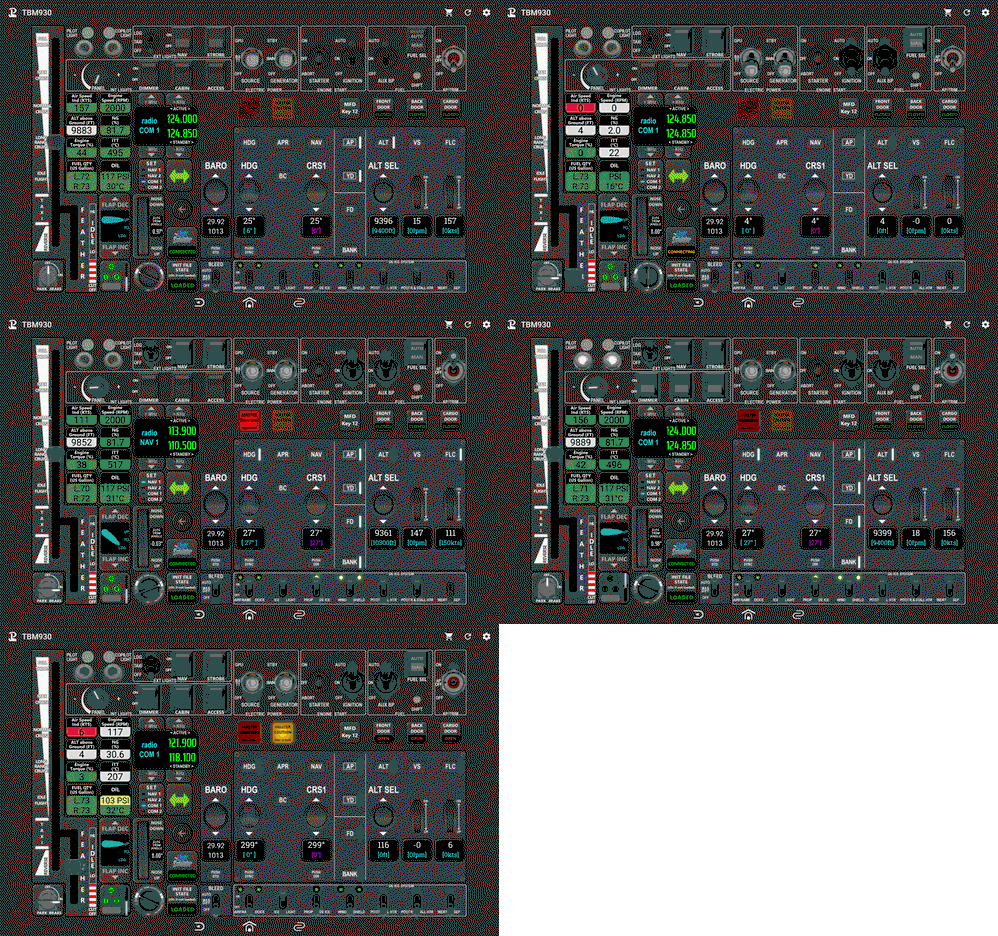
Touch Portal page for TBM 930
Complete Touch Portal page for Asobo TBM 930. This page contains Electical/Starter/Fuel buttons, Exterior and Interior lights buttons, AutoPilot buttons, Gear/Park brake/Flaps buttons, Throttle, Radios, Aircraf infos... Required MSFS Touch Portal Plugin, WASimModule Plugin
by GoodSeb
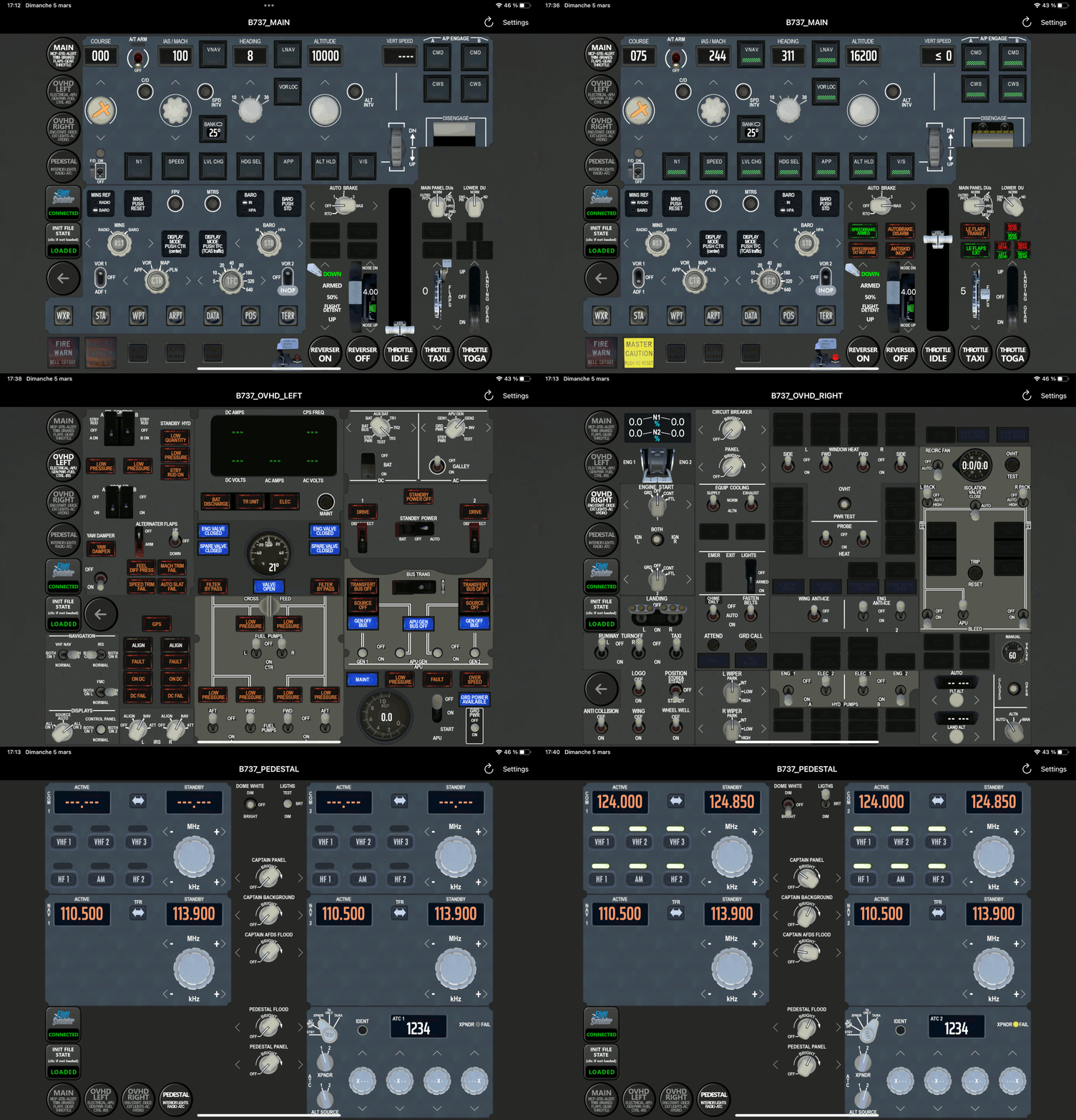
Touch Portal pages for PMDG 737 series
Touch Portal pages for PMDG B737 series. More than 200+ buttons/displays spread over 4 pages (with button to switch of page): EFIS (Capt. side) and MCP, Thrust lever (slider + shortcut button), Park brake, Flaps, Trim, Gear/auto brake, Electrical, APU, GEN Power, FUEL, Controls, IRS, Engine start, DeIce, Exterior lights, Air cooling/pressure, Hydraulics, Radio, ATC, Interior lights ...
by GoodSeb
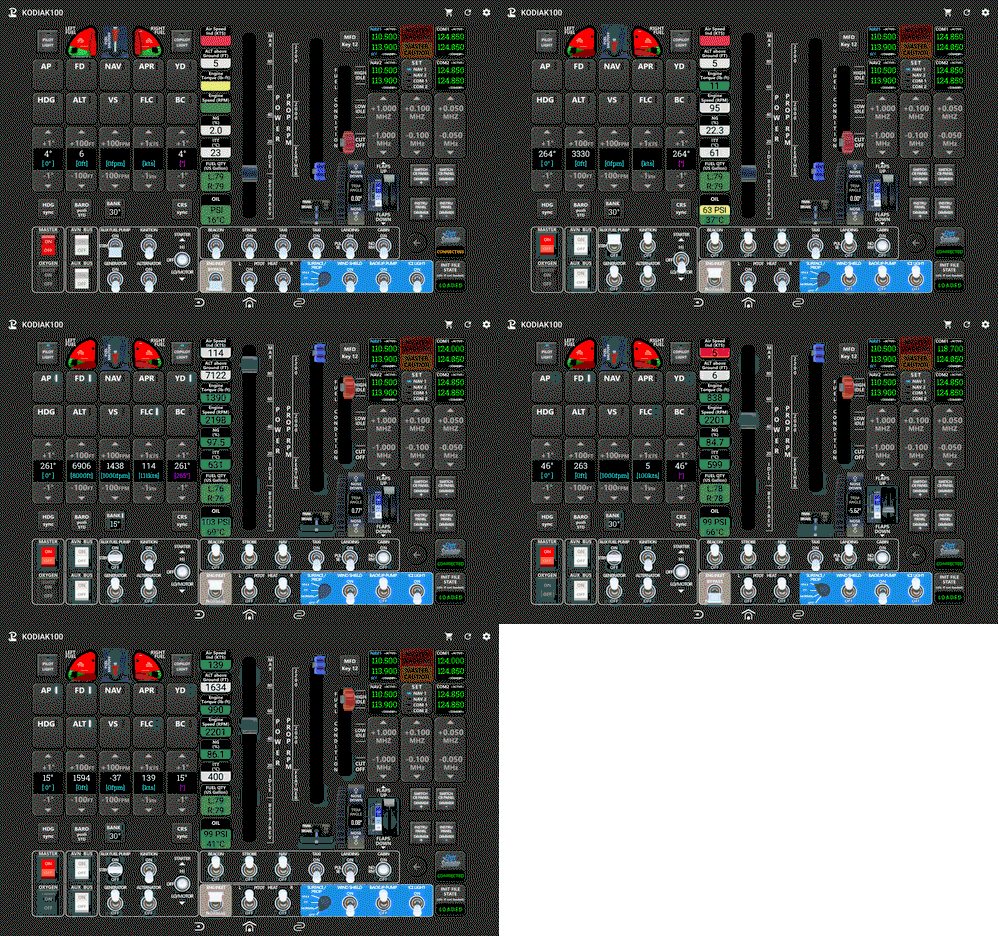
Touch Portal page for KODIAK 100
Complete page for KODIAK 100 (from SimWorksStudios) . This page contains Electical/Starter/Fuel buttons, Exterior and Interior lights buttons, AutoPilot buttons, Park brake/Flaps buttons, Power Throttle and Prop RMP sliders, Radios buttons, Aircraf infos ...
by GoodSeb
Log in to join the discussion
Log InComments(61)
about 1 year ago
about 2 years ago
Give the buttons from left to right, line 1 and 2 a number starting with 0 like:
ENG: 0
BLEED: 1
PRESS: 2
...
APU:6
COND: 7
...
F CTL: 10
(CLR, CLR2, RCL, ALL: No change required!)
Change the every code of the ECAM buttons for "At Press" (the very first of the three actions) to:
(L:A32NX_ECAM_SD_CURRENT_PAGE_INDEX) xxx != if{
xxx (>L:A32NX_ECAM_SD_CURRENT_PAGE_INDEX) }
els{ -1 (>L:A32NX_ECAM_SD_CURRENT_PAGE_INDEX) }
(>H:A32NX_SD_PAGE_CHANGED)
where xxx needs to be replaced with the number above.
Extra: STS: 12 (not 11, like stated in HupHop)
about 2 years ago
However, there are some issues with the EFIS and ECAM buttons.
I am examinig it. So far I found the triggering of the EFIS ND filter buttons (CSTR, WPT, VOR D, ...) does not work as a numbered list (0, 1, 2, ...).
They need to be:
ND Filter A32NX_EFIS_L_OPTION 0..31 (bitmap) R/W Custom LVAR 0=none, 1=CSTR, 2=VOR, 4=WPT, 8=NDB, 16=ARPT.
For example, change the code for ARPT to (L:A32NX_EFIS_L_OPTION, enum) 16 == if{ 0 } els{ 16 } (>L:A32NX_EFIS_L_OPTION, enum) an dit will work.
But there is still a problem with the events like "MSFS - AutoPilot - A32NX_EFIS_ARPT_LED_IS_ON" 4 of 5 are not working. Maybe the WASM module is not complete. I wonder why there is no left and right like ...EFIS_L_ARPT_LED_IS_ON.
I need to dive more deep into that nad will report, if I find something.
over 2 years ago
over 2 years ago
over 2 years ago
almost 3 years ago
In the downloaded .zip file there is 4 .tpz files. These files are also zip files. if one of these files are extracted there is a folder named misc. In that folder the .ini file is located. Copy that file to the folder where Touch Portal is looking for it. (See in the log) After that it works :)
I found the solution on discord. Happy New Year
https://discord.com/channels/548426182698467339/750791488501448887/1192836066093305908
almost 3 years ago
over 2 years ago
over 2 years ago
in the log in Touch Portal you can find out where it is looking for the file. Place it there.
over 2 years ago
almost 3 years ago
almost 3 years ago
almost 3 years ago
almost 3 years ago
almost 3 years ago
almost 3 years ago
about 2 years ago
almost 3 years ago