
Description
Touch Portal pages for Fenix A320
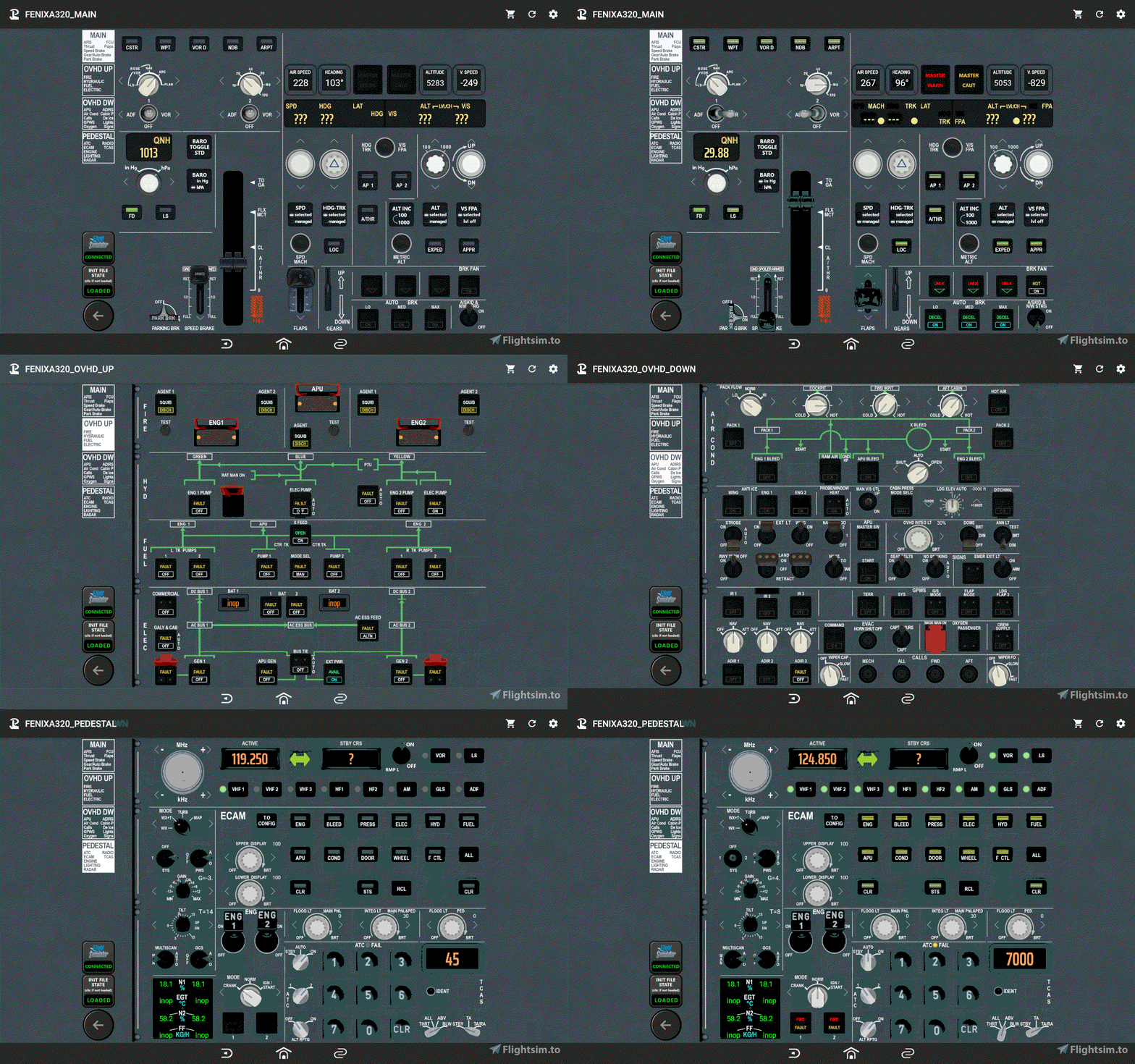
These are adaptations for Fenix A320 of my FlyByWire A32NX pages. There are few additions but unfortunately Fenixsim don’t give direct access to all variables. In FCU, speed, heading, alt and vs values are missing.
Thanks to darshonaut and pacha35 for theirs donations, helping to purchage the Fenix aircraft.
DescriptionMore than 200+ buttons/displays spread over 4 pages (with button to switch of page)
Main page :
- EFIS (Capt. side)
- FCU
- Thrust lever (slider + shortcut button)
- Park brake, Flaps, Gear/Auto brake
Overhead page "up" :
- Fire
- Hydraulic
- Fuel
- Electric
Overhead page "down" :
- APU
- ADIRS
- Air Cond, Cabin pressure
- Calls
- De Ice
- GPWS
- Lights
- Oxygen
- Signs
Pedestral page :
- ATC / TCAS
- RADIO (Capt. side)
- ECAM
- ENGINE
- Radar
- some lighting
- Touch Portal app Pro version (~14€ in app purchase) on your tablet Android or iOS
- The Touch Portal software on your PC (https://www.touch-portal.com)
- MSFS Touch Portal Plugin & WASimModule Plugin (2 files, require v1.1.0.6 or above)
- via github or via flightsim.to
- check the readme.pdf file included for installation instructions and some notices
- That are complex pages, difficult to validate. If you find a bug please use comments or pm to contact me with a description (what is wrong and if it still remains after a refresh of the page).
Touch Portal pages for Fenix Simulations A320
Touch Portal pages for Fenix A320. More than 200+ buttons/displays spread over 4 pages (with button to switch of page). Inlude : EFIS (Capt. side), FCU, Thrust lever, Park brake, Flaps, Gear/Auto brake, Fire, Hydraulic, Fuel, Electric, APU, ADIRS, Air...


Supporters

User Reviews
13 reviews
Version History
bugfix : - IDG1 "fault" was plugged on GEN1 'fault' - XFEED "on" and "open" were reversed
Related
Touch Portal pages for FlyByWire A32NX

Touch Portal pages for FlyByWire A32NX. More than 200+ buttons/displays spread over 4 pages (with button to switch of page). Inlude : EFIS (Capt. side), FCU, FMA (beta), Thrust lever, Park brake, Flaps, Gear/Auto brake, Fire, Hydraulic, Fuel, Electric, APU, ADIRS, Air Cond, Cabin pressure, Calls, De Ice, GPWS, Lights, Oxygen, Signs, ATC / TCAS, RADIO (Capt. side), ECAM, ENGINE page, Radar ...
by GoodSeb
Touch Portal page for TBM 930
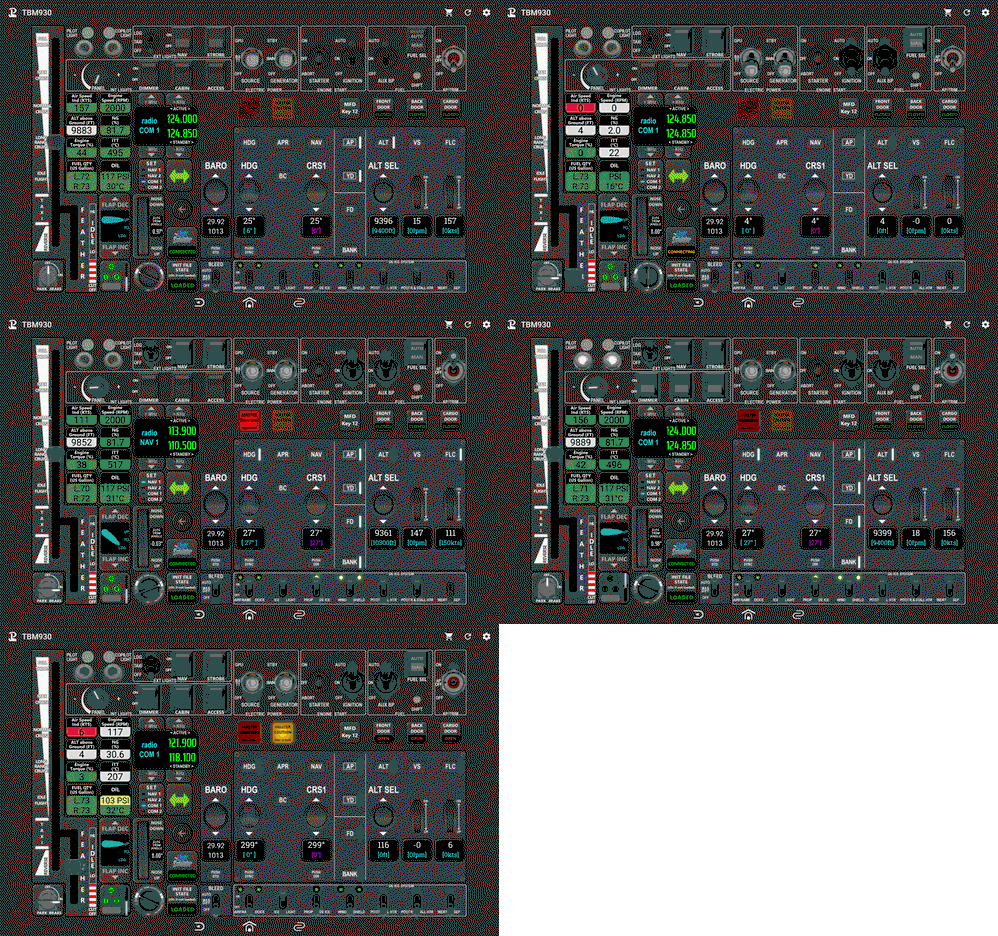
Complete Touch Portal page for Asobo TBM 930. This page contains Electical/Starter/Fuel buttons, Exterior and Interior lights buttons, AutoPilot buttons, Gear/Park brake/Flaps buttons, Throttle, Radios, Aircraf infos... Required MSFS Touch Portal Plugin, WASimModule Plugin
by GoodSeb
Touch Portal pages for PMDG 737 series
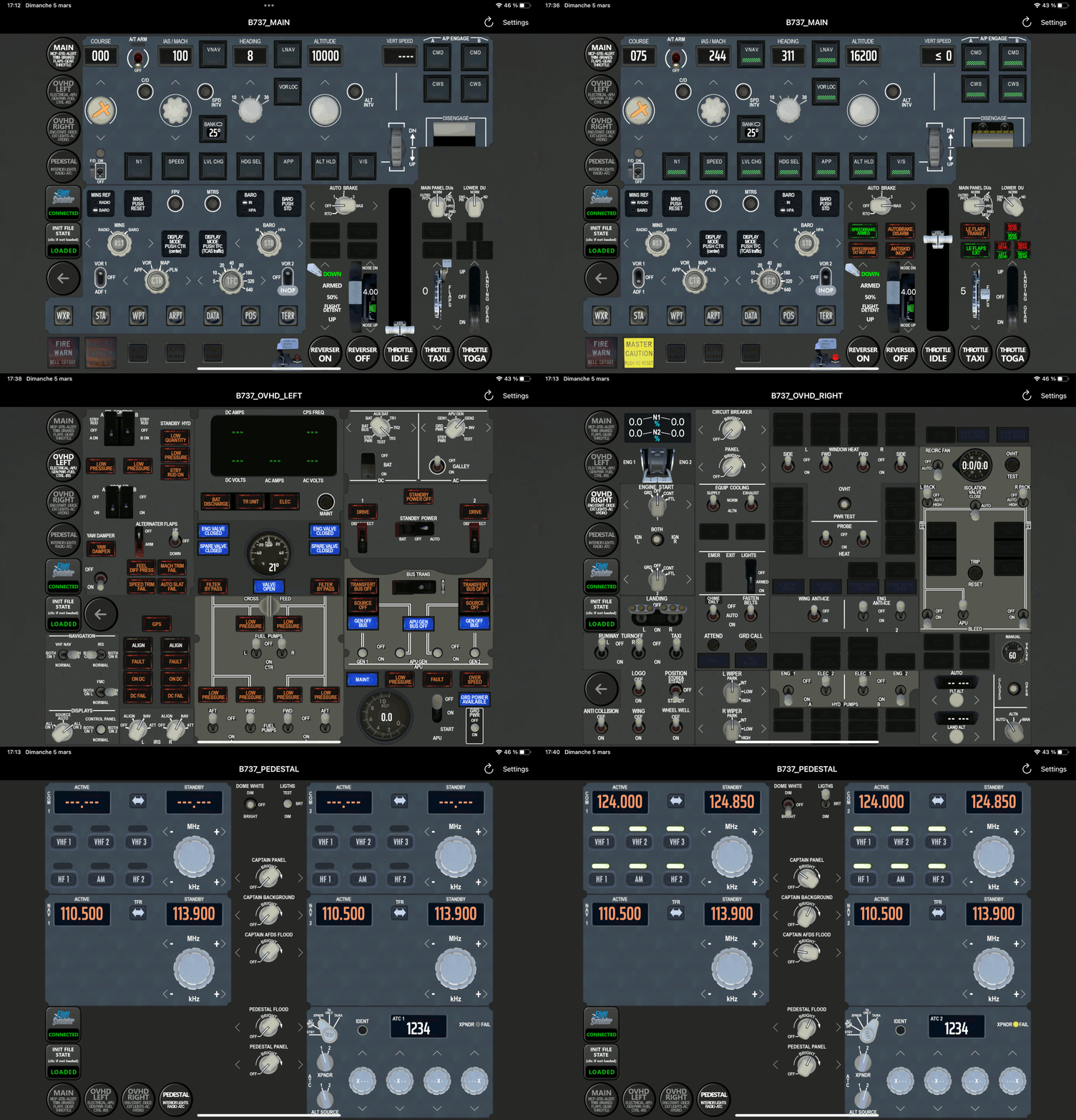
Touch Portal pages for PMDG B737 series. More than 200+ buttons/displays spread over 4 pages (with button to switch of page): EFIS (Capt. side) and MCP, Thrust lever (slider + shortcut button), Park brake, Flaps, Trim, Gear/auto brake, Electrical, APU, GEN Power, FUEL, Controls, IRS, Engine start, DeIce, Exterior lights, Air cooling/pressure, Hydraulics, Radio, ATC, Interior lights ...
by GoodSeb
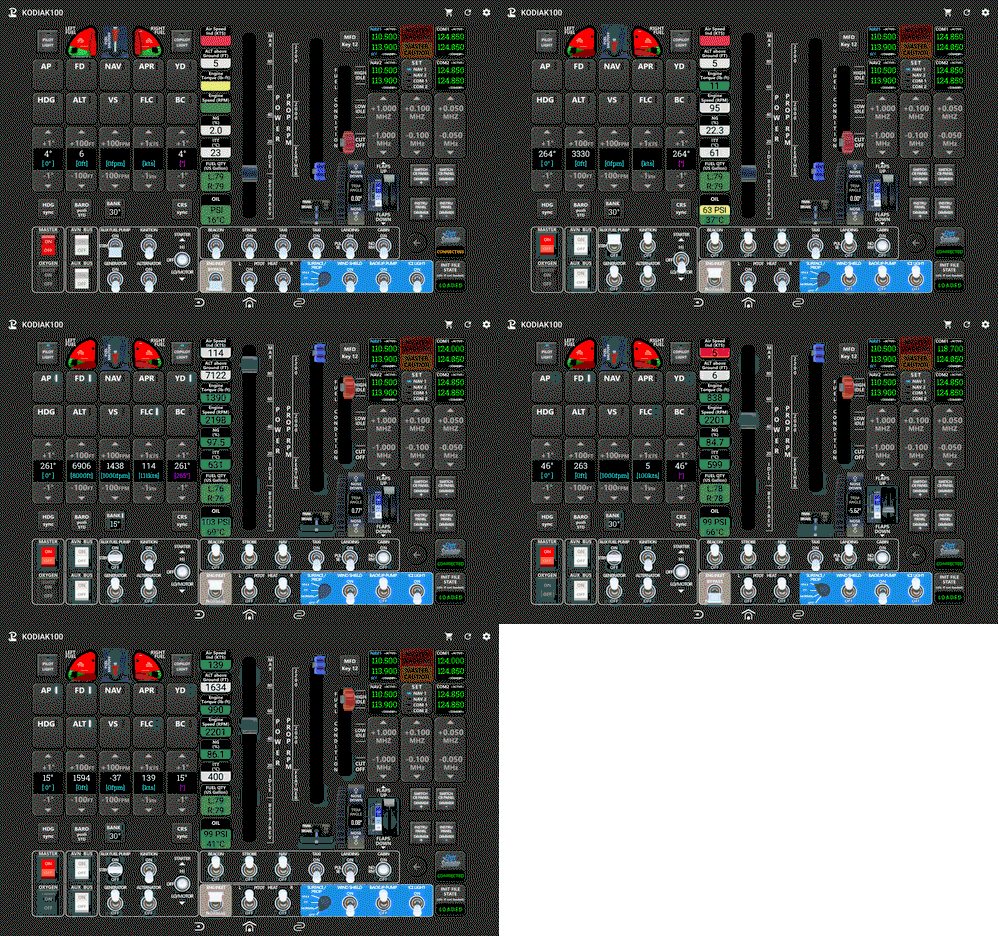
Touch Portal page for KODIAK 100
Complete page for KODIAK 100 (from SimWorksStudios) . This page contains Electical/Starter/Fuel buttons, Exterior and Interior lights buttons, AutoPilot buttons, Park brake/Flaps buttons, Power Throttle and Prop RMP sliders, Radios buttons, Aircraf infos ...
by GoodSeb
Log in to join the discussion
Log InComments(49)
2 months ago
12 months ago
comme faire?
about 1 year ago
the fenix is not sending the signal of the com1 frequency change, therefore you initially don't see the frequency, nor is it refreshed.
Is that a known bug? Is it a fenix bug?
over 1 year ago
over 1 year ago
over 1 year ago
over 1 year ago
j'ai quelques petit défaut ... tout a l'air de marcher SAUF :
1) je n'ai aucun retour de voltage sur les afficheurs des batteries
2) tout le systeme ticas semble en défaut : quand je clic sur l'interface touch portal, ca réagis sur MSFS, mais je n'ai aucun affichage / retour ou meme changement d'état sur touchportal.
3) meme probleme sur le RPM (1)
en bidouillant (je débute totalement) j'ai réussi a developper un RPM 2 et 3 ... mais comme pour le 1, je n'ai aucun retour visuel sur l'interface.
si on arrive a régler ce probleme, je vous propose de mettre en partage ici ma propre déclinaison de ce dash board.
en effet, j'ai réalisé un autre systeme, qui s'ajoute a celui ci, mais prévu pour etre plutot affiché sur un smartphone (écran 5 pouce format panoramique).
c'est pas parfait, mais ca permet d'afficher séparément certaines fonctions, comme l'ECAM, les trois RPM, le module météo, TICAS, les lumières, les ADIRS ...
j'ai aussi créé des mini module dédié qui regroupe les fonctions incendis, et energie.
j'aimerais beaucoup aussi creer le module de gestion audio de la radio, mais la, on part de zero, puisque ces fonctions n'existent pas du tout sur le systeme d'origine. par contre je peu peut etre m'inspirer de ce qui est fait sur un module du stream deck qui propose cette option.
est ce que ca interresserait des gens de m'aider ?
/
hello
i have some small defects ... everything seems to work EXCEPT:
1) i have no voltage feedback on the battery displays
2) the whole ticas system seems to be faulty: when i click on the touch portal interface, it reacts on MSFS, but i have no display / feedback or even change of state on touchportal.
3) same problem on the RPM (1)
by tinkering (i am a complete beginner) i managed to develop an RPM 2 and 3 ... but as for the 1, i have no visual feedback on the interface.
if we can solve this problem, i suggest you share here my own variation of this dash board.
in fact, i made another system, which is added to this one, but intended to be displayed on a smartphone (5 inch panoramic screen).
it's not perfect, but it allows to display some functions separately, like the ECAM, the three RPM, the weather module, TICAS, the lights, the ADIRS ...
i also created dedicated mini modules that group the fire and energy functions.
i would also like to create the radio audio management module, but here, we start from scratch, since these functions do not exist at all on the original system. on the other hand, i can perhaps take inspiration from what is done on a stream deck module that offers this option.
would people be interested in helping me?
about 2 years ago
Edite:
I had to download the older version of the plugin and it worked
about 2 years ago
over 2 years ago
over 2 years ago
over 2 years ago
Only 1 PDF, the 4 TPZ and 1 icon.PNG
What did I wrong? Thanks for your help
over 2 years ago
But when I click the buttons on my ipad nothing happens on icon in my ipad , it's not change icon in ipad, but in the fenix a320 in change , any suggestions ?
and some buttom has sentence beside such as "${value:MSFSTouchPortalPlugin.Environment.State.GsFenixA320OvhdPressLDGELEVKnob} ft" only display on ipad...???
over 2 years ago
In the downloaded .zip file there is 4 .tpz files. These files are also zip files. if one of these files are extracted there is a folder named misc. In that folder the .ini file is located. Copy that file to the folder where Touch Portal is looking for it. (See in the log) After that it works :)
I found the solution on discord. Happy New Year
https://discord.com/channels/548426182698467339/750791488501448887/1192836066093305908
over 2 years ago
over 2 years ago
over 2 years ago
over 2 years ago
over 2 years ago
over 2 years ago