
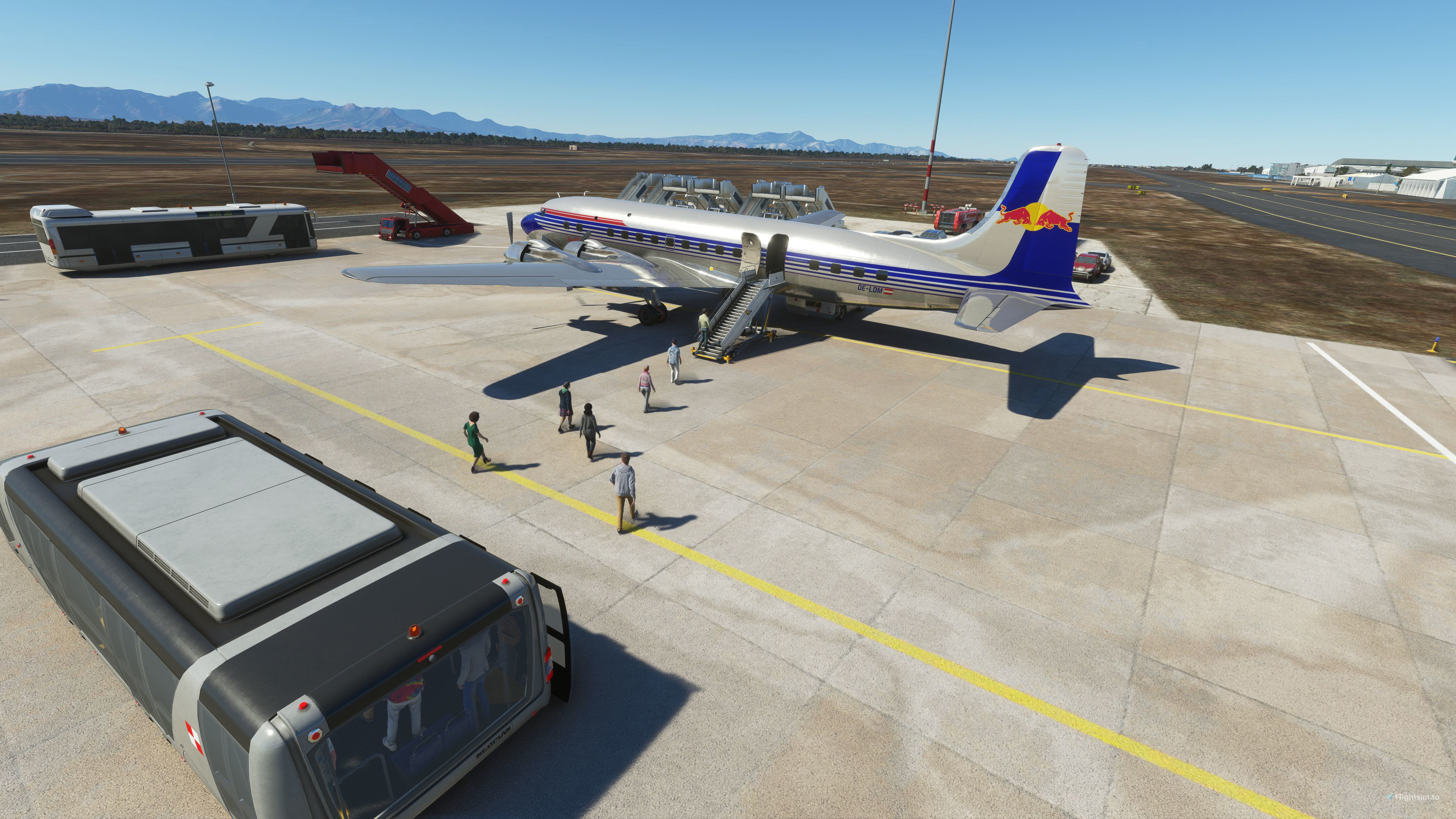
Description
GSX Aircraft profiles for the PMDG DC-6
Installation:
Extract the included ZIP file to [Drive Letter]:\Users\[Your User Name]\AppData\Roaming\virtuali\Airplanes.
As a shortcut to get to the correct folder you can press Windows Key and R together and enter "%appdata%\virtuali\Airplanes" in the Run box (leave out the quote marks) and press Enter. You should end up with 2 folders in the Airplanes folder named PMDG DC-6A and PMDG DC-6B. In each of these folders there should be a gsx.cfg file.
Note the included files must not be put into the Community folder
Description:
Doors will operate automatically without having to use the "Auto mode ignores doors" option in GSX settings.
Belt cargo loading supported for the passenger version. Pallet loading for the freighter rear main cargo door
Notes:
The Front Cabin Exit is disabled since this causes a bit of an issue with GSX auto services. It can be left open or closed as desired. You will have to retract the stairs and close the door manually if you've opened it before pushback.
When boarding / deboarding you may see a GSX message about having to open or close the Main Cabin Exit. You can ignore this as the door will open or close automatically in a few seconds and the message should go away.
The Main Cabin Stairs should be sent away (if present) in the DC-6 tablet otherwise the stairs will overlap with the GSX provided stairs.
GSX profiles for the PMDG DC-6
GSX Aircraft profiles for the PMDG DC-6. Cargo and pax versions supported. Doors will operate automatically without having to use the "Auto mode ignores doors" option in GSX settings. Belt cargo loading supported for the passenger version (rear cargo hold only). Pallet loading for the freighter main cargo door. Drag and drop into your GSX Airplanes folder to install.


User Reviews
2 reviews
Version History
Both belt loaders now working on cargo and passenger variants.
Log in to join the discussion
Log InComments(8)
about 3 years ago
about 3 years ago
over 3 years ago
works perfect :)
almost 4 years ago
https://gyazo.com/4f29cb08616b9bd71b0798c902bc75e6
any idea why i cant stop it using this huge loader here
almost 4 years ago
I'll have to take a look. Thanks for the pic.
almost 4 years ago
Ok, taken a look and it seems okay here. I did do some tweaks to the file though recently, so I'll upload the current version as soon as the site maintenance is done.
almost 4 years ago
i actually sorted it myself found out which door it was and it was set to auto so i set it to belt and it was ok but then i decided to delete it so i could use the stairs at the same time thanks for replying though
almost 4 years ago
The crew door on the right hand side? That one is tricky. I've tried to set it up various ways but given up - the results end up looking weird whatever I've tried. I guess the oddities in this aircraft are from it being designed before GSX was available for FS2020. Another oddity is that the left side large cargo doors operate as one door so both open but GSX can only send the bulk cargo loader to one of them. I chose the rear one for GSX since it has a small crew door next to it that if opened has just enough room for one of the large cargo containers.
The belt setting should work best with both of the right side cargo doors as you say.
I've updated the upload anyway.