
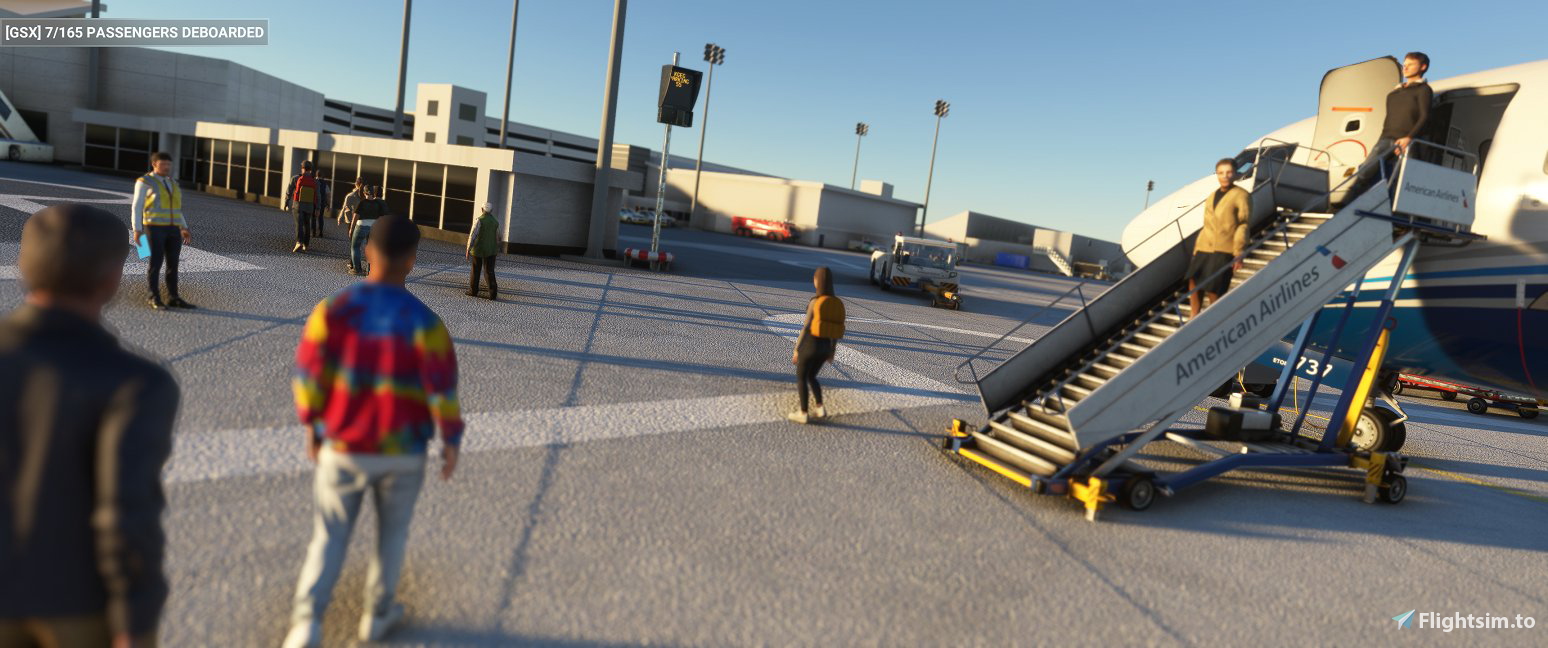
Description
Move the .ini file into %Appdata%/virtuali/GSX/MSFS
Use the scenery from https://flightsim.to/file/3913/spokane-international-airport-spokane-wa-usa-kgeg
Not all parkings usable, though most of the large ramps for cargo looks good on the editor.
Docking on councourse A (gates 10-14)
5 walkins on the terminal parkings.
KGEG gsx profile
Enhance your airport experience with the KGEG GSX profile add-on. This mod provides detailed instructions for installation and utilization, adding a realistic touch to Spokane International Airport in MSFS. Note that while not all parkings are usable, major cargo ramps are well-designed, with specific docking points at concourse A and additional features like 5 walking paths at terminal parkings.


User Reviews
1 reviews
Version History
No version history available.
Featured in Collections(1)


Related
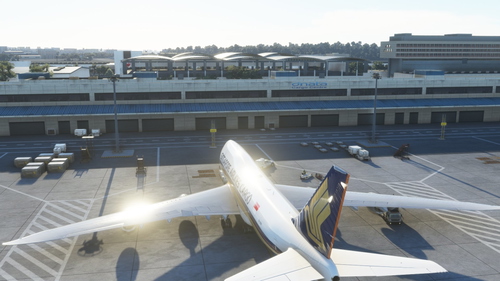
Salty 747 GSX profile
Enhance your experience with the Salty 747 GSX profile, a mod designed to improve the ground services interaction for the Boeing 747-8i. Simply move the provided folder to the specified directory for installation. Note that certain door animations may not be available in this version.
by zetacube
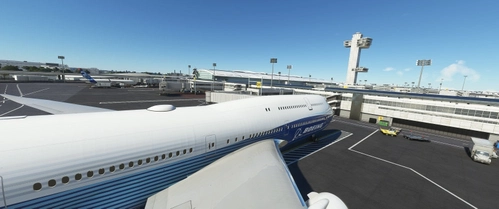
KJFK gsx profile
Add-on providing GSX profile for KJFK airport in Microsoft Flight Simulator. Gates only, no walk-ins, with parkings left unedited. Includes gate assignments for Terminals 7, 4 (International), and 5 with specific airline allocations. Simply move the .ini file to the designated GSX folder for immediate use. Suitable for the base airport without any additional scenery add-ons.
by zetacube
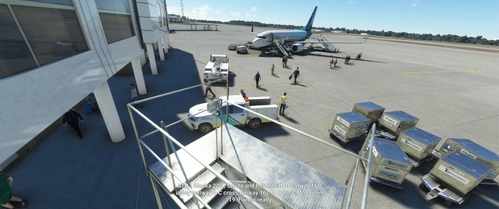
KSEA gsx profile
Enhance your ground handling experience at KSEA with this GSX profile! This add-on provides realistic gate docking for B gates and walk-ins for Q and C gates at the base airport. Compatible with MSFS, simply move the .ini file into the designated folder to enjoy the improved functionality.
by zetacube
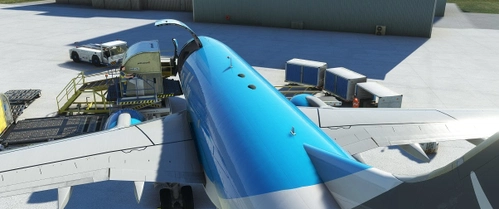
737-700 BDSF GSX Profile
A configuration add-on for PMDGs 737-700 BDSF model, focusing on the lower cargo doors on the right side. Simply move the provided folder to the designated directory for installation.
by zetacube
Log in to join the discussion
Log InComments(3)
over 3 years ago
Thanks for this work.
about 4 years ago
really appreciate you doing Spokane just can figure out why no pax show up everything works just fine but no matter what i do no pax come down the jetway
about 4 years ago
Hello! I have just run a test on this and I was able to get the pax going on the jetways. Did you perhaps disable jetway replacement on the fsdt installer? you can check this by going to fsdt installer -> gsx pro -> config and checking if kgeg is on the top right box. If so you might want to move this to the left side. Else, you might want to open a ticket with virtuali to see why this isnt working for you.