
![Custom Camera Views [PMDG 738] - Image 1](https://cdn.flightsim.to/images/24/custom-camera-views-pmdg-738-OroAV.jpg)
Description
Custom camera views for PMDG 738 (ALL VARIANTS)
The custom cameras have been defined as follows:
Custom camera 0 - pilot view
Custom camera 1 - left wing view
Custom camera 2 - GOPRO cockpit view
Custom camera 3 - right wing view
Custom camera 4 - left engine view
Custom camera 5 - overhead panel
Custom camera 6 - right engine view
Custom camera 7 - central panel
Custom camera 8 - FMC
Custom camera 9 - co-pilot view
Installation instructions:
!!WARNING!!
The file (CAMERAS.CFG) need to be copied in the main MSFS location, not the Community folder. Proceed only if you feel comfortable with the following instructions:
locate the "Airplanes" folder in the main Microsoft Flight Simulator installation location. This folder contains sub-folders for each airplane for which you have already saved custom camera views. Inside each subfolder there is a CAMERAS.CFG file with the custom camera views for each airplane. If you haven't saved custom camera views, then the "Airplanes" folder might be empty, or not present.
For the Microsoft Store installation, the path is as follows:
C:\Users\[UserName]\AppData\Local\Packages\Microsoft.FlightSimulator_8wekyb3d8bbwe\LocalCache\SimObjects\Airplanes
For Steam installation the path is:
C:\Users\xxxxx\AppData\Roaming\Microsoft Flight Simulator\SimObjects\Airplanes
!!IMPORTANT!!
Make a backup of the "Airplanes" folder, in case you want to revert to your own saved camera views.
Unzip this package in a temporary location
Copy the "Airplanes" folder into the "SimObjects" folder
Launch the Microsoft Flight Simulator and make sure that you have assigned keys or buttons (on controllers) for the custom views. You do this in OPTIONS > CONTROLS
Thanks for downloading . If you encountered any problem, feel free to message me :)
Brandon
Custom Camera Views [PMDG 738]
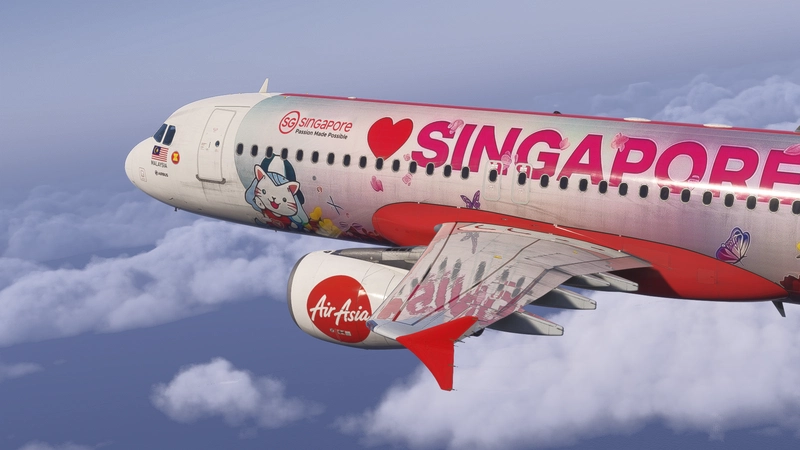
Custom Camera Views for PMDG 738 (ALL VARIANTS) providing various preset perspectives including pilot view, wing views, GOPRO cockpit view, engine views, and panel views. Enhance your flight experience with these defined custom camera angles for a more immersive simulation. Follow the installation instructions carefully to ensure proper setup within the main MSFS location. Contact the creator, Brandon, for any assistance or feedback on the add-on.

Version History
No version history available.
Related
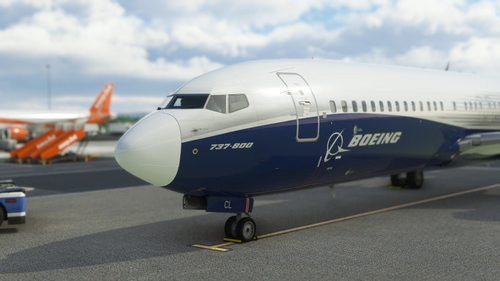
Ryanair EI-DCL
An add-on featuring the Ryanair EI-DCL livery for your flight simulation experience. Installation instructions included for easy setup. Credits to SimTextures for providing high-quality textures. Created by Brandon for your enjoyment.
by Brandon
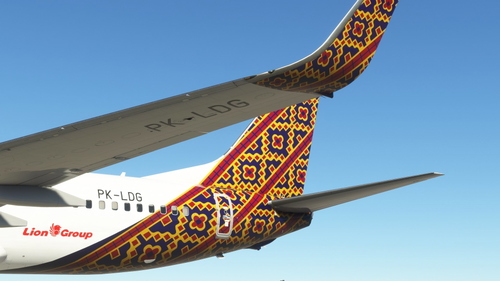
Batik Air PK-LDG
Explore the detailed Batik Air PK-LDG livery for Microsoft Flight Simulator X. Installation is simple; just copy and paste the content into your community folder. Special credit to Benedictus Nathaniel Rusdianto for the Batik texture.
by Brandon
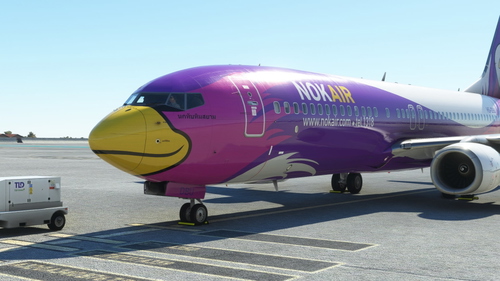
Nok Air HS-DBU
A detailed livery mod by Liveries New Zealand Development Group for the Nok Air aircraft with the registration HS-DBU. Enjoy a realistic representation of this livery with simple installation instructions. Show your support to the developer by visiting their website.
by Brandon
Batik Air Malaysia 9M-LCR
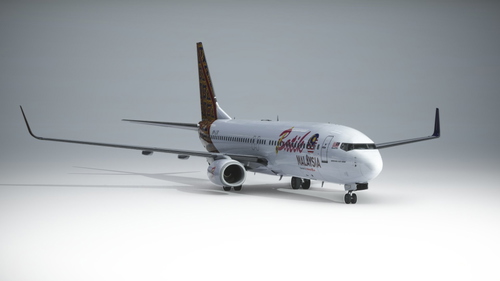
Experience the Batik Air Malaysia / MXD 9M-LCR livery for Microsoft Flight Simulator. Simply install by copying the contents into your community folder. Special credit to Benedictus Nathaniel Rusdianto for the detailed Batik texture. Enjoy your flight with this stunning livery designed by Brandon.
by Brandon
Log in to join the discussion
Log InComments(1)
about 4 years ago
It works well, but for some odd reasons, it applies to all 737 aircraft even the 700, so if I made saves to the 800, then load 700 the cams looks weird