
Description
GSX profile for JetStream Designs LFPO airport.
- Accurate stopping position for all gates
- Customized vehicle locations for all gates
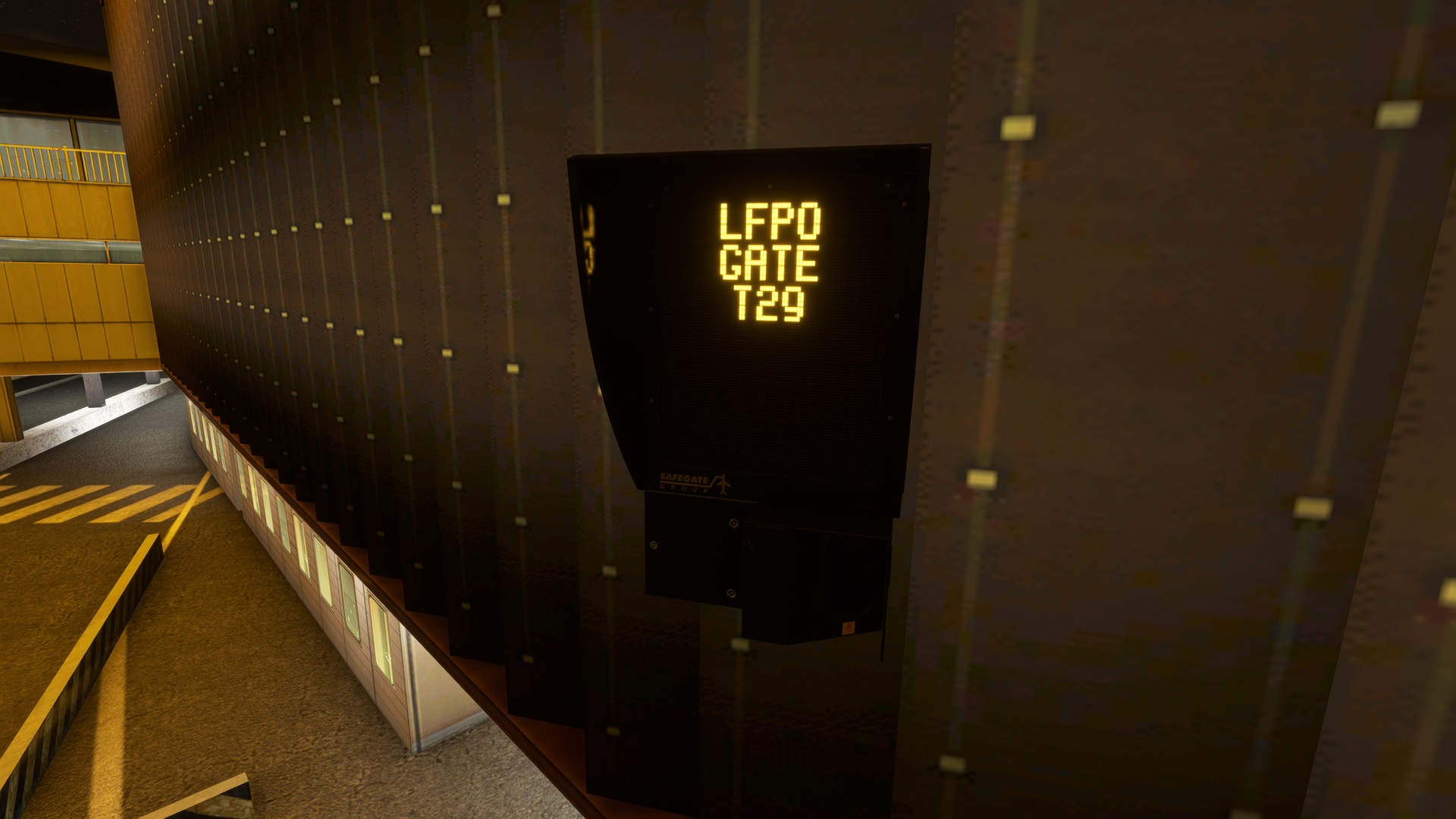
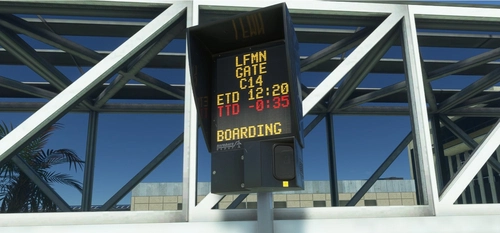
- VDGS
- Custom pushback for gates A, B, C, D, P, R, S, T, U, V
- Custom PAX waypoints at gates B3, B5, B22, B42, B52, T26, T32 and U4 so that passengers can be seen in the terminal while boarding or deboarding
Please report bugs or anything I could do to improve this profile. I'm not sure about the pushback procedure for T gates, I couldn't find anything in the charts so if someone knows please inform me (the same goes for B52, B61 and B62).
Je ne suis pas sûr de la procédure à suivre pour le repoussage aux porte T, je n'ai rien trouvé dans les charts donc si quelqu'un le sait je suis preneur (idem pour les portes B52, B61 et B62) ! Merci !
Installation instructions if it doesn't work : (with MSFS closed else you'll have to reboot it)
- Copy Paste the ini file to %APPDATA%\Virtuali\GSX\MSFS
- Open the ini file and look at the second line (Afcad path), you should see a path to a BGL file (here it is JSD_LFPO_placed_obj.bgl)
- Search for this file in your community folder, copy this path then past it in the ini file (it still has to end by JSD_LFPO_placed_obj.bgl) and save it
LFPO (JetStream Designs) - GSX Profile
Enhance your LFPO airport experience in Microsoft Flight Simulator with this GSX profile by JetStream Designs. This add-on provides accurate gate stopping positions, customized vehicle locations, VDGS, and custom pushback procedures for specific gates. Additionally, enjoy custom passenger waypoints at select gates for a more immersive boarding and deboarding experience. Instructions included for easy installation and suggestions for improvement welcome.


User Reviews
10 reviews
Version History
Stop positions are now accurate
Log in to join the discussion
Log InComments(47)
over 1 year ago
almost 2 years ago
I have:
- installed the JetStream LFPO Scenery from Simmarket,
- copied the .ini file in the %APPDATA%\Virtuali\GSX\MSFS folder,
- and modified the parameter "afcad_path" with the path to the JSD_LFPO_placed_obj.bgl file (afcad_path = \\?\C:\Users\XXX\AppData\Roaming\Microsoft Flight Simulator\Custom addon folder\jetstream-lfpo\scenery\jetstream-LFPO\JSD_LFPO_placed_obj.bgl) in the .ini file.
To be sure: do we have to deactivate the GSX LFPO Jetways in the FSDT Universal Installer (LFPO_jetways.bgl) or it work without deactivating it?
Thank you!
over 2 years ago
over 2 years ago
j'ai supprimé volo comme expliquer par gsx mais toujours aucune jetway en mouvement quelque soit la porte utilisée.
bonne soirée.
over 2 years ago
VDGS dosen't work.
I tried with gates that you mentionned withotu success. I didn't desactivate gsx jetways.
Please support
almost 3 years ago
almost 3 years ago
over 2 years ago
almost 3 years ago
J'ai deja installé plusieurs profil gsx mais j'arrive pas a faire ofnctionner celui la... quelqu'un aurrait une idée ? (j'ai ca par exemple aux portes T et E)
Merci ^^
almost 3 years ago
almost 3 years ago
almost 3 years ago
about 3 years ago
over 3 years ago
I think the V1.3 update in February '23 added a few new stands and removed a few as well. Profile probably needs some updates to work with the V1.3 update
over 3 years ago
Hi, this is true and this is why I discontinued this profile since I don't have enough time to update it and there is an official version now...
over 3 years ago
How do I install it? Cant find the file you need to put the path in the afcad, i searched the lfpo install folder and the bgl file isnt there. All other gsx profiles I installed its just drag and drop.
over 3 years ago
Did you bought it in the marketplace ? If yes, then try to drag and drop the GSX profile in the correct folder then activate the Sim Update 10 option in the GSX parameters in the FSDT installer
over 3 years ago
From the GSX Pro manual:
-----
SU10 Navdata API Update:
With the GSX October 17th 2022 Update, we are introducing support for the new Navdata API that has been added to the MSFS SDK with the SU10 Update, which will change significantly how GSX will work, enabling compatibility with encrypted Marketplace airports out of the box. The following chapter will explain how this will affect GSX.
The SU10 Navdata API Update:
With the SU10 SDK, a new API has been added to Simconnect, allowing add-ons to obtain data on airports without having to open the airport .BGL file.
This will have profound effects on the way GSX works, since GSX will now work in full on encrypted airports bought on the MS Marketplace, with no need to obtain an alternative .BGL from the scenery developers anymore.
From a reliability and usability point of view, there wouldn’t be any need to create and maintain the “Airport Cache” anymore, which required GSX scanning all files in the Community folder, and detect any changes to it. [...]
-----
I think is not longer required to use this mod, it's why he have been archived.