

Description
Hi,
Haven't been flying the Diamond aircraft in a while and totally forgot I had those camera sets on my hard drive. So here's a set of optimised cameras for the DA62. This mod will also work with the "DA62X Improvement Mod" by mrtommymxr.
Installation:
Just drag and drop into your Community folder
The screenshots were taken with another mod installed. If you're interested in the grey interior just click here and download this one by
highmemfix1:
https://flightsim.to/file/2245/diamond-aircraft-da62-black-interior
Asobo Diamond DA62 / DA62X - Better Cameras
Enhance your Diamond aircraft experience with optimized cameras in this mod that works with the "DA62X Improvement Mod" by mrtommymxr. Easily install by dragging into your Community folder and enjoy improved viewing angles while flying the DA62.

User Reviews
1 reviews
Version History
several improvements to cockpit views changes to instrument views
Related
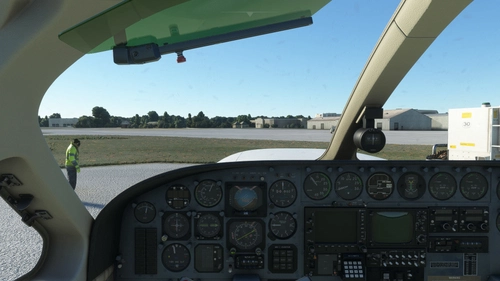
Flysimware Cessna C414 Chancellor - Better Cameras
Enhance your virtual cockpit experience with custom camera views for the Flysimware Cessna C414 Chancellor. This mod provides optimized instrument views for improved visibility, including adjustments to engine gauges and radio/GPS positioning. Simply drag and drop into your Community folder to install. - Archer374
by Archer374
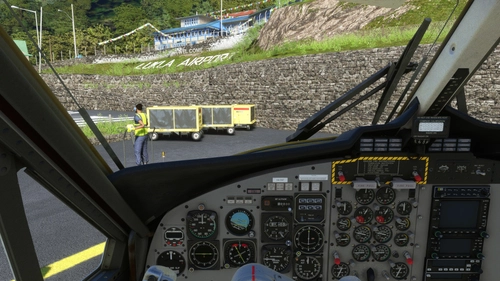
Aerosoft DHC-6 Twin Otter - Better Cameras
Enhance your aerial photography experience with the Aerosoft DHC-6 Twin Otter - Better Cameras V1.1 add-on. This mod features reworked Quick Views, updated instrument views, and improved camera angles for a more immersive flight simulation. Compatible with Microsoft Flight Simulator, simply drag and drop the files into your Community folder to enjoy the enhancements.
by Archer374
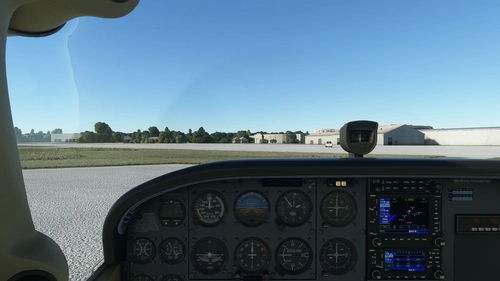
Asobo + Bogalu + WBSim Cessna C172 (Classic and G1000) - Better Cameras
Enhance your visibility with the Asobo + Bogalu + WBSim Cessna C172 add-on, featuring improved camera angles for better instrument visibility and enhanced cockpit views for both Classic and G1000 variants. This mod also includes a version with a higher seating position for improved visibility over the aircraft nose. Compatible with various Cessna 172 mods and enhancements, this package is a must-have for C172 enthusiasts looking to optimize their flying experience in Microsoft Flight Simulator.
by Archer374
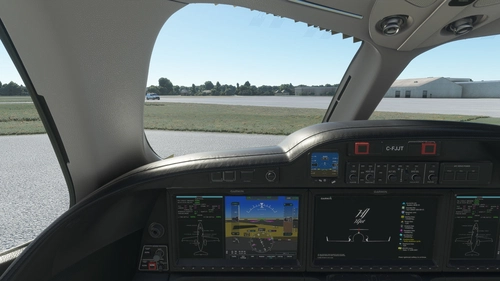
FlightFX Honda HJet HA420 - Better Cameras
Enhance your FlightFX Honda HJet HA420 experience with this add-on featuring additional camera views and improved instrument visibility. Explore new perspectives like the Engine Fire Buttons and AP panel, as well as new instrument views including fuel controls and gear lever. Simply drag and drop into your Community folder for easy installation.
by Archer374
Log in to join the discussion
Log InComments5
Does it make any improvement with TrackIR users?