

Description
Flysimware Cessna C414 Chancellor - Better Cameras V1.1
This package contains a set of custom views for Flysimware's Cessna 414 Chancellor. In addition to the standard cockpit views (Quick Views) I also optimised several instrument views for better visibiliy:
- - Pilot Upper Panel View: removed Yoke and positioned the view so the EFB isn't in the way
- - Pilot Lower Panel View: removed Yoke
- - Engine Gauges: now all six engine gauges are visible in 16:9 view
- - Radios/GPS: positioned for better visibility
- - added special EFB view.
- - several small changes to other instrument views
Installation:
Just drag and drop into your Community folder
Best wishes
Archer374
Flysimware Cessna C414 Chancellor - Better Cameras
Enhance your virtual cockpit experience with custom camera views for the Flysimware Cessna C414 Chancellor. This mod provides optimized instrument views for improved visibility, including adjustments to engine gauges and radio/GPS positioning. Simply drag and drop into your Community folder to install. - Archer374
Supporters

User Reviews
8 reviews
Version History
changed back the folder name in accordance with FSW C414 update 3.3.2
Related
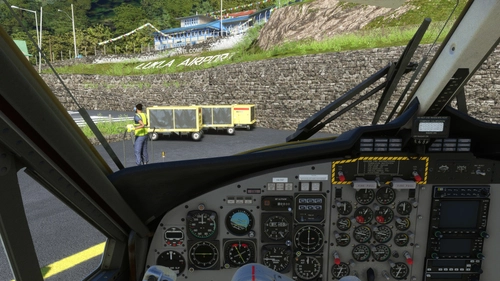
Aerosoft DHC-6 Twin Otter - Better Cameras
Enhance your aerial photography experience with the Aerosoft DHC-6 Twin Otter - Better Cameras V1.1 add-on. This mod features reworked Quick Views, updated instrument views, and improved camera angles for a more immersive flight simulation. Compatible with Microsoft Flight Simulator, simply drag and drop the files into your Community folder to enjoy the enhancements.
by Archer374
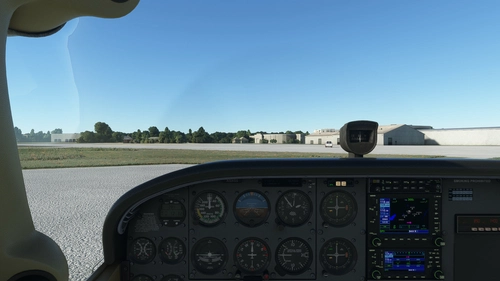
Asobo + Bogalu + WBSim Cessna C172 (Classic and G1000) - Better Cameras
Enhance your visibility with the Asobo + Bogalu + WBSim Cessna C172 add-on, featuring improved camera angles for better instrument visibility and enhanced cockpit views for both Classic and G1000 variants. This mod also includes a version with a higher seating position for improved visibility over the aircraft nose. Compatible with various Cessna 172 mods and enhancements, this package is a must-have for C172 enthusiasts looking to optimize their flying experience in Microsoft Flight Simulator.
by Archer374
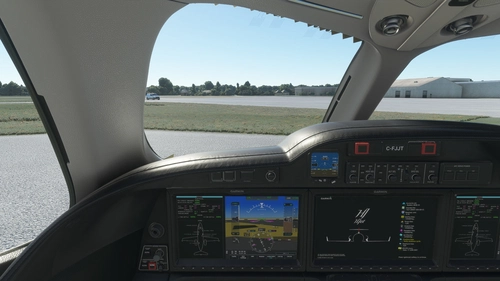
FlightFX Honda HJet HA420 - Better Cameras
Enhance your FlightFX Honda HJet HA420 experience with this add-on featuring additional camera views and improved instrument visibility. Explore new perspectives like the Engine Fire Buttons and AP panel, as well as new instrument views including fuel controls and gear lever. Simply drag and drop into your Community folder for easy installation.
by Archer374
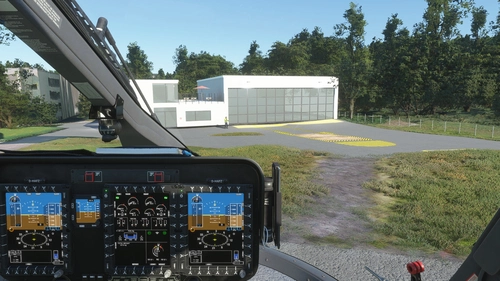
HPG Airbus H145 - Better Cameras
Enhance your cockpit experience with the HPG Airbus H145 - Better Cameras add-on, which offers reworked cockpit cameras and additional instrument views for the payware H145 helicopter. The mod includes various instrument views such as cockpit MFDs, EFB/Tablet, Garmin, autopilot, and more, allowing for a more immersive flying experience. Simply drag and drop the package into your Community folder for easy installation.
by Archer374
Log in to join the discussion
Log InComments(30)
over 2 years ago
over 2 years ago
over 3 years ago
With this enabled prop gauge is inop along with a number of other dead gauges
over 3 years ago
sorry I can't reproduce the error. The camera.cfg normally has nothing to do with how instruments work.
almost 4 years ago
Thanks for the update.
almost 4 years ago
Mod does not seem to work with the new 3.3.1 version of the aircraft. Camera is on the floor for everything.
almost 4 years ago
On it. Thanks!
almost 4 years ago
Hi Archer,
Thanks for the quick turnaround but it does not seem to work. Checked that it was in my Community folder and all. I still get the default views.
Thanks,
Garry
about 4 years ago
Just a question from a camera-programming rookie:
Why does the yoke control lock keeps reappearing on some views even after disabling it within the EFB on cold 'n dark? When the mod is not installed, it is no longer visible in this case till I set it ON after parking the plane. With the mod fully installed, invoking the EFB from your specific view sets the lock to ON every time I invoke the EFB. Theres' no way to disable it.
Not a big problem, the lock disappear after TO but it's not an usual behaviour. Moreover, there's several instructions witihin your camera.cfg which indicate to disable the yoke1 control lock, but apparently to no avail.
about 4 years ago
There are some problems with making yokes disappear. This function is not consistent among aircraft and may be subject to custom code or something.
Since there seem to be less problems in the original version without my mod, I can look into it. Maybe I'll find something. Thanks
about 4 years ago
No hurry! I certainly can live with it!
about 4 years ago
I think I got it now. Will update ASAP.
about 4 years ago
This last version runs fine.
You're the boss!
Thanks for your reactivity.
Well deserved donation made yesterday, I'm happy to contribute.
about 4 years ago
Hello,
Great and very useful mod.
Unfortunately, it doesn't work anymore with the brand new 2.7.3 version, probably due to the change of folder name used by FSW.
about 4 years ago
fixed it. Thanks!
about 4 years ago
Flysimware Cessna 414AW Final Beta 2.6.1 Paintkit was fixed and updated today to work with the new animated boots and the final version. https://flysimware.com/website2019/paintkits/
Flysimware
over 4 years ago
Great as usual, thank you.
over 4 years ago
How are we able to access the new cameras? The other new cameras that I use redefine the number pad views.
over 4 years ago
The camera views have to be assign in the "Controls" section and are called "Quick Views" like: "Quick View Right" etc. I usually use an 8-way hat switch on my yoke or joystick for that.
over 4 years ago
Thanks. I will look how to map those to my StreamDeck.