
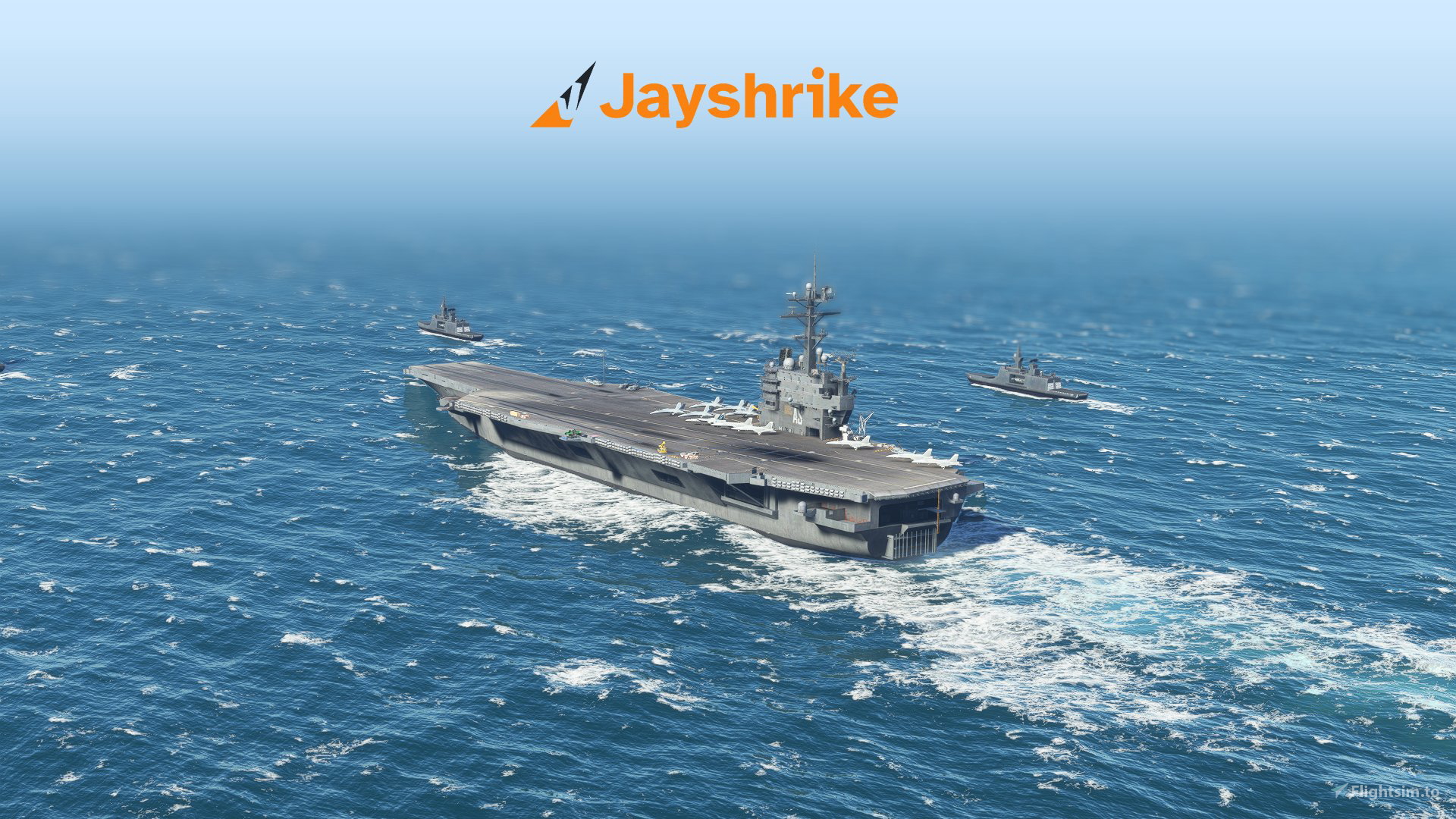
Description
Carrier Locations
• Florida Keys (Southern tip of Florida). Heading: 245
• Gulf of California (Mexican west coast). Heading: 135
• Gulf of Mexico (Open Sea). Heading: 090
• Long Island (New York). Heading: 080
• Lisbon. Heading: 180
• Persian Gulf. Heading: 135
• San Francisco. Heading: 190
• South Carolina. Heading: 060
• Yokosuka (Japan). Heading: 200
Static carriers
• Bremerton (Washington, US). Heading: 250
• Norfolk (Virginia, US). Heading: 045
First flght checklist
1. Make sure the Top Gun update is installed.
2. Download the addon and extract the .zip to your community folder.
Optional:
3. Under Assistance Options > POI, turn off Landmark Markers.
4. Install the Super Warrior (Touching Cloud) and the animated Catapult Crew (Photosbykev).
5. Below, read about all the functions of the carrier.
Starting a flight1. On the world map, find a carrier spawn point (star landmarks) at any of the carrier locations. Or use the search bar (below the aircraft selection) and search for 'carrier'.
2. Set the point as departure and start the flight.
3. You'll spawn in the air, near the carrier. From the toolbar, open the 'Jayshrike Carriers' panel. See the next section for instructions on how to use the panel.
Jayshrike Carriers Panel
You can use our toolbar panel to control all the functions of the carrier, and to make approaching and landing at the carrier easier.
To start, open the panel from the toolbar: Select the button with the Jayshrike logo.
The panel has four sections you can select: Landing, Catapult, Teleport, and Settings.
The landing tab has two parts; visual guidance and scoring
Visual guidance
You can use the visual of the FLOLS and LRLS to guide your approach alignment. For more information about how these instruments work, see the top gun 'carrier landing challenge'.
Scoring
Just like in the landing challenge, you can get a score for your landing. With the panel, you have to start a landing attempt. Then, the scoring will automatically start when you get close enough to the carrier. When you've succesfully landed, the score will be displayed.
With the panel, you can use the catapult for any plane. (If you use the Super Warrior F-18, you can also use its animated catapult crew, instead of the Catapult Tab). For maximum realism, taxi to to one of the catapults before activating the catapult.
1. The catapult can be activated when the plane is on the deck. In the panel, click Activate Catapult.
2. You can activate the holdback bar if the plane is stationary. Click Activate Holdback Bar.
3. Now you can perform takeoff checks and increase the throttle.
4. Click the Ready For Launch button. You will be launched after 5 seconds. The plane will get accelerated to 150 knots. When you leave the deck, the catapult will automatically reset.
Teleport TabWith the panel, you can teleport the plane to different flight stages. There are three teleports:
Carrier Parking: The plane is shut down, with the wings retracted. Follow the checklists to get the plane ready.
Carrier Runway: The plane is ready to take off, just release the parking brake and taxi to a catapult.
Carrier Approach: The plane is in the landing configuration, with the tail hook extended. Use the approach guidance to land on the carrier deck.
Settings TabYou can disable/enable:
• The guidance from the LSO (Landing Signal Officer).
• The POI marker above the carrier.
Tips
1. If you're not familiar with the workings of carrier landings, see the 'carrier landing challenge' from the Top Gun update.
2. To easily find the carrier during flight, use the smart camera. It will point to the carrier if it's nearby.
3. To land at the carrier, extend the tailhook (CTRL + H).
4. With the F/A 18E Super Hornet, you may have to unlock nosewheel steering after landing. Use 'Set Nose Wheel Steering To Limit' in your control settings or press the appropriate button in the virtual cockpit (on the left of the center stick).
5. To release the cable after landing, retract the tailhook.
For developers
If you want to add the carrier to a scenery project, as Object type, choose WorldScript. Select the package: jayshrike-world-carriers. You can select the standard version, 'Jayshrike-WorldCarriers.spb'; or the static version 'Jayshrike-WorldCarriers-static.spb'.
Dependencies
Frequently Asked Questions
World Carriers
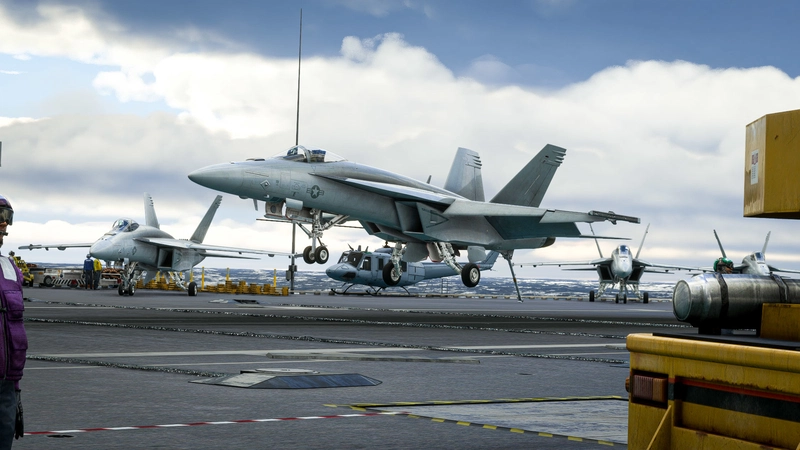
Now you can finally use the Top Gun aircraft carrier in freeflight! You can Approach with instructions from the LSO. Land with help of the arresting cables. And Take Off with the onboard catapults. Try flying in challenging weather or even at night!
Starred
Hand-picked by our team — this addon significantly enhances the MSFS experience and is a must-have for your setup.

User Reviews
73 reviews
Version History
Support for for F-18 Super Warrior with animated catapult crew (Thanks to TouchingCloud and Photosbykev!) Added an additional spawn point on the runway Added new locations Added a static carrier. This partially solves multiplayer syncing, and makes movement with the drone camera easier. Created Toolbar panel with: |Landing Tab| Added the FLOLS panel from the landing challenge, with LRLS (horizontal guidance). This will make it much easier to see the guidance systems, especially in VR. You now get a landing score after landing, just like in the landing challenge! |Teleport Tab| You can now use buttons to teleport to the carrier. You can choose to spawn in a parked state, ready to go on the runway, or on approach to the carrier. |Catapult Tab| You can now control the catapult from the toolbar panel. This is much easier than before. |Settings Tab| You can now disable the LSO callouts. You can now disable the POI marker that follows the carrier.
Related
Channel Islands Airports Upgrade - Jersey, Guernsey, Alderney
Upgrade your Channel Islands experience with enhanced airports and scenery. This add-on includes detailed improvements for Jersey, Guernsey, Alderney, and new addition Brecqhou airports, along with a separate scenery file. Customize your sim with new buildings, ground textures, and added details like fencing and car parks. Version 3.3 combines previous files for a streamlined experience.
by superspud
Greek Airports part 4
The forth part of my Greek airports-airfields collection including among others Omiros, Megas Alexandros, Kalamata, Tatoi, Aristotelis and Kastellorizo Airports with 45 custom 3d models (from terminals and auxiliary buildings to bunkers). All airports are up to date and as real as i can make them.
by jackzyg
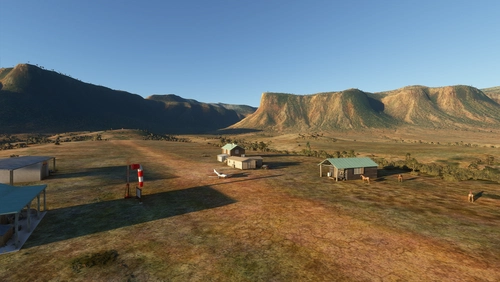
Colorado Ranchers Club Scenery MEGA PACK
Immerse yourself in the Rockies with the Colorado Ranchers Club Scenery MEGA PACK, enhancing unique airports once operated by the Colorado Ranchers Club from FSEconomy. Explore scenic destinations like Redlands, Aspen, and Crested Butte, each offering a different Ranchers Club experience. Discover a blend of luxury, adventure, and relaxation, with activities ranging from horseback riding to skiing. Ensure an optimal experience by using Daves Crooked Library for full scenery immersion.
by bagolu
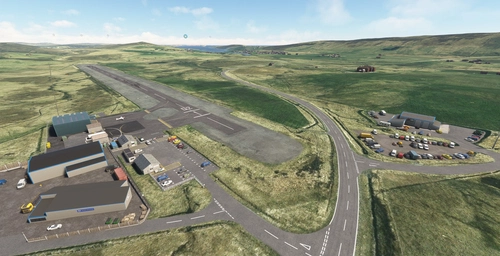
Shetland Airports Upgrade - Scatsta, Tingwall, Unst and More
Upgrade your Shetland airport experience with this comprehensive mod covering various airports including Scatsta, Tingwall, Unst, and more. Explore enhanced ground textures, new runways, taxi systems, buildings, lighting, and ground markings that bring a new level of realism to each airport. Additionally, the scenery file adds details like lighthouses and a tanker for a more immersive flying experience in the Shetland Islands.
by superspud
Log in to join the discussion
Log InComments(410)
about 9 hours ago
about 2 months ago
low needed capacity
7 months ago
7 months ago
7 months ago
i cant catch the cable.
the catapult button is broken, spawning doesnt work and the other carriers I have from India Foxtrot echo stopped working too. if i spawn on the deck i cant start my aircraft.
10 months ago
over 1 year ago
over 1 year ago
over 1 year ago
over 1 year ago
almost 2 years ago
over 1 year ago
You could copy the 'asobo-landingchallenge-carrier' folder from the official MSFS2020 packages to the community folder of MSFS2024. That might work.
There is also the payware 'Supercarrier Pro', which has 4 different ships, voice feedback on landing, animated catapult crew, and more.
https://miltechsimulations.com/products/supercarrier-pro-for-msfs
over 1 year ago
over 1 year ago
almost 2 years ago
almost 2 years ago