
Description
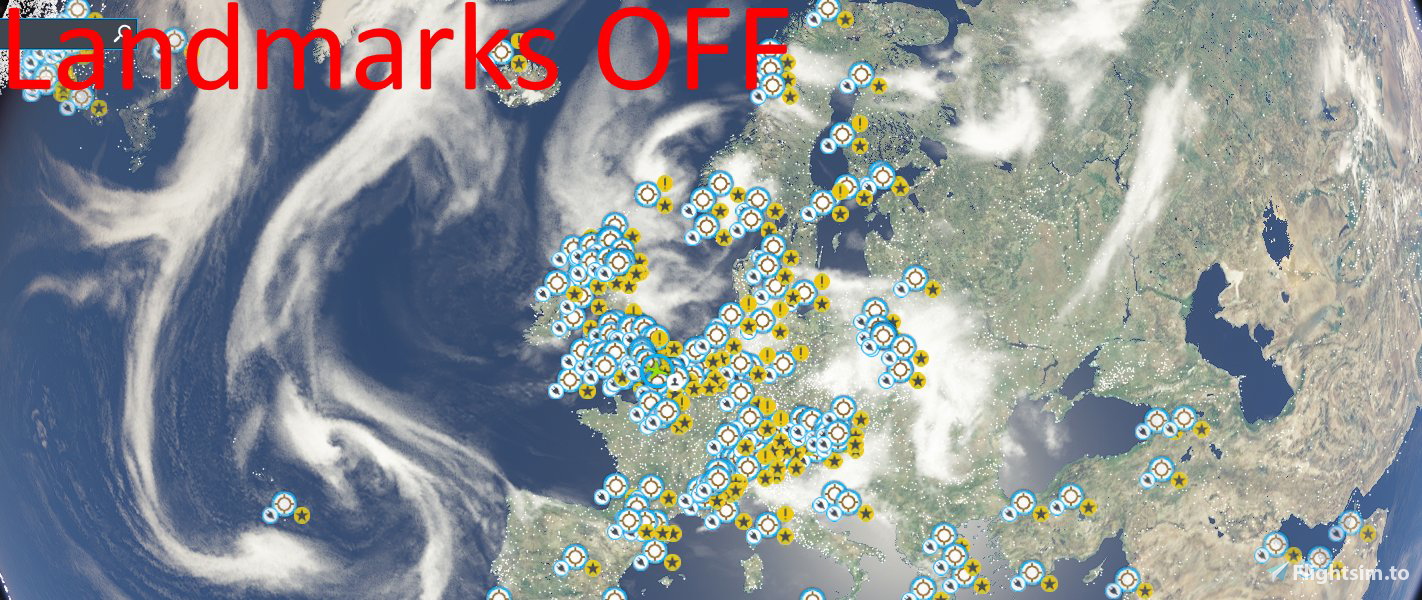
MSFS World Map - Landmarks Permanently OFF
A simple mod that'll turn off landmark labels permanently. I found this helps when using the world map as the Landmark icons take up a lot of space.
Simply drop inside your Community folder.
MSFS World Map - Landmarks Permanently OFF
A simple mod for Microsoft Flight Simulator that permanently disables landmark labels on the world map, allowing for a cleaner and less cluttered navigation experience. Just drop it into your Community folder to apply the change.

User Reviews
1 reviews
Version History
No version history available.
Related
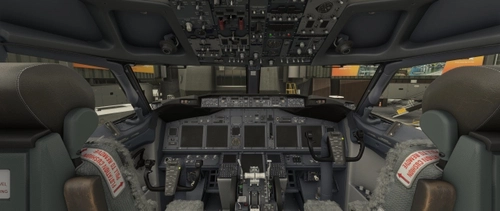
PMDG 737-700 - Cold & Dark Panel State - 1.2
Complete cold and dark panel state package. By using these settings, you'll load in to the sim with 0 pax, 5% fuel qty and 0 cargo. Plane battery, standby power and emergency light switches are set to "OFF". Flick down the switch guards and away you go.
by jmknights93

Headwind A330 Neo - Default Thumbnails
Enhance your Headwind A330 Neo experience with the Headwind A330 Neo Default Thumbnails V3.0 add-on. Simply unzip, copy, and replace folders to update thumbnails for the popular aircraft, ensuring a seamless process for future updates. Keep your simulator organized and up-to-date with this convenient drag and drop solution.
by jmknights93
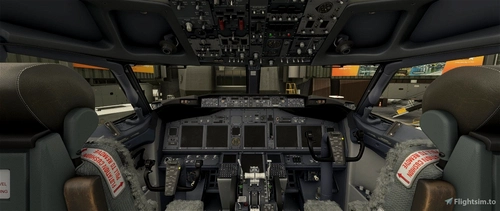
PMDG 737-600 - Cold & Dark Panel State - 1.1
Complete cold and dark panel state package. By using these settings, you'll load in to the sim with 0 pax, 5% fuel qty and 0 cargo. Plane battery, standby power and emergency light switches are set to "OFF". Flick down the switch guards and away you go.
by jmknights93
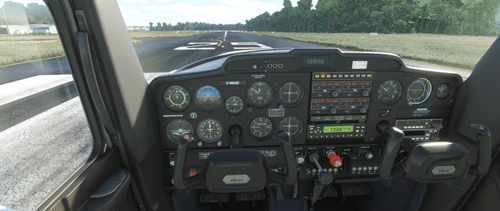
JPL C152 Dark Cockpit
Customize your JPL C152 experience with the JPL C152 Dark Cockpit Textures V1.0. Choose between the "Black and Clean" or "Black and Wood Grain" cockpit variants included in this pack. Simply install by copying the desired texture folder into your Community folder. Developed by Jmknights93, with credit to N95JPL, Whiskytango208, and Fsce for their contributions.
by jmknights93
Log in to join the discussion
Log InComments(6)
over 1 year ago
over 1 year ago
over 4 years ago
Thank you so much! Those landmark icons became so annoying since release of all the world updates ;)
over 4 years ago
I 100% agree with you.
over 4 years ago
Thank you! I would also like to remove the wrenches from the default scenery! How to do it?
over 4 years ago
Those are your 3rd party airports. Please send me a private message and I send you a custom addon for this option.