
Flightsim.to
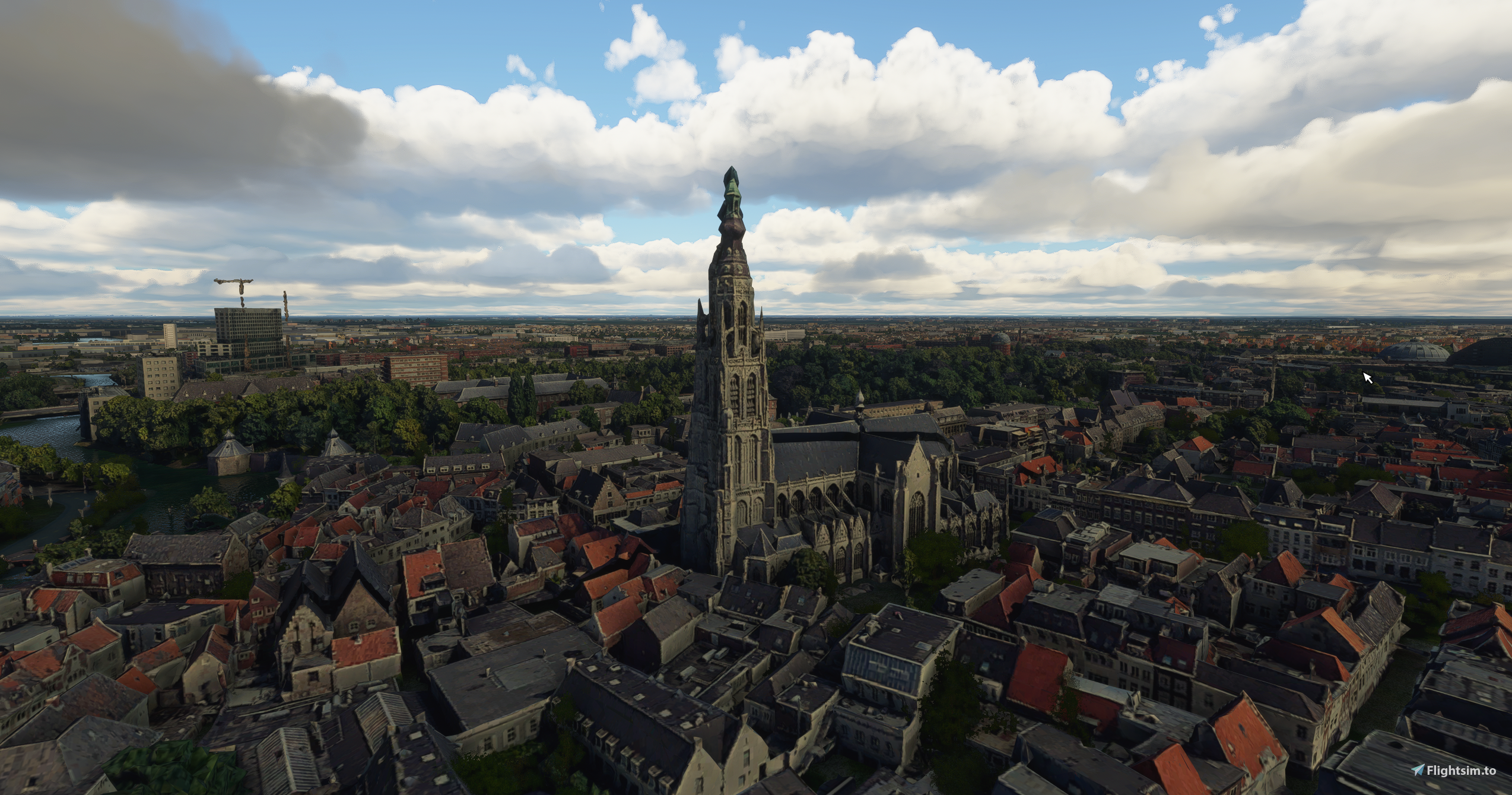
    Breda - City - Image 1

    Description


    Scenery of Breda (inner city)
    This time a nice high quality rendition of the city of Breda. Color corrected and optimal blended in the surrounding default scenery including real/default water for maximum realism. Happy VFR flying!

    Known issues:
    - Colors are corrected as far as possible but some texture coloring can be a bit off.
    - Some very small anomalies, they will be fixed in a future update.
    - I tried to find a good balance in performance vs visuals so that's why the focus is on the inner part of the city.

    Credits
    This scenery has been extracted from Google Maps, hence all 3D credits goes to Google.
    This scenery has been generated with the help of the Google Earth Decoder tool

    Installation
    Drag and drop the folder 'breda' to your MSFS Community folder.

    Comments(15)

    Log in to join the discussion

    Log In
    M

    3 months ago

    Very nice one, still using it, but I wish there was an update for this. With the area Waterdonken included...
    s

    about 3 years ago

    I see al the buildings but everything is plane white :(. Any ideas?

    T

    over 5 years ago

    Thank you very much, you legend!
    F

    over 5 years ago

    Looks really good, but there are some areas missing:

    Woonboulevard and Princenhage, Haagse Beemden, Boeimeer. It's awesome to finally fly over my hometown! Great work!
    M
    Matt88Author

    over 5 years ago

    You are right but it is almost impossible to include the whole city without a (big) impact on performance. That’s why the focus is on the inner part of the city.
    F

    over 5 years ago

    Understood!
    P

    over 5 years ago

    Great indeed but with a huge fps loss! While I used to get 20-30 fps with such scenery, 7-8 fps is the best I can muster now for this one. Since patch 1.10.7.0, any third party scenery has a major frame rate hit. Am I the only one experiencing this?
    M
    Matt88Author

    over 5 years ago

    There is no huge FPS impact with this scenery, with my own system there is a small impact but frames are still above 30 FPS.
    C

    over 5 years ago

    Very good .. and no drop of fram rates! I hope you can do The Haque also !
    M
    Matt88Author

    over 5 years ago

    The Haque is also on the list, first up to Utrecht!
    R

    over 5 years ago

    Whow. This one is also great. And between Den Bosch and Breda lies............Tilburg. Please!
    M
    Matt88Author

    over 5 years ago

    Expect release by tomorrow, some last adjustments are made and than it is ready for release if everything goes well.
    m

    over 5 years ago

    Wow amazing, can you do Den Bosch also?
    M
    Matt88Author

    over 5 years ago

    Already working on it for a time, release expected by today!
    F

    over 5 years ago

    This really looks awesome, nice work!
    Will go fly there in a few minutes and soon in real life.
    Any chance you can develop (Seppe) Breda International Airport as well?
    Not sure how you guys pull this all off, though impressed with what you made. Thanks and happy landings!
    MSFS 2020MSFS 2024

    Breda - City

    Explore the city of Breda in this high-quality scenery add-on, featuring color correction and seamless integration with the default surroundings for a realistic VFR flying experience. Please note some minor texture coloring issues and anomalies that will be addressed in future updates. This scenery, extracted from Google Maps, focuses on the inner city area to strike a balance between performance and visuals.

    Downloads2K
    Version1.0
    File Size705.23 MB
    Published5 years ago
    Updated5 years ago

    User Reviews

    4.9

    6 reviews

    5
    83%
    4
    0%
    3
    0%
    2
    0%
    1
    0%

    More Information

    Simulator
    MSFS2020
    Sub-CategoryCities
    ICAONULL

    Version History

    No version history available.

    Related
    Honolulu

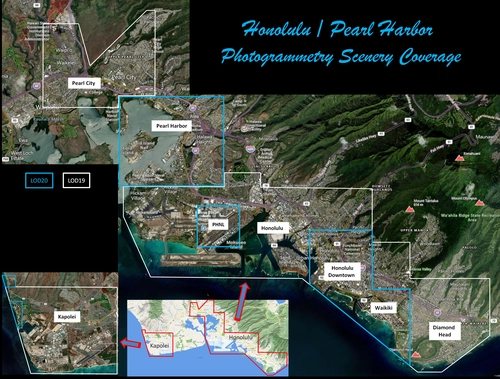
    Honolulu

    Explore the photogrammetry scenery of Honolulu, including the iconic Pearl Harbor area with optimized performance for better FPS. Discover Waikiki, Honolulu downtown, and more with this detailed addon. Enhance your experience by adding free mods for carriers, battleships, and military airplanes in Pearl Harbor and surrounding bases. Support the creator for future updates if you enjoy this mod.

    by steveli
    4.1
    Downtown Los Angeles

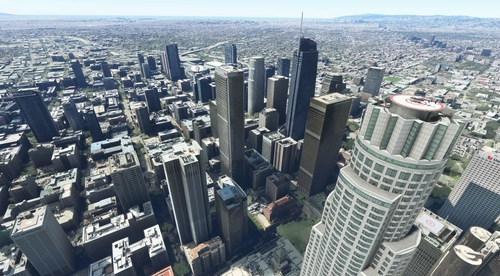
    Downtown Los Angeles

    Various buildings and monuments that are missing from Los Angeles in the game that shoudn't be. Wilshire Grand Center, SoFi Stadium, 801 S Grand, 825 S Hill, 888 S Hope, 1000 Grand, Apex the One, Atelier, Aven Apartments, Metropolis Towers, Level Los Angeles

    by senecadriver
    4.7
    Paris

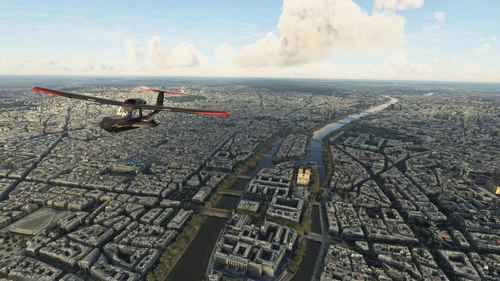
    Paris

    Explore the iconic cityscape of Paris in Microsoft Flight Simulator. This detailed add-on captures the essence of the French capital, featuring famous landmarks and architectural marvels. With accurate GPS coordinates, immerse yourself in the beauty of Paris, known for its historical significance and vibrant culture. Download now and experience the City of Light from a whole new perspective.

    by Thalixte
    4.5
    Dubai City Pack

    Dubai City Pack

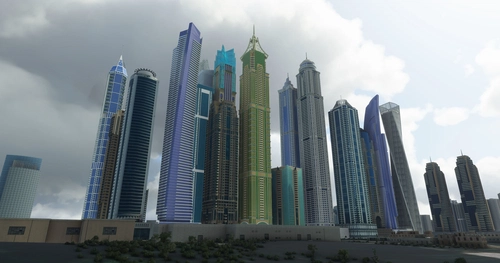
    Explore a detailed rendition of Dubai City and Jebbel Ali Port featuring over 250 custom buildings and various landmarks like the iconic hotels and tourist attractions. While focusing on enhancing the daytime visuals, this pack offers improved textures for select buildings, promising a refreshing experience for simmers. Additionally, adjustments have been made to SkyDive Dubai Airport to address previous elevation issues, ensuring a more immersive flight into this dynamic cityscape.

    by risuali

    4.7
    Logo

    Looks like your ad blocker is on.

    ×

    We rely on ads to keep creating quality content for you to enjoy for free.

    Please support our site by disabling your ad blocker.

    Continue without supporting us

    Choose your Ad Blocker

    • Adblock Plus
    • Adblock
    • Adguard
    • Ad Remover
    • Brave
    • Ghostery
    • uBlock Origin
    • uBlock
    • UltraBlock
    • Other
    1. In the extension bar, click the AdBlock Plus icon
    2. Click the large blue toggle for this website
    3. Click refresh
    1. In the extension bar, click the AdBlock icon
    2. Under "Pause on this site" click "Always"
    1. In the extension bar, click on the Adguard icon
    2. Click on the large green toggle for this website
    1. In the extension bar, click on the Ad Remover icon
    2. Click "Disable on This Website"
    1. In the extension bar, click on the orange lion icon
    2. Click the toggle on the top right, shifting from "Up" to "Down"
    1. In the extension bar, click on the Ghostery icon
    2. Click the "Anti-Tracking" shield so it says "Off"
    3. Click the "Ad-Blocking" stop sign so it says "Off"
    4. Refresh the page
    1. In the extension bar, click on the uBlock Origin icon
    2. Click on the big, blue power button
    3. Refresh the page
    1. In the extension bar, click on the uBlock icon
    2. Click on the big, blue power button
    3. Refresh the page
    1. In the extension bar, click on the UltraBlock icon
    2. Check the "Disable UltraBlock" checkbox
    1. Please disable your Ad Blocker
    2. Disable any DNS blocking tools such as AdGuardDNS or NextDNS
    3. Disable any privacy or tracking protection extensions such as Firefox Enhanced Tracking Protection or DuckDuckGo Privacy.

    If the prompt is still appearing, please disable any tools or services you are using that block internet ads (e.g. DNS Servers, tracking protection or privacy extensions).