
Description
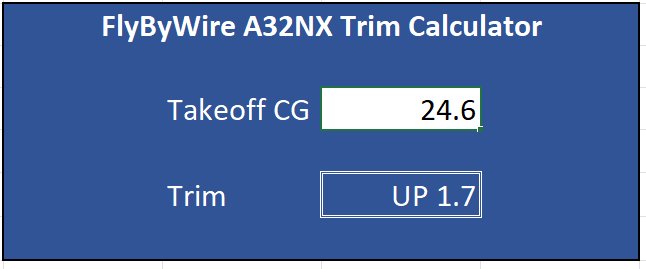
Excel worksheet that calculates the trim setting for the A32NX from the takeoff CG.
FlyByWire A32NX Trim Calculator
A convenient Excel worksheet for calculating the trim setting for the A32NX aircraft based on the takeoff CG.


Version History
Changed color of the calculated trim value cell to blue text on black (color it would be in the A320 MCDU) Added version number Added link to the A32NX checklist that has the trim scale used to create the equation
Related
SimBrief Loader
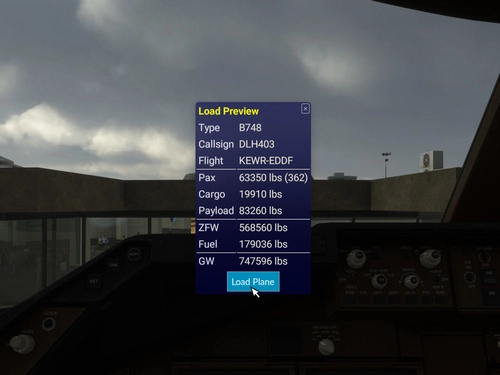
Automatically load fuel and payload weights from SimBrief for select aircraft in Microsoft Flight Simulator. Verify and load the flight plan, ensuring correct weights are applied for an accurate simulation experience. Customized for specific aircraft models and prevents mismatches with in-game weight settings. Note: Flow Pro integration is necessary for addon functionality.
by timwells
MSFS Settings Widgets
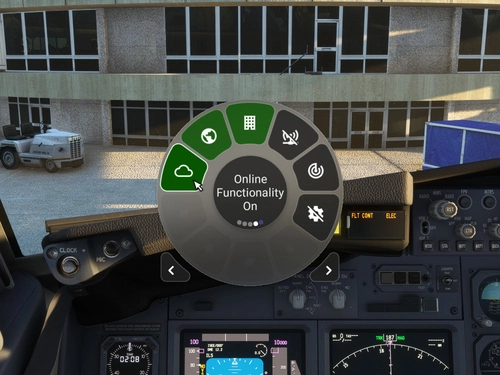
Easily toggle various MSFS settings with these widgets, including online functionality, graphics options, sound settings, and more. Adjust settings with simple clicks or scrolls, with a 2-second delay to prevent frequent changes. Stay updated with the Bing Data World Graphics widget and ensure a seamless simulation experience. Compatibility requires Flow Pro version 2023.29.3.12 or newer.
by timwells
Flow Radio Scripts
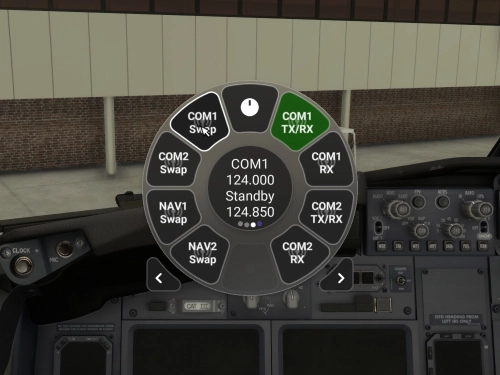
Enhance your aviation experience with Flow Radio Scripts, offering convenient widgets for seamless tuning and swapping of COM and NAV radio frequencies in Microsoft Flight Simulator. This add-on includes features such as toggling receive only mode, swapping active and standby frequencies, and toggling between 8.33 kHz and 25 kHz frequency spacing. Compatible with select aircraft like PMDG 737 and FlyByWire A32NX, this tool is designed to work with vPilot for VATSIM, ensuring a smoother radio management experience in the virtual skies. Please note that Flow Pro is necessary for utilizing this add-on.
by timwells
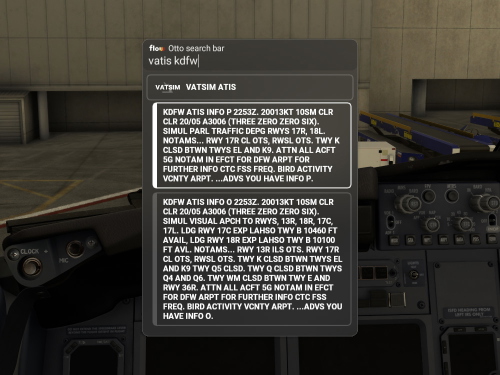
Flow VATSIM ATIS
Access VATSIM ATIS for airports with available information, and easily copy the ATIS text with a simple click. Please note that Flow Pro is necessary for utilizing this add-on.
by timwells
Log in to join the discussion
Log InComments(8)
about 3 years ago
over 4 years ago
Many thanks to the creator of this tool as well as to the comments of the orher guys here! Your content is much appreciated!
over 4 years ago
For those who may not know: this is on the throttle quadrant in the cockpit already.
I understand this may be useful for folks who dont have TrackIR/VR or a custom view to see it, but in case people dont know..now you do.
over 4 years ago
Yes, you can use the scale on the throttle quadrant or on the checklist provided by FlyByWire. I found those scales hard to use because of the lack of tick marks between whole numbers. Maybe it doesn't need to be that exact?
over 4 years ago
It should be close. If you set the trim based on the MCDU CG, you can then use F/CTL page to see the "0.6 UP" etc. This allows a precise reading of the trim.
Not saying this app isn't useful, but there are ways to do this in the cockpit too :)
almost 4 years ago
what do you mean? where in throttle quadrant?
almost 4 years ago
what are you talking about? you need to calculate trim , you cant just trim it as you want.
almost 4 years ago
The CG defines TO trim: there's a direct relationship between CG readings and TO Trim...not sure what you are trying to say.