
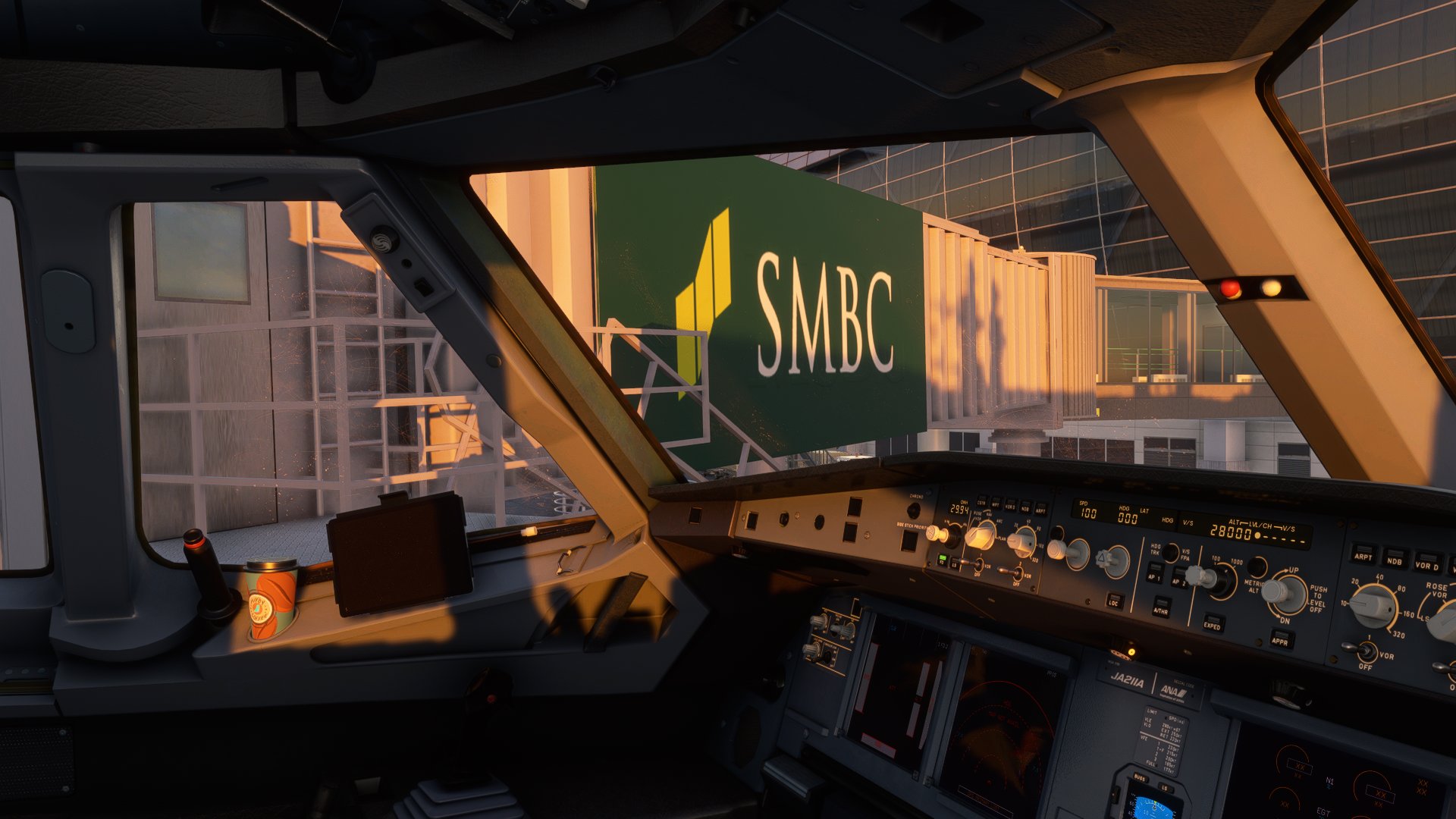
Description
TECHNOBRAIN's RJBB- logo fix
・OverviewThis is a mod that modifies the texture of RJBB created by TechnoBrain.
・The contents of change
MSBC → SMBC (Jetway)
LOYAR → ROYAL
ASAC → AASC
CATS → CKTS
LHD → DHL
TODAY EXPRESS → NIPPON EXPRESS
Corrected KIX logo (Interior of Terminal 1 and appearance of Terminal 2)
In addition, we are adding a logo that has been erased.
* The "SMBC" logo is "MSBC" modeled after the jetway itself, so the shadow of MSBC may appear depending on the angle of light.
・How to install
Unzip the zip file and overwrite the landscape folders "FSAC_RJBB_PBB02_ALBEDO.PNG.DDS" , "FSAC_RJBB_AREA03_ADB02_ALBEDO.PNG.DDS" and "FSAC_RJBB_AREA03_ADB01_ALBEDO.PNG.DDS".
- Location of the "FSAC_RJBB_PBB02_ALBEDO.PNG.DDS" file
SimObject > landmark > FSAC_RJBB_Jetways > texture > FSAC_RJBB_PBB02_ALBEDO.PNG.DDS
- Location of the "FSAC_RJBB_AREA03_ADB02_ALBEDO.PNG.DDS" and "FSAC_RJBB_AREA03_ADB01_ALBEDO.PNG.DDS" file
scernery > grobal > scernery > texture > "FSAC_RJBB_AREA03_ADB02_ALBEDO.PNG.DDS" and "FSAC_RJBB_AREA03_ADB01_ALBEDO.PNG.DDS"
* This mod does not respond even if you drag and drop it to the community folder. You need to overwrite the texture file in TechnoBrain's RJBB folder.
* Overwrite only the texture file (.DDS). Overwriting other folders etc. will damage the scenery itself.
⚠️Caution
-Be sure to make a backup of your scene data before overwriting the texture data.
-To use this mod, you need the RJBB scenery created by TechnoBrain.
-We have confirmed the operation of only the files downloaded by simmarket. We have not confirmed the operation with the marketplace version of MSFS.
Location
TECHNOBRAIN’s RJBB - Logo fix
This mod enhances the texture of TechnoBrains RJBB airport scenery in Microsoft Flight Simulator. It corrects logos, adds missing ones, and improves the appearance of terminals. Installation requires overwriting specific texture files within the scenery folders. Caution: Backup scene data before applying the mod and ensure you have the original TechnoBrains RJBB scenery installed for compatibility.


User Reviews
3 reviews
Version History
Minor corrections.
Related
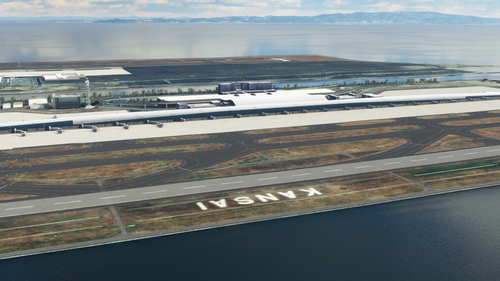
RJBB - Kansai International Airport
Explore the detailed rendition of RJBB - Kansai International Airport in Microsoft Flight Simulator, featuring custom models of terminals, control tower, and cargo terminal. Support the creator through the provided PayPal link if you enjoy the scenery.
by nsajid91
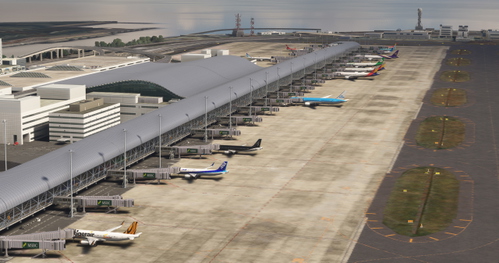
Technobrain RJBB Osaka Kansai Ground Enhancement and AI Config
Enhance your airport experience with the Technobrain RJBB Osaka Kansai Ground Enhancement and AI Config add-on. This mod increases AI aircraft operations and gate availability at RJBB, featuring updated airline coding, accurate gate assignments, and improved taxi paths. Simply drag and drop files into your community folder for easy installation.
by Ryanosaurus13
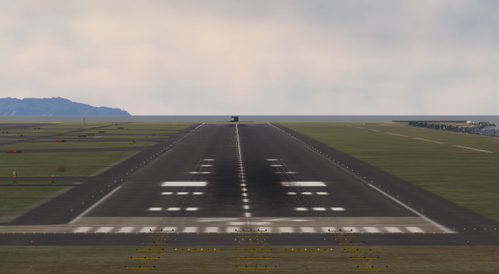
Technobrain RJBB RWY06L/24R FIX for World Update: 20 Japan
The Technobrain RJBB RWY06L/24R Fix addresses severe bumps and unusable terrain on the runways at Kansai International Airport following World Update 20: Japan. This add-on serves as a temporary solution to a scenery conflict and requires ownership of the Technobrain RJBB airport add-on. Users are advised to remove the fix once an official update is made available to prevent future issues.
by kentoasty
RJBB Osaka Kansai - FSLTL Static Aircraft (Technobrain)
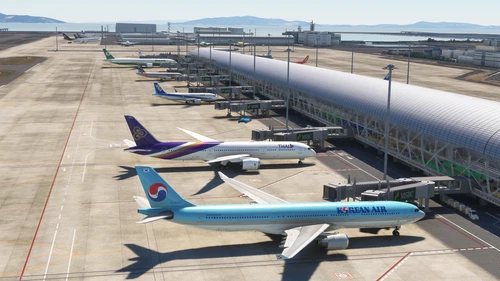
Enhance the realism of your virtual experience at RJBB Osaka Kansai airport with the FSLTL Static Aircraft scenery mod. This mod features hand-placed static aircraft at gates and ramps, based on real-world airline operations, providing a more immersive environment without impacting FPS. It requires the installation of FSLTL base models and is designed specifically for Technobrains RJBB, ensuring optimal compatibility and visual accuracy.
by ixvst01
Log in to join the discussion
Log InComments(26)
9 months ago
over 2 years ago
thank you.
almost 3 years ago
This is not correct. The "MSBC" logo is caused by the "FSAC_RJBB_PBB02_NORMAL.PNG.DDS" texture. You can either create your own normal map or open the texture in an editor and paint the logo over.
about 1 year ago
about 4 years ago
Thanks for the update, buddy!
over 4 years ago
No problem with Marketplace version, nice job!!!
over 4 years ago
Just be aware that in the path you provide to instal the files, one of the file is wrongly named by you as "scernery" instead of "scenery" of course..
But for people not checking that point it create a wrong duplicated file....
over 4 years ago
I see you're still rolling out some updates :D Fantastic job! I figured whilst you're adding more I may as well give you a few more to look at (only if you want to of course!)
First is the missing Family mart branding from this building -> https://i.imgur.com/KCYk1uh.jpg
Then there's a heap of signs over by the landside of terminal 1. I've linked the in game screenshot and a real life photo of the same spot if that helps.
https://i.imgur.com/PVNxRsO.jpg?1 (in game #1)
https://i.imgur.com/QQRguII.jpg (real life #1)
https://i.imgur.com/dfnsUMl.jpg (in game #2)
https://i.imgur.com/aiiFyVe.jpg (real life #2)
https://i.imgur.com/l7mcCxm.jpg (in game #3)
https://i.imgur.com/0EC24Sb.jpg (real life #3)
https://i.imgur.com/tnWG1pG.jpg (in game #4)
https://i.imgur.com/YK6ZnbX.jpg (real life #4)
over 4 years ago
over 4 years ago
That was fast! Thanks a lot :)
over 4 years ago
Perfect idea - we have some update Airports with new Airline signs (copright I guess)..... Which program did you use to fix the textures ?? best regards Ted
over 4 years ago
I used the paint software that came with Microsoft.
over 4 years ago
could you do KSEA for us ??? Wrong Delta and Alaska Airline Logo... best regards :-)
over 4 years ago
I'm sorry, but we are planning to correct only RJBB at the moment. If I get a chance, I will also fix KSEA.
over 4 years ago
that would be very nice - thank you for your commitment and best regards----- Ted ;-)
over 4 years ago
Thank you for the update! Much appreciated :)
over 4 years ago
thx for this mod, great job!!
over 4 years ago
This is great. Thank you for making it.
Is there any chance you're able to correct the ramps of the airport? The basic fix needed is for cargo ramps to be labeled as cargo and not general aviation ramps.
It'd also be great to assign the correct gates to the airlines that use them.
over 4 years ago
I'm sorry, but I don't have the technology to do such complicated work. It's the limit to modifying textures like this mod.
over 4 years ago
No worries, thank you anyway!