
Description
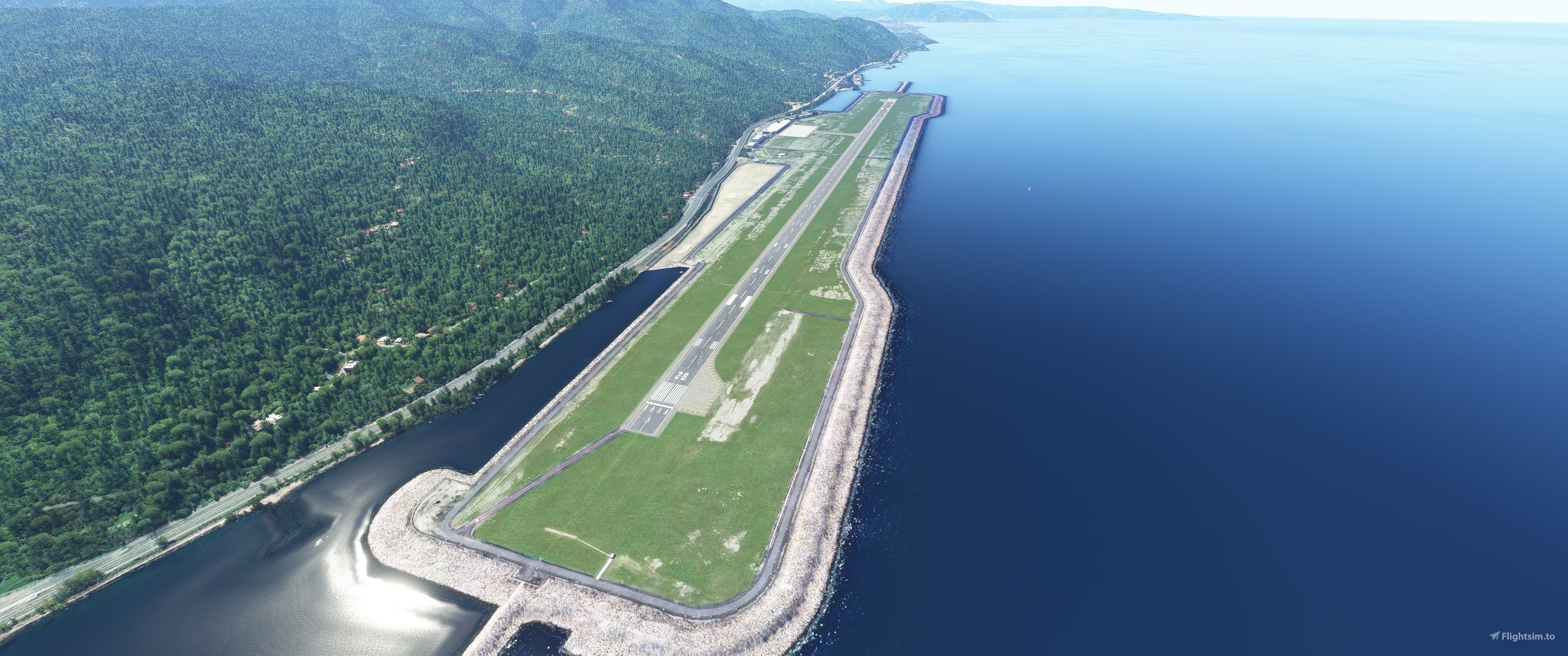
The default LTCB airport has no lights. This scenery add-on fixes this issue. It adds runway lights, approach lights, PAPI lights, taxiway lights and apron lighting. It also enhances and corrects the default scenery.
For installation, simply open the archive folder and place the main folder under your MSFS community folder.
------------------------------------
MSFS'in kendinde yer alan orijinal LTCB havaalanında ışıklandırma yoktur. Bu senaryo eklentisi bu sorunu çözmeye yöneliktir. Pist ışıklandırmaları, yaklaşma ışıkları, PAPI ışıkları, taksi yolu ve apron ışıklandırmaları eklenmiştir. Ayrıca senaryo bazı geliştirmeler yapılmıştır.
Kurulum için arşivlenmiş dosya içindeki ana klasörü MSFS community klasörü içine yerleştiriniz.
Location
LTCB Ordu Giresun Airport Light Fix and Scenery Enhancement
This add-on fixes all the major aspects of the airport lighting that is absent in the default LTCB Ordu Giresun airport scenery. Runway lights, approach lights, taxiway and apron lights are added according to the real-world facts. It also enhances the default scenery.


Version History
Some minor fixes
Related
LTBA İstanbul Atatürk Airport Remove Runways 35 L&R
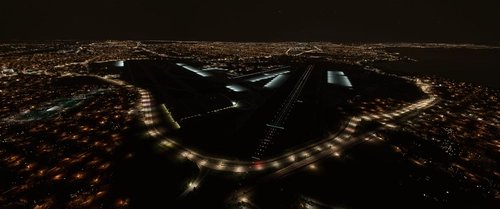
This scenery add-on removes runways 35R-17L and 35L-17R, deletes all runway and approach lights to these runways, and adds scenery elements to the southern portion of the runways. A modification aimed at restoring Atatürk Airport to its former glory. Installation is easy, just extract and place the main folder in your MSFS Community Folder.
by Murat Okay
LTCE Erzurum Airport Scenery Enhancement
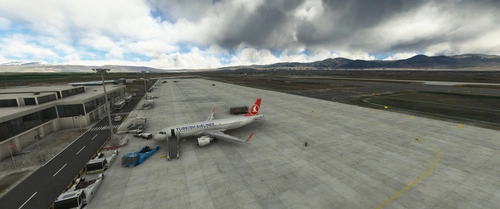
Enhance your Erzurum airport experience with this addon, featuring improved apron lighting for MSFS. Simply extract the file to your Community folder for easy installation.
by Murat Okay
LTAU Kayseri Erkilet Airport Scenery Enhancement
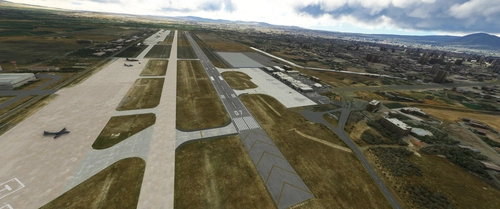
Enhance the default Kayseri airport scenery and lighting with this addon for Microsoft Flight Simulator. Simply extract the files to your Community folder to enjoy the improvements.
by Murat Okay
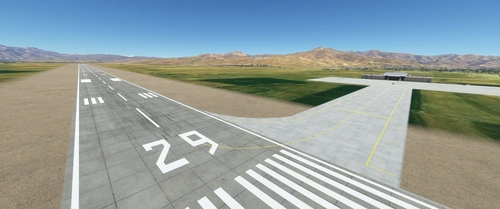
LTCW Hakkari Yuksekova Selahaddin Eyyubi Airport Scenery Enhancement
Enhance the default LTCW airport in MSFS2020 with this scenery add-on. It corrects runway properties, adds taxiways, apron with lighting, and parking ramps. Simply place the main folder in your MSFS community folder for installation. Make sure to follow instructions for Navigraph users to avoid duplicated runways.
by Murat Okay
Log in to join the discussion
Log In