
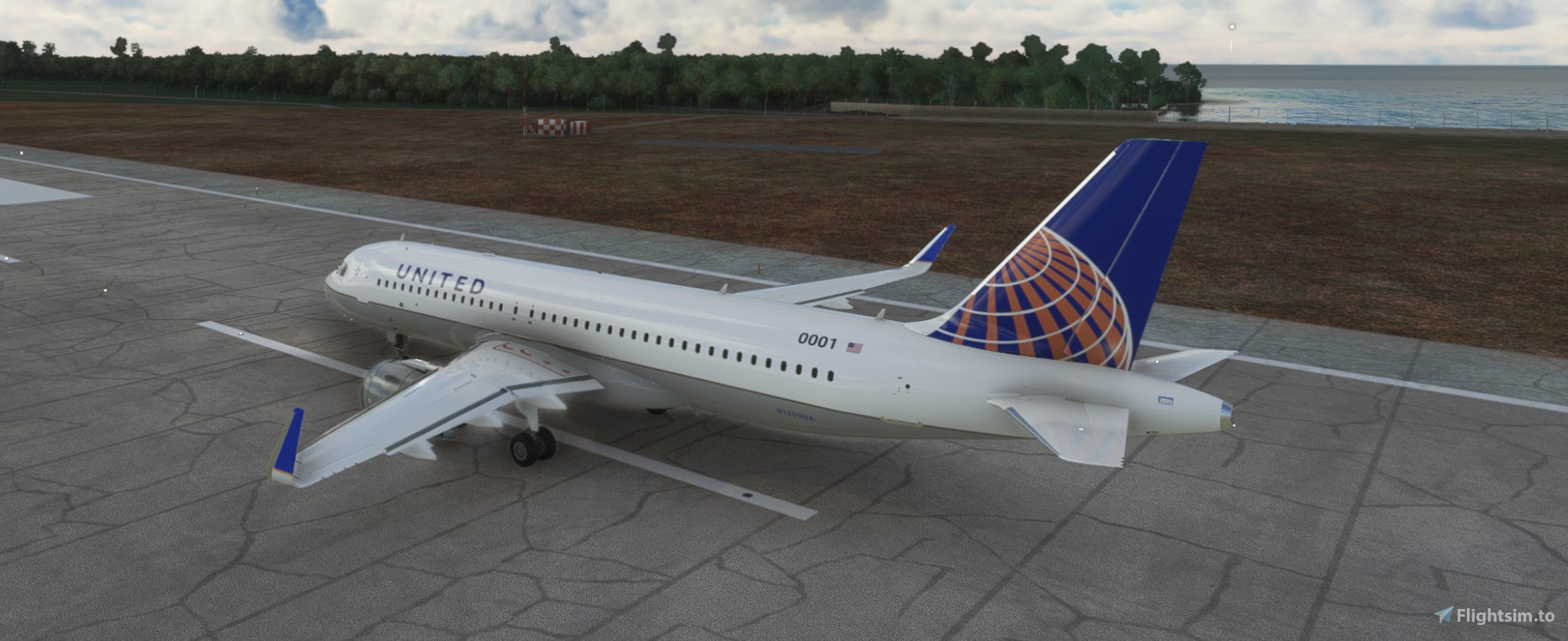
Description
How to install it?
1. go to your microsoft flight simulator community folder
2. copy livery folder from downloaded zip file
3. paste this to your community folder
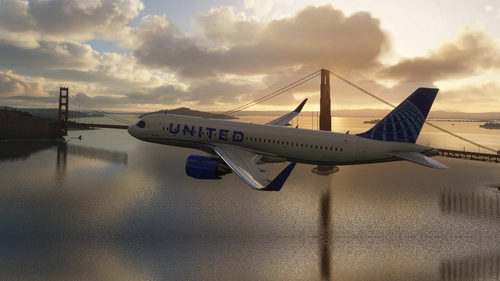
United Airlines Airbus A320neo livery
Enhance your Microsoft Flight Simulator experience with the United Airlines Airbus A320neo livery. Follow simple steps to install this eye-catching livery and enjoy flying with the iconic United Airlines design.


User Reviews
1 reviews
Version History
No version history available.
Related
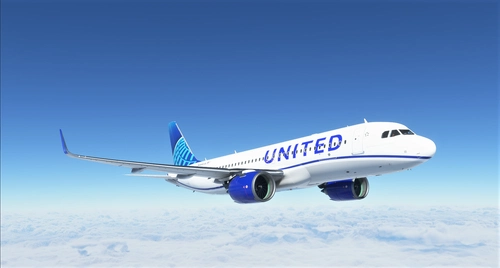
8K United Airlines Blue Livery A320neo
Experience the latest United Airlines Blue Livery for the A320neo in stunning 8K textures. This add-on brings Uniteds newest livery to life in Microsoft Flight Simulator, created with Blender for high-quality visual realism. Simply extract the file to your community folder and enjoy flying the friendly skies with this eye-catching livery.
by Xander548
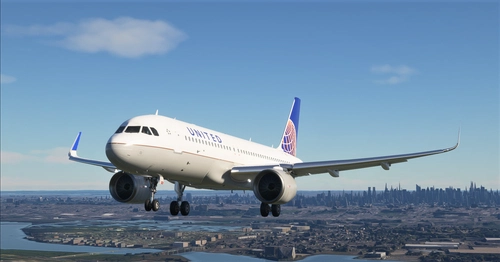
United Airlines A320neo 8K Textures
Enhance your A320neo experience with these stunning 8K textures of United Airlines livery. Upgrade from the previous 4K version for more realistic detail. Simply extract the files to your community folder and take to the skies in style.
by Xander548
United Airlines 4k textures
Enhance your Microsoft Flight Simulator experience with this United Airlines 4K textures mod. Featuring accurate textures and an air traffic model, simply extract the zip file to your community folder and take to the skies in style!
by Xander548
A320 United Airlines 8k ultra (2 versions)
Experience the United Airlines A320 in stunning 8k ultra resolution with two versions to choose from: Standard or Black canopy. Showcasing meticulous attention to detail for an immersive flight experience. Check out more creations by the developer and support their work through donations on PayPal.
by n0k3
Log in to join the discussion
Log InComments(4)
almost 5 years ago
very nice
almost 5 years ago
very thanks now i think that i need to continue making liveries :)
almost 5 years ago
This is beautiful! Keep up the great work.
almost 5 years ago
very thanks, this is my first uploaded addon