
Description
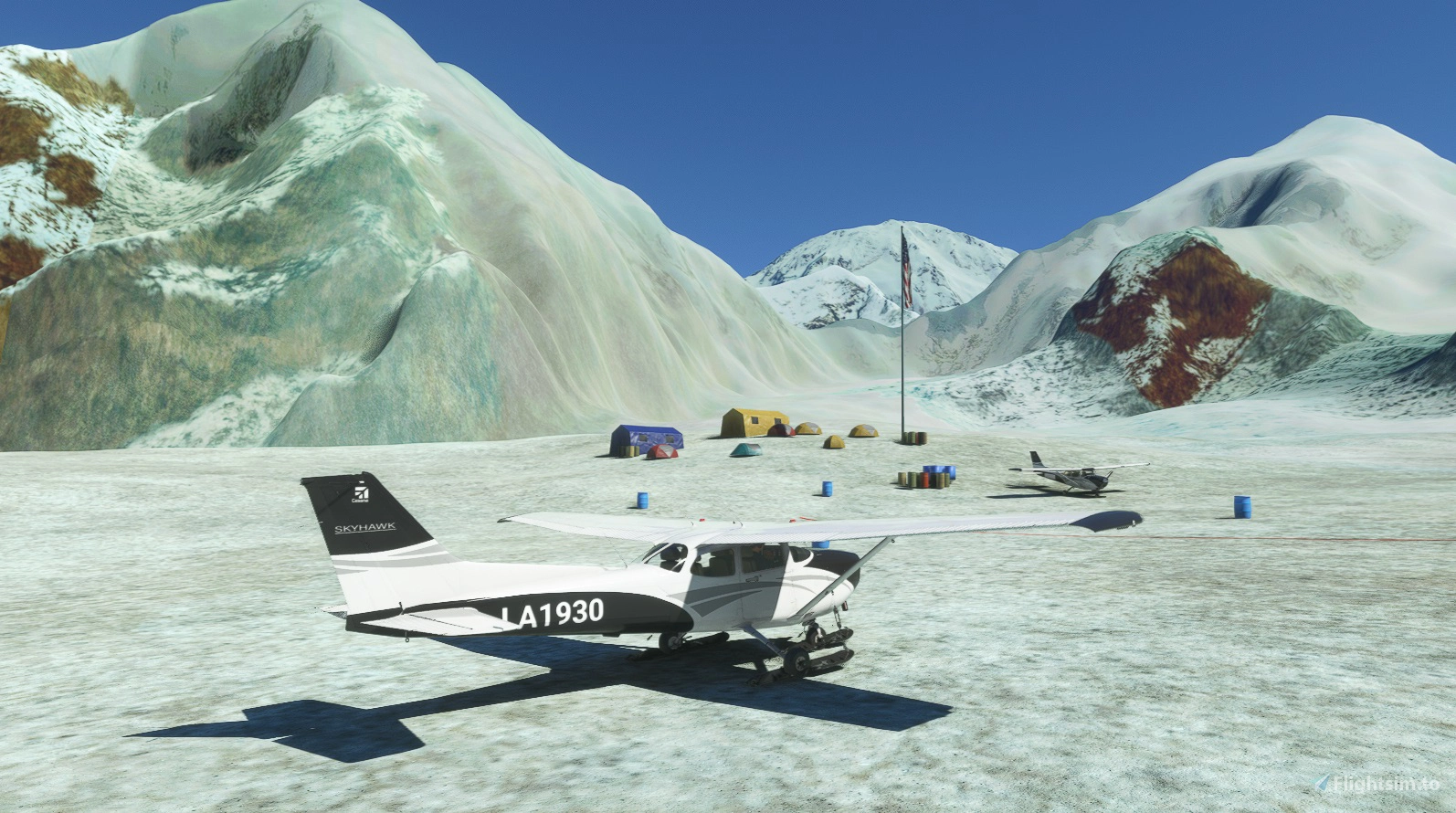
New scenery for SEFB Denali Base Camp Airstrip, South East Fork Base, Kahiltna Glacier, Alaska, USA.
This New scenery was requested, so here it is. Based on images & information from online.
Formerly Mt. McKinley
Located around 7,200 ft elevation ASL, on the Southeast Fork of the Kahiltna Glacier, it is the base camp for mountain climbers to start their ascent of Denali (elevation approx 20,320 ft) in Alaska. Travel to this base camp is typically conducted via small turboprop (Turbo-Otter and Porter) from Talkeetna, AK (PATK). There are four other camps on the ascent of Denali, Camp 1 at 7800 ft, Camp 2 at 11,200 ft, Camp 3 at 14,200 ft and the High Camp at 17,200 ft. , 63.078766, -151.053906. Summit at 20194ft. , 63.069000, -151.006300.
High Camp 17,200 ft & Summit 20194ft PIO will be added to Scenery at next update.
"SEFB Denali Base Camp Airstrip" msfs in game map ident
Navigation Location 62.970200, -151.162900
Put on your Ski's!
All original msfs models etc used.
Installation - After unzipping, place the complete "sac-airport-sefb-denali-base-camp-airstrip" folder
into your MSFS community folder.
Thats it, Enjoy.
Any suggestions/errors for the scenery please say so, ask or comment.
Thankyou to all who enjoy these free downloads, its fun making them.
If you like them please comment & give a star rating.
Click on the Blue "Follow" box for updates so you get notified & click like Red "heart" box, if you did!
Thirsty Work!
If you feel you would like to buy me a coffee, use the "PayPal me" button below.
Many Thanks.
Please take a look at my other scenery, generally small files & fast downloads. SAC Designs
Location
SEFB Denali Base Camp, South East Fork Base, Kahiltna Glacier, Alaska, USA. (New Scenery)
Experience the stunning SEFB Denali Base Camp Airstrip in Alaska with this new scenery add-on. Located on the Kahiltna Glacier, this base camp serves as a starting point for climbers aiming to conquer Denali. Explore the realistic portrayal of this iconic site, perfect for small turboprop aircraft travel. Installation is simple - just place the folder in your MSFS community folder and enjoy the adventure.


User Reviews
2 reviews
Version History
No version history available.
Featured in Collections(1)

Related
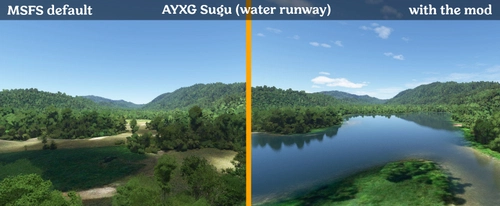
Fixes for 425 Papua New Guinea airstrips
Enhance your Papua New Guinea bush strip flying experience in Microsoft Flight Simulator with this mod that fixes issues at 425 airstrips across the region. From trimming rogue vegetation to flattening runways and rivers, this mod aims to improve the realism of bush strip operations. Explore the remote airstrips of Papua New Guinea without worrying about runway obstructions or unrealistic elements, creating a more authentic flying environment.
by wantok
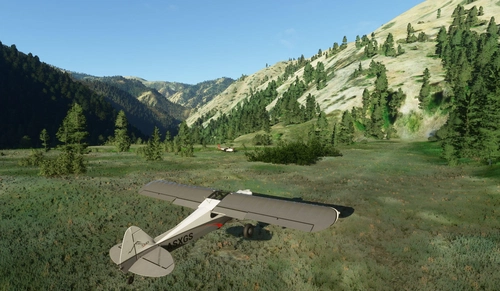
Bush strips in Idaho & Oregon
Explore a collection of challenging bush strips in Idaho & Oregon, including Cache Creek, Dewey Moore, and more. These airstrips were not part of the original MSFS content but have now been added with accurate codes and enhanced terrain details based on real-world references. Visit the developers website for in-game videos showcasing the new locations.
by Kronzky
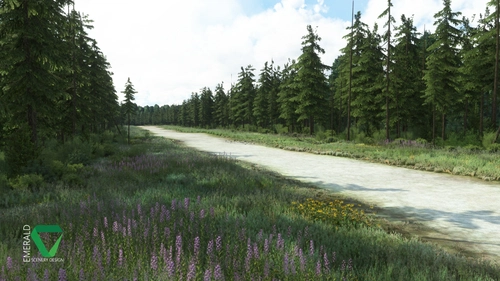
Snowflake Lake Airstrip, Alaska
Fly to the stunning Snowflake Lake Airstrip in Alaska, featuring a 1500 FT gravel runway and detailed scenery with custom environmental elements like butterflies and rain puddles. Experience an authentic backcountry feel with uneven terrain and hand-placed vegetation, ensuring a realistic flight experience. Dont miss out on this immersive addon that brings the beauty of Alaska to Microsoft Flight Simulator.
by Emerald Scenery Design
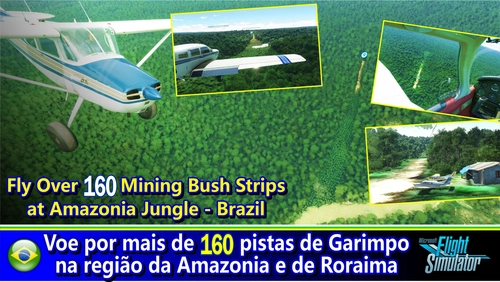
Fly in more than 160 Bush Strips at Amazonia Jungle / Voe por + de 160 Pistas de Garimpo
Explore over 160 challenging bush strips in the Amazonian jungle, meticulously recreated for an authentic aviation experience. Test your skills with 250-meter runways, tree-lined approaches, uneven terrain, and tight clearances. Immerse yourself in the world of mining aviation with this addon, offering a glimpse into the daring flights of the past.
by Tchockozzo Paulo Figueiredo
Log in to join the discussion
Log InComments(8)
12 months ago
over 4 years ago
It appears I can't use it because name is too long.
The package does not work if I unzip in the community folder either.
SEFB does not appear in the search for airport, and I can't find it on the VFR map or in G1000. I do use Navigraph updates, but that should not matter.
Win 10 home latest update.
over 4 years ago
I think you may have the process wrong? See below....
Installation - After unzipping, place the complete "sac-airport-sefb-denali-base-camp-airstrip" folder into your MSFS community folder. So...... find the folder above after unzipping, Place this folder into your community folder. Then you must restart the game after. ( If the file name is too long, I think it will still work if you shorten the name, but not sure).
over 4 years ago
If I unzip before moving to Community folder then I get the message it can't be moved into the folder.
If I unzip it when already inside the community folder then it expands but a file is missing. I saw what file it was inside one of the folders.
I do have a custom install on a G drive. I have about 25 other addons in the comm folder they all work fine.
I don't think shortening the name of that one file will work as it is probably called from another file.
No big deal I can land on the glacier anyway, especially with the H145.
almost 5 years ago
Great add thank you. That darn fence got me!
almost 5 years ago
Thanks for adding this airstrip! Wonderful views to fly up the Kahiltna Glacier and make a challenging landing. The only issue I've noticed is that the assets don't draw in until on short final approach (approx 0.5 miles or less). Not sure if that is a problem with the scenery or something else.
almost 5 years ago
Thanks. With regard to the models showing late nothing I can do about that, but maybe general settings can improve it, but Im not sure? The Runway is a bit wide, but can easily be adjusted. A guess on positioning, but used the lay of the land or rather glacier.
almost 5 years ago
It could also be from either the ORBX terrain mesh or from adding in a snow layer in the weather. Either way, it is just nice to have the strip there to land at. As for the location, I think you have the general location correct as there is not a specific alignment from one year to the next (active glacier). Let me know if you would like any of the screenshots I've been able to take there. Thanks again!