
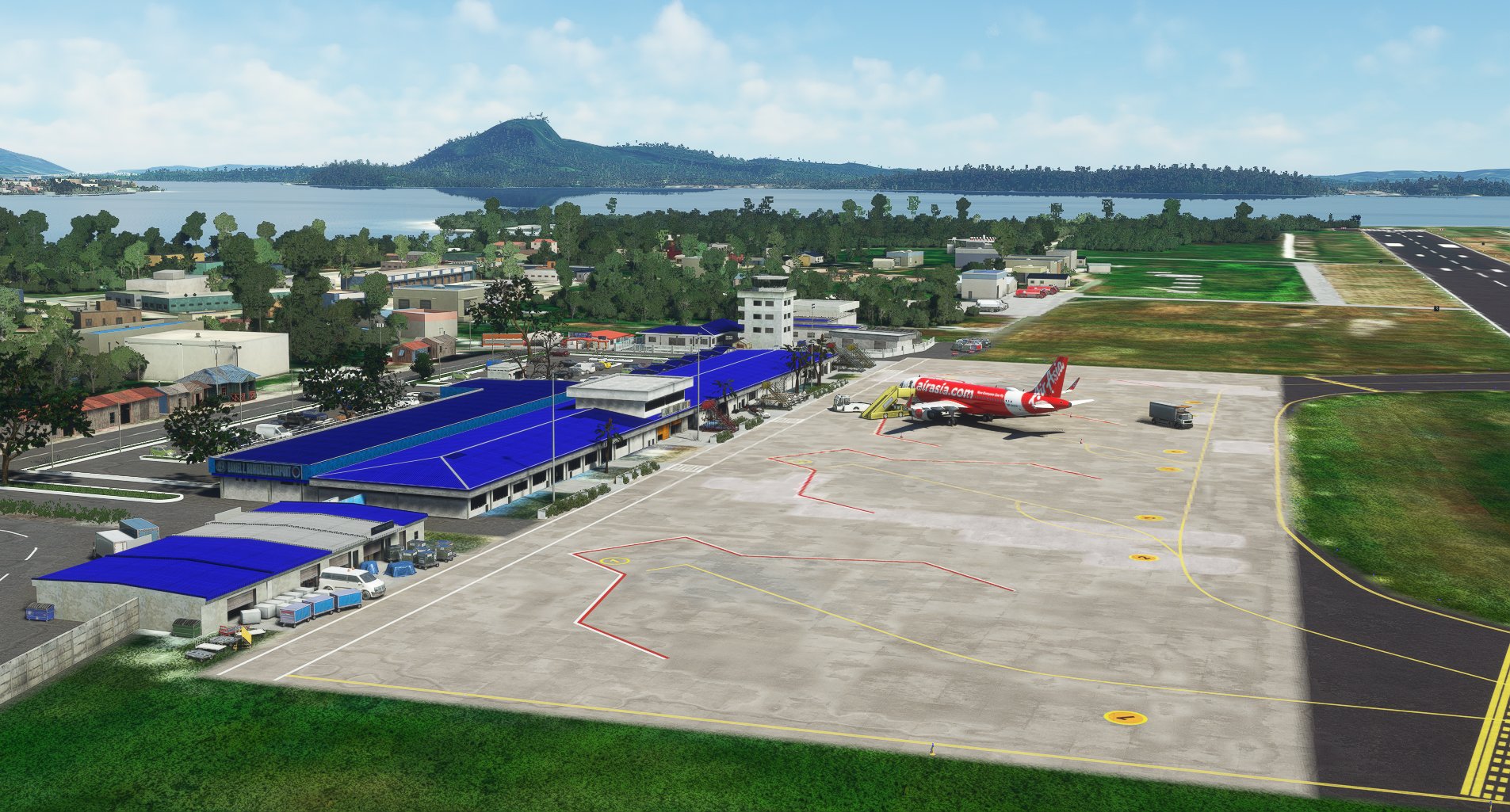
Description
Daniel Z. Romualdez Airport, also known as Tacloban City Airport, is an airport serving the general area of Tacloban, a highly urbanized city in Leyte island in the Philippines. It is the main gateway from Manila and Cebu to Eastern Visayas. It is classified as a Class 1 principal (major domestic) airport by the Civil Aviation Authority of the Philippines, the agency responsible for the operations of all the airports in the Philippines excluding the major international airports. As of 2017, Daniel Z. Romualdez Airport is ranked as the eighth-busiest and the third-fastest growing airport by passenger volume out of the 45 commercial airports in the Philippines.
The airport is named after Daniel Z. Romualdez, a former speaker of the House of Representatives of the Philippines. It is one of two airports in the Philippines named after a member of the Romualdez family.
On 8 November 2013, the airport was largely destroyed due to the onslaught of Typhoon Haiyan. On 17 January 2015, the airport apron was the site of a large open-air mass held by Pope Francis that attracted nearly half a million pilgrims coming from all over the country to remember the effects of Typhoon Haiyan.
The airport can also handle big aircraft such as the Boeing C-17 Globemaster III. In fact, one C-17 from the Royal Australian Air Force made an emergency landing at the airport due to smoke in the cockpit.
NOTICE TO ALL AIRMEN:
- Enjoy the scenery!
Dependencies
Location
Daniel Z. Romualdez Airport / Tacloban Airport - RPVA
Explore the bustling Daniel Z. Romualdez Airport, also known as Tacloban Airport, a major hub in the Eastern Visayas region of the Philippines. Named after a former speaker of the House of Representatives, this airport has a rich history, including surviving the devastating Typhoon Haiyan. From handling commercial flights to emergency landings of large aircraft like the Boeing C-17 Globemaster III, this airport offers a unique flying experience in Microsoft Flight Simulator.
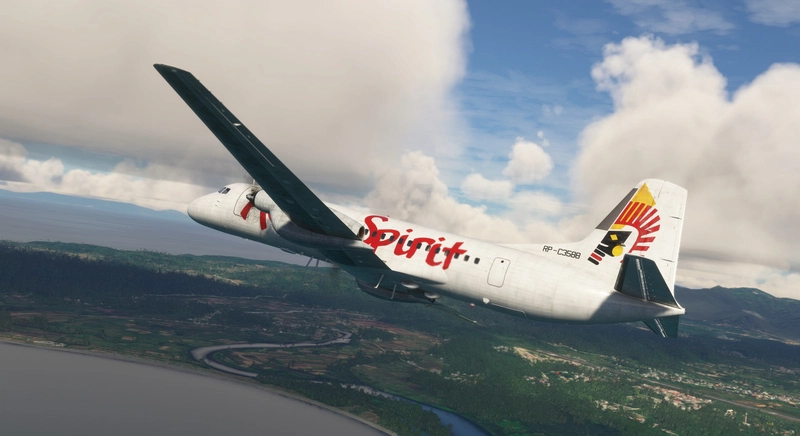

Supporters

User Reviews
6 reviews
Version History
- SU11 Compatibility update - Updated the Runway/Taxiway markings - Updated the runway and taxiway lightings. Removed the runway centerline lights. - Removed tall noticeable buildings around Tacloban City area -Added a SEA WALL beside the beach
Related

RPVI - Iloilo International Airport
Explore the bustling <em>Iloilo International Airport</em> (RPVI) in the Philippines, serving the province of Iloilo and its capital, Iloilo City. Opened in 2007 to replace its predecessor, this airport is the fourth-busiest in the country and the first on Panay Island built to international standards. Keep an eye out for future updates as this airport continues to evolve.
by TurtleTank1997

Dumaguete - Sibulan Airport (RPVD)
Experience flying in and out of Dumaguete with this add-on showcasing Sibulan Airport (RPVD). Situated in the Philippines, near the city of Dumaguete, this Class 1 principal airport reopened in 2021 after undergoing significant upgrades. Discover the beauty of this region with enhanced airport detailing in Microsoft Flight Simulator.
by TurtleTank1997

RPVR - Roxas Airport
Explore Roxas Airport (RPVR) - a domestic airport in the Philippines. Serving Roxas City and the province of Capiz, this Class 1 principal airport is a key hub in the region. Enjoy realistic scenery as you take to the skies in Microsoft Flight Simulator.
by TurtleTank1997
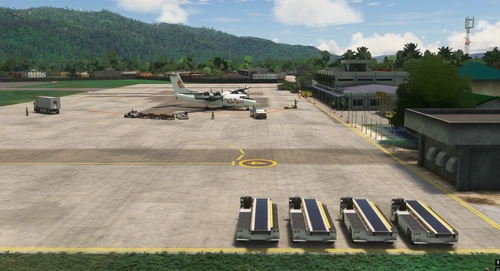
Virac Airport (RPUV)
Fly into the scenic island province of Catanduanes in the Philippines with this add-on featuring Virac Airport (RPUV), the main airport serving the region. Classified as a Class 1 principal airport, it offers a unique flying experience in the capital city of Virac. Stay tuned for future updates to enhance your virtual aviation adventures.
by TurtleTank1997
Log in to join the discussion
Log InComments(17)
over 1 year ago
almost 2 years ago
almost 2 years ago
about 2 years ago
over 2 years ago
over 3 years ago
Complete for airport mod no0b here.
How do you install this thing? I did not see a folder to add to the community folder when I downloaded it.
Thanks!
over 3 years ago
Sir/Ma'am, you must manually extract and place the contents of the downloaded file to the community folder using Winzip or WinRAR to either one of these locations depending on where you bought the sim or how you install the sim
For the Windows Store install:
C:\Users\"YOURUSERNAME"\AppData\Local\Packages\Microsoft.FlightSimulator_8wekyb3d8bbwe\LocalCache\Packages\Community
For the Steam install:
C:\Users\ "YOURUSERNAME" \AppData\Roaming\Microsoft Flight Simulator\Packages\Community
Retail Disc:
C:\Users\ "YOURUSERNAME" \AppData\Local\MSFSPackages\Community
Important: Windows 10 by default hides the “AppData” folder, so you will have to go to “View” in the menu of File Explorer, and select “Hidden items” so as to see it.
For the Custom install:
If you've installed the simulator to a custom location, you'll need to navigate there manually. As an example, if you installed the simulator to a folder named "Flight Simulator" on your G:/ drive, the location will be as followed:
G:\Flight Simulator\Community
Hope this solve your problem!! Cheers!
over 3 years ago
Well, I'm an idiot. Did not know that I have to use WinRar to unzip the file. Thanks for the quick response. It works now and it looks good. Reminds me of home. You did a great job!
Thanks!
almost 4 years ago
Nice! Thank you for the great improvement in the airport, I love it!
over 4 years ago
I live in Tacloban and i really love this, its as close i can get to what we have.
about 5 years ago
Awesome job!
about 5 years ago
You're welcome sir! Enjoy! And thank you so much for the rating and support! 😄
about 5 years ago
Thank You, i used to fly here during my training time, From Mactan
about 5 years ago
You're welcome sir, Enjoy!
about 5 years ago
enjoy your works very much, do you happen to have C172 liveries from my School? RP-C4432 ? Aviatour or Airworks? thx
about 5 years ago
Sorry sir but I don't have any. I don't make liveries 😅
about 5 years ago
Ahh sorry my bad, Thanks Anyway... see you around in the air! thx