
Description
Description
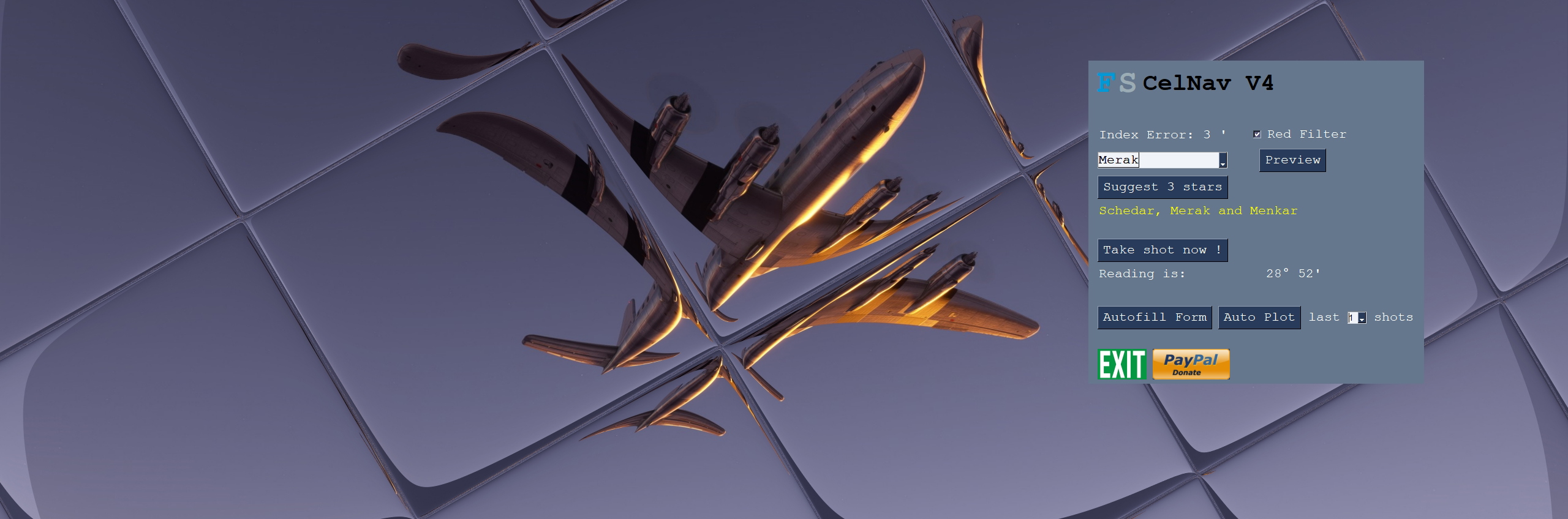
This add-on for MSFS simulates the basic function of an airborne sextant or octant. It allows the practice and application of Astro navigating in MSFS by the Sun, Moon, the four navigational Planets and over 50 stars.
But why?
Air navigation by sextant is an art to is about to go extinct. This is my modest contribution to keep the art alive and bring it into reach of a greater audience.
Installation
Unzip the file to a folder of your choice.
You need to have Mobiflight installed!!
Use
This add-on runs outside of MSFS. It requires some alt-TAB.
Run the application after running MSFS.
This add-on may be use with any aircraft, ship, or car in MSFS.
Tutorial
The zip file contains an extremely detailed step-by-step guide with sources and references.
This is advanced stuff. Be prepared.
Included and excluded
The add-on includes the following effects and corrections:
- Index Error
- Random user error
- Coriolis correction
- Refraction
- 2-minute shooting time
- Cannot shoot bodies below horizon
- Cannot shoot stars & planets in until nautical twilight
The data file is valid for dates from March 1900 to February 2100.
Not included are Precession and nutation, semi-diameter, dip. Parallax for the Moon only.
Video
A very short video on its use during a very long flight is here:VIDEO
A new video to help filling the forms is here: Video
Limitations
The add-on does not check for visibility through fog and clouds.
Discord support
No support is offered beyond a discord channel “MSFS Astro Navigators Lounge”: DISCORD
Acknowledgement
A big and special thanks to Capt. Arash, Alyson Johnson, Papa_red, Andrew Crowley, piedmonitor, Rob Jones and many others for their endorsement, testing and dev support of the add-on and to Tom Harnish for his superb improvement of the step-by-step guide
Please send suggestions to the discord channel.
July 2021, Eric van der Veen.
52°04’N, 4°14’E (Approximately)
CelNav for MSFS
Experience realistic airborne navigation with CelNav for MSFS add-on. Practice Astro navigating using the Sun, Moon, planets, and stars. This tool simulates the function of a sextant, offering a unique way to navigate in the skies. Detailed guide included for those ready for an advanced flight experience.

Supporters

User Reviews
10 reviews
Version History
4.048 - Corrected math error in the display of the motion of the bubble 4.049 - Increased Font size and changed font color on autoform and autoplit for better readability
Related
Radio Range Navigation
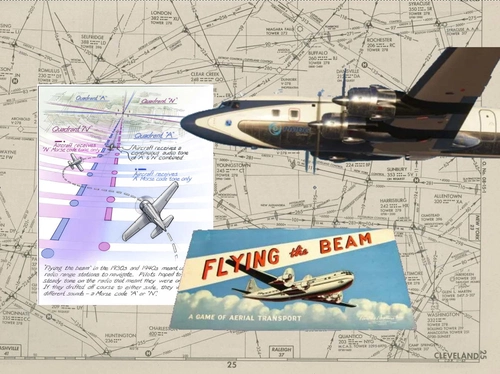
Explore the functionality of 1940s and 1950s radio range navigation with this MSFS add-on. Features a database of 400 historically accurate stations from 1944 in the US 48 states, with the ability for users to add more. Includes an illustrated tutorial for easy integration into your flight simulation experience. Join the MSFS Astro Navigators Lounge on Discord for additional support.
by ElectronVolt
Terrain Following Radar Autopilot TFR-AP
The Terrain Following Radar Autopilot (TFR-AP) is an add-on for Microsoft Flight Simulator 2020 and 2024, designed to enhance low-altitude flying by using a standalone terrain database to scan ahead and adjust the aircraft’s elevation accordingly. Configurable for most aircraft, it can operate down to 200 feet. The add-on features user-friendly settings and maintains compatibility with the default autopilot for navigation and speed control. A manual is included to assist users.
by ElectronVolt
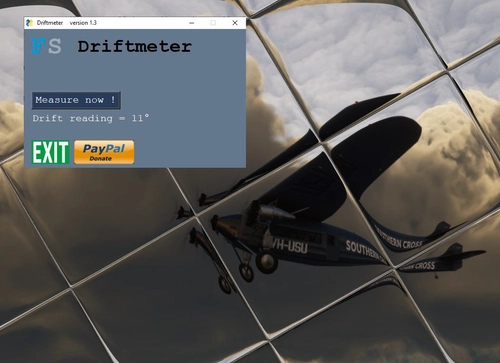
Driftmeter for MSFS
Add driftmeter functionality to your MSFS experience with this add-on. Measure wind-induced drift with a single click and enhance your Dead-Reckoning navigation, especially over water. Includes random error simulation and additional resources for improved accuracy. A valuable tool for precision flying enthusiasts.
by ElectronVolt
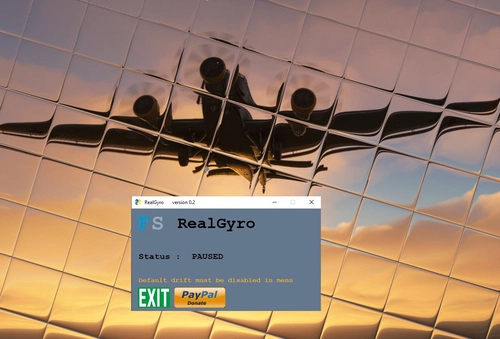
RealGyro for MSFS
RealGyro offers realistic drift on the Direction Gyro in MSFS, enhancing grid navigation and polar flights without GPS. This add-on features realistic drift, pause detection, and background running for (almost) all aircraft. Developed by CelestialNavigator, RealGyro is designed to provide an authentic flying experience with accurate gyroscopic behavior.
by ElectronVolt
Log in to join the discussion
Log InComments(54)
2 months ago
4 months ago
4 months ago
4 months ago
4 months ago
6 months ago
6 months ago
over 1 year ago
over 1 year ago
The way I use celnav at the moment:
1. Plan my course in detail with attention to the time I intend to reach my destination. In Little nav map I add waypoints for each flight hour.
2. On the hour, I use the recommended celestial bodies from "Suggest 3 stars" option.
3. Take the first "shot" 1 minute before reaching the planned waypoint.
4. Use the "Autofill Form" option.
5. If available, take two other star shots, as soon as possible. Use the "Autofill Form" option for each.
6. Use the "Auto Plot" option for all the shots I've taken.
7. On the auto plot , I click the centre of the triangle to generate the "fix" file.
8. Import the fix into Little Nav Map
9. Plot the heading to my next waypoint
10. Do it all again at each waypoint!
I love the option to have a fully artificial navigator to help with the plotting while you learn or you can be the navigator and do it all manually.
I'm learning and expect to be able to use the star charts and determine my own stars to shoot. Then use the almanac to fill in the precomputation forms then plot the fix myself... One day!
FIVE STARS ✨ ✨✨✨✨
over 1 year ago
almost 2 years ago
Is there any possibility that this addon will be upgraded to FS 2024?
Thanks!
almost 2 years ago
over 2 years ago
over 2 years ago
almost 3 years ago
almost 3 years ago
almost 3 years ago
FIXED 4.040, Dec. 16th 2023
almost 3 years ago
"Failed to execute script pygame celnav 038"
"Error: local variable 'mrot' referenced before assignment"
"Tracback:
Also, the size of the windows starts out large, then after a few shots goes small. Not quite too small to use, but it'd be nice if you could scale the window size. Also, a darker night mode would be nice, and easier on the eyes.
almost 3 years ago
When executed: Fatal error detected, Failed to execute script Pygame cellnav 038
and closes :(
almost 3 years ago