
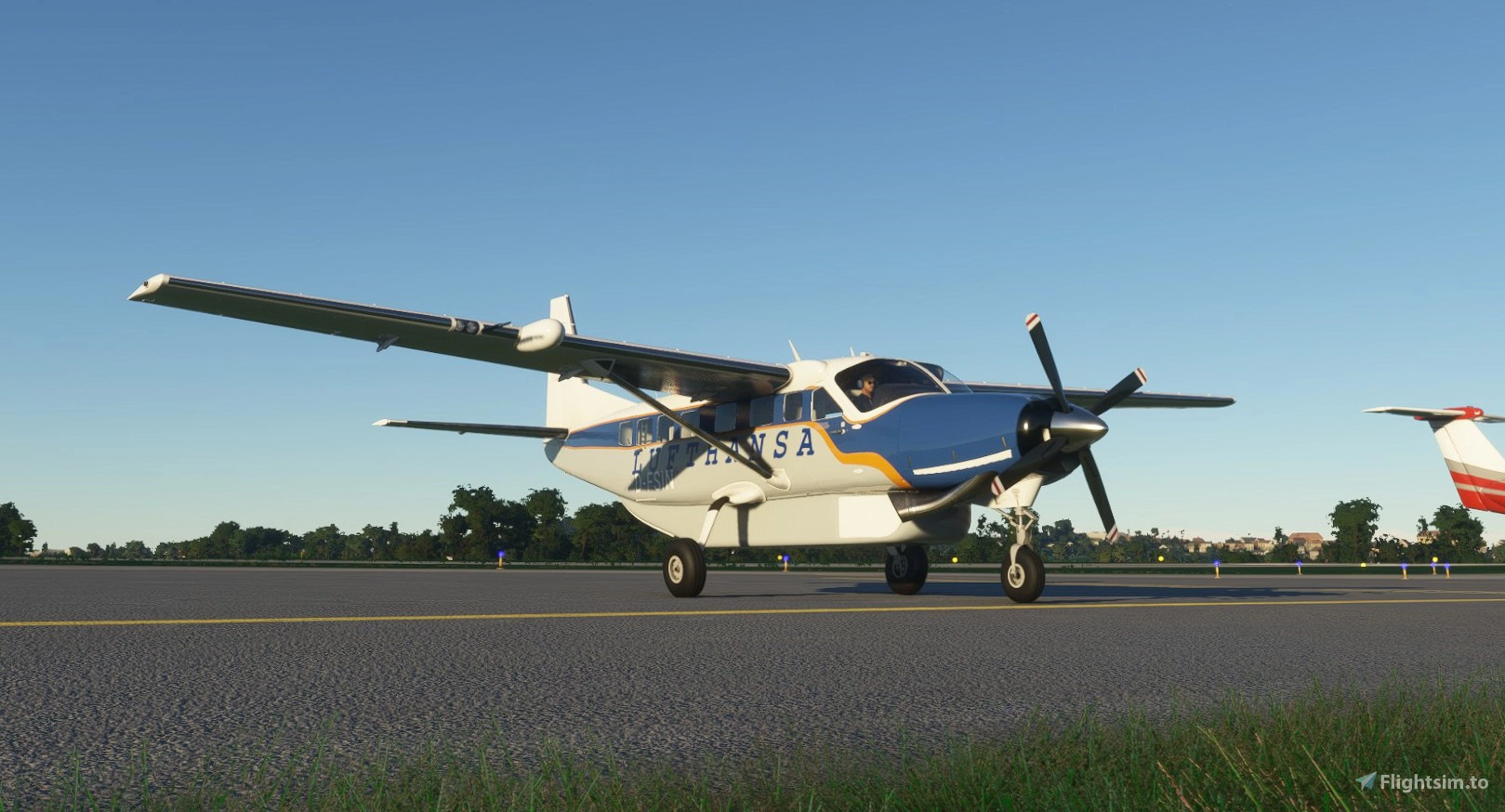
Description
A community mod for the Cessna 208B Grand Caravan EX, which aims to fix many of the issues present in the stock version. Feel free to contribute to this mod! Create an issue or fork and create a pull request!
Disscution about this mod, takes place in the official forum
The mod isn't working? This is usually due to a conflict with another mod in the community folder. The best thing is to remove all other mods and then add them one by one to see what causes the conflict. If you think that you found the legitimate bugor someting what is missing, please describe and submit it at https://github.com/SheepCreativeSoftware/msfs2020-C208-Improvment-Mod/issues.
With the exact reproduction scenario. Saying that feature A does not work usually is not enough to reproduce and fix the issue.
Based on Sim version 1.23.12.0 (SU8)
Engine and Flight Model
- Corrected Different Values according to POH
- Reverse thrust is strengthened and has a noticeable effect on the plane
- 4 minutes of engine overstress (operating above max torque limit) cause CAS message about metal chips in the oil and increase probability of the engine failure.
The average time of engine failure after metal chips appearance is 100 minutes. The event is random so you may not experience engine failure if you are gentle with the throttle.
If the engine is kept overstressed the probability of the engine failure increases. Each second of keeping the engine above the torque limit decreases the expected engine failure time by 8 seconds.
You can disable/enable engine failures in the MSFS Assistance Options.
Ground Handling
- More control while taxiing.
- Tighter turning circle.
Electric System
- Electric system of Cessna has been modified to reflect the real aircraft configuration. The battery is connected to an always-hot battery bus. The Master Battery Switch disconnects the battery bus from the main power distribution bus of the aircraft.
- Interior cabin lights are connected directly to the battery bus and are powered independently of the master battery switch position. A pilot can switch on the cabin lights and there should be enough ambient light in the cockpit to operate without a torch.
- Cessna is equipped with a combined started-generator unit. The unit works in starter mode if the engine is below 46% Ng, and in generator mode for Ng above 46%. The generator is connected to the power distribution bus of the aircraft through a contactor. The gen switch allows disconnecting the generator's contactor if required by emergency procedure or to check the operation of the standby alternator during the runup.
- Startup switch allows initiation of the engine startup procedure. Start switch operates only if the engine is below 46% Ng, if the engine operates above 46% starter switch does not interact with any aircraft systems. Putting it to start position powers engine igniters, disconnects the generator contractor, and powers the engine starter. The starter is disabled automatically when the engine reaches 46% Ng. After reaching stable engine operation pilot can put the starter switch to the off position. It disables the ignition system and connects the generator contractor.
- Starter is one of the most power-demanding components on the aircraft. The battery provides the power to start the engine in most realistic scenarios. The current drawn by the starter depends on the external temperature. For temperatures below -20C the starter takes 3500W while above 20C the consumption drops to 2500W. The minimum voltage required to run the starter is 24V.
- The Mod improves the battery, generator, and stand-by alternator current indications on PFD/MFD. The negative value of the battery current indicates that the battery is discharging. Positive battery current means the battery is charging. The charging current is dependent on the battery current capacity. The indicated charging current decreases to zero with the battery reaching full capacity. However, for simplicity, the charging time is not adequate and is usually much shorter.
- All knobs used to regulate the light intensity also impact the light current consumption. The dimmer the light the less current is drawn from the battery or generators.
Anti Ice System
- Anti Ice system has been extended. The Cessna simulates the existence of the fluid-based anti-ice system which is distributed over an aircraft body to prevent or minimize ice formation.
- The tank for anti-ice fluid can hold 20.8 gallons of the liquid and its level can be monitored on PFD/MFD below other engine parameters
- Anti ice system can be put to normal, high, and max anti-ice mode which gradually increases the amount of anti-ice fluid distribution. The first switch allows putting the system into Normal or High mode. Max flow can be enabled by a spring-loaded momentary switch. It works for 120 seconds and then the system returns to either normal or high mode. Similarly, the Windshield switch allows to enables the distribution of anti-ice fluid on the front glass. Unlike in a real airplane, the windshield anti-ice system works for 120 seconds when triggered.
- In the norm and high anti-ice mode the anti-ice fluid pumps work in cycles of being 10 seconds on followed by 10 seconds off. In high icing conditions, putting the anti-ice system does not affect the aircraft. It is to simulate the need of switching the icing to high mode. The high icing condition area has been presested below on the chart as gray area. In the Max flow mode, the system operates continuously consuming most anti-ice fluid per minute.
- In case of failure of the primary system the backup switch allows to use of a backup pump. If the backup switch is turned on the two primary anti-ice switches do not affect the aircraft. The system works in the high mode with the additional distribution of fluid on the windshield.
- because of the simulator limitation antiice system cannot work only using electriv power. Antiice system will work only when the engine is running.
See: https://user-images.githubusercontent.com/27411874/153745793-37f19d22-9daf-4f3b-ab1e-8e6420392ac3.png
See also: https://www.researchgate.net/publication/269212570_Overview_and_risk_assessment_of_icing_for_transport_category_aircraft_and_components
- In high icing condition stall sensor can become inoperational if not heated. After 5 minutes of ice accumulation the stall sensor either silently stops operating or become permanently triggered. The way it fails is random each time. After failure the only way of recovery is to eanble stall sensor heater. Melting down the ice does not happen immediatly, it takes between 60 - 120 second for the stall sensor to become operational again depending on the amount of ice accumulated on the sensor.
Systems & Avionics
- Works with Vanilla, WT G1000 and WT G1000 NXi Avionics
- Added CAS annunciations, Systems Page, improved engine readouts, fuel indication
- Cruize torque bug does not longer disappear for RPMS slightly above 1900
- Reversionary Mode
- Yaw Damper Working
- Autopilot and instrument fixes.
- More accurate start up.
- Additional Voice Alerts.
- Changed the electric bus configuration to comply with POH
- Generator/Alternator characteristic has been corrected
- Generator trip and reset button works
Miscellaneous
- Improved lighting (Thanks to Uwa!)
- Improved textures.
- Added some inoperative Switches
- Fixed Cabin lights
Credits
Based on the work of C208-MSFS2020-Fix, msfs2020-C208-Improvment-Mod, dgtlanlg/C208B-mod
and NewoPL
Thanks to everyone who has contributed, to Uwa for the Light Mod, and to PilotTrev for sharing his knowledge and first hand experience.
Known Issues and Limitations
- Some Voice Alerts won't work with NXi (Is not implemented by WT yet)
- Not compatible (not tested) with other mods which modify the C208 Grand Caravan EX
Compatibility
- Sim version - v1.23.12.0
- WorkingTitle G1000 NXi
Recomended Mods
Working Title's G1000 NXi (available on Marketplace)
Important Note: Please note that this mod has not been tested with the legacy freeware WT G1000. It is officially at end-of-life and will not be updated. Users should either use stock G1000 sim avionics or download Working Title Simulations G1000 NXi from the Marketplace.
How to install
1. Delete any previous versions!
2. Extract the Zip Archive.
3. Copy the "C208B-mod" folder into the Community Folder.
Frequently Asked Questions
Cessna 208B Grand Caravan EX Improvement Mod
This is a community mod for the Cessna 208B Grand Caravan EX, which aims to fix many of the issues present in the stock version and enhance the functionality of the stock version. We are aiming for accuracy according to POH and real plane experience from pilots





User Reviews
77 reviews
Version History
2212.1.0 Improvement: The throttle lever allows to set both forward and beta power range Improvement: Emergency Power Lever simplified implementation Improvement: Sound of Avionics power-on Improvement: Flight model tweaks 2203.4.2 Improvement: Throttle mod to enable reverse control Improvement: FLight model tweaks Improvement: plane veers to the right instead to the left during roll Improvement: decrease the reverse thrust Improvement: decrease flaps effect 2203.4.1 Fixed #141: Beta reverse is extremely powerful and speed up the plane very fast Fixed: for some cases generator does not kicks in during starter sequence
Related
Beechcraft King Air 350i Lufthansa Regional
Fly the skies in style with this Lufthansa Regional livery for the Beechcraft King Air 350i in Microsoft Flight Simulator. Install with ease and enjoy the iconic design of Lufthansa CityLine on your aircraft.
by Magraina
G1000 Turboprop Annunciation Fix
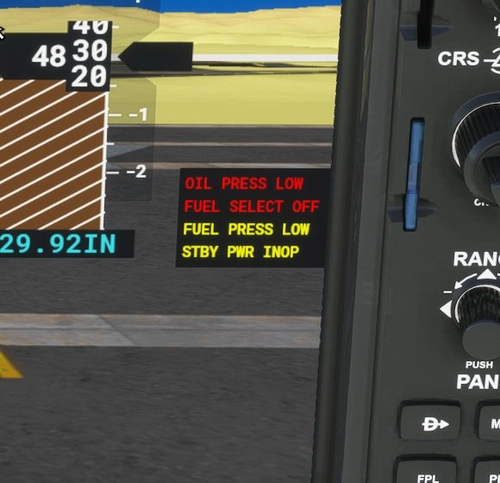
A fix for G1000 Turboprop annunciation messages, now redundant due to Asobos bug resolution. Compatible with vanilla G1000 and WorkingTitle G1000 v0.4.0 onwards, excluding NXi version. Primarily designed for users of the Cessna C208B Grand Caravan EX Improvement Mod.
by Magraina
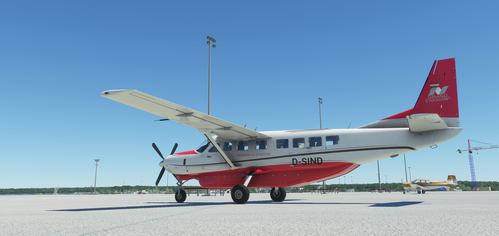
Cessna 208B Grand Caravan EX Lufthansa Classic
Experience a classic touch with this Lufthansa-inspired livery for the Asobo Cessna 208B Grand Caravan EX. Install with ease and enjoy a timeless design on your flights.
by Magraina
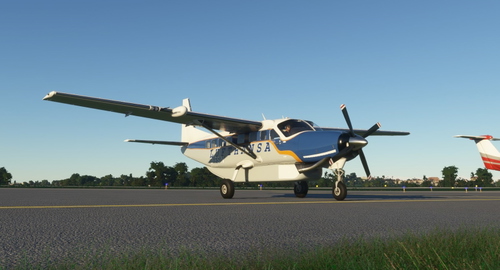
Cessna 208B Grand Caravan EX Northway Aviation
A livery add-on for the Asobo Cessna 208B Grand Caravan EX, inspired by Northway Aviation. Installation is simple - just extract the files into your Community folder.
by Magraina
Log in to join the discussion
Log InComments(460)
7 months ago
8 months ago
9 months ago
11 months ago
about 1 year ago
over 1 year ago
over 1 year ago
over 1 year ago
12 months ago
Open it with an editor and locate a line that reads: [PILOT]
Under that it should read 'pilot = "Pilot Female Casual"
Comment that out with a semi-colon, like so: ;pilot = ...
Save it and restart the sim.
I have also commented out the copilot line, too.
almost 2 years ago
almost 2 years ago
almost 2 years ago
about 1 year ago
almost 2 years ago
about 2 years ago
about 2 years ago
over 2 years ago
Replaced (208B_GRAND_CARAVAN_EX_INTERIOR_LOD00) file in community FROM same file in Official (to remove cockpit pilots and fix lighting issue)
over 2 years ago
over 2 years ago
over 2 years ago