
Description
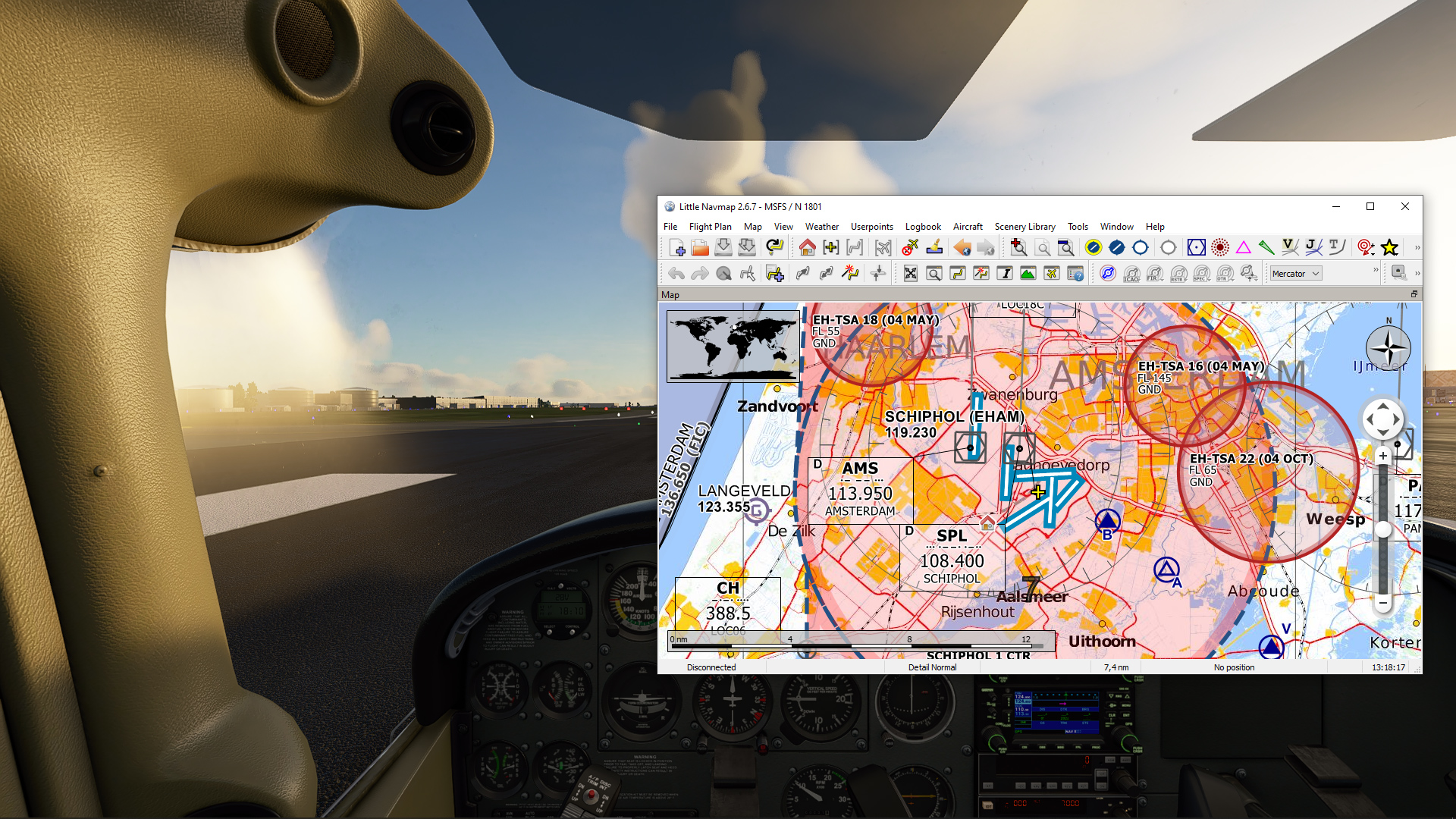
With LittleNavmapOFMTheme you can use open flightmaps VFR maps in Little Navmap for your VFR flight planning and navigation.
Requirements
You need to have Little Navmap installed. Free download is available here.
Instructions
- Download the latest release of LittleNavmapOFMTheme
- Extract the zip file into the Little Navmap\data\maps\earth directory
- Start Little Navmap and click on View -> Theme -> Custom (openflightmaps)
- Click on “Hide all airspaces” above the map to only show the OFM airspaces
- Enjoy!
Note: Outside of the covered area the map is rendered black. Move the map to a location in Europe in case your map window in Little Navmap is all black.
About open flightmaps
open flightmaps is an open source project that provides high quality VFR maps currently covering Western Europe for the most part. This is interesting for people who want to fly VFR in countries like Germany, for which there are basically no free VFR maps available.
Microsoft Flight Simulator Forums
You can find and discuss this project on the official Flight Simulator forums.
License
The map data is provided by the open flightmaps association (OFMA) under the OFMA General Users’ License.
LittleNavmapOFMTheme
Enhance your VFR flight planning and navigation in Little Navmap with LittleNavmapOFMTheme, allowing you to utilize open flightmaps VFR maps seamlessly. Simply follow the instructions to integrate this open source project, providing high-quality VFR maps for Western Europe, into your flight simulator experience.

Supporters

User Reviews
5 reviews
Version History
- AIRAC updated to 2203 Make sure to clear the map cache in order to load the new tiles. To do so, remove all contents in the following dir and restart LittleNavmap: %localappdata%\.marble\data\maps\earth\openflightmaps
Related
Toolbar Pushback
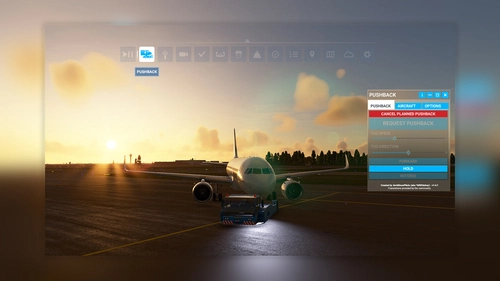
"Toolbar Pushback" offers complete control over pushback operations in Microsoft Flight Simulator. Whether you prefer automated pushback procedures or manual guidance using your rudder pedals or keyboard, this add-on allows you to smoothly adjust the tug speed to your preference. With simple integration into the simulator toolbar, enjoy seamless ground service interactions with a variety of aircraft.
by AmbitiousPilots
Shift+Z Stats
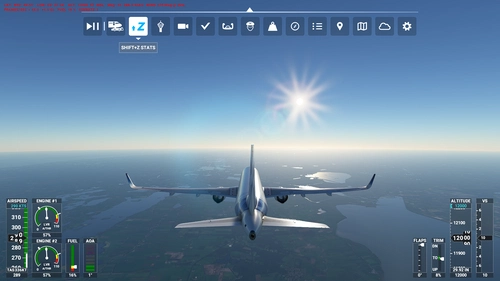
"Shift+Z Stats" brings back the classic compact flight statistics known from FSX and earlier titles of Microsoft Flight Simulator. A very handy tool that shows you information like: FPS (Frames per second), Simulation rate, Coordinates, Wind speed and direction, Airspeed, Altitude, Heading, Fuel remaining
by AmbitiousPilots
Log in to join the discussion
Log InComments(53)
over 1 year ago
almost 3 years ago
over 3 years ago
a black map?
over 3 years ago
the AIRAC is now 2213, but otherwise SSSNAKE's tips worked, it's lovely to have EU charts in Littlenavmap
almost 4 years ago
After following the tips from SSSNAKE and Nick_D everything works perfectly, thank you all very much.
almost 4 years ago
Faudra-t-il éditer le ficher "openflightmaps.dgml" à chaque mise à jour des AIRACS ?
Le zoom est assez limité.
almost 4 years ago
I just took a look at the pe NotePad ++ Path dgml file: (".. \ Little Navmap \ data \ maps \ earth \ openflightmaps \ openflightmaps.dgml") and changed two "path = 2203" and changed them to "path = 2210" . Then I went to Settings from LittleNavMap and removed the cache from openflightmaps and .... Everything is fine. IT WORKS.
about 4 years ago
Hello,
I made fresh install of LNM and OFM theme copied to right directory.
I still gets black background of OFM theme.
Other themes are OK.
about 4 years ago
Have the same problem, when zooming in the map goes black - even though I updated the AIRAC cycles in the dgml-file. It almost seems the OFM data for the tiles are now changed or corrupted. It still worked fine with the last AIRAC cycles.
about 4 years ago
Try to clean cache (C:\Users\@username@\AppData\Local\.marble\data\maps\earth\openflightmaps) after change AIRAC, works for me right now
about 4 years ago
I've updated "path=" to 2209 and I see the maps but they are like in dark mode: https://ibb.co/G0DRbdr
Any ideas?
EDIT: changing to 2208 make no difference. Also I have no airspaces on.
about 4 years ago
Okay, I somehow figure it out. Need to make a big zoom... ;)
about 4 years ago
Doesn´t work. Can anyone help me?
- i have changed the cicle in the dgml file to 2209. (Current cicle according to Navigraph is 2209 rev.1) query="path=2209/aero/latest" and query="path=2209/base/latest"- I have deleted the cache- have hidden the airspaceseThe map is still black.
about 4 years ago
OFM is still in 2208 - always try a test-tile like https://nwy-tiles-api.prod.newaydata.com/tiles/9/272/182.jpg?path=2209/base/latest vs https://nwy-tiles-api.prod.newaydata.com/tiles/9/272/182.jpg?path=2208/base/latest and verify, if you got an valid tile/jpg.
about 4 years ago
Are You sure that You're are on the covered area? Also did You changed 2209 in both places in file?
about 4 years ago
It works with cicle 2208 :-) (although we are in 2209????)
I changed the cicle to 2208, then cleared the cache and now it works. Thanks a lot!
about 4 years ago
anyway to get UK map data on this as well?
about 4 years ago
I just had a look at the dgml file with an editor p. e. NotePad++ Path: ("..\Little Navmap\data\maps\earth\openflightmaps\openflightmaps.dgml") and changed the two "path=2203" and changed those to "path=2205". Then went to the Settings from LittleNavMap and deleted the cache from openflightmaps and.... it still does not work: the background remains black ! Any chance it will be fixed with SU 10?
about 4 years ago
Just noticed, that OFM is already in version 2207 now (example URL from OFM-Website:
https://nwy-tiles-api.prod.newaydata.com/tiles/9/272/182.jpg?path=2207/base/latestso changing the dgml to 2207 works for me now, give it a try!