
Description
🕹️ Better Controls
✈️ Intuitively control flight surfaces with your mouse in Microsoft Flight Simulator or any other simulator.
🔹 Overview
Better Controls lets you use your mouse to control flight surfaces such as ailerons, elevators, and rudder in Microsoft Flight Simulator (MSFS). It also provides hotkeys and a compact HUD overlay to show current control state.
🌟 Features
- 🖱️ Mouse Yoke: Move your mouse to control pitch and roll.
- 🎛️ Rudder Control: Hold left mouse button to control rudder.
- 🔄 Invert Elevator: Optionally invert the elevator axis.
- 🖥️ Compact HUD: Shows controller, elevator, and rudder status (only visible when MSFS is active).
- ⌨️ Hotkeys:
- Ctrl + F1 – Toggle controller on/off
- Ctrl + F2 – Invert elevator
- Ctrl + F3 – Center mouse
🛠️ Installation
1. Download the latest .exe release.
2. Ensure the ViGEmBus driver is installed for virtual controller support.
🚀 Usage
1. Launch Microsoft Flight Simulator.
2. Run .exe.
3. Use the hotkeys to toggle the controller, invert elevator, or center the mouse.
4. Move your mouse to control the yoke.
5. Hold the left mouse button to activate rudder control.
Thank you for downloading! 🙏
I do this as a hobby, so please note that feature requests or updates may take some time. Your support is appreciated!
Frequently Asked Questions
Better Controls - Use Mouse As Controller
Better Controls is an add-on for Microsoft Flight Simulator that allows users to intuitively manage flight surfaces using their mouse. The tool enables control of ailerons, elevators, and rudders, featuring a compact HUD to display control states, along with predefined hotkeys for convenience. It offers options like pitch and roll control with the mouse, rudder activation by holding the left mouse button, and the choice to invert elevator axes.


User Reviews
3 reviews
Version History
- New UI - Toggle to disable HUD when controller is active - Performance improvements
Related
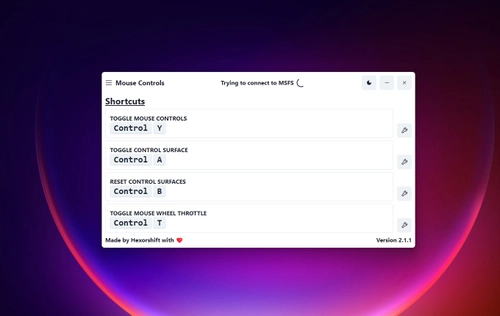
Mouse Controls - Use Mouse as Yoke
Use your mouse as a yoke in Microsoft Flight Simulator 2020 with this stand-alone application. Control the surfaces of most planes directly with your mouse, improving your flying experience. Note: Not compatible with any Fenix products. For installation and updates, simply use the provided installer. Optimal performance is achieved in fullscreen or windowed fullscreen mode.
by Hexorshift
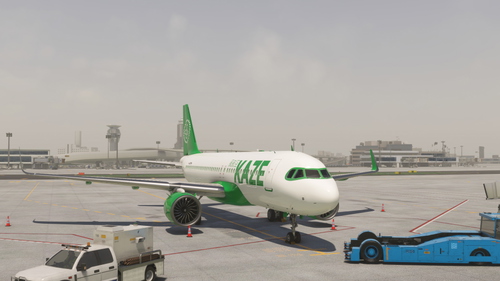
FBW A32NX Kaze Airways (JA778N)
Official Kaze Airways livery for the FlyByWire A32NX, created by Hexorshift and Aqware. Join Kaze Airways Virtual Airline and enhance your flying experience with this unique livery. Simply place it in your community folder to install on Microsoft Flight Simulator. Visit the Discord server to learn more and join the airline.
by Hexorshift
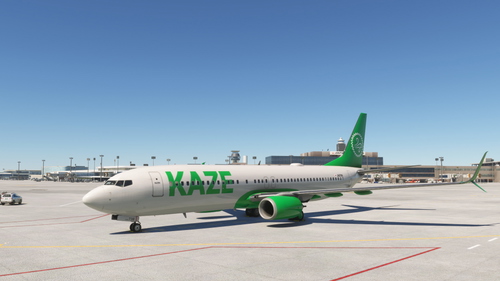
PMDG 737-800 Kaze Airways (JA878N) | 4K
Officially licensed Kaze Airways livery for the PMDG 737-800, created by Hexorshift and Aqware. Easily install this 4K livery through the PMDG Operations Center. Join Kaze Airways Virtual Airline by visiting their Discord server.
by Hexorshift
Log in to join the discussion
Log InComments(8)
about 1 month ago
4 months ago
6 months ago
6 months ago
2 months ago
6 months ago
6 months ago
7 months ago
1. Keybind to hide your mouse (if possible).
2. Be able to use your mouse while the controller is connected, but without manipulating the controls, kind of like a toggle switch without actually disconnecting the e-controller.
Great mod, will be using this for quite some time!