
Description
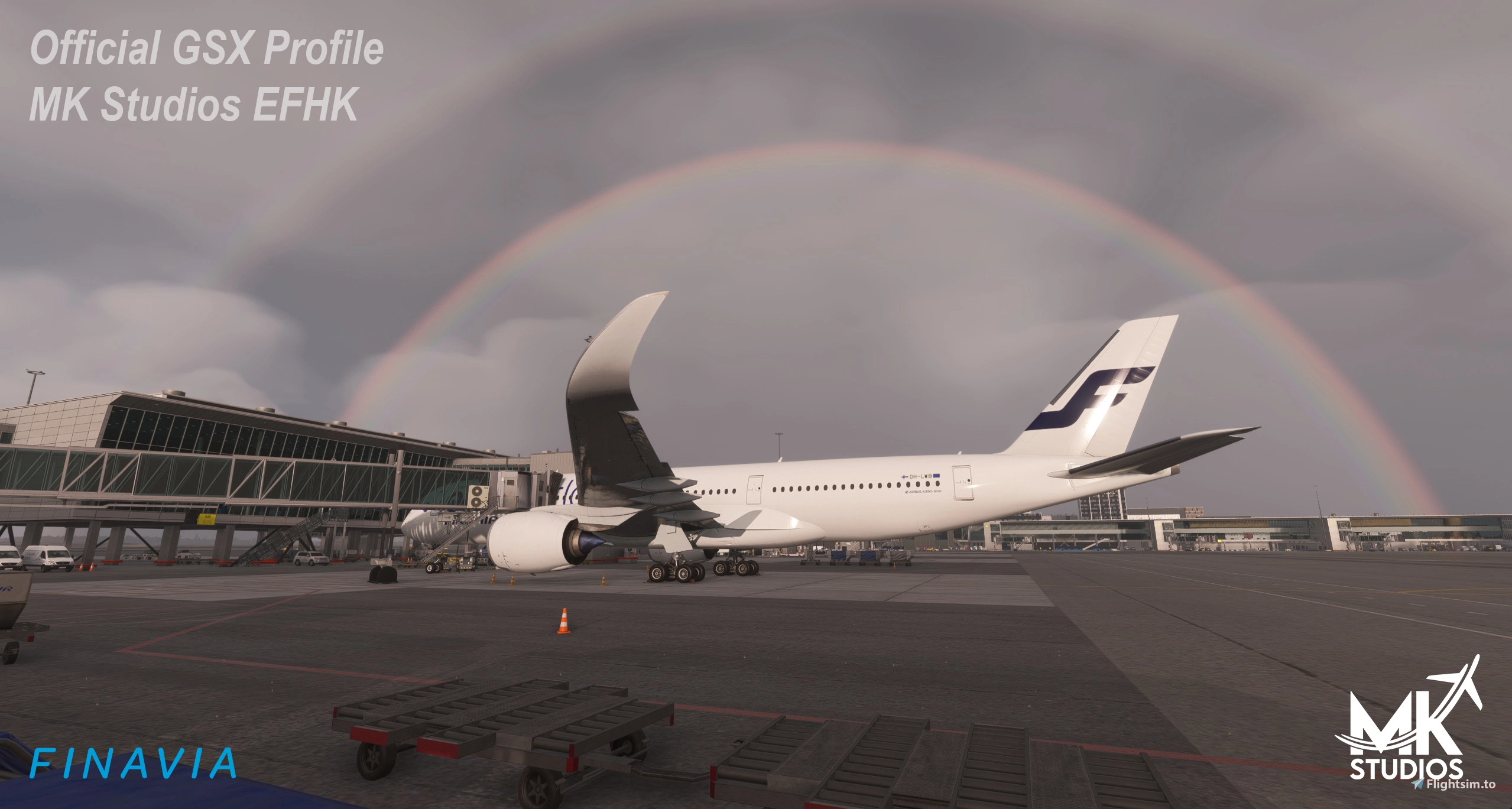
This is a full GSX config for EFHK HELSINKI-VANTAA by MK Studios.
It is aimed to be as realistic as possible. Tested in both msfs 2020 and 2024. For more detailed information please open the readme.
**Please remove any other EFHK Profile. **
Profile contains:
- GSX or Nool VDGS version (uninstall the Nool folder within the scenery to use GSX VDGS)
- Custom placed ground equipment
- Custom pushbacks including alternate pushback procedures as per irl
- Pax waypoints inside gates where they are visible
- Python script for custom stop position based on aircraft type
- Correct handling companies (if you are unsure what handler your airline uses, see the following website https://www.finavia.fi/en/airports/helsinki-airport/flights?tab=airlines&navref=main)
- Remote de-icing pads
- You can find the correct fueling textures on the MK Studios discord ;)
- Custom Bus livery by Saurer01 is available here: https://flightsim.to/activities/post/170289/release-gsx-passenger-bus-repaint-helsinki
HOW TO INSTALL:
unzip the file and place one of the .ini files along with the .py script it in here: %APPDATA%\Virtuali\GSX\MSFS (user>AppData>Roaming>virtuali>GSX>MSFS)
Please make sure that no other EFHK Profile is in the folder.
Special thanks to Saurer01 for his stunning help with everything, without him this profile wouldn't be possible.
The profile can also be downloaded in the Contrail App.
[MKStudios] Helsinki-Vantaa EFHK / Official GSX Pro Profile
This add-on provides a comprehensive GSX configuration for the MK Studios Helsinki-Vantaa Airport (EFHK), designed for realistic operation within Microsoft Flight Simulator 2020 and 2024. It includes features such as custom ground equipment placement, specific pushback procedures, passenger waypoints, and tailored handling companies. A Python script enhances aircraft stop positions based on type, and users are guided on installation procedures for optimal functionality.

Contributors

User Reviews
3 reviews
Version History
V1.4.0 in the GSX profile - Correct handling company painted on the ground vehicles for every airline (Airpro, Aviator, Swissport, DHL), including Finnair split by fleet (ATR/E190 vs Airbus) and all Aviator flights shown in Finnair-branded vehicles livery - Correct fuel truck (Neste, Shell, or BP) per airline, -Finnair flights plus all heavy aircraft get fuelled from the left wing. - Finnair catering truck on Finnair flights. - Most correct pushback and stairs vehicle models for each handler - Minor changes to vehicle placements Jetway/stairs behaviour now matches real-world ops: - W/S pier (40-48W, 49-55S): jetway only, unless it's a Schengen flight, which also gets rear stairs + bus. - Remote stands: front stairs only, except KLM/Air France/Norwegian/Ryanair, which board from both ends. - Gates 12-22: same four airlines get rear stairs + jetway at once; everyone else is jetway-only, every time - ATRs at gates 12-22 never get a jetway — they always use walk in paths - Custom VDGS displays with most correct real world behaviour (TSAT TOBT screens, IATA flight number) Fixed: Corrected the passenger walking path (waypoints) at gates 7-11. Make sure to delete any other EFHK GSX profile Huge thanks to @Markeese & @Dieses Feld ist ein Pflichtfeld for their major assistance with this update ❤️
Related
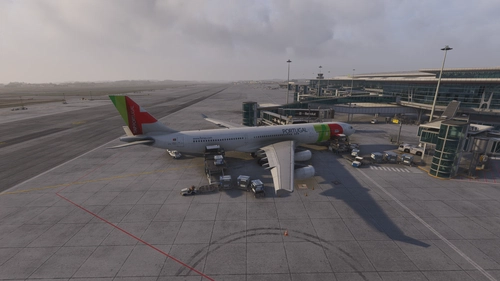
[MKStudios] Porto LPPR V2 / Official GSX Pro Profile
This add-on provides an enhanced GSX Pro profile for MKStudios Porto LPPR V2, aiming for realistic ground handling. Features include custom ground equipment, accurate pushbacks, visible passenger waypoints, and airline-specific handler assignments. Compatibility with both GSX and Nool VDGS systems is included, with Python scripts for dynamic stop positions. Designed for use with Microsoft Flight Simulator 2024.
by LUFDHAMSDA01
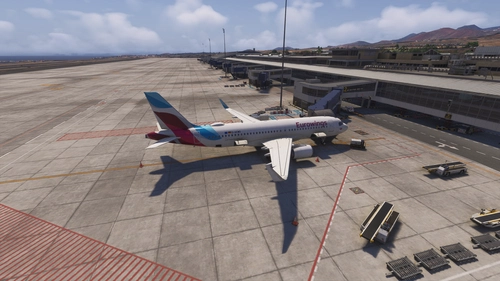
[MKStudios] GCTS Tenerife South Airport V2 / Official GSX Pro Profile
This add-on provides an official, detailed GSX Pro profile for MKStudios GCTS Tenerife South Airport V2 in Microsoft Flight Simulator. The configuration includes custom ground equipment placements, realistic pushback procedures, and accurate airline-specific handling agents. It offers both GSX and Nool VDGS support for precise aircraft guidance. The profile is focused on realism and adheres closely to real-world operations except for the general aviation apron.
by LUFDHAMSDA01
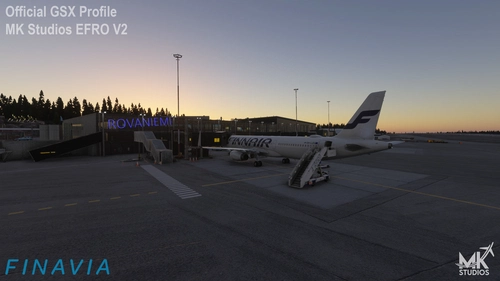
[MKStudios] Rovaniemi EFRO V2 / Official GSX Pro Profile
This add-on provides a comprehensive GSX configuration for MK Studios Rovaniemi Airport (EFRO V2), designed to enhance realism in Microsoft Flight Simulator. It includes features such as custom ground equipment placement, tailored pushback procedures, and a Python script for optimized aircraft stop positions. Compatibility is ensured with both MSFS 2020 and 2024, with installation instructions provided for user convenience.
by LUFDHAMSDA01
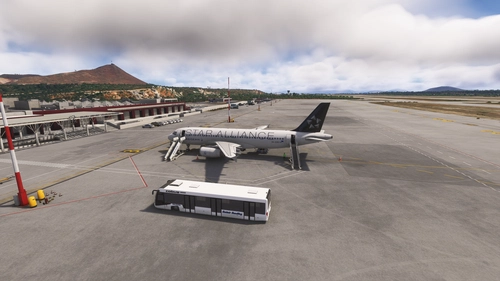
[29Palms] Chania “Ioannis Daskalogiannis” LGSA / Official GSX Pro Profile
This add-on provides a detailed GSX configuration for LGSA Chania Ioannis Daskalogiannis Airport by 29Palms, compatible with MSFS 2024. It features custom ground equipment placement, realistic pushbacks, passenger waypoints that reflect real-world operations, and a Python script for enhanced functionality. The profile ensures accurate representation of the handling company at the airport. Users are advised to remove any other LGSA profiles before installation.
by LUFDHAMSDA01
Log in to join the discussion
Log InComments20
I’m not entirely sure I understand your question correctly. Apron 6 hasn’t been modified in the AFCAD by the developer, and in the GSX profile, it’s used for de-icing—which, as far as I know, is how it’s done in reality.
Is the de-icing pad unavailable to you, or were you expecting to see gates there instead?
Best regards, Lufdhamsda
322 worked for reposition but it seems like GSX then thinks I'm on 321 and spawns vehicles accordingly. Also these stands seem to be configured to have pushback despite being roll-out positions.
The issue is that I don't own any cargo aircraft myself, which is why I haven't configured these stands.
I will try to include them in future updates.
Best regards, Lufdhamsda
Gate S45B does not exist in the scenery; this has nothing to do with the GSX profile but with the AFCAD.
I will look into the MARS gates soon; perhaps I can add it that way.
And several parking stands are still untouched.
Some parking positions, such as those in the cargo area, haven’t been addressed yet because I don’t have the corresponding aircraft models myself. However, I’ll try to include them in future updates.
Best regards, Lufdhamsda
However, using the new MARS feature in GSX, I will attempt to account for and implement these A & B gates.
Best regards, Lufdhamsda
When using GSX file, I also get two VDGS screens on stand. Have I setup this wrong?
If you want the GSX VDGS, delete the NOOL VDGS folder in your scenery.