PMDG Livery Installer MSFS2024
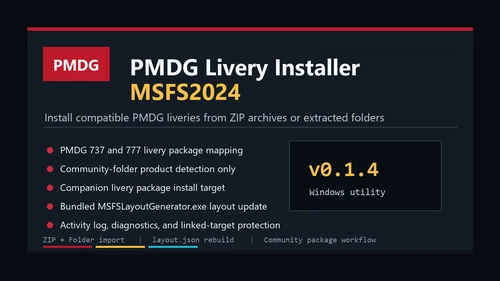
PMDG Livery Installer MSFS2024 is a Windows utility for installing compatible third-party PMDG aircraft liveries into Microsoft Flight Simulator 2024.
Browse Applications utilities and tools for Microsoft Flight Simulator 2024 and 2020. Browse 522 addons uploaded by our community.

PMDG Livery Installer MSFS2024 is a Windows utility for installing compatible third-party PMDG aircraft liveries into Microsoft Flight Simulator 2024.

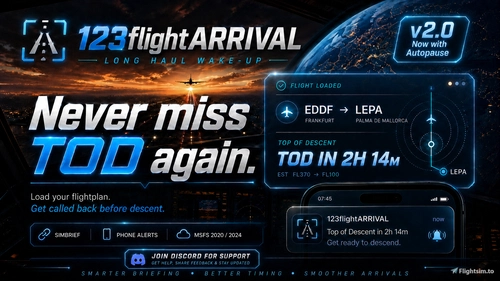
123flightARRIVAL 2.5 is a lightweight Windows companion app for Microsoft Flight Simulator 2020 and 2024 designed for long-haul flights. The tool monitors your loaded SimBrief or MSFS flight plan to calculate your Top of Descent and provides local and phone alerts to notify you before descent. Features include Simconnect integration, SimRate awareness, and route summaries. The standalone app operates without affecting simulator performance and does not require an account. Now with Pause on TOD Option.

GSX Mapper is a Windows application that visualizes all items and routes in a GSX profile for easier selection of parking stands and gates at airports. It allows users to rotate, move, and grade objects and profiles without using the standard GSX editor. In addition , it includes a basic editor which enables users to move objects and create their own boarding,deboarding and walking routes without having to use the GSX Pro editor.

MSFS Cabin App introduces boarding music inspired by Emirates and supports over 35 airlines for added realism in Microsoft Flight Simulator 2024. The current beta focuses on enhancing the cabin atmosphere with audio features. Future updates aim to add seatbelt chimes and comprehensive PA announcements. Designed to fill gaps in cabin immersion, particularly for aircraft lacking these features by default.

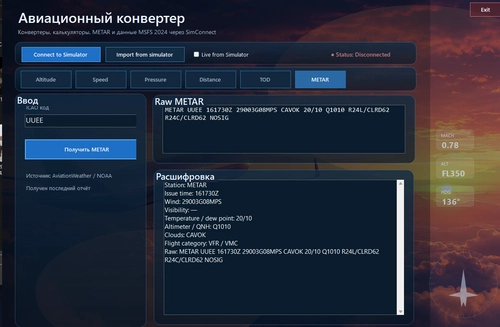
Aviation Converter / Calculator for MSFS 2024 is an external desktop utility enabling fast conversion of key aviation units such as altitude, speed, distance, and pressure. It features SimConnect integration for importing live data directly from Microsoft Flight Simulator 2024, with options for manual input or continuous real-time updates. Included tools provide altitude, speed, pressure conversions, QNH/QFE calculation, and a descent profile calculator. The application is designed to be lightweight with a simple tab-based interface for practical in-flight use.


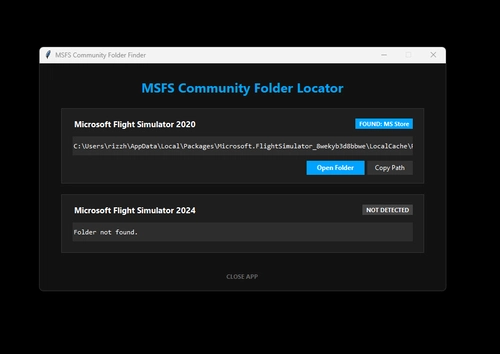
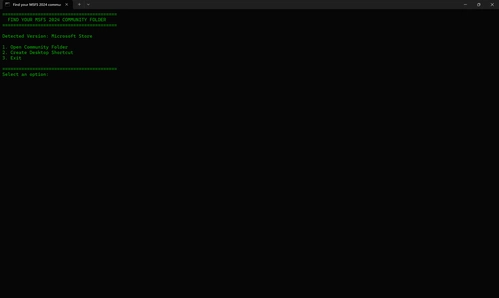
This standalone desktop utility locates Microsoft Flight Simulator Community folders for both 2020 and 2024 versions by scanning local configuration files. It supports installations from both Steam and Microsoft Store, including custom drives. The tool offers Explorer integration for quick access and clipboard support to copy folder paths. Designed for Windows 10 and 11, it requires no installation and does not modify the system registry.

A lightweight, open-source ACARS utility designed for MSFS 2024 pilots using SimBrief and VATSIM. Offers manual, on-demand retrieval of SimBrief OFPs, live VATSIM ATC coverage, and a Boeing CDU-style PERF INIT display. No installation, subscription, or background processes are required. Data remains private, and the tool includes customizable themes and portable distribution.

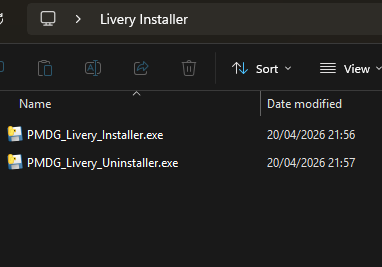
This tool allows PMDG aircraft owners to install liveries directly into the MSFS Community folder, bypassing issues with the OC3 livery manager. It supports the PMDG 737 and 777 series on MSFS 2020 and 2024. The installer works with Windows 10 or 11 and auto-detects the Community folder for MSFS 2024. An internet connection is required only on first use to download a support component.

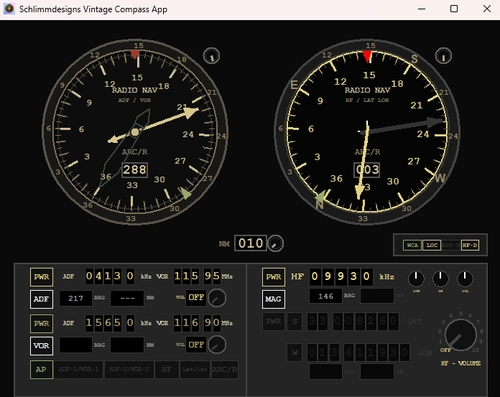
Schlimmdesigns Vintage Compass App is a companion tool for Microsoft Flight Simulator 2020 focused on aiding navigation in vintage and standard aircraft lacking HF radio navigation. The app continuously tracks aircraft position and heading, featuring dual compasses that display ADF, VOR, HF station bearings, and user-set coordinates. It integrates with the simulator’s standard autopilot systems, enabling autopilot modes to follow selected stations or coordinates. Custom HF stations can be added via a stations.txt file, and the app is compatible with most aircraft using default autopilot.

This application provides a quick way to access the Community Folder in Microsoft Flight Simulator 2024, eliminating the need to manually search through game files. Users can easily locate and open the folder to install addons or mods. The tool involves a simple extraction and shortcut creation process. A similar version for Microsoft Flight Simulator 2020 is planned for future release.

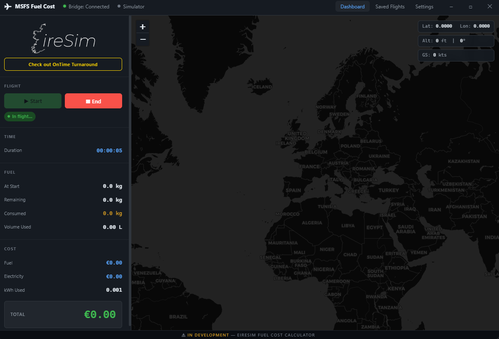
This add-on provides a real-time breakdown of your flight's fuel and electricity costs by connecting to MSFS 2024 through FSUIPC. It tracks fuel consumption, including both Jet A-1 and AvGas, and calculates electricity expenses based on your PC's power usage and tariff. The tool features a live map with flight tracking, detailed post-flight summaries, and cumulative statistics. It offers a customizable, easy-to-use dark interface, supporting various units and currencies, with automatic settings saving.