Browse freeware landscape scenery add-ons for MSFS 2020 and 2024. Community-made terrain mesh, photorealistic imagery, forest corrections, and coastline improvements for regions worldwide — free to download. Browse 637 addons uploaded by our community.
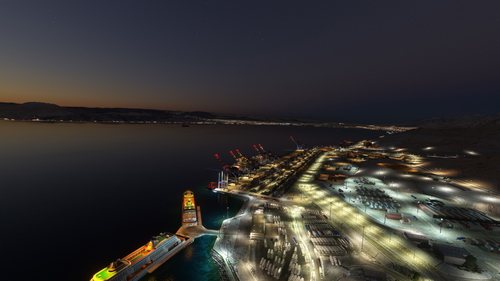
The Port of Aqaba add-on enhances the default scenery of Jordans only port by adding cargo ships, boats, cranes, and various improvements. Operated by multiple companies, the port was relocated in 2006 to facilitate deeper water access. This add-on aims to provide a more realistic representation of the port environment within Microsoft Flight Simulator. It is designed to be easily installed by placing the folders into the community folder and will receive future updates.
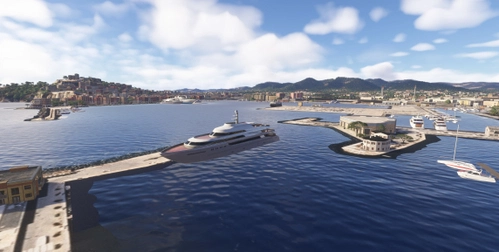
This add-on enhances the Evissa harbour in Ibiza by removing sunken boats and adding a variety of vessels, including yachts, ferries, and cruise ships. It also features lighthouses at the harbour entrance, improving the scenery for VFR flying and arrivals/departures to Eivissa Airport (LEIB). The scenery adjustments utilize Asobos default assets for a seamless experience.
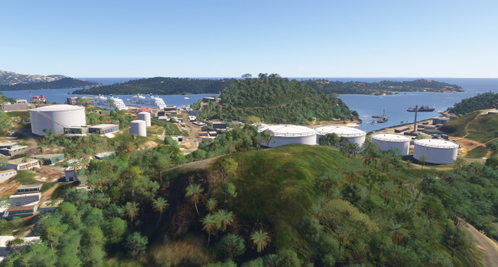
This add-on provides a detailed enhancement for St. Thomas in the US Virgin Islands. It includes the addition of storage tanks near the airport (TIST) and the removal of sunken cruise ships at the Havensight Cruise Terminal. The visual improvements utilize only Asobo assets to enhance the scenery.
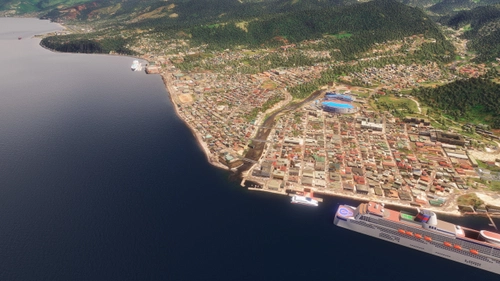
The Roseau Dominica Uplift add-on enhances the Roseau area by introducing additional sea traffic and a stadium. This update enriches the local environment and is part of a planned expansion, with more features expected to be added in the future. Please note that the Sim Update Caribbean is required to view the stadium.
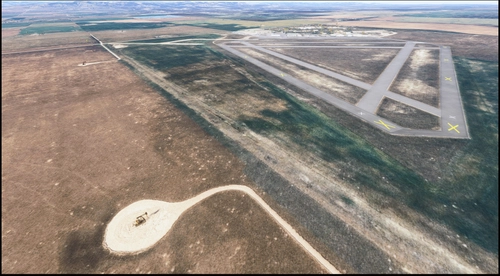
This add-on features approximately 18,000 oil pumpjack scenery objects placed throughout Alberta, utilizing OpenStreetMap data to reflect the regions well-known oil landscape. While currently limited to one model, the developer intends to expand with additional detail and variety if the project gains popularity. Users are advised to report any performance issues encountered during use.
Mini Trees for MSFS 2020 - Approximately 30% smaller than default trees
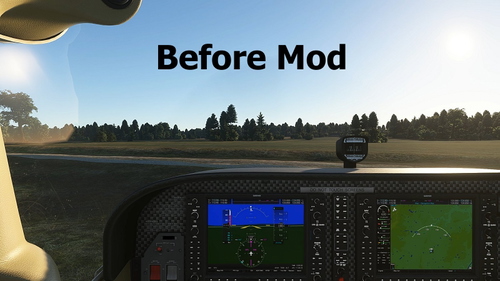
This add-on features mini trees for Microsoft Flight Simulator 2020, designed to be approximately 30% smaller than the default tree models. The reduced size assists in navigation by making roads and landscape features more distinguishable. The package includes necessary files for installation in the MSFS 2020 Community folder.
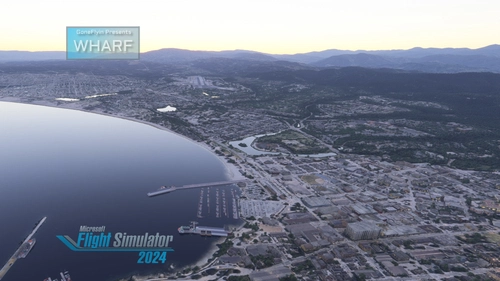
This add-on features a representation of the Monterey Bay Harbor, including its notable landmark, The Fisherman’s Grotto. Designed primarily for visual enhancement during approaches to runway 10R at KMRY, the scenery allows users to view the harbor from above. While it is a quick project and may lack detailed ground elements for walking, it aims to provide a more immersive flight experience over this iconic California location. Future updates are planned to refine the scenery further.
Enhancement pack for DominicDesignTeam New Chitose (RJCC), Japan
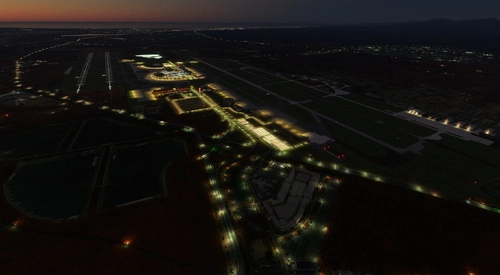
This enhancement pack improves the default New Chitose Airport (RJCC) in Japan, originally created by DominicDesignTeam. It adds extensive ground clutter, improved lighting, and additional features such as de-icing spots and a revamped cargo area. The pack does not modify the original scenery but enhances the overall experience with added realism. Several external libraries are required for full functionality.
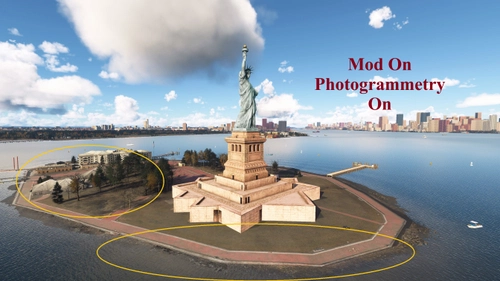
This add-on removes photogrammetry buildings and trees from all applicable areas worldwide, allowing users to enjoy enhanced ground textures without the visual clutter. All structures are replaced with non-photogrammetry versions for a cleaner scenery. Note that Australia may remain unaffected, and feedback for further improvements is welcomed. To utilize this add-on, ensure photogrammetry is enabled in the online settings.
New adverts on air bridges for Fly2High Warsaw Chopin (EPWA)
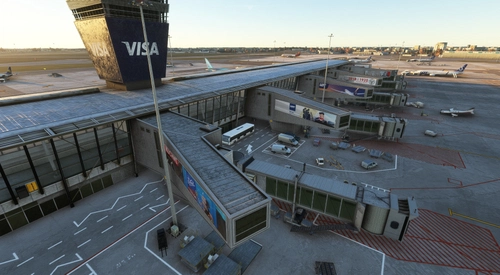
This add-on introduces a new set of advertisements for the air bridges at Fly2High Warsaw Chopin Airport (EPWA). It offers a variety of fresh textures to replace the original smartphone ads, enhancing the airports visual experience. The download includes a backup folder for reverting to the original textures if desired. Installation is straightforward, requiring the replacement of specific files in the main airport folder.
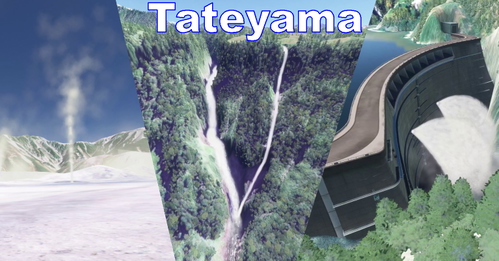
Tateyama adds realistic water simulations to Microsoft Flight Simulator, featuring effects for Shomyo Falls, Hannoki Falls, Jigokudani, and the Kurobe Dams tourist water discharge. This add-on enhances the immersion of the Tateyama region with detailed visual effects. Installation is straightforward by placing the downloaded files in the MSFS Community folder.