

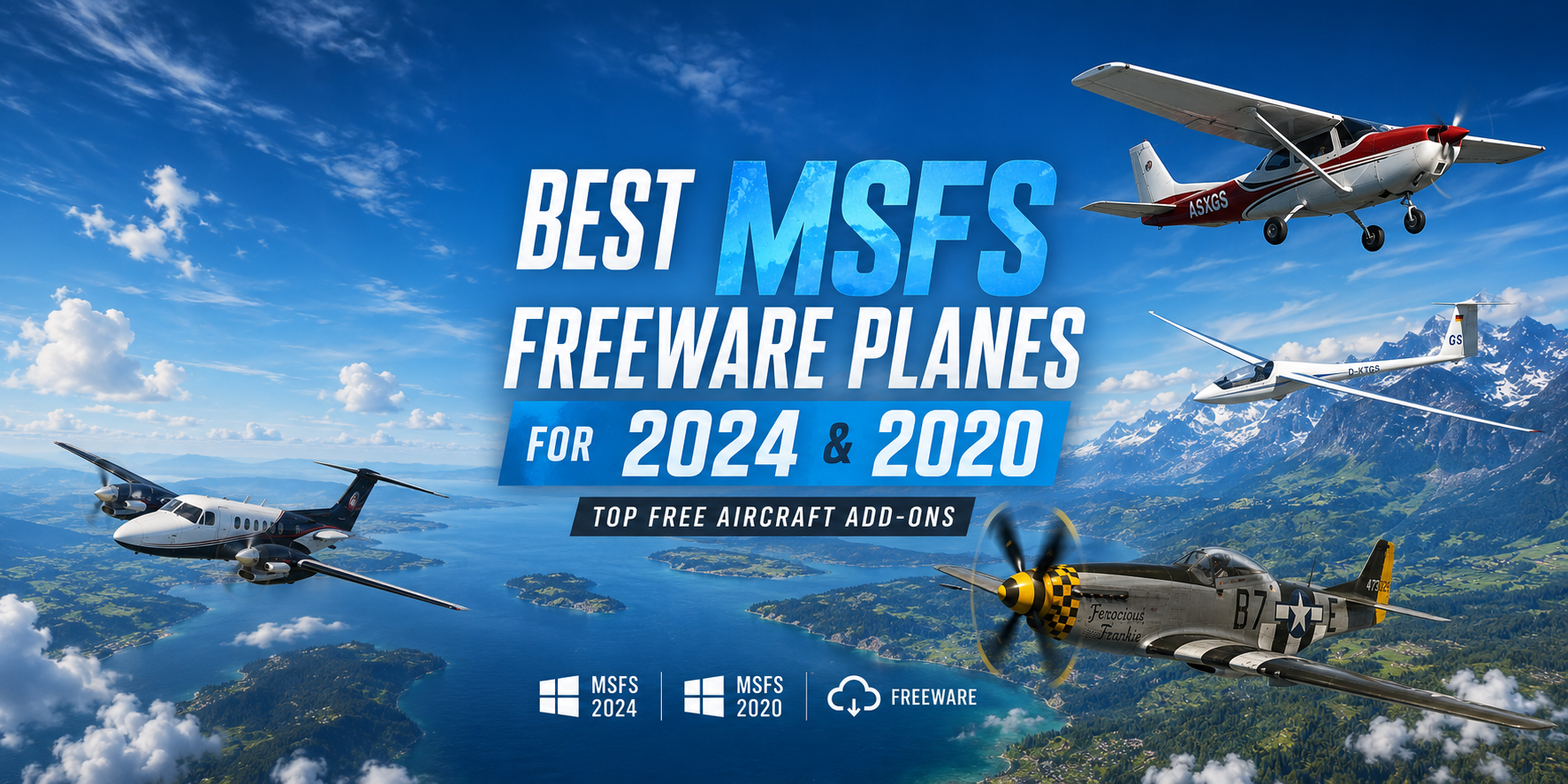
The freeware scene for Microsoft Flight Simulator has never been stronger. What started as a handful of enthusiastic modders tweaking default aircraft has grown into a full-blown development ecosystem — one where community teams are delivering aircraft that genuinely rival commercial payware in depth, fidelity, and feature sets. This guide cuts through the noise. Just the aircraft that matter — vetted, categorised by type, and pointed straight to their correct download pages.
How We Picked These
Every aircraft on this list meets at least three of the following criteria: actively maintained as of 2025/26, widely praised by the community on forums and Discord servers, available on Flightsim.to or a reputable installer, and offers genuine systems depth beyond what Asobo includes out of the box. MSFS 2024 compatibility notes are included for each pick.
✈️ Narrowbody Airliners
1. FlyByWire A32NX & A380X
Download: Flightsim.to / FBW Installer | flybywiresim.com
If you only install one freeware aircraft in your lifetime, make it this one. The A32NX started as an enhancement mod for Asobo's default A320neo and has since evolved into an entirely independent project — an open-source, near-payware-level simulation of the Airbus A320neo with a custom MCDU, real-world FMS behaviour, full SimBrief integration, and avionics depth that puts many commercial add-ons to shame.
The A32NX project aims to bring the FlyByWire A32NX up to payware-level systems depth and functionality — all for free. It simulates a real A320-251N configuration with a CFM LEAP 1A-26 engine, Honeywell FMS, and a complete suite of avionics systems including EGPWS, ACAS, and weather radar.
And then there's the A380X. After years of anticipation, FlyByWire Simulations opened the hangar doors to their Airbus A380X, now available as a free open alpha through the FlyByWire Installer. As of December 2025, both aircraft received version 0.14.0, marking a significant milestone as they are now compatible with Microsoft Flight Simulator 2024 via the FBW Installer.
MSFS 2024 status: Compatible via FBW Installer (v0.14.0+). Not yet a native 2024 package, but fully functional.
Best for: Short to medium-haul IFR flying, VATSIM operations, airliner training.
🛩️ Wide-Body & Long-Haul
2. iniBuilds Airbus A310-300
Download: Available free via the in-game MSFS Marketplace | Flightsim.to Liveries
Microsoft and Asobo announced a partnership with iniBuilds to bring the Airbus A310 to Microsoft Flight Simulator for free as part of the 40th Anniversary Edition. This wasn't a token gesture — iniBuilds delivered a genuinely impressive aircraft.
The freeware A310 comes with true-to-life system simulation, astounding detail throughout the aircraft, 4K PBR textures, animated seatbelt signs, in-flight information screens, and interactive cabin lighting. It's a wide-body with real weight — the kind of aircraft that makes a transatlantic route feel earned.
MSFS 2024 status: Available directly through the in-game marketplace. Download free by searching "A310" in the Content Manager.
Best for: Long-haul routes, classic wide-body operations, pilots wanting a step up from narrowbodies.
3. Horizon Simulations Boeing 787-9
Download: Flightsim.to
Horizon Simulations released their freeware Boeing 787-9 for Microsoft Flight Simulator, bringing the popular 787-9 variant to the virtual skies. The model offers a range of enhancements over the default Asobo B787, featuring over 30 liveries, improved flight models, and detailed cockpit upgrades.
The freeware Boeing 787-9 from Horizon Simulations is now compatible with MSFS 2024, with a V2 update still in active development. The V2 promises working windshield wipers, CPDLC uplinks, a reworked exterior model, and a new EFB with performance calculations and landing distance tools.
Important note: Requires the MSFS 2020 Premium Deluxe Edition's B787-10 to be installed. MSFS 2024 users need to activate that content via My Library in the Marketplace.
MSFS 2024 status: Compatible as of version 1.2.2. V2 in active development.
Best for: Oceanic long-haul routes, Dreamliner enthusiasts, anyone wanting a polished wide-body experience for free.
🚁 Helicopters
4. HPG H145 (Hype Performance Group)
Download: hypeperformancegroup.com
Hype Performance Group's H145 has been hailed by users, real-world H145 pilots, and flight sim review outlets as one of the most immersive civilian helicopter simulations ever developed. That's not marketing hyperbole — it's a sentiment you'll encounter consistently across every major flight sim forum.
The H145 comes with three model variants (Civilian, Luxury, and Military), a fully clickable cockpit built around VR from the ground up, rotor animations including blade droop and blade flap, rotor downwash effects, and a custom auto-flight control system. The Military variant even includes the first implementation of working weapons in MSFS.
The H145 and H160 helicopters of Hype Performance Group are compatible with both MSFS 2020 and MSFS 2024. Installation for MSFS 2024 requires copying relevant folders from your MSFS 2020 Community folder — HPG provides a full guide on their site.
MSFS 2024 status: Compatible with manual migration. Full guide available at hypeperformancegroup.com.
Best for: Helicopter pilots of any skill level, SAR missions, sightseeing, VR users.
5. HPG H135 (Community Collaboration)
Download: Flightsim.to
A collaborative project between Hype Performance Group and developer David Amenta, the HPG H135 Helicopter offers a realistic flight experience with contributions from various creators, bringing a high-quality Airbus H135 to Microsoft Flight Simulator. It comes with a Discord community for troubleshooting support and exclusive test build access.
Best for: Light helicopter operations, training scenarios, pilots transitioning from fixed-wing.
🌿 Bush Flying & General Aviation
6. Community ATR 72-600
Download: Flightsim.to Aircraft Page
A community version of the ATR 72-600 for Microsoft Flight Simulator, featuring remade animations, flight dynamics, and functioning lights. This addon is a native FS2020 aircraft with added ground interactions, adapted with formal permission from Virtualcol FS Software.
This is the regional turboprop workhorse that the default sim lacks. Perfect for short-sector flying across island chains, regional European hops, or recreating operations for carriers like Air Malta, Binter Canarias, or TAROM.
MSFS 2024 status: Native MSFS 2020 package. Check the Flightsim.to listing for the latest compatibility notes.
Best for: Regional aviation fans, short-haul turboprop flying.
7. Delta Simulations C-17 Globemaster III
Download: Flightsim.to Aircraft Page
The C-17 Globemaster add-on by Delta Simulations for Microsoft Flight Simulator 2020 includes a fully custom avionics suite, functional external and internal lighting, and a native WWise sound system. It comes with custom liveries and ongoing updates.
The C-17 is a favourite among military aviation fans and cargo enthusiasts alike. There's nothing quite like landing a four-engine strategic airlifter on a short strip in adverse conditions — and getting it for free makes it even better.
Best for: Military aviation fans, cargo operations, heavy aircraft enthusiasts.
8. Sikorsky UH-60M Blackhawk
Download: Flightsim.to Aircraft Page
The Sikorsky UH-60M Blackhawk is a medium-duty helicopter for MSFS with full native integration including PBR materials, effects, and fully custom avionics and systems designed for the aircraft.
One of the most downloaded military helicopters on Flightsim.to. If you've ever wanted to feel like you're on a real SAR or troop transport mission in MSFS, this is your aircraft.
Best for: Military helicopter fans, SAR enthusiasts, action-oriented sim flying.
9. B73X Project – Boeing 737-800 Mod
Download: Flightsim.to Aircraft Page
The B73X project enhances the default 737 with improved systems, better flight dynamics, and a choice between stable and experimental builds. For pilots who want a solid narrowbody workhorse without the complexity of payware options like PMDG, it's a smart choice.
Best for: Casual narrowbody flying, airline enthusiasts on a budget.
📥 How to Install Freeware Aircraft in MSFS
Installing freeware is straightforward once you know your Community folder location. Read this guide for more.
For aircraft with dedicated installers — like the FlyByWire A32NX/A380X — always use the official installer rather than manual folder placement. It handles version management, dependency resolution, and MSFS 2020 vs 2024 path detection automatically.
Always read the README file included with every download. It's not optional — it tells you about dependencies, known issues, and any extra steps specific to that aircraft.
Final Word
The gap between freeware and payware in MSFS is narrower than it has ever been. Projects like the FlyByWire A32NX and the HPG H145 don't ask you to compromise — they deliver systems depth, visual fidelity, and community support that stand up against anything on the payware market. The aircraft above aren't consolation prizes for pilots who can't afford the premium options. Several of them are the premium option.
Update your Community folder. Clear your schedule. The hangar is full.