
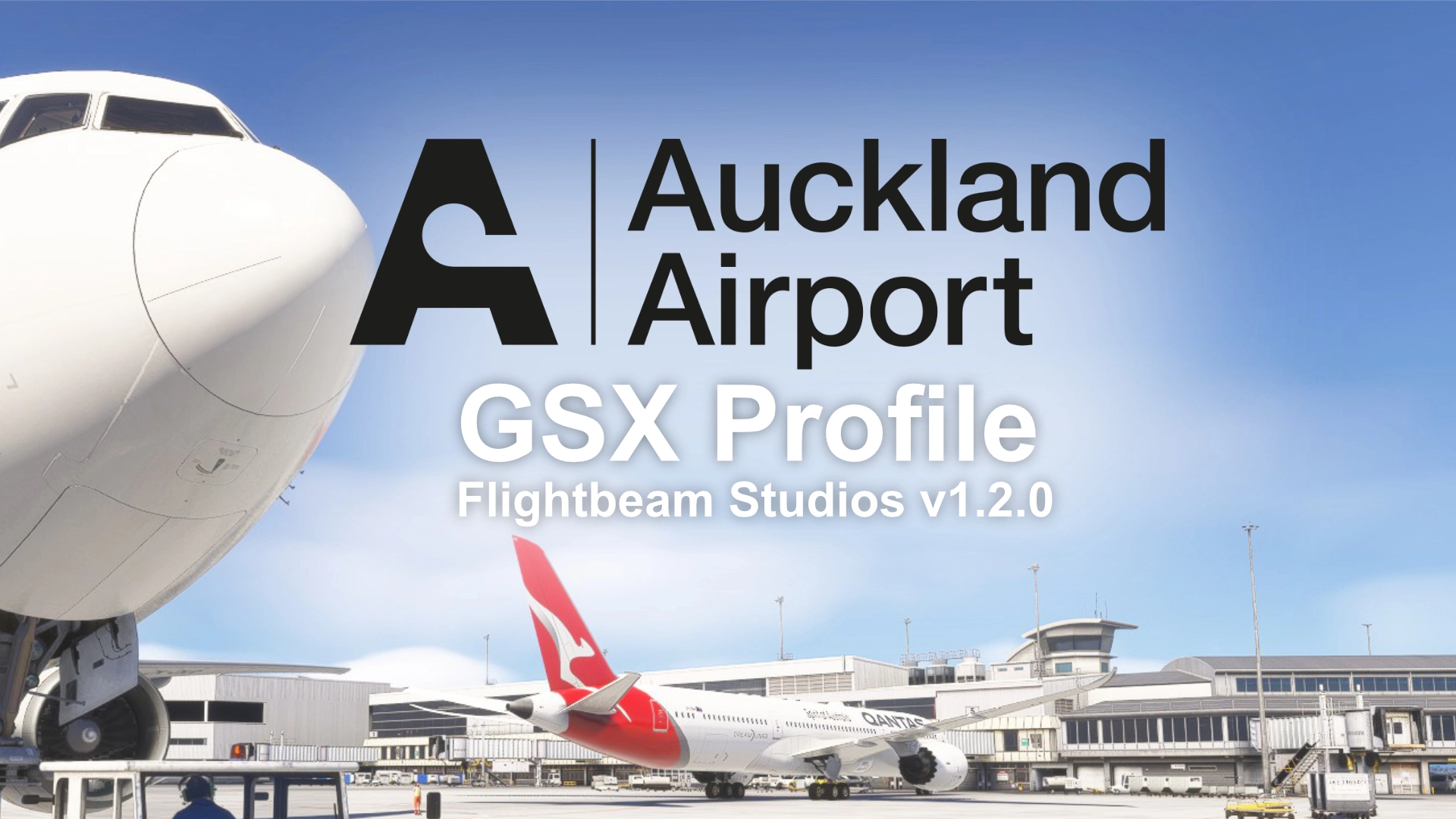
Description
GSX Profile for Flightbeam Studios NZAA Auckland International Airport v1.2.0
Features
- Python script for easy gate selection.
- Airport handler script for automatic selection of ground handler and catering provider (SimBrief required).
- Repositioned all stands to align perfectly with parking lines.
- Custom pushback procedures (based on real operations observed via Flightradar24).
- Custom stop positions for A310, A319, A320, A321, A330, A340, A350, A380, 737, 747, 777, 787, ATR72-600, Saab 340, C700, C750 and more!
- Custom engine start positions.
- GSX VDGS Safedock & Safedock X (Stand 19 fictional).
- Stand 46A and 50B included via MARS.
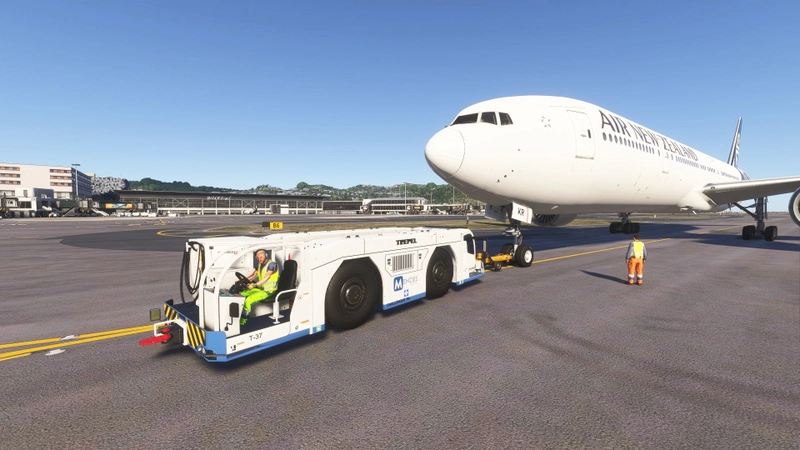
- Air New Zealand, Air NZ Cargo, Menzies, Swissport, and Air Chathams ramp operations.
- LSG Sky Chefs and Gate Gourmet catering operations.
- Passengers using jetway and rear stairs simultaneously at the domestic gates 22-32.
- Passengers walking inside the international and domestic terminals.
- Passenger walkways at the domestic gates.
- VIP walkways at Swissport Executive and ExecuJet FBO with Mototok pushbacks.
Installation
1. Unzip the file and paste it into: %AppData%/virtuali/GSX/MSFS
2. Delete any existing “NZAA” GSX profile files.
3. When spawning at a stand, click “Reposition aircraft at current gate.”
Notes
- Some parking stands are unavailable because they’re missing from the AFCAD file.
- Jetways currently do not move due to an MSFS bug. A temporary fix is available: here
- Stand 84 can only be selected via RAMP 0 due to AFCAD error.
- Marshallers at the domestic terminal as IRL. Ignore the default VDGS provided with Flightbeam NZAA.
Thanks for downloading! Any requests or issues, feel free to drop a message.
Dependencies
Comments(22)
Log in to join the discussion
Log In2 months ago
2 months ago
6 months ago
6 months ago
6 months ago
6 months ago
https://flightsim.to/file/98111/nzch-nza-simulation-gsx-profile
6 months ago
6 months ago
I use Notepad++ to create the Python files. What helped me was checking out the GSX Pro manual on the FSDT forum and looking at other GSX profiles with Python file on Flightsim.to. After that, it's trial and error until it works!
6 months ago
6 months ago
7 months ago
7 months ago
7 months ago
7 months ago
7 months ago
Flightbeam Studios NZAA Auckland Intl - GSX Profile
This add-on provides a GSX profile specifically designed for Flightbeam Studios NZAA Auckland International Airport v1.2.0. It includes features such as a Python script for gate selection, repositioned stands aligned with parking lines, and custom pushback procedures based on real-world operations. Additionally, the profile supports various ramp operations and includes custom stop positions for a wide range of airliner models in Microsoft Flight Simulator.
User Reviews
3 reviews
More Information
Version History
Added airport handler script (SimBrief required) — Automatically selects the correct ground handler and catering provider based on the aircraft’s ICAO airline code.
Related
Flightbeam Studios NZWN Wellington Intl - GSX Profile
This GSX profile enhances Flightbeam Studios Wellington International Airport NZWN v1.1.1 with accurate stand alignment, custom pushback and stop positions for a wide range of aircraft, and realistic ramp operations. Features include a Python script for gate selection, GSX VDGS systems, catering, and detailed passenger movements. Some limitations exist due to constraints in the airport's AFCAD file. Installation instructions and known issues are included.
by ChurBro
Astralis Studios NZNV Invercargill - GSX Profile
GSX profile for Astralis Studios NZNV Invercargill Airport including python script, custom pushback, passenger walkways, stop positions and more!
by ChurBro
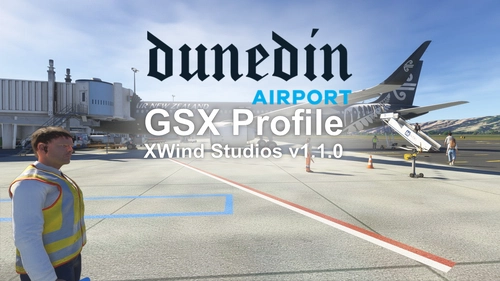
XWind Studios NZDN Dunedin Intl - GSX Profile
This GSX profile customizes ground services at XWind Studios NZDN Dunedin International Airport v1.1.0. It includes precise stand alignment, realistic pushback procedures based on actual airport operations, and custom stop positions for various aircraft types. The profile also features airline-specific ramp operations, unique passenger movement options, and a private jet parking setup. Installation instructions and compatibility notes are provided.
by ChurBro

5 days ago