
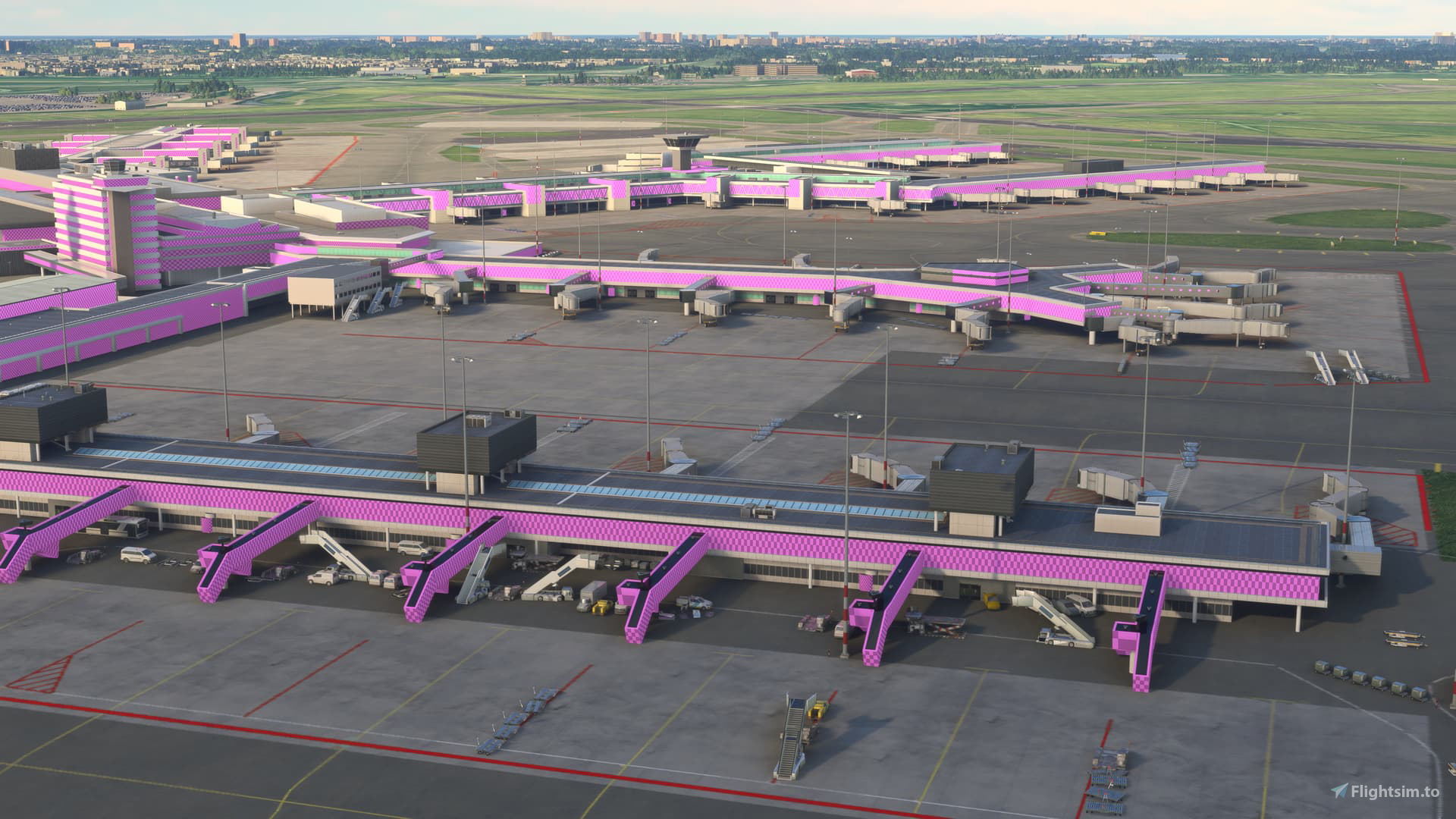
Description
V2: Now includes more airports.
Airports included in this fix now are: BIIS, C53, CYTZ, EHAM, HECA, KASE, KSEZ, KTEX, KXMR, LFCS, LFLJ, MHTG, NZQN, TFFJ
V1: MSFS2020 SU16 introduced pink textures at EHAM, in the Deluxe version.
Replace the single file under the OneStore folder. I have packed the zip file so that you only have to copy into the OneStore folder, and the subdirectories are automatically managed.
Source of the information: https://forums.flightsimulator.com/t/pink-textures-so-far-eham-only-default-asobo-scenery/729894/27
Enjoy!
Airports Pink Textures Fix After SU16
This add-on provides a fix for the pink texture issue at multiple airports introduced in Microsoft Flight Simulator 2020 following SU16. It includes a replacement file designed to be easily installed in the OneStore folder, with automated management of subdirectories.


User Reviews
8 reviews
Version History
Updated fix to inlcude more airports. See notes.
Related
Airports Lights
Illuminate over 1200 airports worldwide with the Airports Lights add-on, featuring lights for terminals and gate areas. With more than 32,000 light poles and ongoing updates, enhance your airport visuals today. Easily install by extracting into your Community folder and experience improved airport lighting. Request additional airports and stay updated on the projects progress through the provided link.
by Andres3D
SBGO - Goiânia Airport - GO - Brazil
Enhance your Microsoft Flight Simulator experience with SBGO - Goiânia Airport in Brazil. This add-on features custom 3D models, animated Jetways, realistic runway and taxiway lights, custom markings, and aerial orthophoto for a true- to-life airport immersion. Support for narrow-body aircraft such as Airbus A320 and Boeing 737-800, with the ability to handle wide-body planes like Boeing 767 and Airbus A330. Simply extract the folder to your Community folder to begin exploring this detailed airport scenery.
by Souza Scenery & FSoares
Istanbul Sabiha Gokcen International Airport
Custom-built Istanbul Sabiha Gokcen International Airport add-on for MSFS 2020 in public beta version. Enhancements include detailed airport structures and improved visuals for a more immersive flying experience. Created by developers with experience in X-Plane 11 scenery design. Free for personal use with optional donations to support the Leukemia Foundation for Children.
by Hayri Buberci, Mali Oguducu
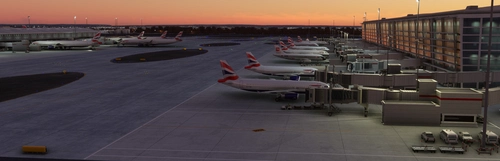
Airport Parking
I am going through airports and updating the parking so airlines park in the correct spots. Not everything is 100% accurate, but it is very close and the pack will continue to grow. Both airlines and cargo spots are being updated. Airports are also including A380 gates.
by Chris Baggett
Log in to join the discussion
Log InComments(42)
7 months ago
8 months ago
8 months ago
9 months ago
8 months ago
9 months ago
This comment has been deleted
9 months ago
9 months ago
9 months ago
10 months ago
11 months ago
11 months ago
about 1 year ago
about 1 year ago
about 1 year ago
about 1 year ago
THE ROOT FOR STEAM ARE :
C:\Users\User\AppData\Roaming\Microsoft Flight Simulator\Packages\Official\Steam
I HAVE PINK COLOR FOR AIRPORT EHAM>>HECA>>KORD
12 months ago
C:\MSFS2020\Official\Steam\
[just in case someone else is also fruitlessly searchin in 'AppData']
8 months ago
about 1 year ago