
Description
Description:
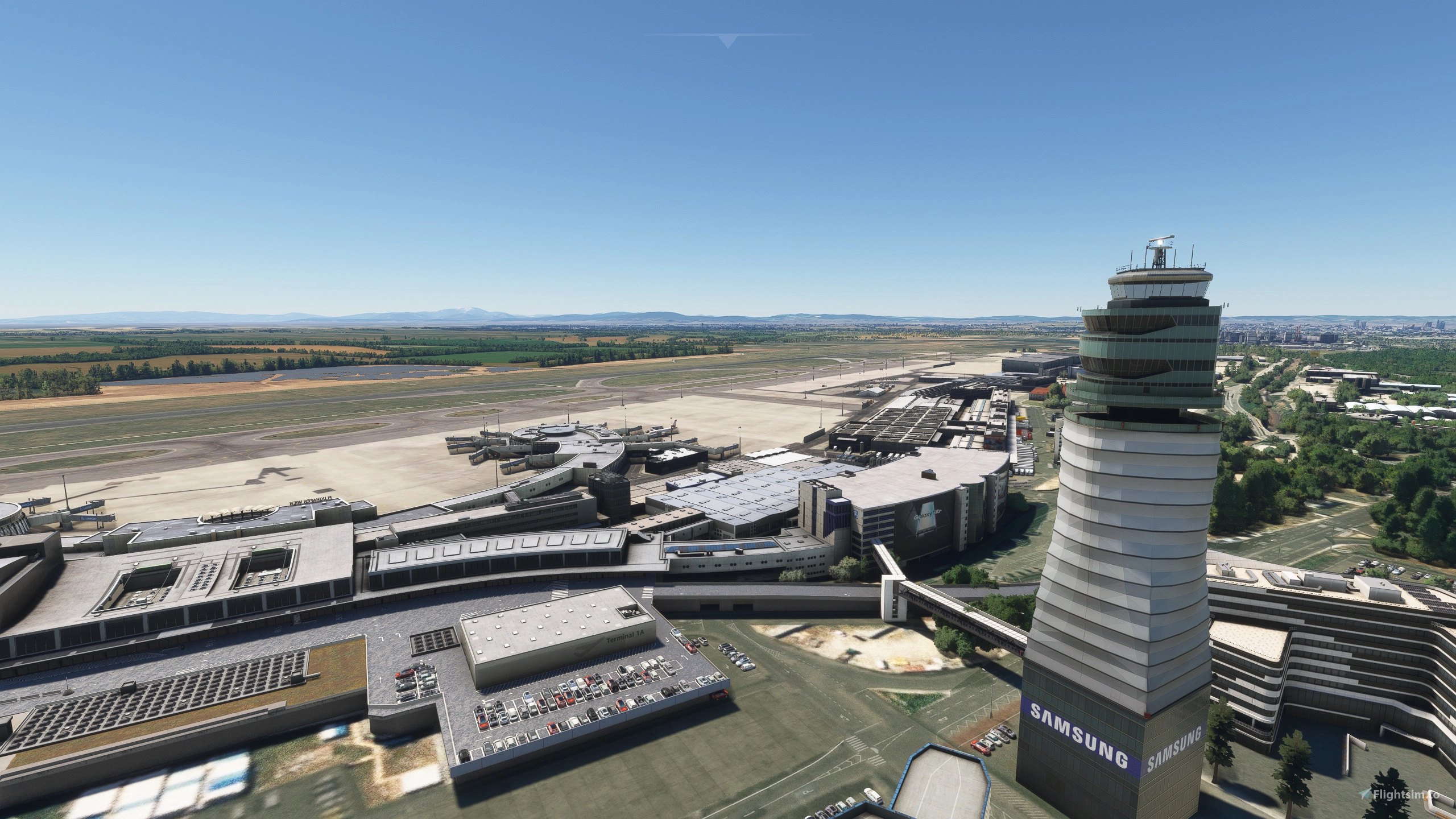
This add-on includes major updates and enhancements for the LOWW (Vienna International Airport) scenery by Gaya Simulations. It has been developed in cooperation between Lukas and myself. This package also integrates several previously released add-ons, including LOWW Layout Enhancements and LOWW Tower Beacon Lights.
If you want the MSFS 2024 Version go to: Lukas3434
The following updates and changes have been made:
- Implemented all missing gates and parking stands with precise placement (including GAC parking stands)
- Removed stand F41 and gate D27
- Adjusted gate and parking stand sizes according to the latest AIRAC 2505
- Added missing gate and stand markings, and corrected inaccurate ones
- Enhanced night lighting across the entire airport (including the addition of missing light poles in appropriate locations)
- F33 uses the same Jetway as F35 and therefore F33 is currently a Bus only Gate
- Add-on is compatible with FSLTL, AIG and BATC Traffic
Installation:
Download the zip file (loww-schwechat.zip) and extract the files anywhere. Then copy the folder (loww-schwechat) inside it and paste it into the community folder
ATTENTION:
If you have the following add-ons installed:
- LOWW Layout Enhancement by Josrash
- LOWW TWR Beacon Lights by Josrash
Please remove them from your Community folder, as they are now all integrated into this single add-on.
Ensure that the following library is installed:
- uk2000scenery-airport-commonlibrary (it can be downloaded either from the website https://www.uk2000scenery.com/products.htm or from the Marketplace)
This is not an official patch from GAYA Simulations. Therefore, there is no support from GAYA for issues involving this Add-on. None of the original scenery files are modified by this Add-on.
Enjoy flying!
LOWW Enhancement for MSFS2020
This add-on enhances Vienna International Airport (LOWW) scenery for Microsoft Flight Simulator 2020, developed through collaboration between users Lukas and others. It features precise gate placements, updated sizes as per the latest AIRAC data, improved night lighting, and integrates several previous enhancements, including layout and beacon lights. Compatibility is maintained with traffic add-ons such as FSLTL, AIG, and BATC.


Contributors
User Reviews
5 reviews
Version History
- Added permanent stop bars for the old and closed RWY29 intersections. - Added taxiway signs indicating the stand and gate numbers at each of the following Taxilane entries: TL31, TL32, TL33. - Added blue release points across the airport. - Improved some apron layouts. - Added concrete barriers near of B stands. (Use: uk2000 library with link in the description) - Added 2 antennas on Pier North Building. (Use: uk2000 library with link in the description) - Added some Ground vehicles and equipment. - Added Airline Codes from Real World Flights of June 2025. - Connected some missing Taxiways with other ones
Related
Vienna International Airport (LOWW) Enhancements (MSFS 24)
Parking, Lighting and Layout Enhancements for GAYA LOWW
by Lukas3434
![LOWW Vienna Airport GAYA - Remove Static Aircrafts [Unofficial]](https://cdn.flightsim.to/images/20/loww-vienna-gaya-remove-static-aircrafts-unofficial-0kng4.jpg?width=500)
LOWW Vienna Airport GAYA - Remove Static Aircrafts [Unofficial]
Unofficial patch for GAYAs LOWW Vienna Airport that removes static aircrafts from gates and stands, enhancing online flying experience by allowing smoother operations. The patch maintains animated aircrafts in the maintenance area and one GA aircraft near a hangar, ensuring functionality of gates for arrivals. Note: This patch is not officially supported by GAYA and is specifically designed for the stand-alone version of the airport.
by Fossel
Gaya Simulations LOWW Vienna - Lights & Parking Enhancements
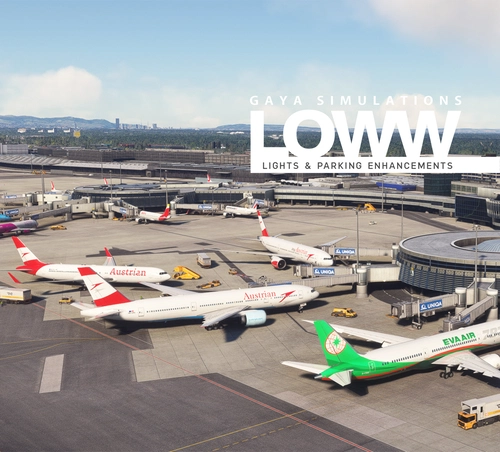
Enhance apron lights and AI traffic parking at GAYA LOWW Vienna International Airport with this mod. Enjoy accurate AI parking coding, appropriate parking radius for wide bodies, and new cargo and GA parking spots. This mod complements the stunning work of GAYA Simulations, making your airport experience more realistic and immersive.
by Marcelo Nahas
LOWW Layout Enhancement
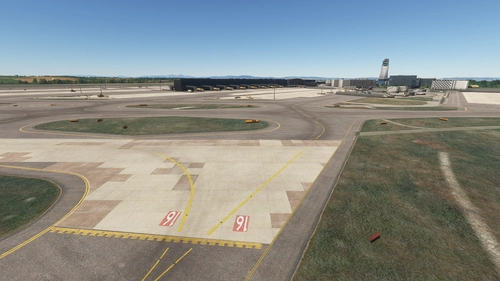
This add-on enhances the LOWW (Vienna International Airport) layout by applying missing painted lines for the IHPs and adding taxiway centerlines. It is designed for use with Gaya Simulations scenery, improving the overall realism and navigational aids at the airport. Installation involves extracting the provided files and placing them into the community folder of Microsoft Flight Simulator.
by Josrash
Log in to join the discussion
Log InComments(20)
11 months ago
12 months ago
about 1 year ago
However.... non of the Exit taxiways correspond with the taxiway signs in the scenery... So when using BATC I've just been given taxi instructions from Gate C34 to RWY29 of ORANGE, EX11, A1... of course EX11 doesn't link to A1, it's EX1.
Could you please have a look at the taxiway designations?
over 1 year ago
https://youtu.be/qpL7m7IYYt4
about 1 year ago
over 1 year ago
over 1 year ago
over 1 year ago
over 1 year ago
over 1 year ago
Also if possible add the missing parking entrance archway and the one with the ticket machines inside by terminal 3 at Pk3.
over 1 year ago
over 1 year ago
over 1 year ago
Since LOWW is my home base, I really appreciate this mod.
It also works perfectly with my Jetway Add Correction:
https://de.flightsim.to/file/82736/gayasim-loww-jetway-add-correction
Feel free to include it in your pack if you’d like.
over 1 year ago
Thanks for your offer. I will discuss that with Lukas and see what we can do.
Otherwise in the mean time I will recommend your add-on. :)
over 1 year ago
I just offer some advice that can maybe clear up some confusion for ones trying to install your mod and reading the installation instructions... Firstly, as per the installation instructions, "loww-schwechat.zip" does not exist at all. loww-schwechat is actually a folder within the zip file named, (VIE-AFCAD Sommer_UCj4d.zip) or (VIE-AFCAD Winter_lYoI1.zip), these are the names of the actual zips that are downloaded. Secondly, these file names are confusing, they reflect nothing to of the contents of the package.
Thirdly, no version numbers exist except in the manifest that still indicates version 1.0, while a 1.2 changelog is listed here. Version numbers are awesome to include in the actual zip file name, for example, (LOWW Enhancement for MSFS2020 Summer 1.2) and to also be updated in the manifest file each update for proper version checking.
Fourthly, the folder structure inside the zip can confuse people and lead to many questions by ones that are not so experienced with the folder/mod structure of the game. When you immediately open the zip, you see a folder named, PackagesContent. It might be best to recreate your archive/zip file and not have this multi folder structure. Or, at least, if you keep the structure, rename PackagesContent to Community.
Hope this doesn't appear to be criticizing, it's just advice I'm sharing that might help things in the community go a bit smoother.
Thanks again for your work!
over 1 year ago
ad 3) I usually don't like writing changelog numbers in the zip file. Each new version will be updated and you will be notified with a changelog text.
over 1 year ago
over 1 year ago
over 1 year ago
over 1 year ago