
Description
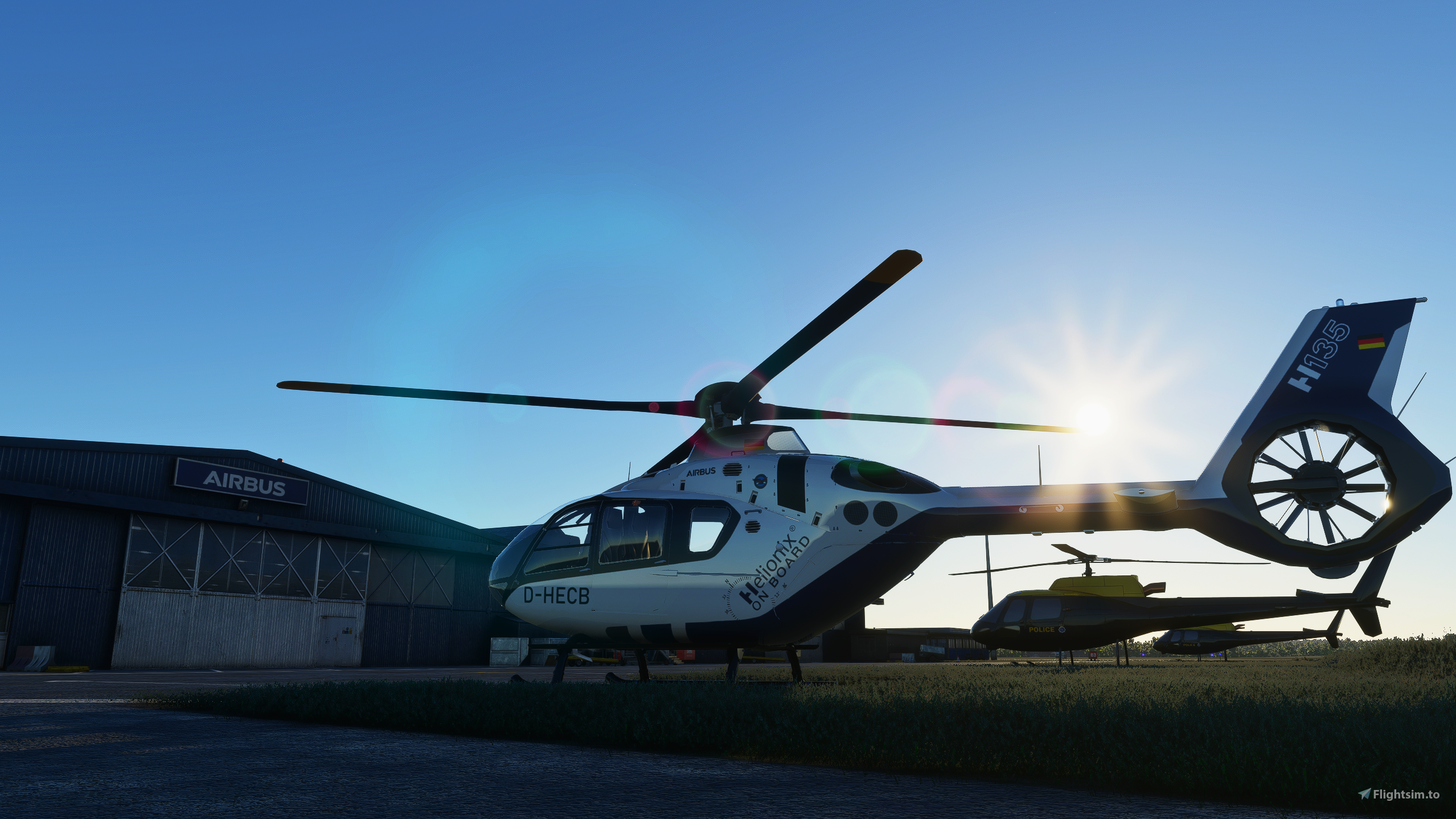
💡The Airbus H135 is a collabaration between Hype Performance Group and developer David Amenta who is responsible for the flight model, gauges and aircraft systems present in the H135. Dave can be found on our Discord under the username davux3.
🎬 HPG H135 - HYPE PERFORMANCE GROUP CREDITS
- * PharaohSteve – Co-Founder, Community Manager
- * davux3 (David "Dave" Amenta) – Co-Founder, Lead Developer (Flight model, Gauges, Aircraft systems)
- * Destroyer121 – 3D Artist, Developer
- * zangeeef – Research, Developer
- * Crispy136 – 3D & Livery Artist
- * AeroLynx – 3D Artist
❤️ SPECIAL THANKS
- * Flightsim Squadron’s EggMan & kingdmac for their early modeling advice
- * SJFLY2 who was the very first creator to make a heliport for our Airbus H135!
- * mnpostema and FireFx for their sound design contributions
- * benimix, GBZH35, Tonypezz & kubay who have each contributed modeling advice or work
- * Rotor Sim Pilot for helping educate the community on helicopter flight and for creating countless H135 tutorials
Thank you to everyone who has supported this project through donations, social media posta, YouTube videos, Twitch streams and most of all - the other creators here on Flightsim.to that have created incredible scenery and liveries for H135 pilots. NeoFly is an incredible addon that adds incredible depth to the sim when using the H135 and other aircraft.
Frequently Asked Questions
Comments(3,312)
Log in to join the discussion
Log In2 months ago
about 2 months ago
about 2 months ago
9 days ago
2 months ago
3 months ago
3 months ago
3 months ago
First of all, its catagorized as Aircraft, which don't let you start from Helipads. Second, the Flight with itselfs is very wobbly and unhandly. Even after 2 sec. in the air the Helico do what he want.
I hope you read this and could fix it. It would be nice to fly it clean and smooth.
Thank You
5 months ago
4 months ago
3 months ago
about 2 months ago
about 2 months ago
5 months ago
7 months ago
Ps
I loved my first one changed the skin to UK it's a smashing Helicopter
8 months ago
8 months ago
side note i wish you added missions/action pack for like €5 cause then lots of people would buy
9 months ago
8 months ago
9 months ago
HPG H135 Helicopter Project
A collaborative project between Hype Performance Group and developer David Amenta, the HPG H135 Helicopter offers a realistic flight experience. Featuring contributions from various creators, this add-on brings a high-quality Airbus H135 to Microsoft Flight Simulator. Join a vibrant community on their Discord server for troubleshooting help and exclusive access to test builds.

Supporters
phrgflyer419
$50
FK01
$50
Wingnut
$50
RSP_Community
$50
$30
RoniUrini
$30
aimer43
$30
StickHogue
$25
ERKLO
$20
medius
$20
FlyingHulk
$20
inaisle8
$20
Pops738
$20
RedNekGamer
$20
alanschliemann
$20
atrdriver
$20
Digger21
$20
hgw49
$20
howardgipps
$20
padrecharlie49
$20
sarouman76
$20
EagleOne69
$20
Dragon60
$20
SquawkIFF
$20
millstone
$20
$20
mmaxch
$20
wwilson1912
$20
JimLewis
$15
$15
JayviatorUK
$15
blackhawk5
$15
BebeMischa
$15
cherokee242
$13
cmueller
$11
Witscho
$11
brianf51
$10
IvanosHuberius
$10
jmhelms
$10
Loadstone
$10
dextory01
$10
islandwing
$10
Silicon_Based
$10
exxxcon
$10
RParsons
$10
Capthaz
$10
chabs47
$10
marc.eyraud
$10
dreamflight
$10
$10
colonelbine
$10
benson09
$10
Loadstone
$10
JanDekker
$10
Hubi
$10
$10
$10
lkas
$10
JLDim
$10
kklosterman
$10
$10
$10
$10
Heli11
$10
NeilG
$10
bamarola
$10
$10
peterhemm
$10
jmhelms
$10
$10
MaxAirTime
$10
Deleted Account
$10
gumbytrain
$10
Gromit64
$10
$8
Augustusburg_GER
$5
$5
Nanuk069
$5
$5
davidh57
$5
$5
LEGENDHUNTER
$5
Ferrarino57bis
$5
df6lj
$5
rmstalter
$5
tim250
$5
Garry
$5
CJM39700FR
$5
RonSpoor
$5
dbref
$5
NandoXil
$5
Bobontario
$5
$5
sotu15
$5
Johnus70
$5
VICTORDANIEL
$3
$2
faruzl
$2
$2
fbnea
$1
User Reviews
717 reviews
More Information
Version History
This build removes the requirement for Hype Operations Center to be necessary for installation of the HPG H135, this requirement may return at a later date but this build provides a temporary solution to a problem with the previous HOC installation method. Download the zip and unpack the contents directly to your community folder as you would with other MSFS addons. Please note that we are unable to provide support via the comment section here on Flightsim.to, to receive assistance with any of our Flightsim.to downloads or to provide feedback to our development team please join our Discord server at https://discord.gg/hypeperformancegroup
Related
Icon A5 - 2021 Performance Edition With Upgraded G3X Avionics & Autopilot
Enhance your ICON A5 experience with the 2021 Performance Edition featuring a supercharged engine delivering over 150 HP. This edition comes with upgraded G3X avionics, including a 2-axis autopilot, making it IFR capable. Experience improved performance and flight model changes alongside enhanced situational awareness features like synthetic vision.
by Hype Performance Group
HPG2 - Helicopter Training Complex Solopaca
This airport is the second in a series of airports our team will release in honor of our development team members. HPG2 - Helicopter Training Complex Solopaca, is located near Naples, Italy - the homeland of our incredible art team developer Antonio Pezzella!
by JD3 (ChrisPiAviation)
Flight Design CTSL - G3X Avionics & Autopilot Mod
Enhance your Flight Design CTSL experience with the new G3X Avionics & Autopilot Mod featuring tweaks inspired by the Icon A5s avionics. Join our Discord server for more information and download instructions. Special thanks to the Working Title team and lead developer David Amenta for their contributions to this project.
by HypePerformanceGroup
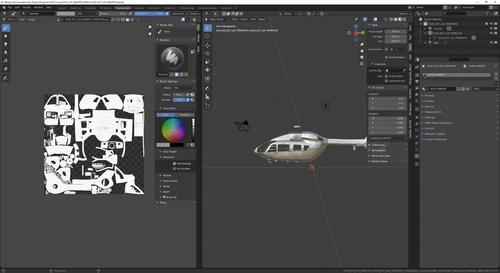
HPG H145 - Base & Action Pack Livery Paintkit
The HPG H145 Base & Action Pack Livery Paintkit offers a base pack and action pack expansion for the HPG H145 helicopter. Join the Discord community to collaborate with livery creators and get support. Please note that the H145 project will continue to evolve, potentially requiring changes to art assets.
by HypePerformanceGroup
over 3 years ago
TROUBLE WITH THE INSTALLER?
Here is a step by step guide:
1) Download the run the included Hype Operations Center EXE. It installs and adds a shortcut to your Start menu. The EXE can be discarded after install.
2) Remove your existing `hpg-airbus-h135` folder. We cannot detect the old version and upgrade it because it lacks an integrity manifest. This bug will be fixed, for now you need to remove the old version.
3) Open the program and click on the H135 thumbnail on the left side.
4) Check that **Community Location** is set correctly. It should say your path here, if it says "No path selected" you must click it and then pick the location from the list or select the manual path option for use with addon linker or if your sim is not detected.
5) click Manage Install
6) Now you see two versions 445 and 446 at the bottom. 446 has only one additional fix for those who demand inverted flight, both versions are compatible with SU11.
If you are unable to see any available versions, it's due to a firewall blocking the program.
Usability enhancements will be forthcoming, we thank you for your patience!