
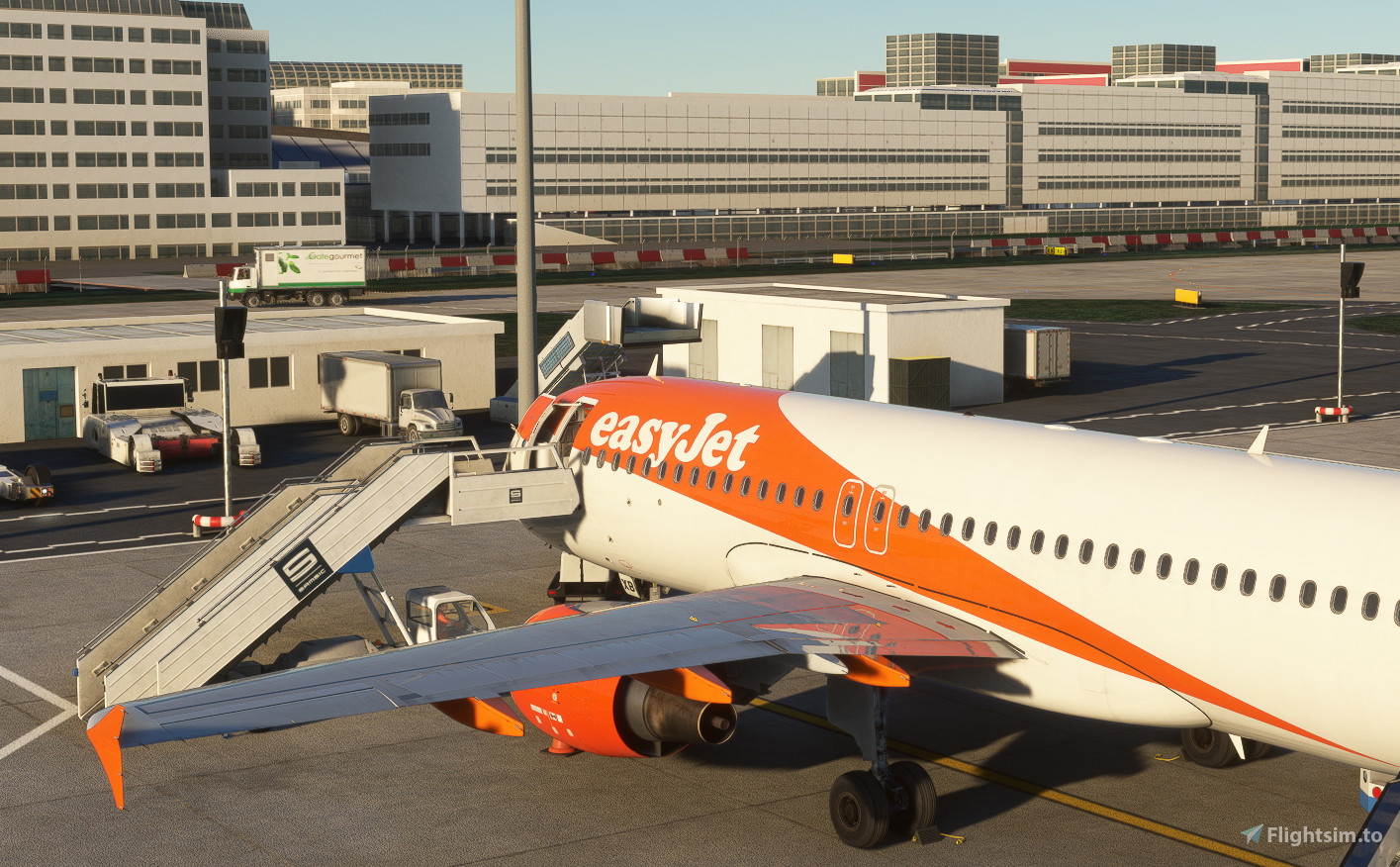
Description
This is an GSX Pro profile for the beautiful LFPG scenery by Tigershark8500 !
This is awork in progress project and upcoming updates will follow.
All gates are available (Terminal 1, Terminal 2 & Terminal 3) for passengers, and cargo areas (North and south).
For every stand, specific pushback(s) is/are available with choice on nose direction and taxiway color (if equipped).
I used the fenix A320 for medium gates and Headwind A330-900 for "heavy" stands.
All available gates are listed in the pdf file with the .zip
Install :
Download and extract the .zip file to « %appdata%/virtuali/GSX/MSFS »
Zip file contains 2 files (.ini & .py) to be placed in the directory
Be sure to delete other GSX profile for LFPG
It's my first upload so, even if I tested it, bugs are possible, so don't hesitate to inform me and if possible, I will correct it...
GSX Profile for LFPG by Tigershark85000
This GSX Pro profile is designed for the LFPG scenery by Tigershark85000, featuring support for all gates across Terminals 1, 2 and 3 for passenger and cargo operations. It includes specific pushback options tailored for different aircraft types. A PDF file in the zip provides a complete list of available gates and instructions for installation. As this is an ongoing project, users are encouraged to report any bugs for future updates.

User Reviews
2 reviews
Version History
- Added all cargo areas stands (Mike, November, Papa, India). Only EN stands are not configured - Following scenery update (v31.0.0) : new pushback tracks when available - Added delayed starting point at some gates
Related
GSX Profile for EDDM by Microsoft (World Update XVIII)
This add-on provides a GSX Pro Profile specifically for Munich Airport (EDDM), as featured in Microsoft’s World Update XVIII. It includes configurations for all stands and gates in Apron 1, numbered 110 to 195, as well as all three de-icing pads located by the runway threshold. The profile is designed to ensure accurate dispatching from the apron, with corrections made for gates affected by stand assignments.
by Bouba74
GSX Profile for LOWI by Valrok
This add-on features a GSX profile specifically designed for Innsbruck Airport (LOWI) created by Valrok. It configures the 10 commercial stands, incorporating a mix of walk-in and bus services, along with custom pushback procedures for each stand. This profile enhances the realism and functionality of the airport within Microsoft Flight Simulator.
by Bouba74
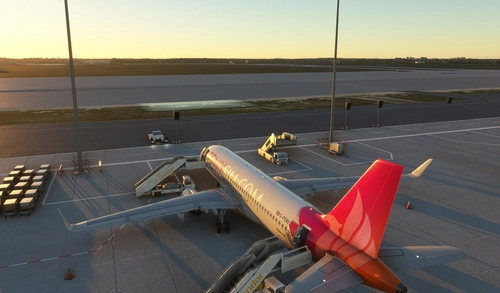
GSX Profile for EDDB By TheRedFox
This add-on provides a GSX profile for the freeware scenery of Berlin Brandenburg Airport (EDDB) by TheRedFox. It aims to enhance the airports functionality with accurate stop positions, boarding and deboarding paths for A stands, and pre-programmed pushback procedures. Please note that while the profile is designed for use with GSX, it may not fully replicate real-world airport operations, such as the presence of Vieh VDGS systems.
by Bouba74
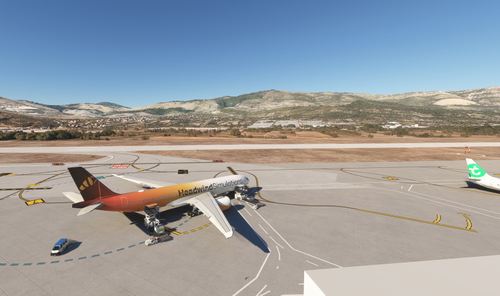
GSX Profile for LDSP Airport (By Ase05)
This add-on provides a GSX profile for Split Airport (LDSP) in Microsoft Flight Simulator, created by Ase05. The profile features self-maneuvering stands, eliminating the need for pushback services at this airport. It aims to enhance the realism of ground handling at LDSP while integrating seamlessly with the simulator.
by Bouba74
Log in to join the discussion
Log InComments(30)
about 1 year ago
Thats B10 and jetways eextention is broken... is it just me ?
about 1 year ago
11 months ago
about 1 year ago
I guess it is the jetway model ? Any way to fix it ?
about 1 year ago
I'm sorry but I tested all gates with jetways at terminal 2B and I didn't experience any "broken" jetway...
All jetways connect and disconnect normally on my computer...
Just stand B12 has no jetway but stairs as jetway is too far to connect the aircraft...
If you still have issues please send me photos and parking numbers. But here I don't know where the problem comes from on your sim...
about 1 year ago
about 1 year ago
over 1 year ago
Fred
over 1 year ago
Mon fichier GSX étant uniquement de la config, je pense que le problème vient au niveau de l'installation de la scène : A tout hasard, il n'y aurait il pas un autre dossier LFPG (ancienne version ou autre auteur) dans le dossier Community ? A regarder l'image les passerelles semblent dédoublées comme si 2 scènes se superposent... Sinon les jetways de LFPG sont elles désativées dans FSDT (LFPG LFPG_jetways.bgl dans la colonne "DISABLED" de FSDT )
over 1 year ago
over 1 year ago
Stand F80 avec le fenix a320 la passerelle ne se positionne plus a la porte de l avion, il me semble que ça fonctionnait avant.
over 1 year ago
Je viens de tester et pas de soucis de passerelle de mon côté...
Le problème est il apparu lors de l'arrivée à CDG (en provenance d'un autre aéroport détaillé) ou au départ ?
Je pose la question car une des causes peut être la limitation d'objets à 1000 sur MSFS2020. Autrement dit, une fois 1000 objets chargés depuis le lancement du vol, plus aucun objet ne s'anime ou apparait... J'ai déjà eu le cas avec trop d'avion IA ou trop de détaisl sur les gros terrains...
over 1 year ago
le problème est a l arrivée mais aussi au départ de cdg.
hier le retour a cdg s est terminé au poste A34 avec un 320, même soucis
Pour le F80 la dernière partie de la passerelle avait fait une rotation, c est la parti télescopique qui ne bouge pas.
over 1 year ago
over 1 year ago
over 1 year ago
N'ayant pas fs2024, je ne peux pas répondre...
Mais il y a des chances que les postes de stationnement soient différents entre la version Asobo 2024 et celle de TigerShark...
A tester éventuellement...
over 1 year ago