
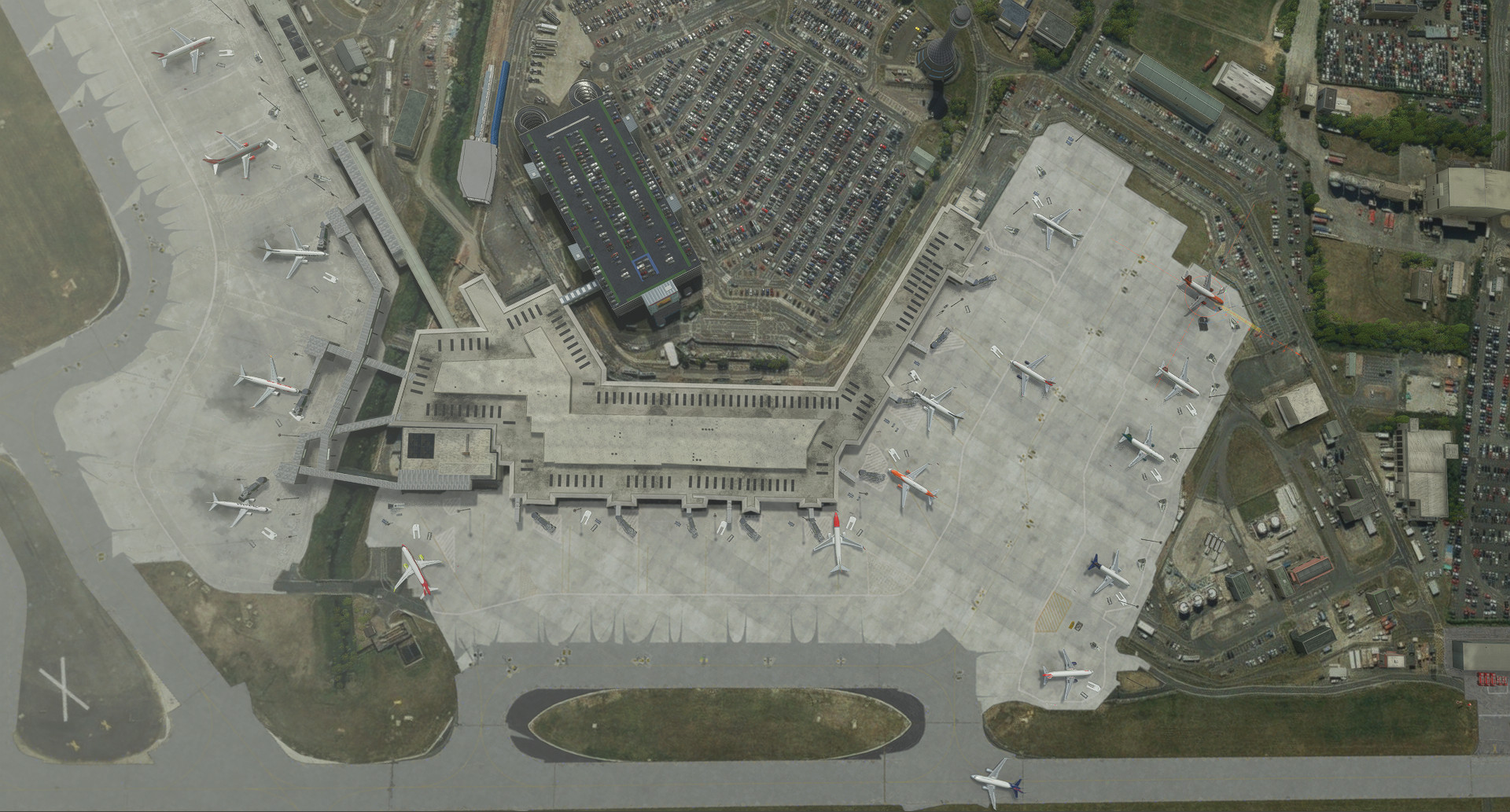
Description
This GSX Pro profile is for use with the freeware EGPH Edinburgh scenery by piriTV
Located here: https://flightsim.to/file/12667/egph-control-tower
Currently tested with Fenix A320
Features:
- Docking Guidance for all gates with guidance modelled in the scenery
- Passenger routes for all 'walk-in' gates
- All gates vehicle location's tweaked
------
V0.7
- All Gates vehicle positioning
- All parking positions located properly to ground markings
- Docking Guidance added to any modelled gates
Dependencies
Comments(1)
Log in to join the discussion
Log InGSX Pro - EGPH Edinburgh
This GSX Pro profile is for use with the freeware EGPH Edinburgh scenery by piriTV. This adds Docking Guidance Systems and adjusts all gates for vehicle positioning and passenger 'walk-on' routes. Requires EGPH by piriTV freeware addon. Currently tested with Fenix A320.

User Reviews
1 reviews
More Information
Version History
No version history available.
Related
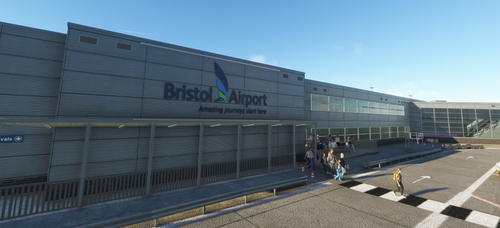
GSX Pro - EGGD Bristol PilotPlus
This GSX Pro profile is for use with the payware EGGD Bristol scenery by PilotPlus. This adjusts all gates for vehicle positioning and passenger 'walk-on' routes. Requires EGGD Bristol by PilotPlus payware addon. Currently tested with Fenix A320. No data for gates used by permanent static aircraft.
by Talrent521
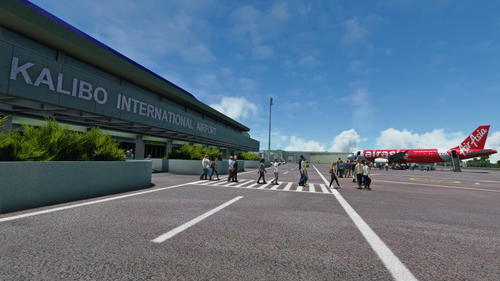
GSX Pro - RPVK Kalibo International (TurtleTank1997)
Enhance your GSX Pro experience with this profile for the freeware RPVK Kalibo International scenery. All gates have been modified with passenger paths, proper positioning to ground markings, and updated pushback routes for a realistic airport experience. Tested with Fenix A320.
by Talrent521
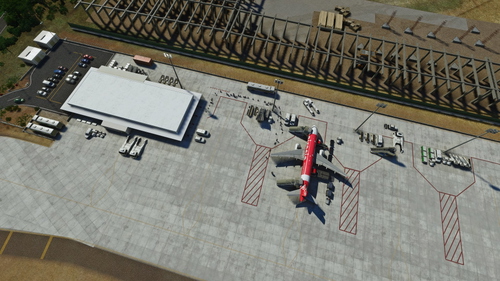
GSX Pro - RPVE Boracay Caticlan
GSX Pro profile for freeware RPVE Boracay Caticlan scenery by Kml921, tested with Fenix A320. Realistic passenger boarding/deboarding procedures - Apron 1 for arrivals, Apron 2 for departures. Version 0.7 includes modified parking positions and accurate ground markings.
by Talrent521

almost 3 years ago
Thanks a lot for making this. Working well for me.