
Description
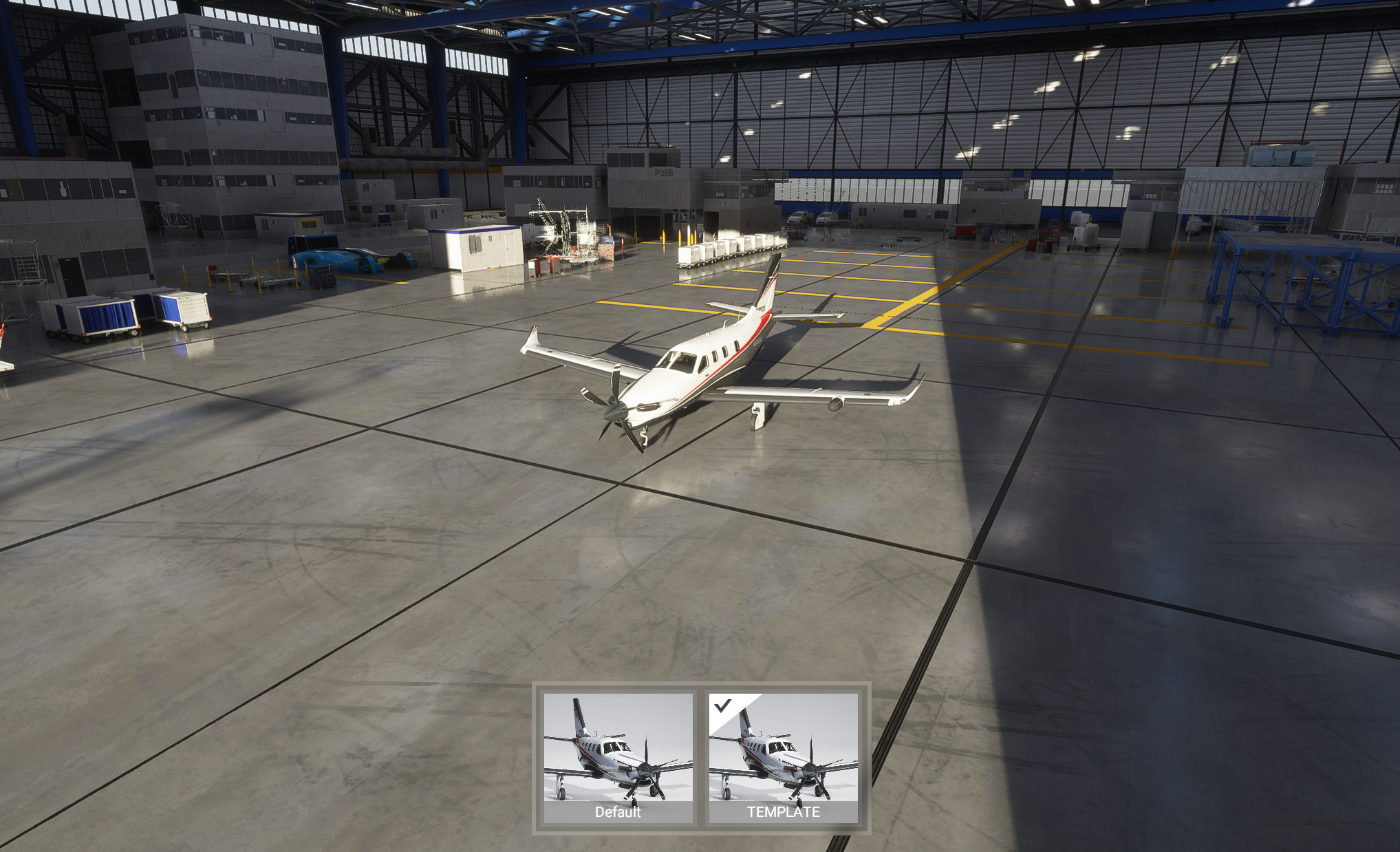
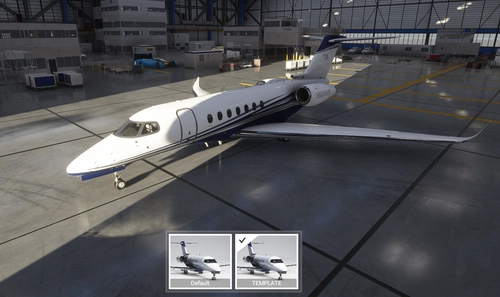
A simple paintkit for the Daher TBM 930 so people can start creating liveries for it!
This paintkit currently includes:
- Original textures for the fuselage, wings, landing gear & decal
- UV maps for the aforementioned textures (except the landing gear & decal)
- PDN file(s) which combine these two things into one (will need paint.net to open these, but you can overlap them manually in Photoshop as well)
The included livery-tbm930-template folder can be dropped in your Community folder to install it. You can just overwrite the textures in that folder. If you are going to rename the livery and texture folder, make sure to update the entries in aircraft.cfg as well as the layout.json!
If you want a sharper texture, you can just resize the textures to 4K and paint over them, this will increase the quality of your livery but also increase the file size by 4 times, so you have been warned!
Please reach out to me if you have any questions.
Daher TBM 930 paintkit
Create custom liveries for your Daher TBM 930 with this paintkit, including original textures and UV maps for fuselage, wings, and landing gear. Easily install and customize your liveries with provided PDN files, and dont forget to adjust aircraft.cfg and layout.json if renaming folders. For higher quality, resize textures to 4K and unleash your creativity in designing unique liveries.


User Reviews
2 reviews
Version History
Added model.cfg config for game version 1.10.0.7
Related
Boeing 787-10 paintkit
Customize and design your own Boeing 787-10 Dreamliner with this comprehensive paintkit. Includes original textures, normal and comp textures, 4K upscaled textures, and PDN files for easy editing. Simply drop the livery-787-template folder into your Community folder to get started. Experiment with different liveries and decals to create a unique look for your aircraft. For any queries, feel free to contact the developer.
by R1NS3
Cessna 172 (G1000) paintkit
A paintkit for the Cessna 172 (G1000) allowing users to create custom liveries. It includes original textures for the fuselage, wings, tail, and decals, along with UV maps and PDN files for editing. Note that its compatible only with the standard G1000 version of the C172. Instructions for installation and enhancing texture quality are provided. For inquiries, contact the developer directly.
by R1NS3
Cessna Citation CJ4 paintkit
A paintkit for the Cessna Citation CJ4 allowing users to create customized liveries easily. Includes original textures for various parts, UV maps, and PDN files for editing. Simply drop the livery-cj4-template folder into your Community folder to install and begin designing your own liveries with increased quality options available. Contact the creator for any inquiries.
by R1NS3
Cessna Longitude paintkit
Customize your Cessna Longitude with this comprehensive paintkit featuring original textures, UV maps, and PDN files for effortless livery creation. Simply drop the included folder in your Community folder to install and start designing your personalized liveries today. Resize textures to 4K for sharper details, but remember, file sizes will increase accordingly. Get creative and make your mark in the skies!
by R1NS3
Log in to join the discussion
Log InComments(18)
about 1 year ago
I did discover one issue: the left aileron isn't shown on the UV map. I found it (see attached, magenta area bottom left) right next to the right aileron, except that the texture cuts off before the trailing end of the aileron. (In the attached image, the grey, purple, and blue dots are on the underside, and the green and yellow dots are on top--but the texture stops halfway through the yellow dot and the top trailing edge leaving the default white. This may be an issue with the way the texture is applied to the model, or perhaps it's in a different non-adjacent part of the image, I'm not sure.)
Appreciate your hard work in creating this!
over 2 years ago
over 3 years ago
Thank you for the template, really hope they did a better job on the UV, tho... all the splitting is giving me headache.
over 5 years ago
almost 6 years ago
I have a question about the UV maps and the template. It's seems they aren't matching. In the template the fuselage is vertical with a symetry, on the UV map, it is placed horizontaly in 2 parts.
Do i have misunderstanded someting?
Thanks.
Regards
Shteed
almost 6 years ago
almost 6 years ago
almost 6 years ago
almost 6 years ago
almost 6 years ago
over 5 years ago
almost 6 years ago
There is something bad in the UVmaps, please look at the link. https://i.imgur.com/fJDSOCl.png
Is it something you can fix or does it come from the model?
Best regards, Alain
almost 6 years ago
almost 6 years ago
almost 6 years ago
almost 6 years ago
almost 6 years ago
almost 6 years ago