
Description
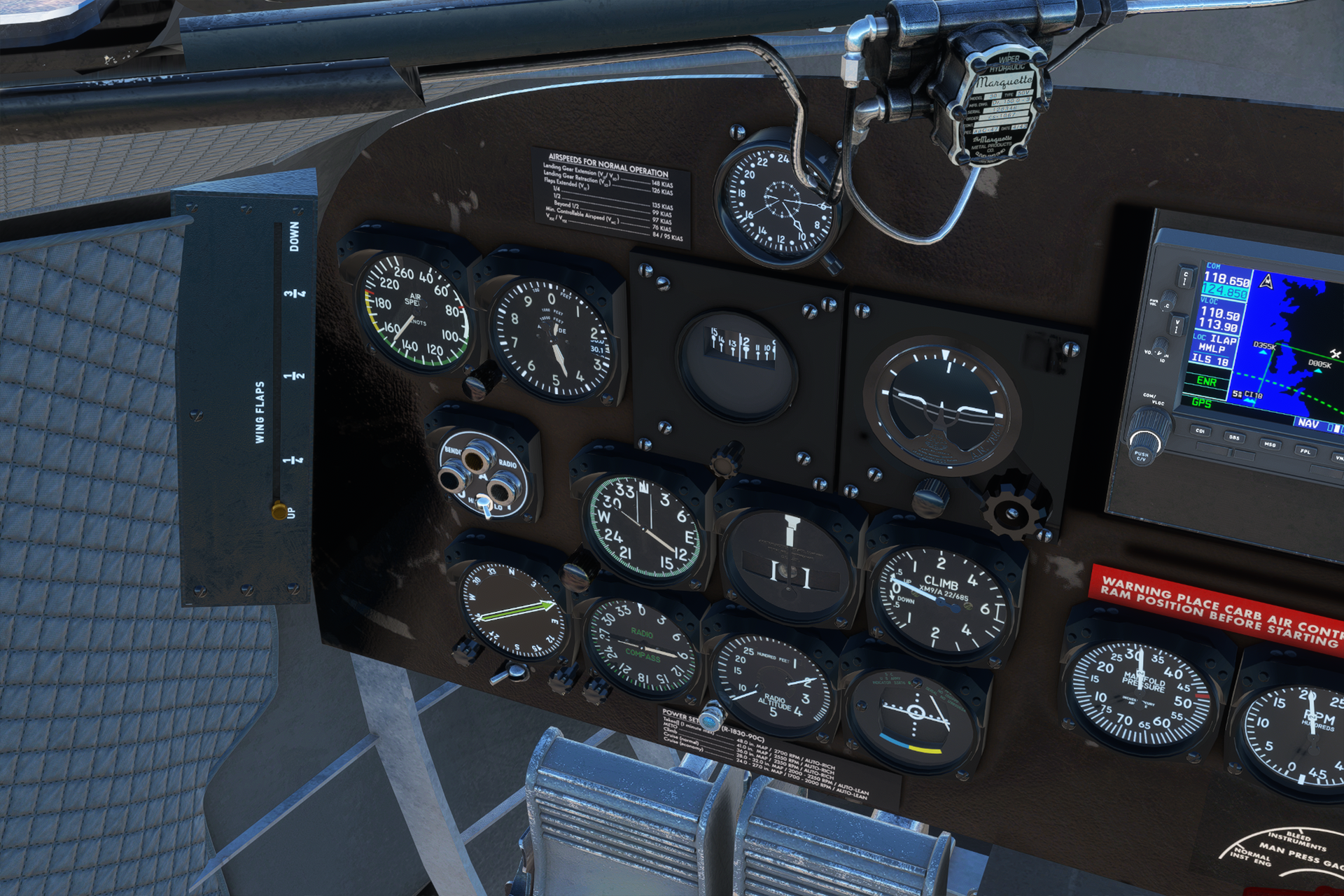
Texture replacement to the modify airspeed indicator in the default DC-3 (from the 40th Anniversary update) to knots. Also changes two placards on the panel to have some helpful information on limitations and power settings.
To install: drag-and-drop the "zzzz-dc3-knots-asi-placards" folder to your Community folder.
This mod should get priority over other mods that change the same texture files, so just be aware that it will interfere with other custom panel textures. (The newest version of the Duckworks mod includes a new main panel texture...this mod will overwrite that beacuse the modified placards are on the main panel texture. If you don't want the placards but want to keep the knots airspeed gauge, delete the two files named "PANELSA_ALB" in this mod and update the layout.json file.)
Note: I'm not sure exactly what it is about the DC-3/C-47 (obviously it was produced in tremendous numbers and with many modifications), but different online sources will quote very different airspeed limitations. It doesn't seem like there's one official AFM for this aircraft. It's actually bizarre because I've never encountered another aircraft where there was so much disagreement about something as basic as flap and gear speeds. Anyway, my point is: the limits I've chosen to depict are the numbers that seem the most practical and have the most references (that I've found). I believe these limits should work for the stock DC-3 that Aeroplane Heaven modelled. Maybe it's because the DC-3 does not actually belong to the modern era, it just outlived all expectations... Anyway, if anyone can explain why there are so many different and contradictory versions of the flight manual, please write me in the comments.
DC-3 knots airspeed indicator and placards
Enhance your default DC-3 experience with this mod that replaces the airspeed indicator with knots and updates two panel placards with useful information on limitations and power settings. Simply drag-and-drop the folder into your Community folder to install. Please note that this mod may interfere with other custom panel textures, so prioritize it over conflicting mods for optimal performance.

User Reviews
6 reviews
Version History
No version history available.
Featured in Collections(1)
Related
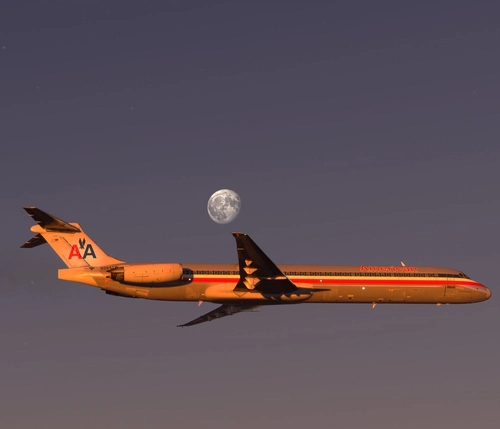
The last MD80 - American Airlines N984TW
Experience the legacy of the last MD-80 built with this American Airlines N984TW add-on. This aircraft, known for flying the final MD-80 passenger flight for AAL, is meticulously recreated with accurate paint, weathering, and logos for an authentic MSFS experience.
by c525b
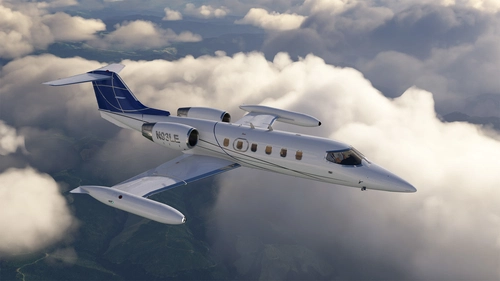
N93LE (new) - Flysimware Learjet 35A
Explore the N93LE (new colors) Flysimware Learjet 35A, configured for medevac operations in Alaska by Aero Air. This MSFS version replicates the P3D livery, based on the original work by C525B.
by c525b
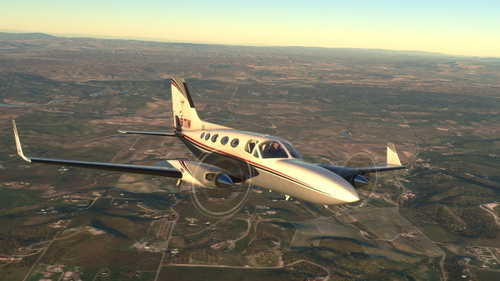
Flysimware C414A - N91TW
Experience realistic flying with this repaint for Flysimwares C414A Chancellor, featuring the livery of N91TW. Enjoy the attention to detail in this addon.
by c525b
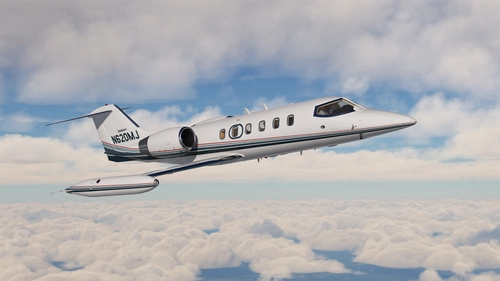
N620MJ - Flysimware Learjet 35A
Recreate the iconic N620MJ Learjet 35A livery in Microsoft Flight Simulator with this add-on by Flysimware. A faithful adaptation from P3D to MSFS for aviation enthusiasts to enjoy.
by c525b
Log in to join the discussion
Log InComments(18)
over 1 year ago
7 months ago
about 2 years ago
However, there is a small issue when using the Duckworks mod in conjunction with yours, there is some engines instruments needles that are not lighted at night when both mod are used together (oil, cyl, carb), with only the Duckworks installed there is no issue.
Do you think you could update your mod to make it fully compatible when used with Duckworks ?
about 2 years ago
about 2 years ago
It's not a huge issue and it doesn't stop from using your mod. Just my 2 cents to make your mod perfect... ;-)
about 2 years ago
over 2 years ago
over 2 years ago
over 2 years ago
about 3 years ago
about 3 years ago
about 3 years ago
about 3 years ago
over 3 years ago
Great idea, thanks!
almost 4 years ago
Perfect, thank you!
almost 4 years ago
Excellent! Thank you.
almost 4 years ago
very nice, really appreciate this! will be helpful.
almost 4 years ago
Great idea I hoped someone do that, thanks a lot !!!