
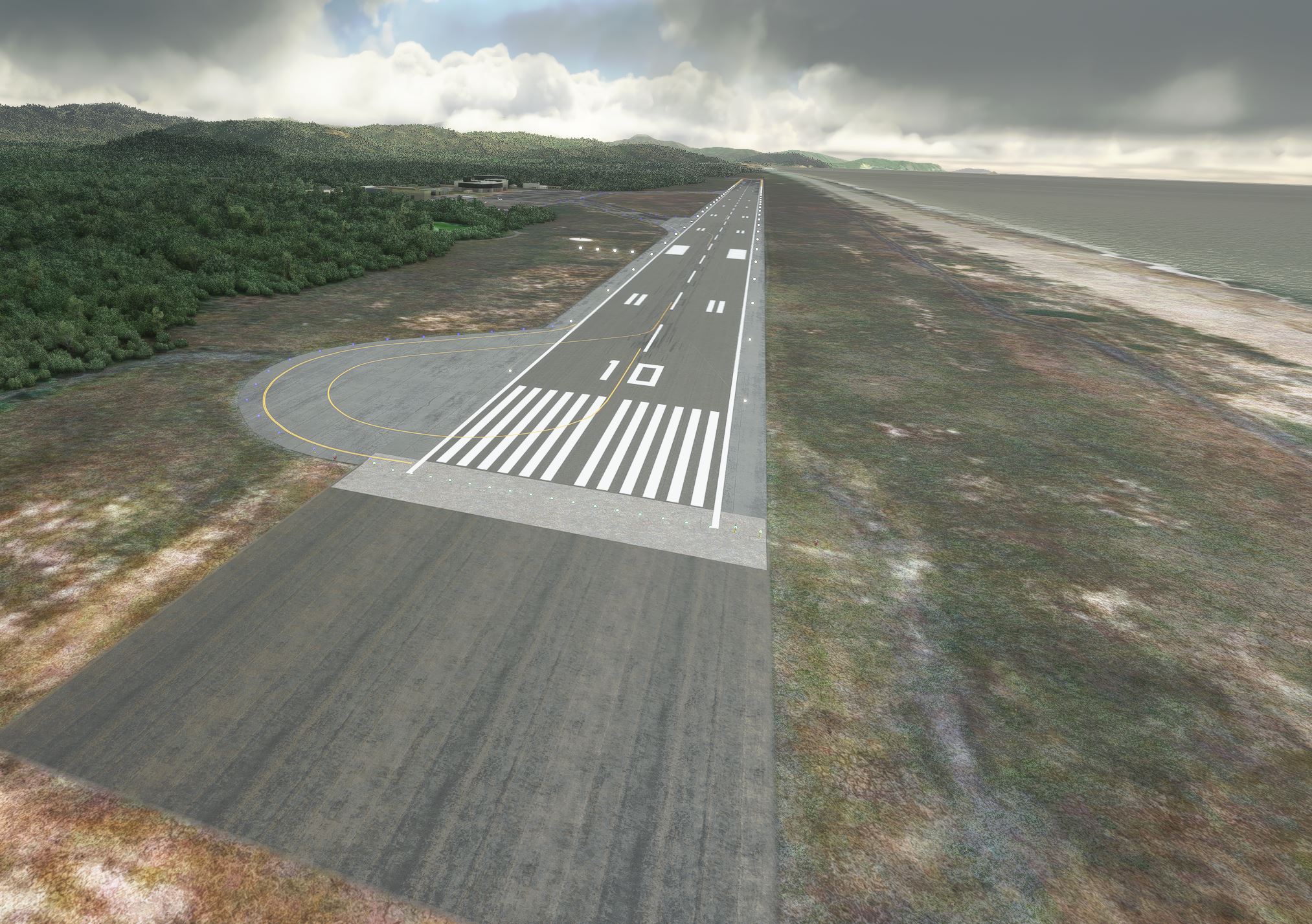
Description
This is now v2
-Re-modeled most of the airport, its materials, aprons, and ground marks.
-Modified some buildings using Asobo generic buildings.
-Re-did taxiway, runway lighting.
-Added many scenery objects and sim objects to bring the airport to life.
-Fixed taxiway paths and names, should now work with ATC just fine.
This is a modification to the default MMZO airport in MSFS. All modifications are done using Microsoft's SDK and nothing else.
Features include:
- Taxiways are properly assigned and mapped
- Gates are re-worked and re-numbered
- Runway materials updated
- Added night lighting to ramp areas, terminal building, and airport roads
- Hand-painted many taxi and apron lines for a more authentic feel
-Added control tower
-Added SimObjects and Scenery objects throughout the airport
-More Mexican airports to come in the future!
-Follow us on Facebook: https://www.facebook.com/hsssimulations
Installation***************
1. Unzip the .RAR file2. Place the folder hss-airport-mmzo-manzanillo in your MSFS "community" folder in your MSFS installation location. - the location of your community folder may vary depending on where or how you bought the sim. For more info visit this page: https://www.flightsim.com/vbfs/content.php?21235-Finding-The-MSFS-2020-Community-Folder
For support, please contact us at:
hsssimulations@gmail.com
Do NOT re-upload this package or any of its contents to any other website without explicit permission from us.
Do NOT use any of this package's content for any other purpose than for use within MSFS.
Happy landings!
Location
(MMZO) Manzanillo International, Mexico v2
Enhance your flight simulation experience with the (MMZO) Manzanillo International, Mexico v2 add-on. This modification brings a complete overhaul to the default MMZO airport in MSFS, including re-modeled structures, updated lighting, and hand-painted details for a more authentic feel. With reworked taxiways, renumbered gates, and added scenery objects, this add-on breathes new life into the airport. Follow the developments on Facebook and stay tuned for more Mexican airports in the future.
User Reviews
5 reviews
Version History
This is now v2 -Re-modeled most of the airport, its materials, aprons, and ground marks. -Modified some buildings using Asobo generic buildings. -Re-did taxiway, runway lighting. -Added many scenery objects and sim objects to bring the airport to life. -Fixed taxiway paths and names, should now work with ATC just fine.
Related
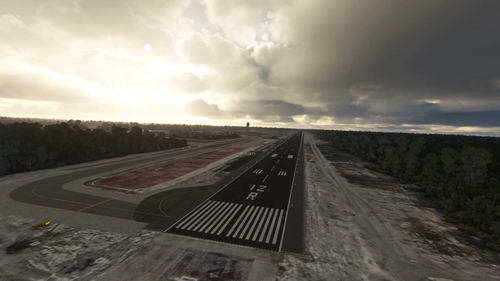
(MMUN) Cancun International Airport
Enhance your MSFS experience with this modification for MMUN Cancun International Airport. Features include mapped taxiways, re-worked gates, updated runway materials, custom night lighting, and more. Enjoy a more immersive airport environment with custom ground markings and replaced buildings. Stay tuned for more Mexican airports from the developer.
by HSSsimulations
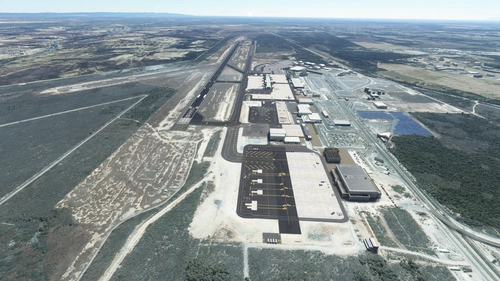
MMMY - Monterrey International Airport v3
Enhance your experience at Monterrey International Airport with this v3.2 add-on, featuring updated satellite imagery, redesigned aprons and taxiways, custom ground decals, and improved taxi lights. This modification for Microsoft Flight Simulator offers a more realistic airport layout, updated runway materials, and added night lighting for a immersive flying experience. Stay tuned for more Mexican airports from HSS Simulations in the future.
by HSS
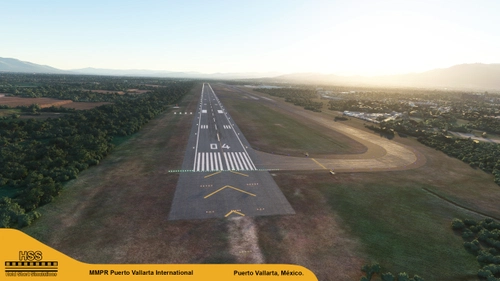
(MMPR) Puerto Vallarta International Airport, Mexico
Enhance Puerto Vallarta International Airport in MSFS with this mod, featuring revamped taxiways, reworked gates, realistic runway materials, and detailed night lighting. Additional improvements include hand-painted taxi and apron lines, custom ground markings, and modified airport buildings for increased immersion. Keep an eye out for future Mexican airport updates and follow HSS Simulations on Facebook for more.
by HSSsimulations
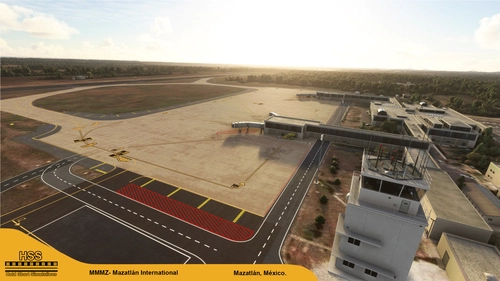
(MMMZ v2) Mazatlan International, Mexico
Enhance your MSFS experience with the (MMMZ v2) Mazatlan International Airport mod! This add-on offers upgraded taxiways, re-numbered gates, updated runway materials, night lighting, and hand-painted details for a more authentic feel. Additional features include jetways and GA Ramp up to current specifications. Stay tuned for more Mexican airport upgrades from HSS Simulations in the future.
by HSSsimulations
Log in to join the discussion
Log InComments(20)
8 months ago
Thanks
Eric
8 months ago
9 months ago
The default building still shows up for me. Is there a way to fix this?
9 months ago
9 months ago
8 months ago
8 months ago
7 months ago
Yes to the terminal buidling, it doesn't look like the ones posted in the pictures
7 months ago
over 3 years ago
Such a well made scenery. Thank you so much for sharing this payware quality airport for free, amazingly generous of you and your airports are making my travels around Mexico a real pleasure, thank you!
almost 5 years ago
Great!!! Thanks
almost 5 years ago
Thank YOU!
over 5 years ago
Hey, can you do Puerto Vallarta Airport? Thank You.
over 5 years ago
over 5 years ago
almost 6 years ago
almost 6 years ago
almost 6 years ago
almost 6 years ago
Thanks !
almost 6 years ago