
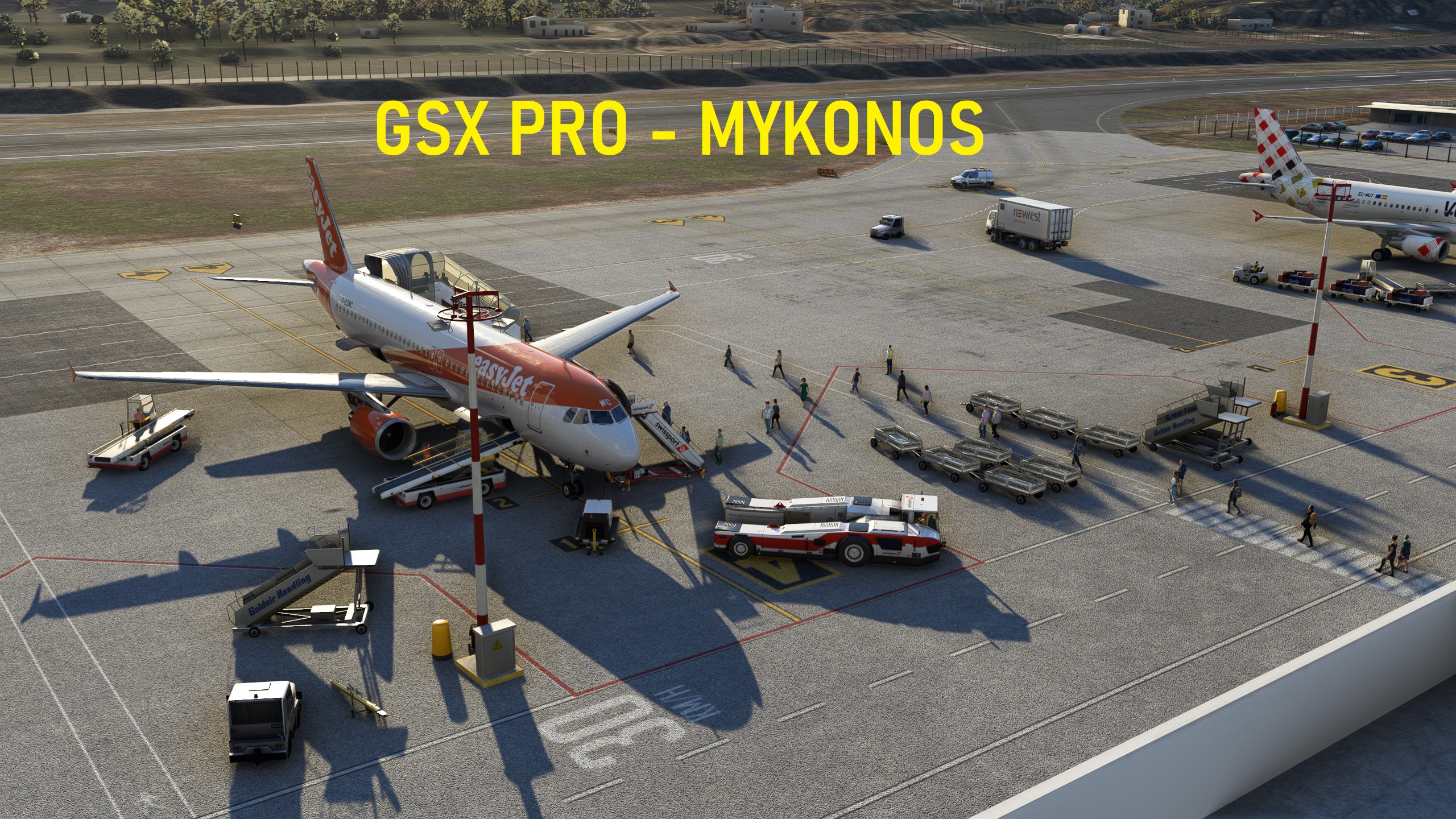
Description
Full GSX Profile for 29-palms Publisher: Aerosoft
stand 1,2,6 AND 7 uses the bus and stand 3,4,and 5 use walking mode
i have used the fenix a320 when setting up gsx pro
Installation:
simply move the .ini file into %Appdata%/virtuali/GSX/MSFS
any problems let me know
https://www.aerosoft.com/en/microsoft-flight-simulator/msfs-sceneries/3533/aerosoft-airport-mykonos
cheers
Comments(6)
Log in to join the discussion
Log Inover 3 years ago
Is this for 29-Palms, yes or no? I'm getting positions 14 to 19 which is absurd.
almost 3 years ago
over 3 years ago
You said this profile is based on the Scenery from Aerosoft. Why does it say in your .ini path it is from 29-palms?
over 3 years ago
over 3 years ago
Thank you all who has downloaded my profile. if its not to much hassel could you please give it a rating,
cheers
Full GSX Profile - LGMK Mykonos International Airport (29-palms- Publisher: Aerosoft)
Enhance your ground services at LGMK Mykonos International Airport with this full GSX Profile by 29-palms published by Aerosoft. The profile includes specific stand configurations for bus and walking modes, optimized for use with the Fenix A320. Simply install the .ini file to enjoy a seamless experience. Link for purchasing the add-on: [here].
More Information
Version History
No version history available.
almost 3 years ago