
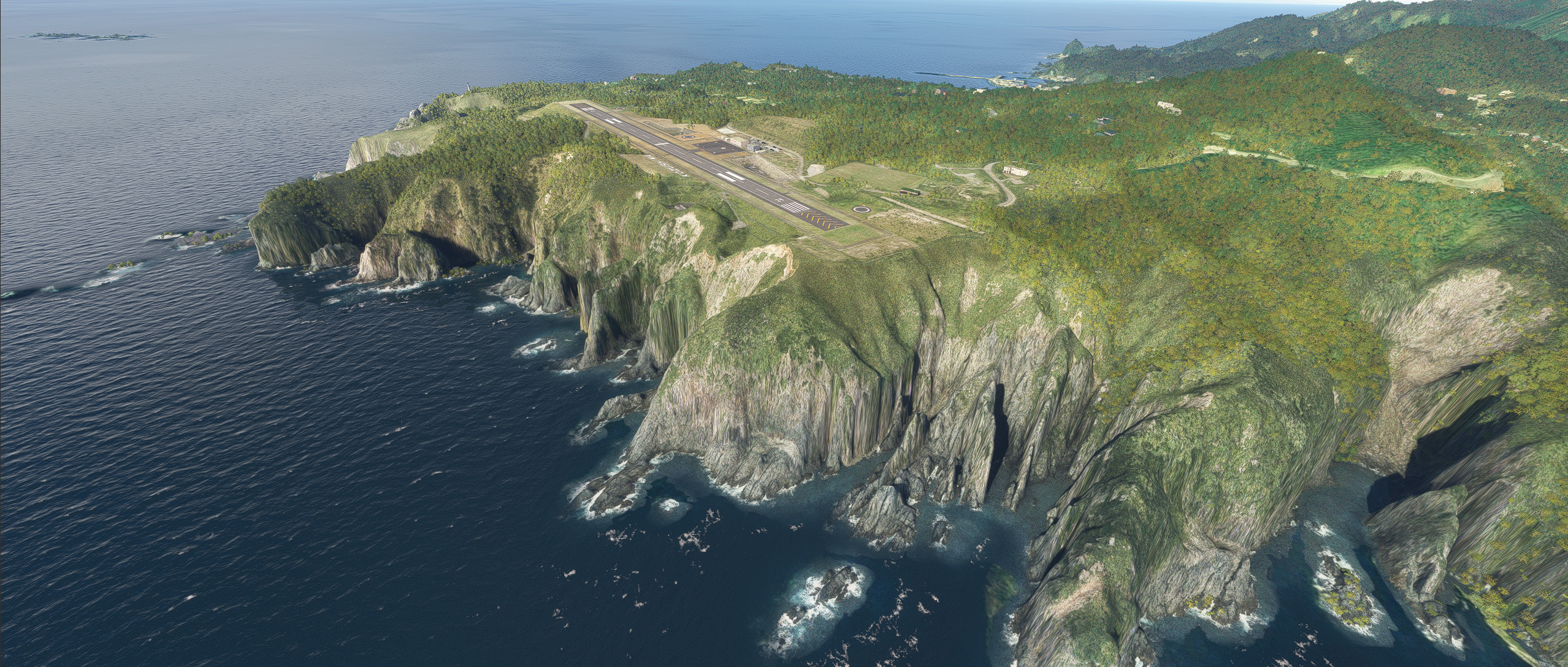
Description
Runway, taxiway and apron improvements.
Building remains autogen.
No plans to change the terminal building or other buildings.
Changed location of runway and VASI.
Changed the lighting on the runway.
Changed the lines of the taxiway and apron.
Addition fencing to enclose the airport.
Addition of missing RNAV Arrival route.
Addition 1mDEM and 3mDEM.
When using Navigraph
Delete the file "RJAZ_Navdata.bgl".
Dependencies
Location
RJAZ Kozushima airport
Enhanced RJAZ Kozushima airport with improved runway, taxiway, lighting, and fencing. Includes updated VASI, taxiway lines, and addition of missing RNAV Arrival route. Compatible with Navigraph, with instructions provided for seamless integration.


User Reviews
4 reviews
Version History
Changed the way terrain is processed. The center of the runway is now bulging like in reality. Changed the texture of the runway and taxiway. Compatible with 2024.
Related
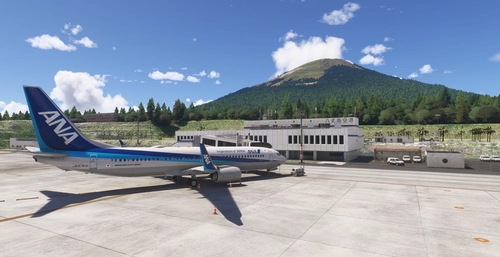
RJTH Hachijojima Airport Enhanced
Enhance your flying experience with the RJTH Hachijojima Airport add-on, now with improved airport details and elevation accuracy. This update includes changes to runway location, lighting, markings, and parking, as well as additions like approach lights and custom models. Make sure to have World Update 1 Japan installed for full compatibility.
by karuchie
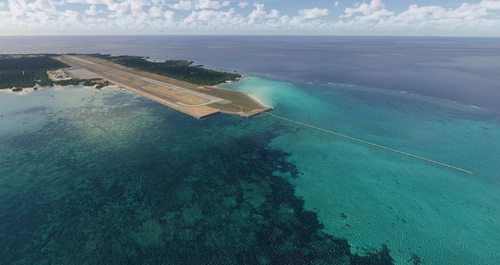
RORS Shimojishima Airport Enhanced
Enhanced version of RORS Shimojijima Airport with fixes and improvements, including updated 3D models and lighting adjustments. Ensure to download additional dependencies for an optimal experience.
by karuchie
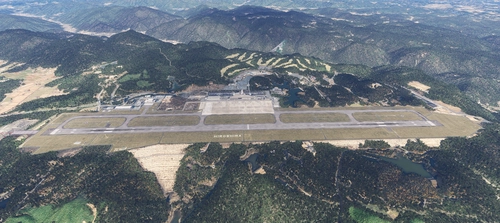
RJOA Hiroshima Airport Enhanced
This add-on enhances KAZEs RJOA Hiroshima Airport by correcting misaligned runways, taxiways, and aprons, leading to improved ILS alignment. It replaces the glass jetway with a metal asset and incorporates a 1m DEM across the airport and a 3m DEM in the surrounding area. Additional features include updated taxiway signs, new lighting installations, and adjustments to objects for height and position accuracy. Users are advised to adjust the file priority for proper integration with the existing scenery.
by karuchie

RJCK Kushiro Airport Enhanced
Enhanced version of Kushiro Airport featuring runway and taxiway line changes, updated taxiway lights, and accurate runway slope. Requires additional Japanese airport model library for some objects. Experience fine-tuning of terminal building, apron lights, and more in this detailed add-on.
by karuchie
Log in to join the discussion
Log InComments(7)
about 1 month ago
https://ofuse.me/e/402829?category=3869
12 months ago
しかし、MSFS2020ではターミナルビルが表示されません。MSFGのシーナリーは必要ですか?
about 1 year ago
10 months ago
over 1 year ago
over 2 years ago
about 4 years ago
Nice work!