
Description
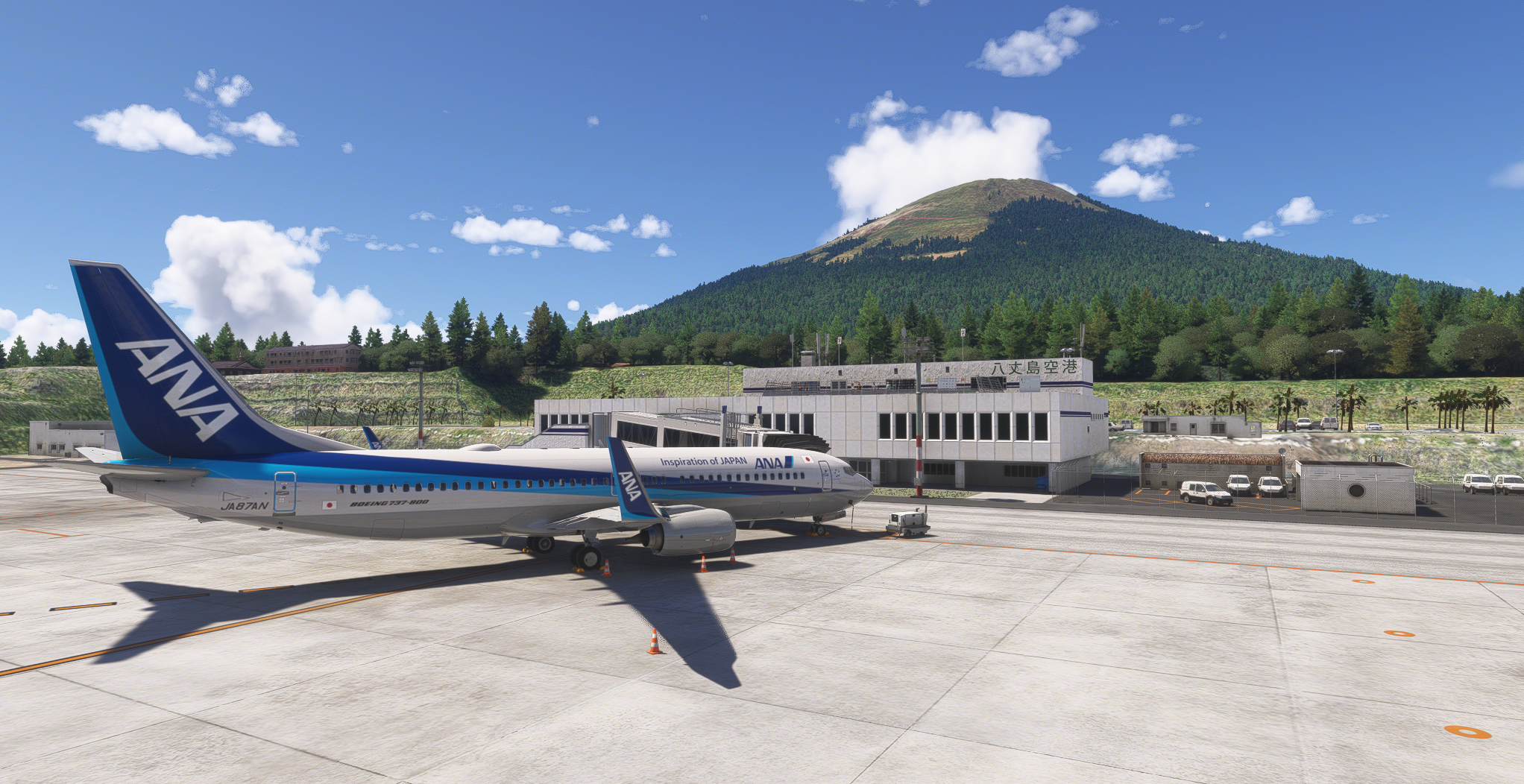
Enhanced Hachijojima Airport added in WU1.
Installation of World Update 1 JAPAN is required.
Moved the runway location slightly based on latitude and longitude information.
Brighter apron lighting.
Changed taxiway and apron lines.
Changed taxiway lights.
Changed runway markings.
Added parking for General aviation.
Added Approach lighting system, Approach light beacon, and Approach guidance lights.
Added of Aerodrome beacon.
Adjustment of trees near the summit of Hachijo-fuji.
Removed taxiway signs.
Added 1m DEM to the airport.
Added 3m DEM to entire Hachijojima.
Added tire skid marks.
Changed PAPI object to custom model.
Changed REIL object to custom model.
Changed REDL object to custom model.
Corrected radar building text.
How to Use (2020 Version)
Please download the 2020 version from the download options.
Please extract it to the Community folder.
The 2020 version should be compatible with both Gate 3 and Gate 3L for jetway connections.
How to Use (2024 Edition)
Download the 2024 version from the download options.
Extract it to the community folder.
Due to MSFS specifications, the jetways at Gate 3 and Gate 3L are mutually exclusive.
To connect a jetway to Gate 3, please rename RJTH_Airport.gate3.bgl to RJTH_Airport.bgl.
To connect the jetway to Gate 3L, rename RJTH_Airport.gate3L.bgl to RJTH_Airport.bgl.
By default, it is connected to Gate 3L.
Dependencies
Location
RJTH Hachijojima Airport Enhanced
Enhance your flying experience with the RJTH Hachijojima Airport add-on, now with improved airport details and elevation accuracy. This update includes changes to runway location, lighting, markings, and parking, as well as additions like approach lights and custom models. Make sure to have World Update 1 Japan installed for full compatibility.


User Reviews
8 reviews
Version History
Adjustments made for WU20. Added parking spots for the 737-800. Several other minor changes.
Featured in Collections(1)

Related
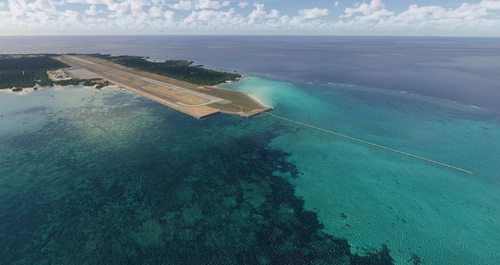
RORS Shimojishima Airport Enhanced
Enhanced version of RORS Shimojijima Airport with fixes and improvements, including updated 3D models and lighting adjustments. Ensure to download additional dependencies for an optimal experience.
by karuchie
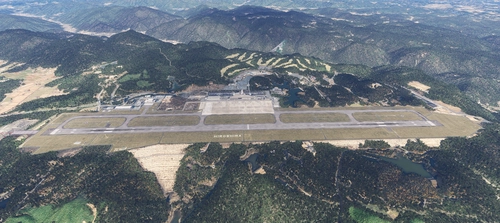
RJOA Hiroshima Airport Enhanced
This add-on enhances KAZEs RJOA Hiroshima Airport by correcting misaligned runways, taxiways, and aprons, leading to improved ILS alignment. It replaces the glass jetway with a metal asset and incorporates a 1m DEM across the airport and a 3m DEM in the surrounding area. Additional features include updated taxiway signs, new lighting installations, and adjustments to objects for height and position accuracy. Users are advised to adjust the file priority for proper integration with the existing scenery.
by karuchie

RJCK Kushiro Airport Enhanced
Enhanced version of Kushiro Airport featuring runway and taxiway line changes, updated taxiway lights, and accurate runway slope. Requires additional Japanese airport model library for some objects. Experience fine-tuning of terminal building, apron lights, and more in this detailed add-on.
by karuchie
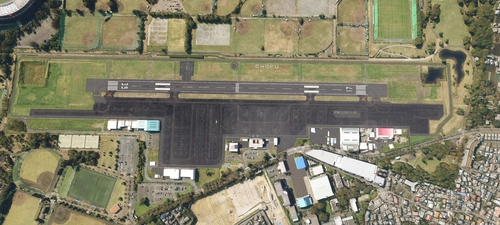
RJTF Chofu Airport Enhanced
Enhance your airport scenery with RJTF Chofu Airport mod. This addon updates the runways, taxiways, and aprons while keeping the original building layout. Compatible with MADB scenery for a seamless airport experience.
by karuchie
Log in to join the discussion
Log InComments(19)
3 months ago
7 months ago
8 months ago
Unfortunately the Terminal Building and Control Tower building are completely different models in 2024 so they are missing when this airport is used. The size and shape of each building are slightly different than the 2020 versions.
I've created a compatibility patch for MSFS2024 that adds the 2024 models for the Terminal and Control Tower and fixes the jetway at Gate 3 here: https://flightsim.to/file/103993/rjth-hachijojima-airport-enhanced-2024-fix
It's just an override hotfix, this scenery is required for it to work.
9 months ago
自分だけの環境のせいかもしれないですが、ターミナルが表示されなくなってしまいました。
本拡張ファイルのフォルダをcommunityフォルダから外すとターミナルは表示されるようです。
msfs2024側の仕様が変わってしまったせいでしょうか?
9 months ago
over 1 year ago
can you repair the jetway please ? it connects 1 meter out of the door
thank you !
over 1 year ago
over 1 year ago
almost 2 years ago
almost 2 years ago
over 2 years ago
almost 3 years ago
昨今リアルタイムウェザーによる島周辺の天候や視界の悪さも加わって更に苦慮していました。
そんな中、この拡張MODを入れてみて、進入灯の灯火が滑走路へと伸びているのを見た時の助かった感が半端なかったです。
ありがとう!
almost 3 years ago
almost 3 years ago
It seems the runway approach lighting system is barely visible at night. Do you think it is possible to make the single white lights brighter ?
almost 3 years ago
The closest pillar in the image provided is the Approach Light Beacon, but we haven't added any lights to it, so it remains dark.
almost 3 years ago
about 3 years ago
about 3 years ago
about 4 years ago
Discovered this beautiful island and airport the other day with some buddies, glad to see a mod for it. Thank you.