
Description
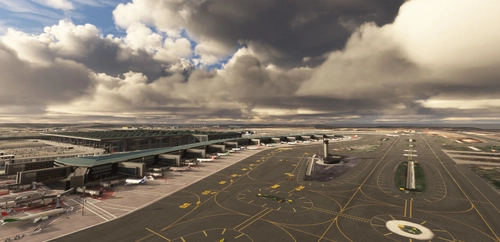
Hakodate is a famous city in Japan for its beautiful night view., but the airport of MSFS is poor.
Therefore, I improved Hakodate Airport.
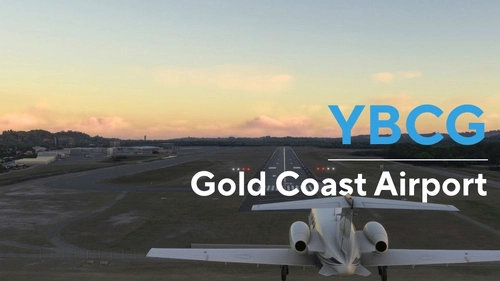
When landing using RWY12 ILS (109.3), it flies over Hakodate city, so it is a superb view.
Ver1.5
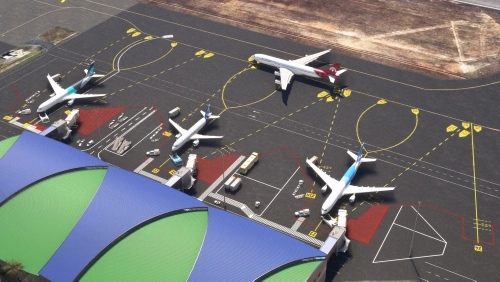
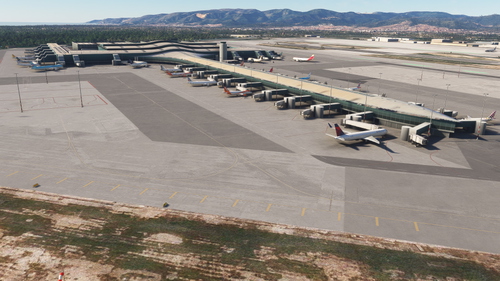
1. I remade JETWAY.
2 I redo the markings due to the runway width change from 40M to 45M
3 I "dirty" the runway, apron and taxi.
4 I added 2 buildings
5. I made many other corrections.
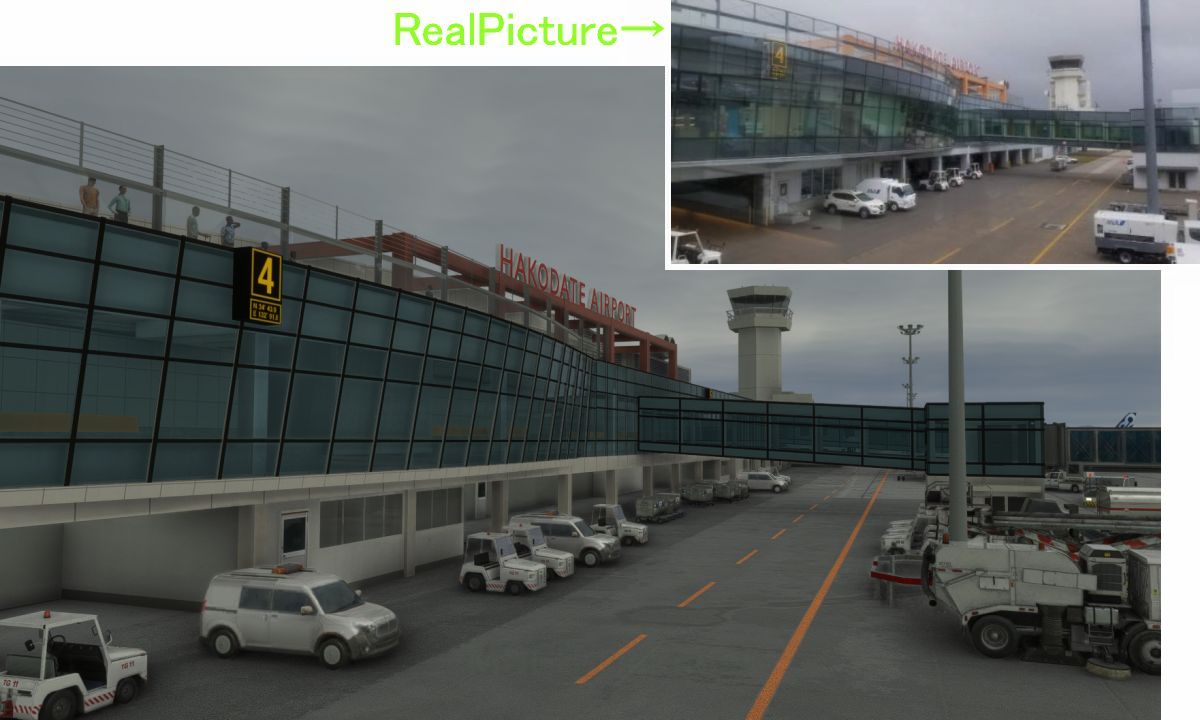
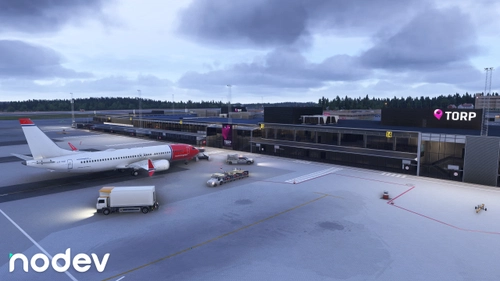
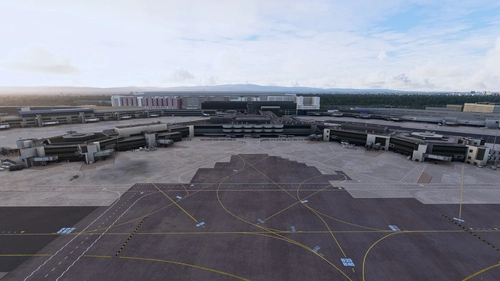
Please see photo 2-5 for this modification.
The file name has changed from the old \h294_hakodate_rjch to the new \kaze-airport-rjch-hakodate.
Make sure to remove the old files.
Ver1.5
1年ぶりの更新なので、たくさん変更しました。
主な内容は2枚目3枚目の写真の通りです。
メイン改造1 JETWAYを またまた作り直して 入れ替えました。
メイン改造2 滑走路の幅をデフォルトの40Mから 実際の45Mにしました。
これにより 過去に作ったオレンジのマーキングが40M幅で塗っていったためすべてアウトとなり 1からやり直しとなってしまいました。
メイン改造3 滑走路に汚しを入れました。中央線の一部を汚しました。 タキシーに白い汚しを入れました。
4 東端の消防棟と 西端の青い建物を簡単ですが作って追加しました。
5 空港の敷地内にある設備(ILSやグライドスロープ 紅白の建物など)を設置しました
6 距離表示灯のフォントを 実際のものにあわせました。
7 エプロンのマテリアルを変更して 汚しを入れました。
8 ターミナル中央の目立つ鉄骨の色が よくわからなかったのでピンク系にしていましたが
先月 肉眼で見てきましたところ、オレンジ色系だったので もう一度色調整をやり直しました。(4枚目写真)
9 4番JETWAYに ついては 実際は 機体を遠くに止めて 奥のjetwayを伸ばして使っているので
手前のJETWAYをダミーにして奥のJETWAYを動かすようにしました。(5枚目6枚目の写真)
GATE4だけ 原点を 5枚目の実際の写真のとおり 停止線の4番目(奥から2番目)の位置を変えました。
10 A320の場合 ATCでGATE3の指示が多かったのですがこれをGATE4を多くするように変えました。
11 タキシー内に 入っている邪魔なエッジライトを6つほど見つけたので消しました。
ファイル名が古い¥h294_hakodate_rjch から新しい¥kaze-airport-rjch-hakodateに変わっているので
古いファイルを必ず削除してください。
Location
(RJCH) Hakodate Intl Airport
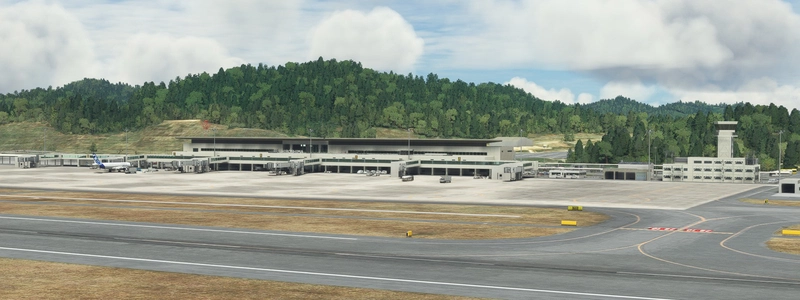
Enhanced version of Hakodate Intl Airport for Microsoft Flight Simulator, offering improved visuals and details such as remade jetways and updated runway markings. The add-on provides a more realistic airport environment, including dirty runways and added buildings, enhancing the overall flying experience over Hakodate city. Make sure to remove old files as the file name has been changed for this update.
User Reviews
23 reviews
Version History
Ver1.5 1. I remade JETWAY. 2 I redo the markings due to the runway width change from 40M to 45M 3 I "dirty" the runway, apron and taxi. 4 I added 2 buildings 5. I made many other corrections.
Featured in Collections(2)



Related
(RJOA) Hiroshima Intl Airport
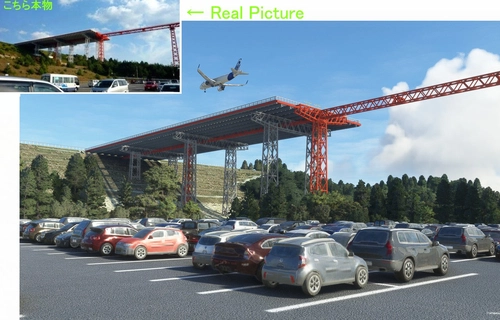
Experience Hiroshima International Airport in Microsoft Flight Simulator with this detailed add-on created over seven months. Version 1.6 includes updated jetways, custom center lines, and added realism with dirt effects. Take note of recent issues regarding unauthorized copying and selling of this scenery, with the creator providing it for free to the community. Explore the changes made in this update for an enhanced flying experience.
by KAZE
(ROAH) NAHA Airport 2022
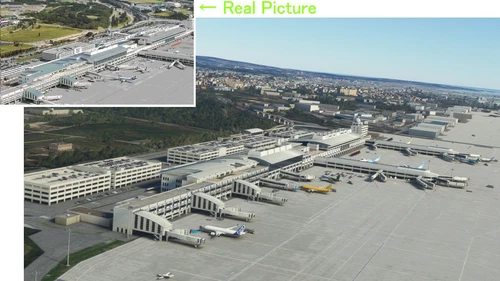
Enhance your Flight Simulator experience with the ROAH Naha Airport 2022 add-on, a collaborative creation by KAZE and Mr. Kuro. This scenery features a second runway with NAV data provided separately, including ILS frequencies for precision approaches. Version updates bring improvements such as pushback lines, gate adjustments, and realistic runway details. Discover the detailed enhancements and updates in this immersive airport scenery for Microsoft Flight Simulator.
by Kuro+KAZE
(RJSS) Sendai Intl Airport
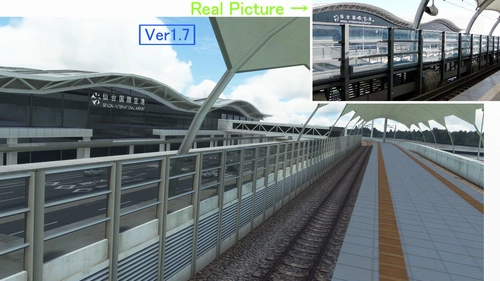
Experience the transformation of Sendai Airport in this MSFS add-on, depicting the airport before the 2011 tsunami. Version 1.7 brings enhanced textures, realistic markings, and various corrections to improve the overall depiction of Sendai Intl Airport. A detailed update for aviation enthusiasts seeking a more authentic flight experience.
by KAZE
(RJNT) Toyama Intl Airport
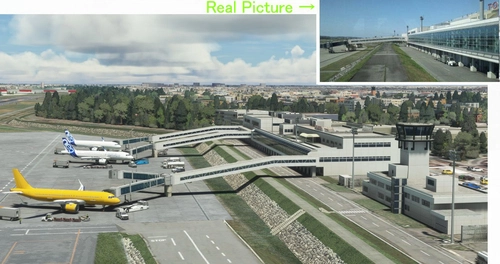
Discover the revamped Toyama International Airport in Japan for Microsoft Flight Simulator. Experience the unique design of an airport built in a river to combat heavy rain conditions, featuring a submerged runway and a terminal outside the river with Japans longest boarding bridge. Version 1.6 brings rebuilt jetways, color adjustments, and detailed dirt effects on the apron and taxi areas.
by KAZE
Log in to join the discussion
Log InComments(73)
about 8 hours ago
9 months ago
5 months ago
over 1 year ago
almost 2 years ago
almost 2 years ago
about 2 years ago
over 2 years ago
over 2 years ago
over 2 years ago
about 3 years ago
You won't believe how much can be achieved with just 11 MB download. Another freeware masterpiece at saving space besides that legendary Osaka Itami.
Air Do's 737-700 is a regular visitor here, one of the many reasons to get your PMDG copy and enjoy re-enacting their Hakodate routes to the fullest.
about 3 years ago
about 3 years ago
about 3 years ago
almost 4 years ago
One of the best freeware airports in Japan. The attention to details, performance, winter textures - they're gorgeous! Tested with SU11+WU1.
almost 4 years ago
Thank you very much. I'll continue to do my best.
almost 4 years ago
Almost a 5 stars scenery - Could you add winter textures as during winter, the airport look out of place from the surrounding (covered in Snow/ white but this airport has not a single snow and vegetation still in green)? I wouldn't even mind paying some money for if the airport can include winter textures.
Edit: Hi Kaze, Thanks for your private msg. I will amend to 5 stars as this is obviously a BEAUTIFULLY crafted airport and in my view, is better than many payware..so please continue to create great Japanese airports as I luv flying around Japan, and in fact I downloaded almost every of the airport created by you!
almost 4 years ago
I'm not sure what you're talking about. This airport perfectly supports partial and full snow coverage (see the user gallery).
almost 4 years ago
Thank you very much. you were a good person. Once again, I will do my best. Please wait.
about 4 years ago
Nice work its very beautiful airport