

Description
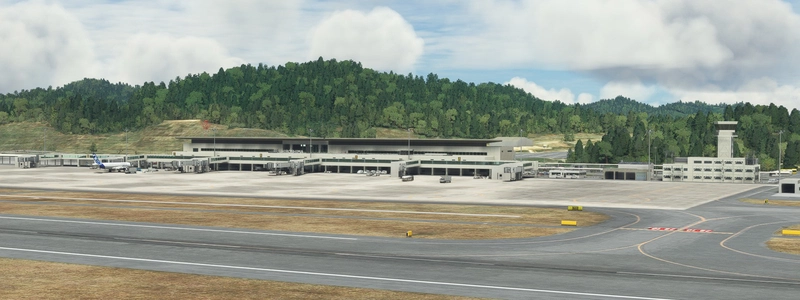
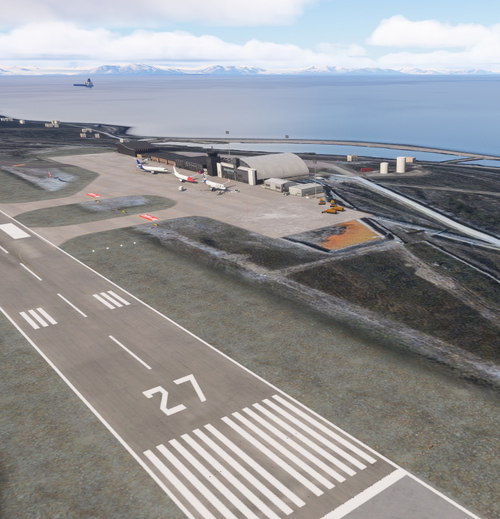
I made a difficult MSFS Hiroshima Airport for about seven months.
Ver1.6
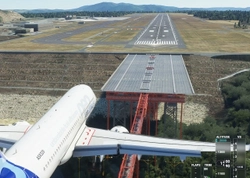
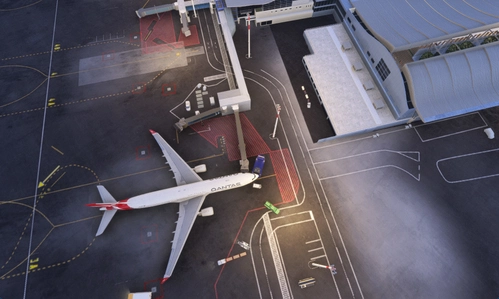
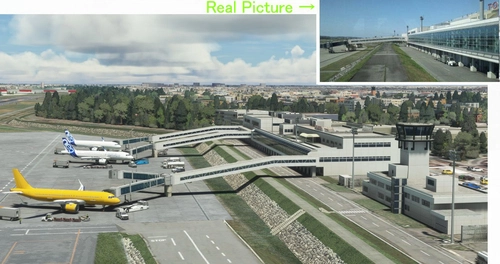
This VerUP has changed JETWAY and changed the center line from default to custom and added "dirt".
Fixed other bugs.
I renamed the file. Please delete the old file = h133_hirosima_hongo first and then insert the new file = kaze-airport-rjoa-hiroshima.
Please see the 2nd picture for this change.
Last week, September 15th, I received a report from a user that my Hiroshima scenery was copied without permission by a malicious trader and sold at a high price on SIMMARKET. The page says "Copyright belongs to our company", and his viciousness to block users who highly rated their own scenery and wrote "It was the same as TO" It seems that it was sold in an act.
I'm making it available to the public for free, so there is no direct damage, but I think there are some people who have been deceived and suffered damage.
I cannot overlook the fact that my scenery was used by a malicious agent to deceive his users.
The malicious trader has been removed, but he may show up again.
Therefore, as a reminder, I will forever report this matter here with pictures.I will post a picture at the end.
Ver1.6
1 Ver1.4で 追加しましたカスタムJETWAYに いろいろ不具合が見つかったので 作り変えました。
実際の広島空港は 先週確認してきましたが、 6台中4台のJETWAYが旧式(鹿児島式)から新式(仙台式)にかわっていたので この機会に 私の中で実績のある 仙台式にかえました。
2 滑走路のセンターラインを デフォルトから自作に変えました。
そして 汚しも入れました。
3 ターミナルの東と西で50cmくらい傾斜があり ドアが片方埋もれているので 地面をフラットにしたいところでありますが、
これをすると 先週の松本V1.5.1みたいに ハマる可能性があるので、今回は ターミナルを斜めにしました。
0.05度回転なので肉眼ではわからないレベルです。
4 前回のVer1.5 からファイル名が変わっていますから 古いファイル= h133_hirosima_hongo を先に削除してから新しいファイル= kaze-airport-rjoa-hiroshima を(¥COMMUNITY)に
入れてください。
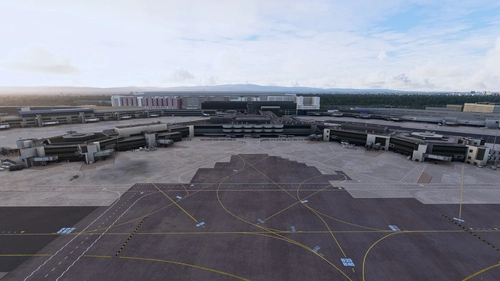
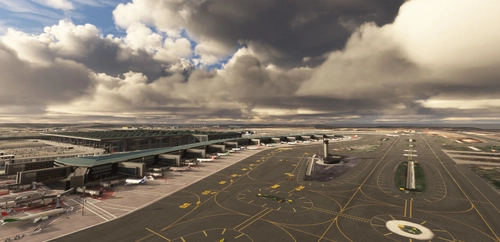
変更した箇所は2枚目3枚目の写真の通りです。
Location
(RJOA) Hiroshima Intl Airport
Experience Hiroshima International Airport in Microsoft Flight Simulator with this detailed add-on created over seven months. Version 1.6 includes updated jetways, custom center lines, and added realism with dirt effects. Take note of recent issues regarding unauthorized copying and selling of this scenery, with the creator providing it for free to the community. Explore the changes made in this update for an enhanced flying experience.
User Reviews
54 reviews
Version History
Ver1.6 This VerUP has changed JETWAY and changed the center line from default to custom and added "dirt". Fixed other bugs.
Featured in Collections(2)

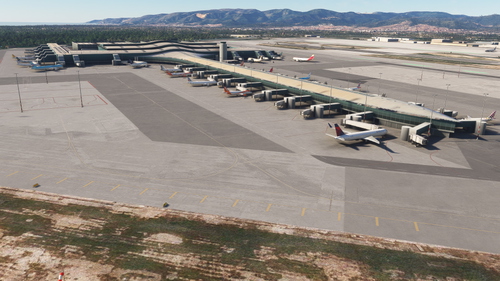


Related
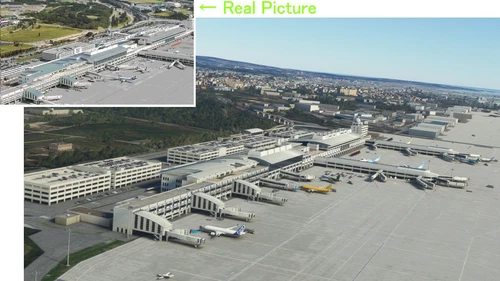
(ROAH) NAHA Airport 2022
Enhance your Flight Simulator experience with the ROAH Naha Airport 2022 add-on, a collaborative creation by KAZE and Mr. Kuro. This scenery features a second runway with NAV data provided separately, including ILS frequencies for precision approaches. Version updates bring improvements such as pushback lines, gate adjustments, and realistic runway details. Discover the detailed enhancements and updates in this immersive airport scenery for Microsoft Flight Simulator.
by Kuro+KAZE
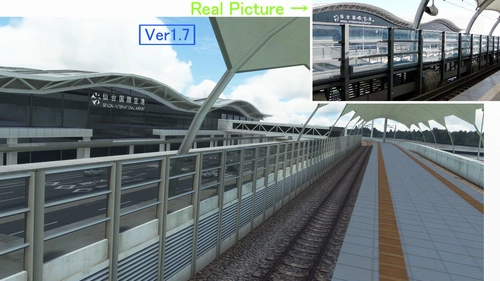
(RJSS) Sendai Intl Airport
Experience the transformation of Sendai Airport in this MSFS add-on, depicting the airport before the 2011 tsunami. Version 1.7 brings enhanced textures, realistic markings, and various corrections to improve the overall depiction of Sendai Intl Airport. A detailed update for aviation enthusiasts seeking a more authentic flight experience.
by KAZE
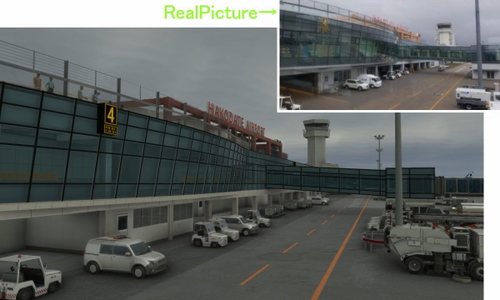
(RJCH) Hakodate Intl Airport
Enhanced version of Hakodate Intl Airport for Microsoft Flight Simulator, offering improved visuals and details such as remade jetways and updated runway markings. The add-on provides a more realistic airport environment, including dirty runways and added buildings, enhancing the overall flying experience over Hakodate city. Make sure to remove old files as the file name has been changed for this update.
by KAZE
(RJNT) Toyama Intl Airport
Discover the revamped Toyama International Airport in Japan for Microsoft Flight Simulator. Experience the unique design of an airport built in a river to combat heavy rain conditions, featuring a submerged runway and a terminal outside the river with Japans longest boarding bridge. Version 1.6 brings rebuilt jetways, color adjustments, and detailed dirt effects on the apron and taxi areas.
by KAZE
Log in to join the discussion
Log InComments(131)
2 months ago
10 months ago
about 1 year ago
Thank you for your work.
over 1 year ago
over 1 year ago
over 1 year ago
over 1 year ago
over 1 year ago
almost 2 years ago
今しがた、MSFS 2024でこのMOD(私の大好きな)を試して見ましたが、全く問題は有りませんでした。
almost 2 years ago
about 2 years ago
about 2 years ago
over 2 years ago
over 2 years ago
regards
over 2 years ago
とても素晴らしい作品ですね!!
over 2 years ago
over 2 years ago
over 2 years ago
https://flightsim.to/file/56645/gsx-pro-profile-rjoa-hiroshima-by-kaze-true-to-life-profile
almost 3 years ago
over 2 years ago