
Description
Sendai Airport was devastated by the 2011 tsunami.
MSFS Sendai is black and dirty in the photo after the tsunami.
I changed to the beautiful Sendai Airport before 2011.
V1.7
Well, it's almost time for me (KAZE) to withdraw from flightsim_to! ! !
While saying that, Sendai Ver1.7
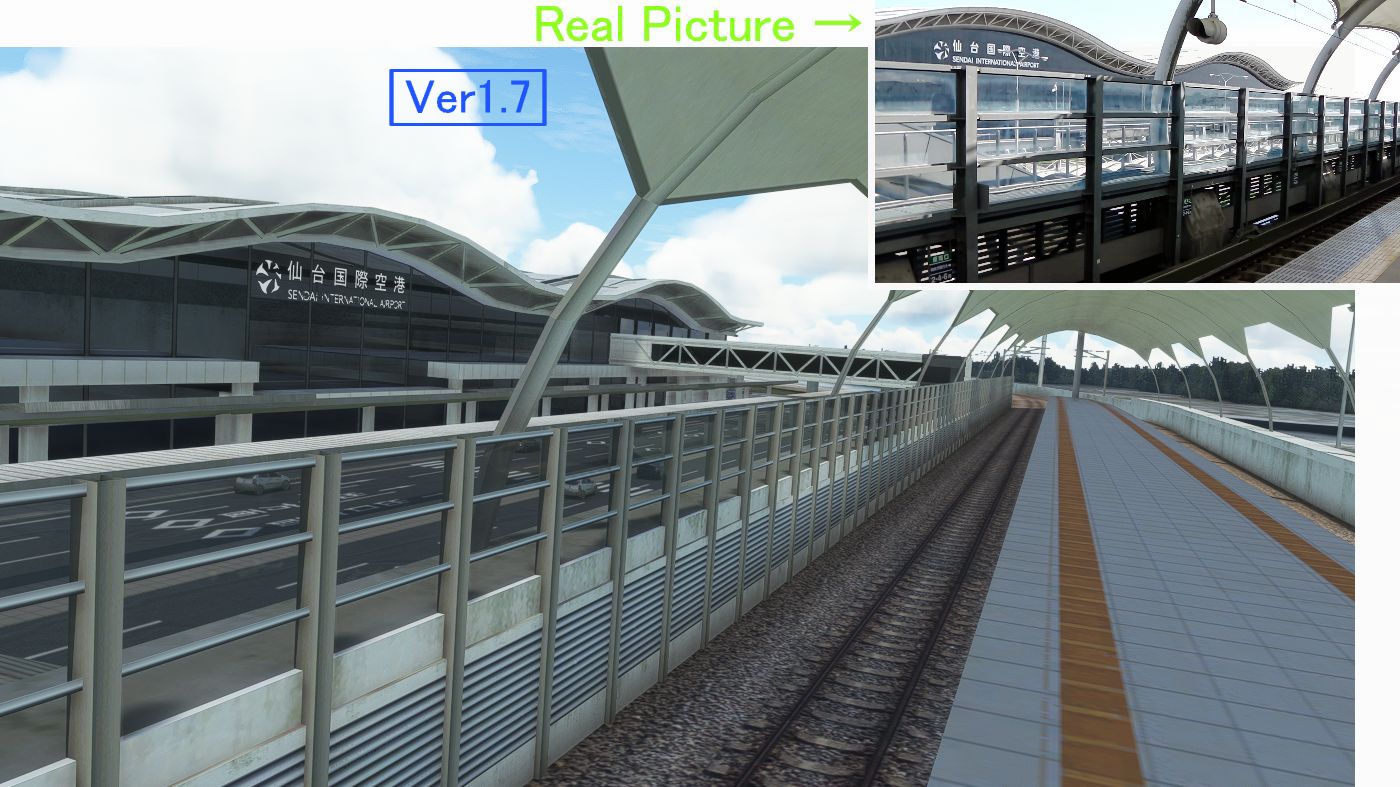
1. I reattached the TEXTURE to make Sendai Airport Station more realistic.
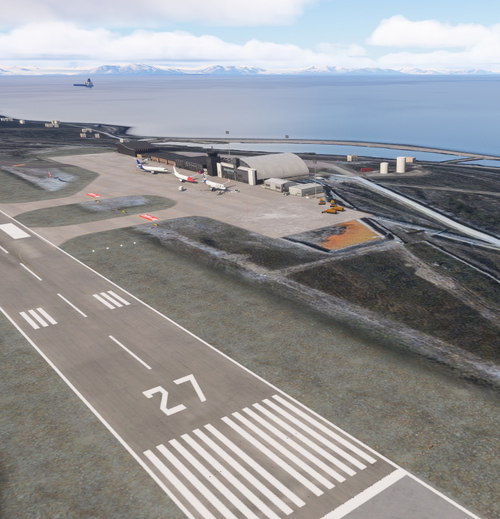
2 Grooving was applied to the runway.
3. The marking for RWY12-30 was incorrect, so it has been corrected.
4. White lines have been drawn in all parking lots.
5. Many other corrections were also made.
The file name has changed from "h166_sendai" to "kaze-airport-rjss-sendai", so please delete the old file.
さて、私(KAZE)もそろそろ to から 撤退するときが近づいてまいりました!!!
と言いつつ仙台Ver1.7
VER1.7
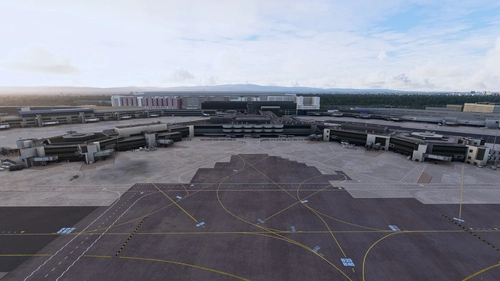
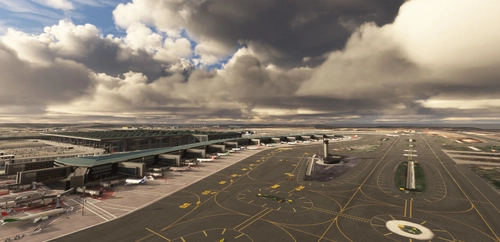
1 鉄道の名取側のトンネルと ホームからターミナルを見る角度の写真が全く入手できない状態で 想像で作っていましたが、 先日 乗る機会があり確認しましたところ 想像とはかなり異なっていたのでできるだけ再現しました。 (1枚目の写真)
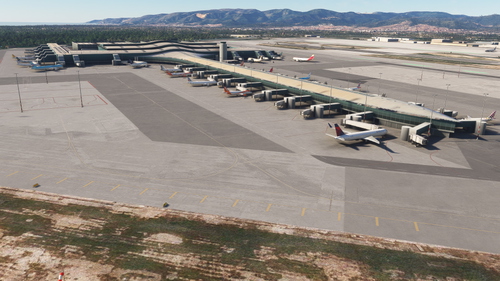
2 滑走路にハイドロプレーニング現象防止のギザギザを挿入しました。(2枚目の写真)
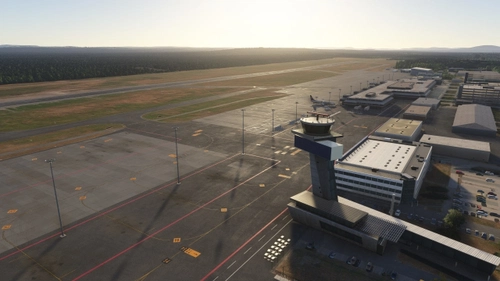
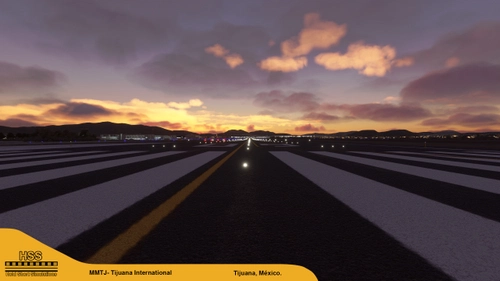
3 自作の3D オブジェクト(MODEL)にTEXTUREをちゃんと貼っていないものが混じっているため質感のないシーナリーに見える部分があるのが気になっていました。そこで今回ほぼすべてにおいて(300個以上)TEXTUREを貼り MSFS2020にふさわしい!?質感を表示しました。(例3枚目の写真)
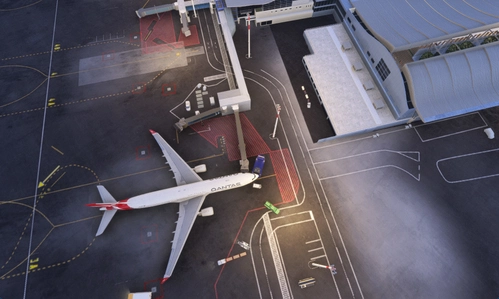
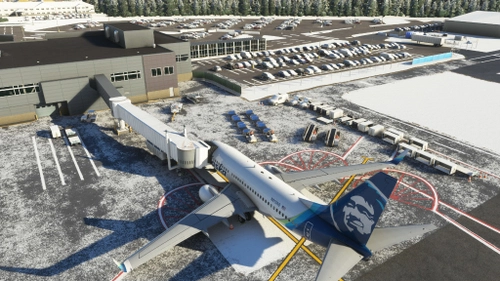
4 搭乗橋の窓枠を 横着して等間隔の7本で引いていましたが 実際の通り不規則な9本に 修正しました(4枚目の写真)
5 RWY12-30の滑走路の幅が デフォルトの43Mで 作成していたため 両端の横断歩道(のような)の棒の数を8本にしていました。しかし実際は45Mの12本なので そのとおりに変更しました。(5枚目の写真)
6 仙台空港のたくさんある駐車場の白線を横着して引いていなかったので すべてにおいて引きました。(6枚目の写真)
7 ターミナル海側部の鉄道がカーブしている部分にある飛行灯台とその前の建物2個を自作して追加しました(7枚目の写真下の左)
8 RWY09-27のほうのマーキング( 6-6-大ー2-1-1)が 正確にひけていなかったので GOOGLEを参考にしながら 正確にひきました(8まい目の写真左下)
9 他にもたくさん修正しました。
ファイル名が h166_sendai から kaze-airport-rjss-sendai に代わっているので 古いファイルを削除してください。
youtubeは 私の動画ではありませんが
5:22~ 必見 今はなき!? 仙台空港の貴重なサークリングアプローチの動画です。
Location
(RJSS) Sendai Intl Airport
Experience the transformation of Sendai Airport in this MSFS add-on, depicting the airport before the 2011 tsunami. Version 1.7 brings enhanced textures, realistic markings, and various corrections to improve the overall depiction of Sendai Intl Airport. A detailed update for aviation enthusiasts seeking a more authentic flight experience.
User Reviews
27 reviews
Version History
V1.7(11.9MB) 1. I reattached the TEXTURE to make Sendai Airport Station more realistic. 2 Grooving was applied to the runway. 3. The marking for RWY12-30 was incorrect, so it has been corrected. 4. White lines have been drawn in all parking lots. 5. Many other corrections were also made. The file name has changed from "h166_sendai" to "kaze-airport-rjss-sendai", so please delete the old file.
Featured in Collections(3)




Related
(RJOA) Hiroshima Intl Airport
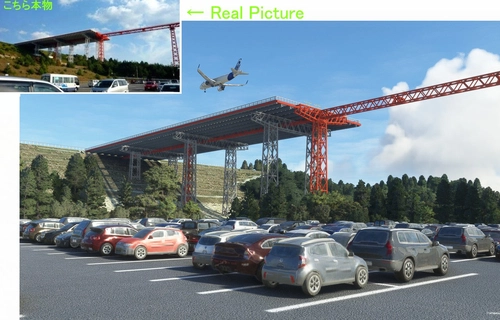
Experience Hiroshima International Airport in Microsoft Flight Simulator with this detailed add-on created over seven months. Version 1.6 includes updated jetways, custom center lines, and added realism with dirt effects. Take note of recent issues regarding unauthorized copying and selling of this scenery, with the creator providing it for free to the community. Explore the changes made in this update for an enhanced flying experience.
by KAZE
(ROAH) NAHA Airport 2022
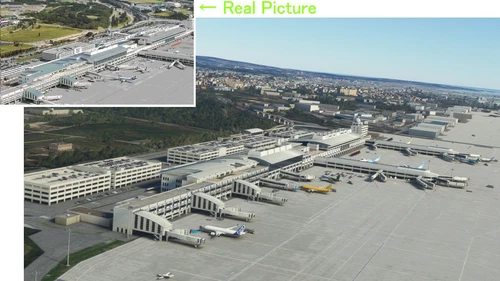
Enhance your Flight Simulator experience with the ROAH Naha Airport 2022 add-on, a collaborative creation by KAZE and Mr. Kuro. This scenery features a second runway with NAV data provided separately, including ILS frequencies for precision approaches. Version updates bring improvements such as pushback lines, gate adjustments, and realistic runway details. Discover the detailed enhancements and updates in this immersive airport scenery for Microsoft Flight Simulator.
by Kuro+KAZE
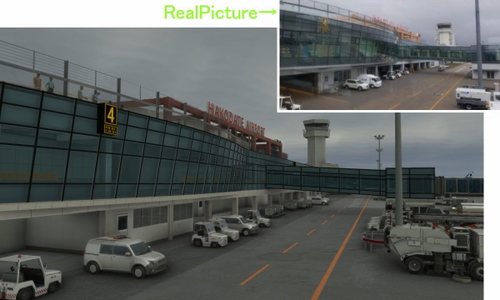
(RJCH) Hakodate Intl Airport
Enhanced version of Hakodate Intl Airport for Microsoft Flight Simulator, offering improved visuals and details such as remade jetways and updated runway markings. The add-on provides a more realistic airport environment, including dirty runways and added buildings, enhancing the overall flying experience over Hakodate city. Make sure to remove old files as the file name has been changed for this update.
by KAZE
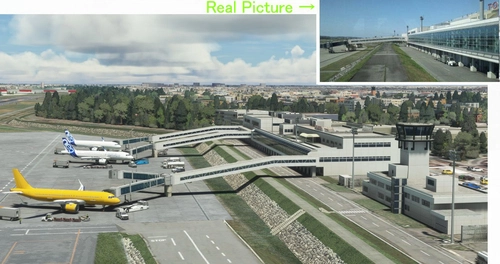
(RJNT) Toyama Intl Airport
Discover the revamped Toyama International Airport in Japan for Microsoft Flight Simulator. Experience the unique design of an airport built in a river to combat heavy rain conditions, featuring a submerged runway and a terminal outside the river with Japans longest boarding bridge. Version 1.6 brings rebuilt jetways, color adjustments, and detailed dirt effects on the apron and taxi areas.
by KAZE
Log in to join the discussion
Log InComments(77)
10 months ago
about 1 year ago
over 1 year ago
over 1 year ago
almost 2 years ago
over 2 years ago
over 2 years ago
over 2 years ago
over 2 years ago
almost 3 years ago
あなたの美しい国、日本での飛行を可能にしてくださった長年にわたるあなたのご尽力に、心より感謝申し上げます。 あなたの今後の幸運と健康を祈っています。 フランスのパトリック。
Anata no utsukushī kuni, Nihon de no hikō o kanō ni shite kudasatta naganen ni wataru anata no go jinryoku ni, kokoroyori kansha mōshiagemasu. Anata no kongo no kōun to kenkō o inotte imasu. Furansu no Patorikku.
almost 3 years ago
For now ill just continue to fly in Japan and hope the airports wont break for awhile.
Wish you all the best and hopefully we will see you again someday!
Thank you!
almost 3 years ago
almost 3 years ago
今回も素晴らしいUpdate有り難うございます。
Runway surfaceの「groove」の描画など最高です!!
RJSSは個人的に特に思い入れの深い空港なので、KAZEさんのAdd-onでいつもLocal flight楽しんでおります。
KAZEさん作品は全て素晴らしく、”KAZEさんファン”の一人としては『そろそろ.toから撤退』のお知らせは本当にショックです。今後、作品作成のペースをslow downされてでも是非続けて頂けたらと心から願っております!!
勝手な望みばかり言ってすみません!
almost 3 years ago
almost 3 years ago
almost 3 years ago
almost 3 years ago
almost 3 years ago
almost 3 years ago
almost 3 years ago
Your airports are vital for those of us who like to fly around Japan!