

Description
Are you tired of the handle bar? So am I!
This removes (hides) the handle bar that kills so many screenshots. You simply hover over the top/middle of your screen and your toolbar buttons will appear.
How to Install?
Just drop the folder "Ither-NoHandleBar" into your Community folder.
Happy flying!
No Handle Bar
A simple add-on that removes the handle bar from your screen, allowing for cleaner screenshots. Easy to install by placing the folder in your Community folder. Happy flying without distractions!
Starred
Hand-picked by our team — this addon significantly enhances the MSFS experience and is a must-have for your setup.

User Reviews
85 reviews
Version History
Updated for latest SU.
Featured in Collections(2)





Related
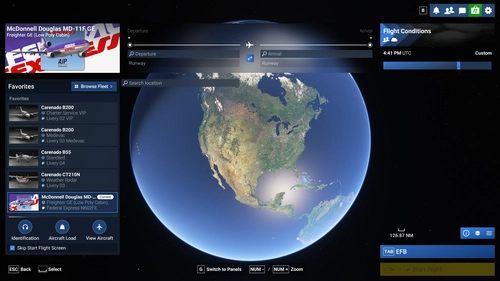
Ither's Favorite Menu
Ither's Favorite Menu streamlines aircraft, variant, and livery selection in Microsoft Flight Simulator 2024 by introducing a redesigned menu focused on user favorites.
by ither
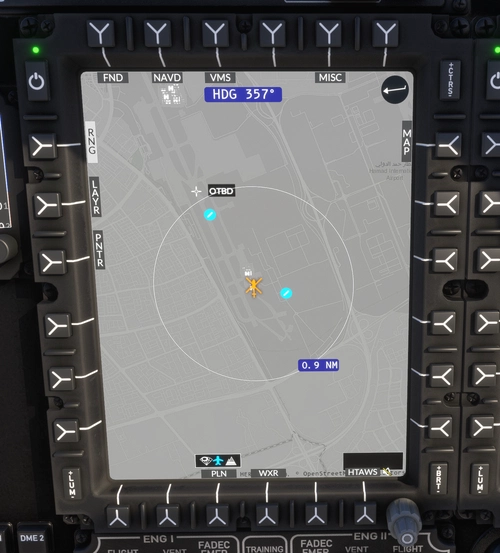
HPG H145 Map Fix
This add-on resolves map display issues for the HPG H145 helicopter by redirecting map sources to a free online service. Installation involves replacing four specific files within the aircraft folder. It is designed to restore or improve map functionality. The process is simplified for quick integration into your simulator setup.
by ither
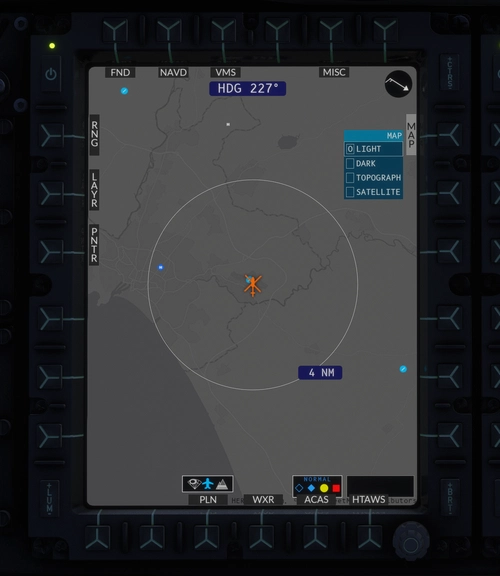
HPG H160 Map Fix
This add-on provides a fix for the HPG H160 helicopter's map functionality by redirecting map data to a free online service. The solution addresses an issue that was not resolved by the original developers. Installation involves replacing three files in the aircraft folder. The process is straightforward and ensures continued map usability within the simulator.
by ither
Comment Summary
The overall sentiment for the No Handle Bar add-on is highly positive, with many users describing it as essential for improving immersion and especially for taking screenshots without the intrusive handlebar. Users frequently praise its simplicity and effectiveness in MSFS 2020, noting how much it enhances their experience. Some users report compatibility issues and crashes, particularly when used with other mods like the Toolbar Pushback mod or after certain simulator updates. There are also several requests and discussions regarding making the add-on compatible with MSFS 2024, but users indicate it currently does not work in the latest version, although a similar mod for 2024 is being circulated. Notable tips mentioned include manually editing Toolbar.css or checking for conflicts with other add-ons to resolve issues like crashes or non-functionality. A few users express problems such as visual bugs (e.g., trees where the sea should be), menu bar issues in VR, or confusion over correct installation, though these seem less frequent compared to the positive responses.
Summarized on Nov 14, 2026
Log in to join the discussion
Log InComments177
https://flightsim.to/file/86430/handlebar-mod-msfs2024
https://flightsim.to/file/86430/handlebar-mod-msfs2024
https://flightsim.to/file/86430/handlebar-mod-msfs2024