
Description
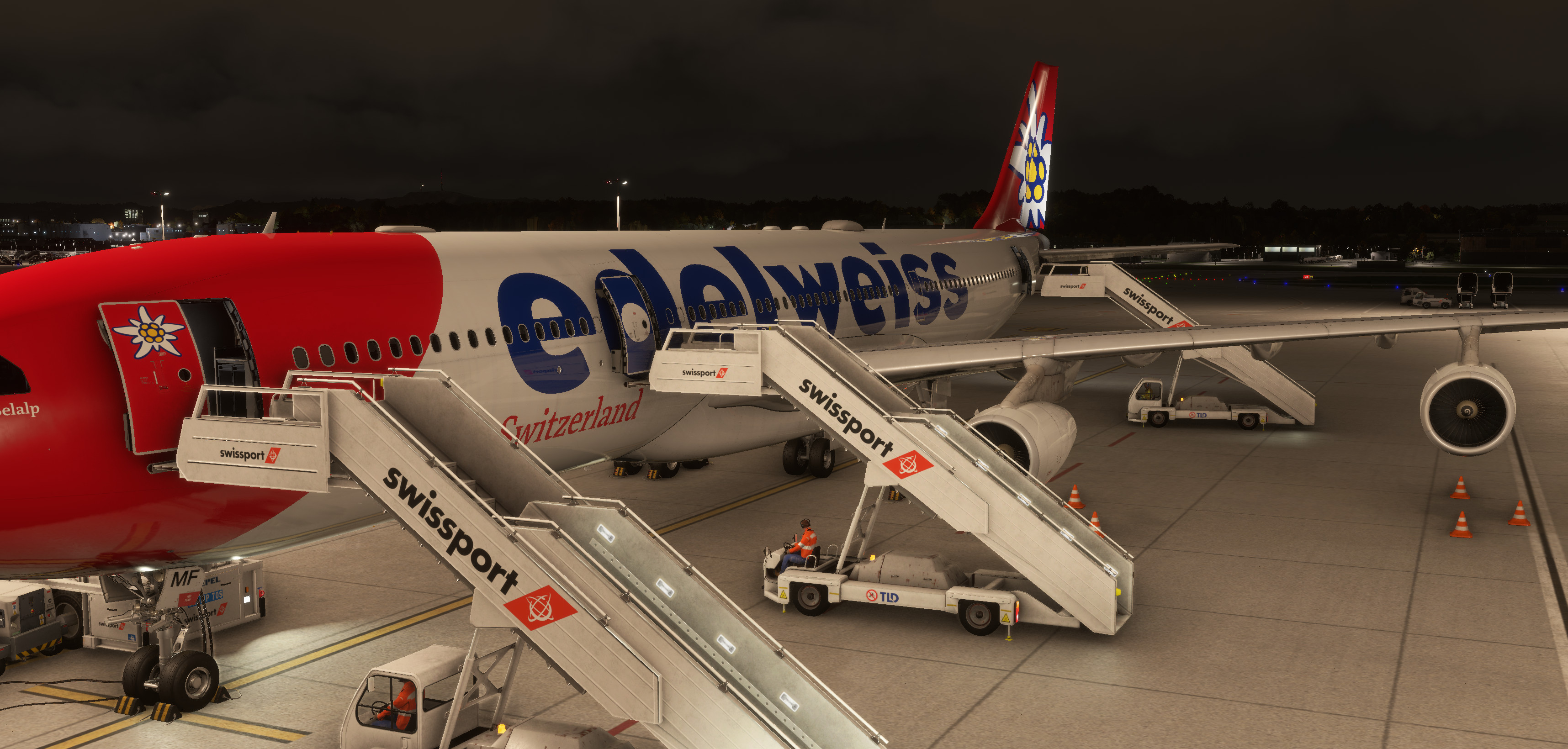
This profile is designed to enhance GSE placement and overall ground handling for the iniBuilds Airbus A340-300. All major services — catering, cargo, refueling, stairs, and buses — have been positioned to closely match the real aircraft layout. It’s not a 100% perfect setup yet, but it’s continuously improving, and your feedback is always welcome!
Installation:
Download and extract the .rar file.
Place the extracted folder into the following directory: %appdata%\virtuali\Airplanes
If you notice any misalignments or have suggestions for further refinement, feel free to share them — every bit of input helps make this profile better.
Note: May work with the MSFS2020 version, but has not been tested.
iniBuilds Airbus A340-300 GSX Profile
This GSX Pro profile enhances ground handling for the iniBuilds Airbus A340-300 by optimizing the placement and coordination of ground service equipment (GSE). It includes accurate positioning for catering trucks, cargo loaders, fuel vehicles, and passenger boarding options. Designed to support realistic turnarounds and pre-departure setups, this profile aims for a polished experience, although minor adjustments may be needed depending on specific airport configurations. Feedback and suggestions for further improvements are welcomed.


User Reviews
1 reviews
Version History
Adjusted water service vehicle position Adjusted waste service vehicle position Minor spacing tweaks around GSE for smoother alignment


Log in to join the discussion
Log InComments(23)
2 months ago
2 months ago
7 months ago
8 months ago
7 months ago
9 months ago
So I need to disable the pushbackRaise function()
11 months ago
11 months ago
12 months ago
12 months ago
12 months ago
12 months ago
The %appdata% command will take you to appdata/roaming
12 months ago
12 months ago
12 months ago
For this to work, I would need to delete the L1 door as an entry entirely, so there would only be two sets of steps (L2+L4)
If you want to do this, please go into the GSX Menu -> Customise Aircraft, then go to the door and select "No door at this location" for the L1 door. From experience, airbridges just connect to whatever door they feel like, but this is your best shot.